
Comfortable, Supportive Workspaces
Workstation Ergonomics
Create healthier, more comfortable workstations with furniture, lighting, and accessories designed to support better posture, reduce everyday strain, and help employees remain productive throughout the workday.
Complete the Workstation
Ergonomics goes beyond the chair.
A well-designed workstation brings the employee, furniture, technology, lighting, and daily tasks together. The right combination of adjustable furniture and supporting accessories can make it easier for employees to change positions, organize their work area, and maintain comfortable working postures.
When planning new workstations or refreshing an existing office, ergonomic accessories provide an opportunity to create a more complete furniture solution. These additions can be considered during the initial furniture specification or introduced later as employee needs evolve.
Ergonomic Solutions
Build a more supportive workstation
Consider these furniture, lighting, and accessory categories when developing a complete workstation package for private offices, open-plan workstations, shared spaces, and home offices.
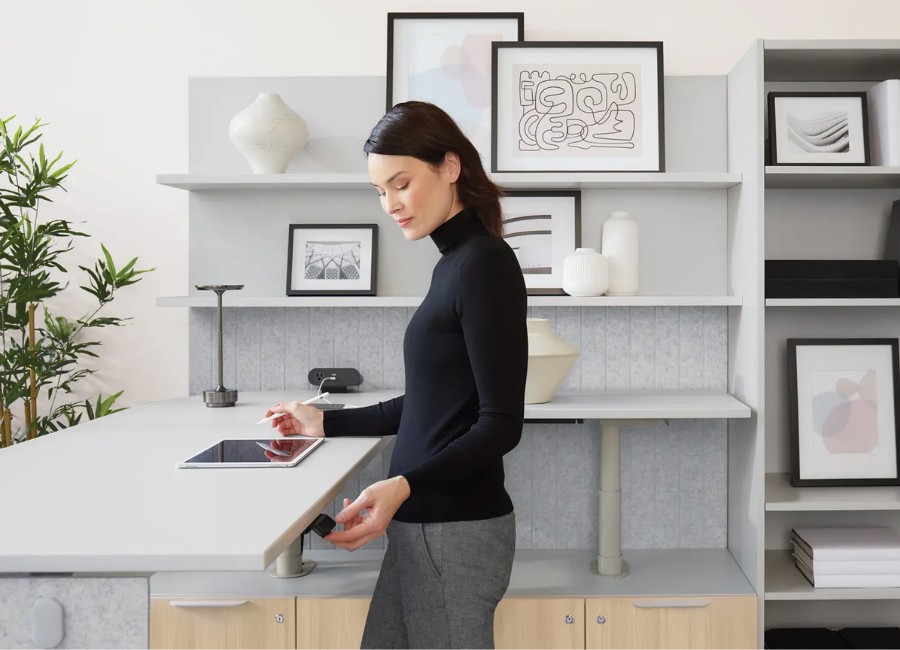
Height-Adjustable Desks
Allow employees to move between seated and standing positions while keeping work materials and technology within comfortable reach.
Consider pairing with: monitor arms, anti-fatigue mats, cable management, and mobile power.
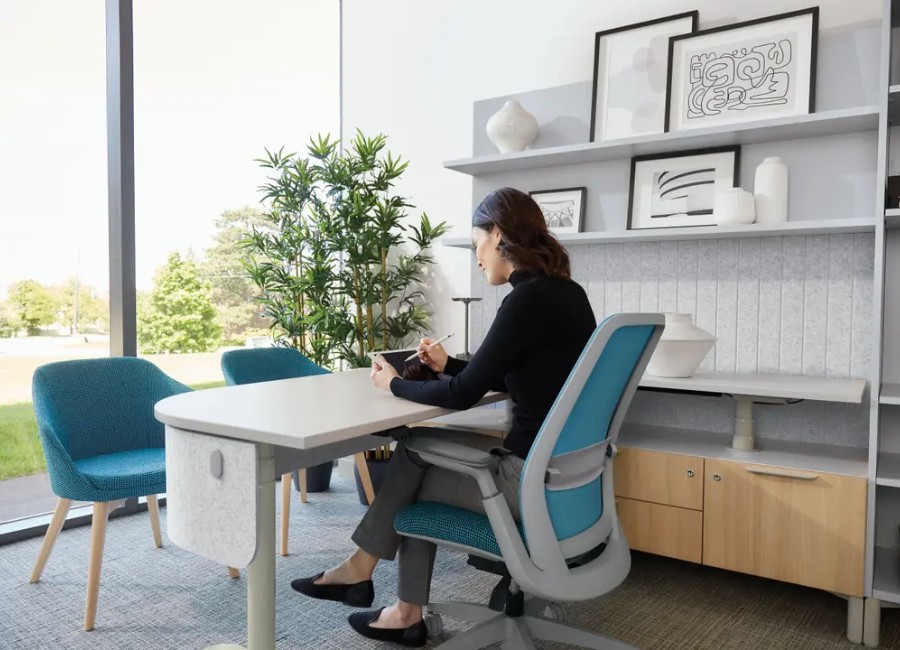
Ergonomic Office Chairs
Support a range of employees with adjustable seating designed to encourage comfort, posture alignment, and easy movement.
Look for: adjustable seat height, seat depth, lumbar support, armrests, and recline controls.
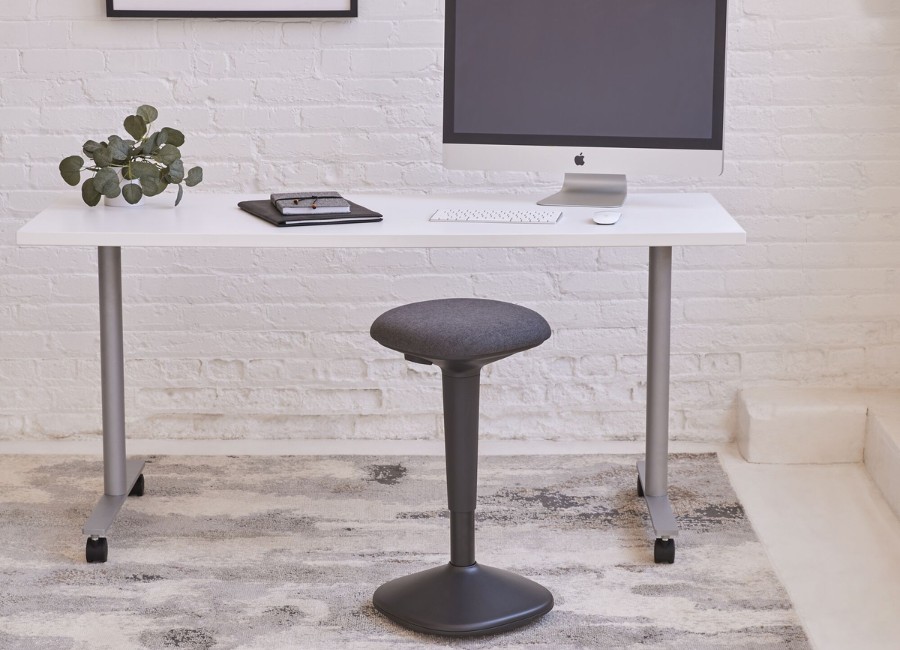
Active Seating
Encourage active sitting and provide intermittent support at height-adjustable desks, touchdown areas, and collaborative workspaces.
Well suited for: short-duration work, collaborative areas, and employees who change positions often.
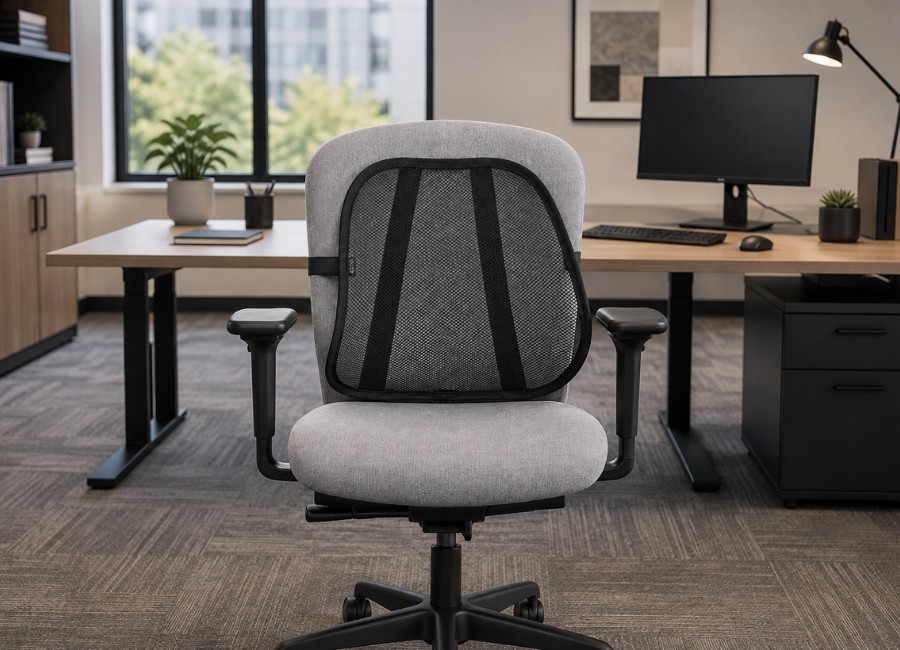
Back Support Cushions
Add supplemental lumbar support to existing seating when a chair does not provide the employee with the desired level of support.
Useful for: existing chairs, shared seating, training rooms, and temporary workstations.
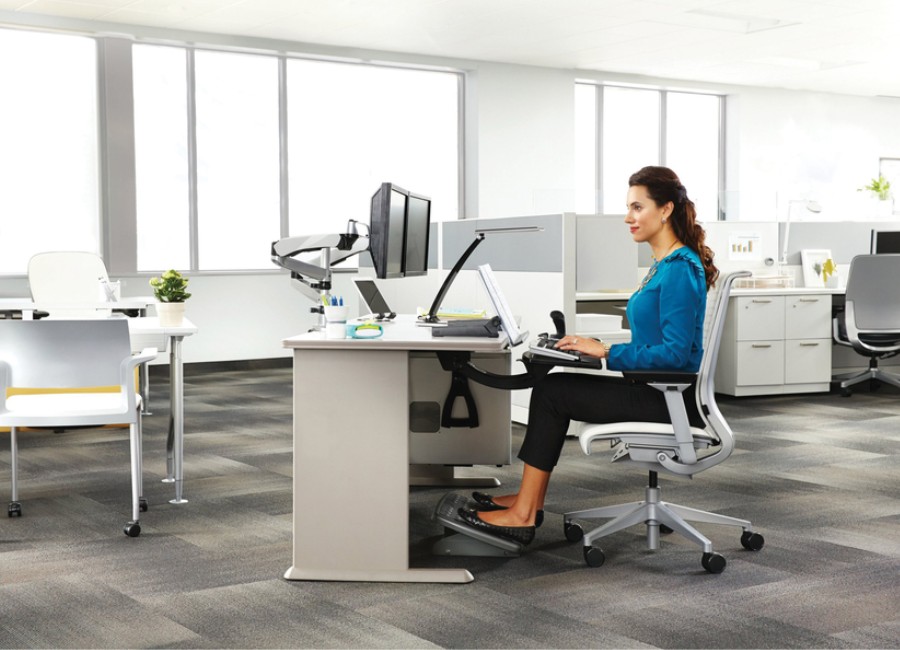
Keyboard Trays
Position the keyboard and mouse independently from the worksurface to accommodate different users and workstation dimensions.
Consider: height adjustment, tilt adjustment, mouse platform size, and available clearance beneath the desk.
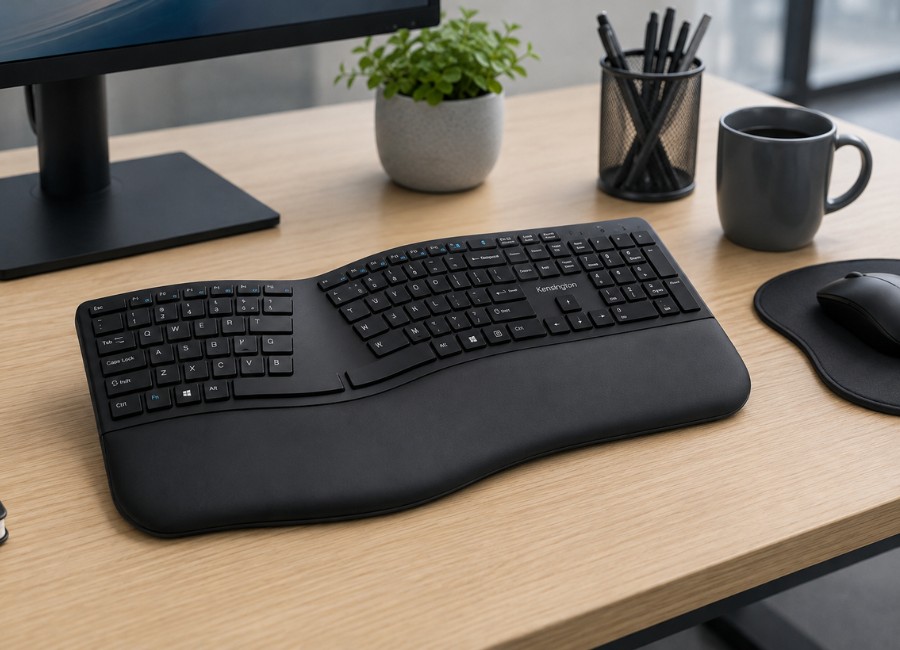
Ergonomic Keyboards
Split, curved, or low-profile keyboard designs can provide a more comfortable hand and wrist position for employees who type throughout the day.
Consider pairing with: a keyboard tray, wrist support, and an ergonomic mouse.
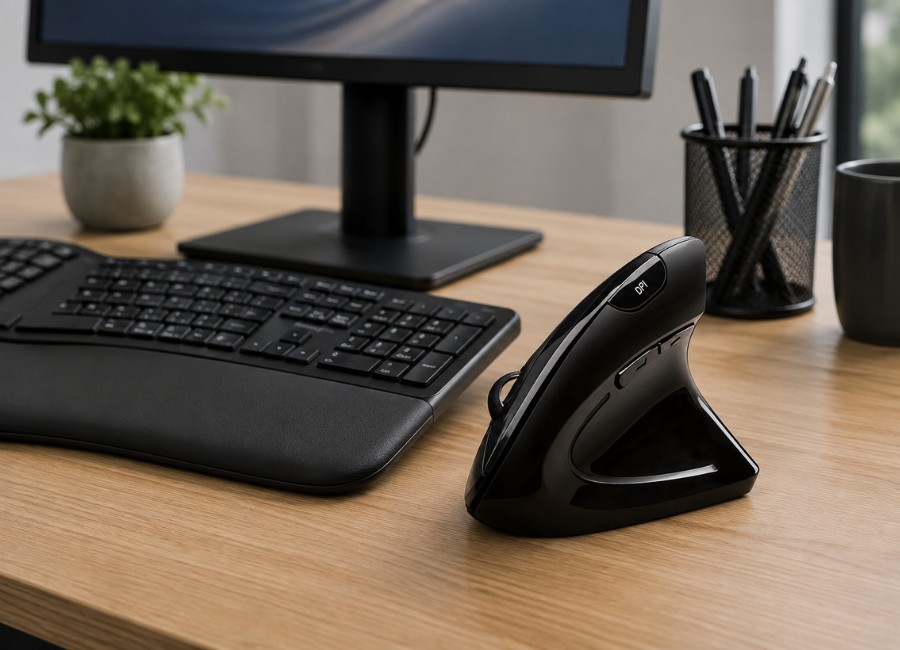
Ergonomic Mice
Alternative mouse designs can support different grip preferences and help employees maintain a more natural hand and forearm position.
Options may include: vertical mice, trackballs, centered pointing devices, and ambidextrous models.
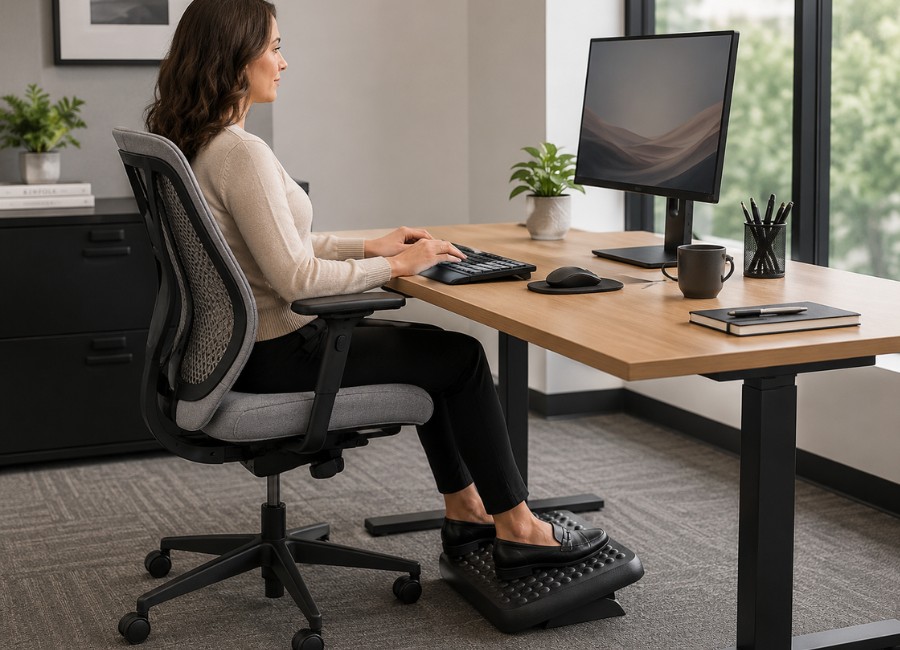
Footrests
Provide a stable place for the feet when the employee cannot comfortably reach the floor after the chair and worksurface have been adjusted.
Look for: adjustable height, tilt, surface texture, and enough room for natural leg movement.
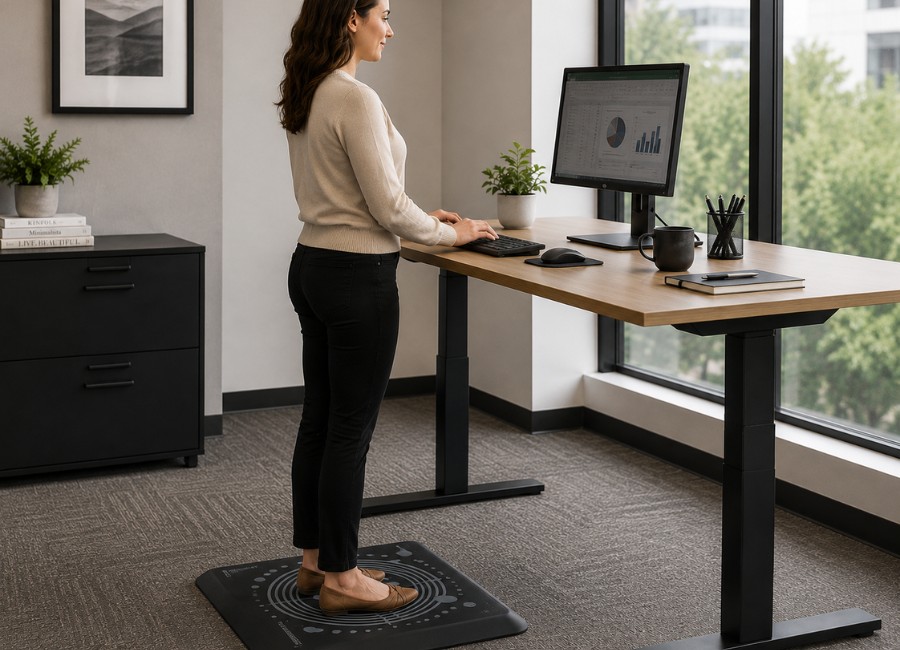
Anti-Fatigue Mats
Add cushioning beneath standing work areas to make periods of standing more comfortable and encourage regular position changes.
Consider: mat thickness, beveled edges, cleanability, floor surface, and available workstation space.
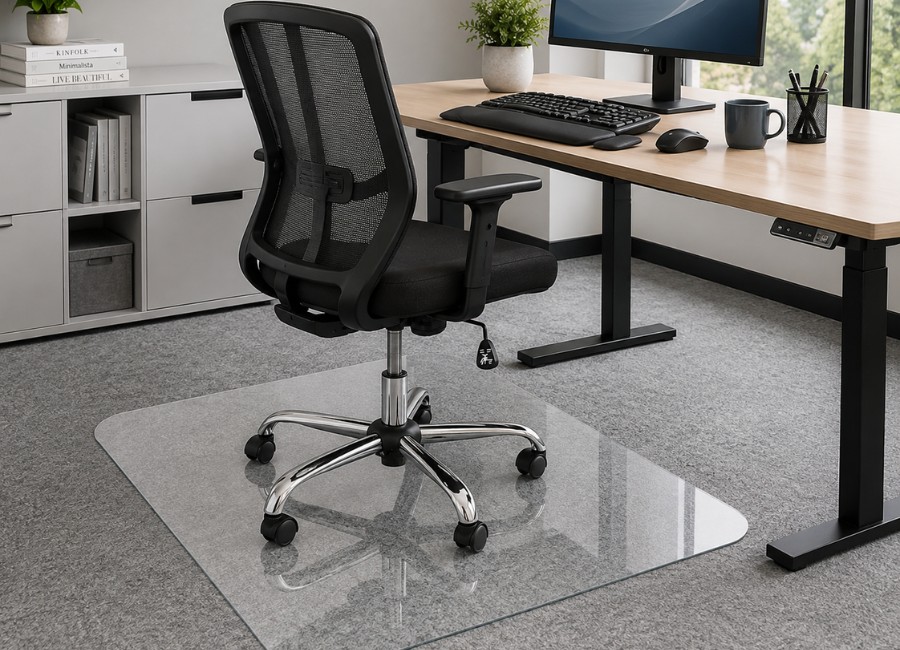
Chair Mats
Create a smooth rolling surface for office chairs while helping protect carpet, hard flooring, and other finished surfaces.
Ideal for: executive offices, private offices, home workspaces, and high-use workstation areas.
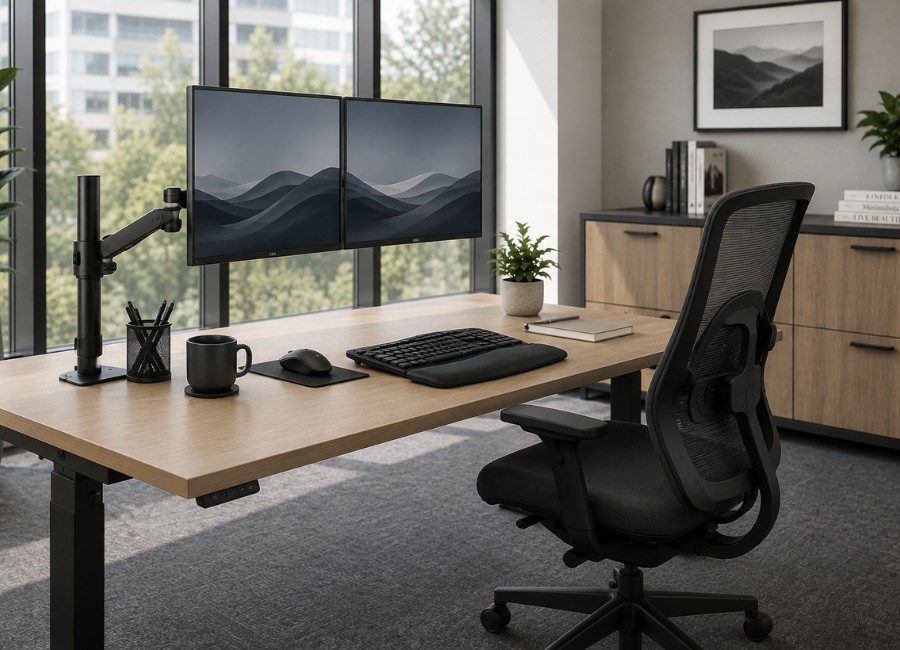
Monitor Arms
Allow employees to position displays for comfortable viewing while freeing valuable space across the worksurface.
Confirm: monitor quantity, screen weight, mounting pattern, desk thickness, and adjustment range.
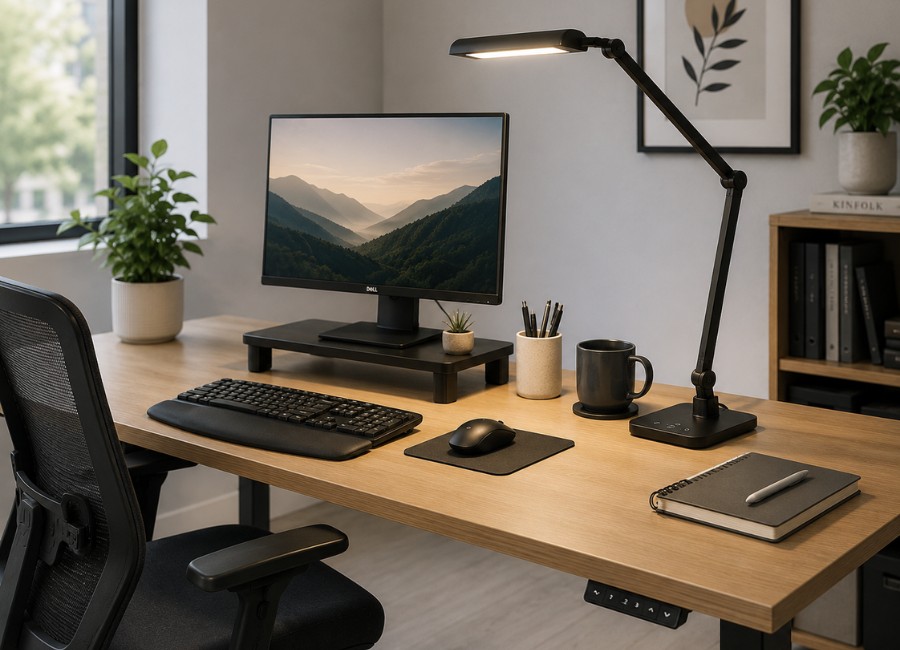
Ergonomic Desk Lamps
Provide adjustable task lighting that helps employees clearly view documents, keyboards, and detailed work without relying entirely on overhead lighting.
Look for: adjustable brightness, color temperature settings, glare control, flexible positioning, and even light coverage.
Workstation Ideas
Think in complete workstation combinations
Grouping complementary products makes it easier to create a consistent employee experience and identify useful additions during the furniture planning process.
Essential Seated Workstation
A practical foundation for private offices, open workstations, and administrative environments.
- Ergonomic office chair
- Monitor arm
- Keyboard tray
- Ergonomic keyboard and mouse
- Footrest when needed
- Adjustable desk lamp
Adjustable Sit-Stand Workstation
Designed for employees who benefit from regularly changing their working position throughout the day.
- Height-adjustable desk
- Adjustable ergonomic chair
- Monitor arm
- Anti-fatigue mat
- Cable and power management
- Adjustable task lighting
Shared and Hoteling Workstation
A flexible combination that can be adjusted for employees with different body types and technology needs.
- Height-adjustable desk
- Highly adjustable chair
- Easy-adjust monitor arm
- Compact keyboard and mouse
- Accessible power and charging
- Individual task lighting
Lighting and Eye Comfort
The right lighting can help reduce visual strain.
Employees often move between computer screens, printed documents, video meetings, and detailed tasks throughout the day. When lighting is too dim, overly bright, uneven, or positioned incorrectly, the eyes must work harder to adjust between these different viewing conditions.
Adjustable task lighting gives each employee greater control over the amount and direction of light at their workstation. It can supplement overhead lighting, improve visibility, and help create a more comfortable environment for focused work.
Reduce glare and reflections
Position lamps and monitors so bright light does not reflect directly from the screen or shine into the employee’s eyes.
Balance screen and room brightness
A bright screen in a dark room, or a dim screen beneath intense lighting, can make visual work feel more tiring.
Direct light toward the task
Adjustable lamp arms and heads allow employees to place light where it is needed without illuminating the entire workstation.
Adapt lighting throughout the day
Dimming controls and selectable color temperatures help employees respond to changing daylight, room conditions, and work tasks.
Planning Guidance
Questions to consider during furniture planning
Ergonomic needs can vary by employee, job function, workstation type, lighting conditions, and the technology being used. These questions can help guide a more complete conversation.
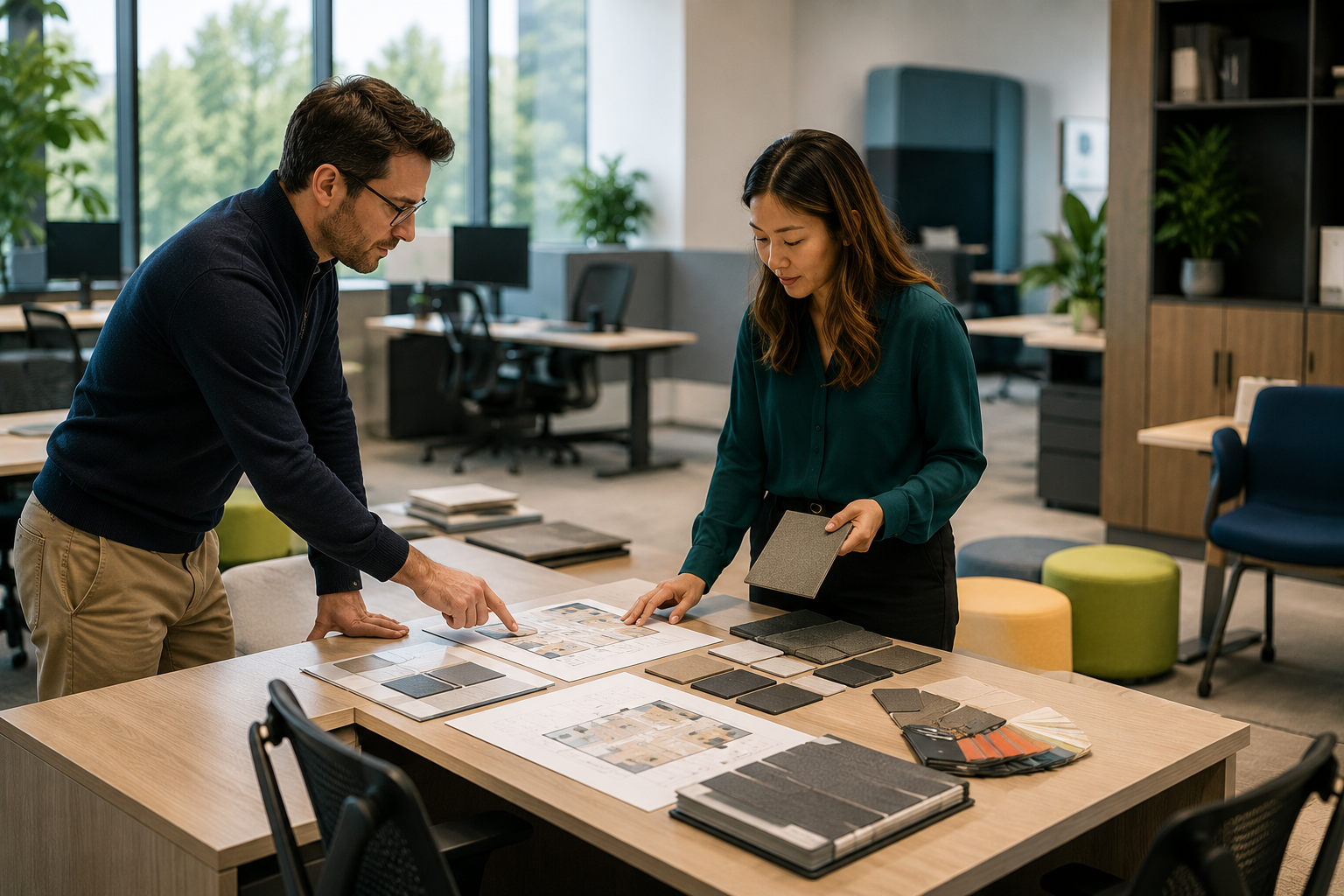
How long will the workstation be used each day?
Employees working at a desk for extended periods may benefit from a greater range of seating and workstation adjustments.
Will the workstation be assigned or shared?
Shared workstations generally benefit from intuitive controls and products that can be adjusted quickly by different users.
What technology will the employee use?
Monitor quantity, laptop use, keyboard size, docking equipment, power access, and cable routing can affect the furniture plan.
Does the employee alternate between tasks?
Workstations used for computer work, paperwork, meetings, and collaboration may require additional worksurface and lighting flexibility.
How does natural and overhead light reach the desk?
Window placement, overhead fixtures, reflections, and changing daylight can influence monitor positioning and the need for adjustable task lighting.
Which accessories should be included from the start?
Planning monitor arms, keyboard supports, task lighting, power, and cable management early can create a cleaner and more integrated installation.
A More Complete Furniture Solution
Small workstation additions can make a meaningful difference.
From adjustable desks and seating to monitor arms, keyboard supports, footrests, task lighting, and floor protection, ergonomic accessories help turn individual furniture pieces into a coordinated workstation designed around the employee.
Explore More
Continue Exploring Workspace Solutions
Discover additional furniture, workplace planning, design solutions, and services for creating more comfortable, flexible, and functional environments.