
Task + Conference Seating
Seating designed around
the way people work.
From ergonomic task seating and collaborative chairs to conference rooms, private offices, and intensive-use environments, AAA Workspace helps organizations compare support, configuration, materials, and budget without treating every user or application the same.
Why Seating Matters
The right chair begins with the person, the task, and the space.
Seating affects how people interact with their workstation, move through the day, and experience the workplace. A chair used for focused computer work has different demands than one used in a conference room, training space, touchdown area, reception setting, or around-the-clock operation.
Body dimensions, preferred posture, hours of use, work-surface height, shared or assigned use, cleaning requirements, and the surrounding environment all influence the selection. More controls are not automatically better, and one chair is rarely the right answer for every person.
AAA Workspace helps organizations narrow the choices by comparing how each seating family approaches movement, lumbar support, seat depth, recline, materials, sizing, durability, and configuration. For larger projects, selected chairs may also be evaluated as part of a coordinated review process.
How to Choose
Start with the questions that shape the decision.
Instead of searching for one universal “best chair,” consider the support, application, and configuration that make sense for the people using it.
Ergonomic Support
Compare lumbar support, seat height and depth, recline movement, arm positioning, back materials, and the range of adjustment.
- Assigned or shared user?
- Preferred upright or reclined posture?
- How many hours will it be used?
Work Environment
A workstation, boardroom, collaboration area, healthcare space, training room, and 24/7 operation each create different priorities.
- Task, conference, guest, or specialty use?
- Will the chair move between spaces?
- Does the application require intensive-use construction?
Materials + Configuration
Mesh, polymer, fabric, vinyl, leather, frames, arms, bases, casters, stools, and specialty sizes affect both appearance and performance.
- What cleaning requirements apply?
- Which finishes coordinate with the space?
- What options should be standardized?
Featured Seating Solutions
Explore chairs and collections by application.
The products below are organized by how they are commonly considered—not by a subjective score or ranking. Open any card to review verified features, configurations, image slots, and available resources.
Everyday Task Seating
Configurable chairs for assigned workstations, shared settings, private offices, and general task use.
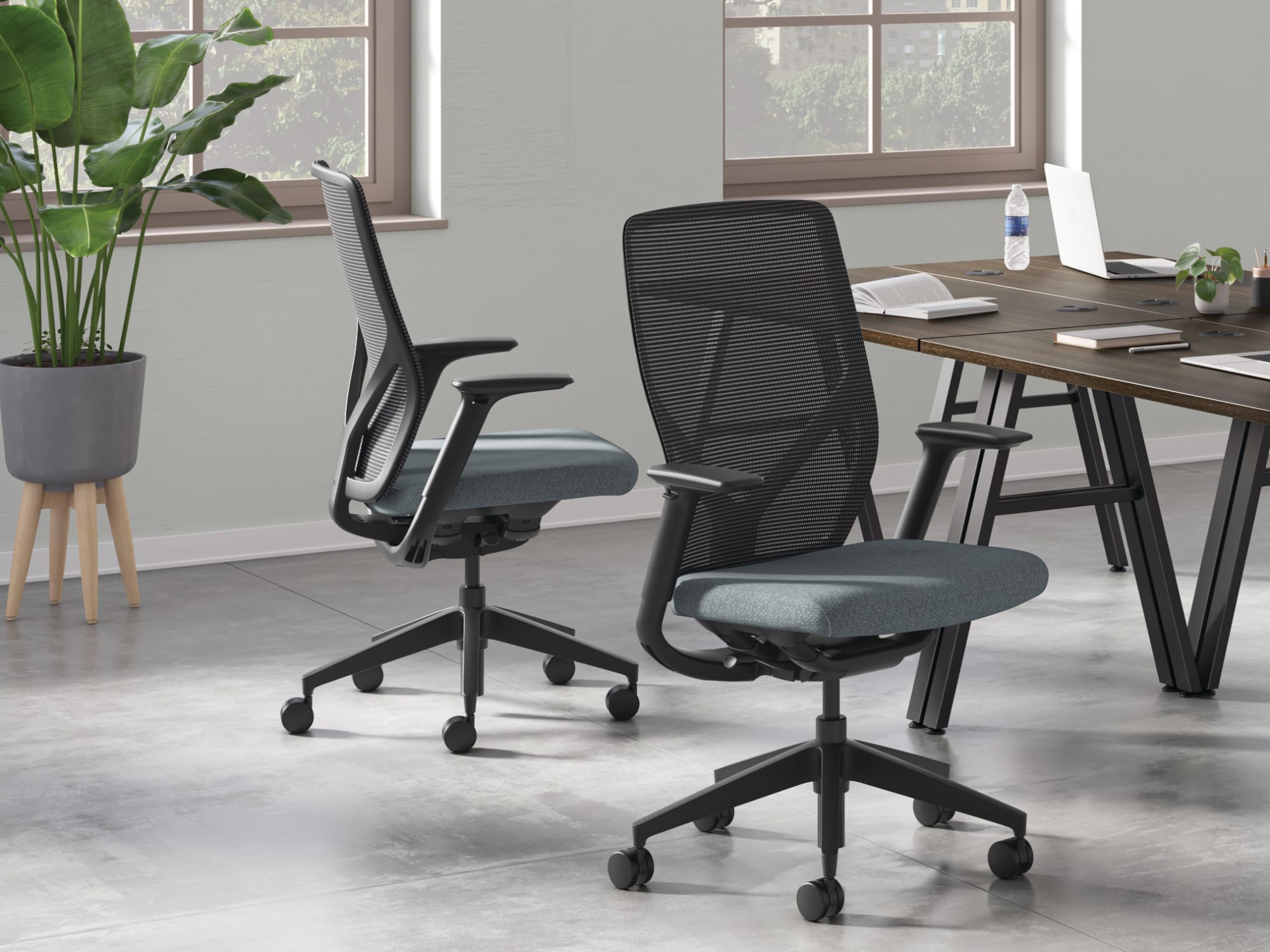 HON
HON
Flexion
Simple, responsive seating for active and shared workplaces.
A dynamic task chair designed to support changing postures without complicated adjustments.
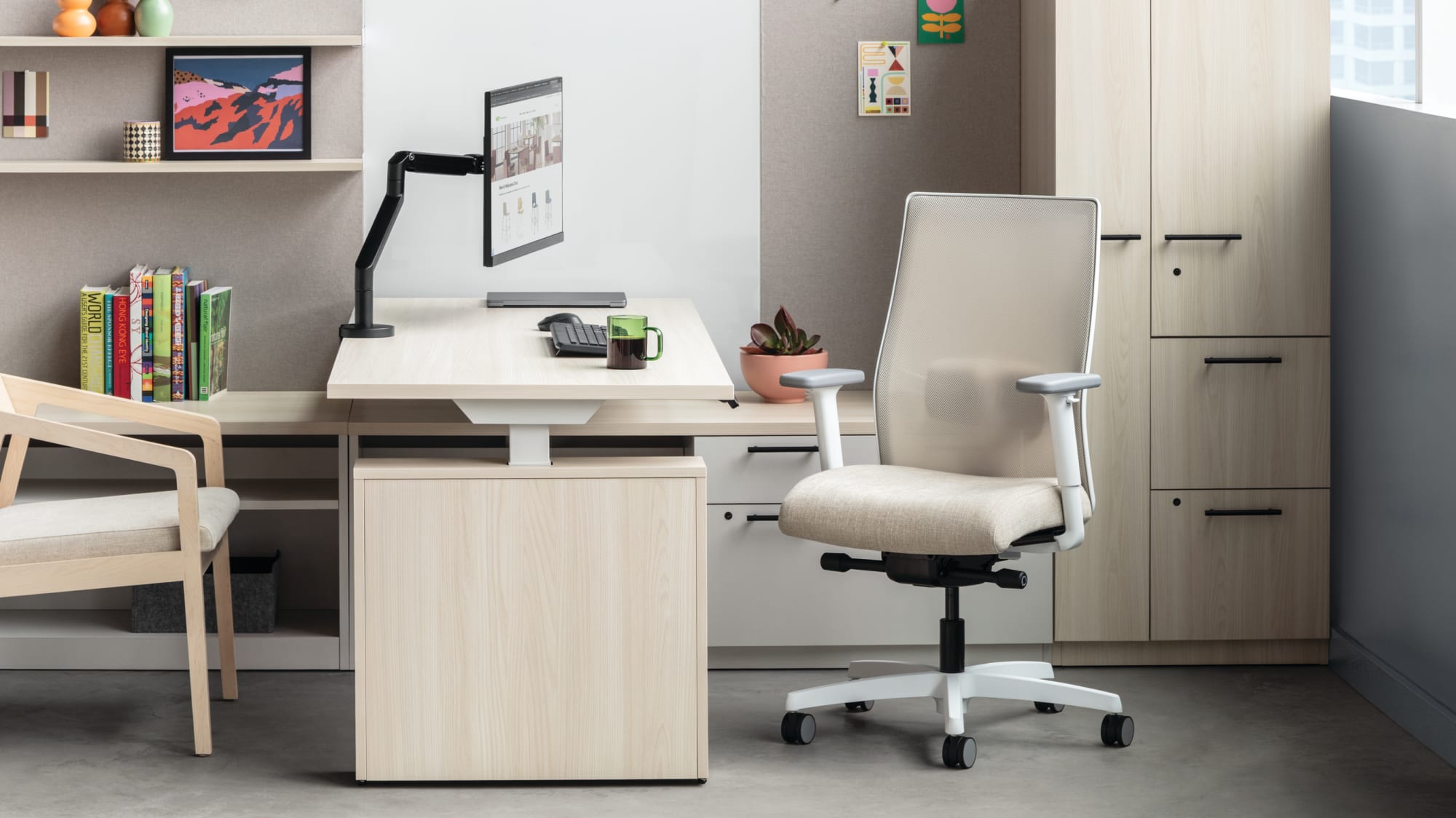 HON
HON
Ignition
A broad seating family built around fit and choice.
Multiple backs, controls, lumbar options, and models make Ignition adaptable across the workplace.
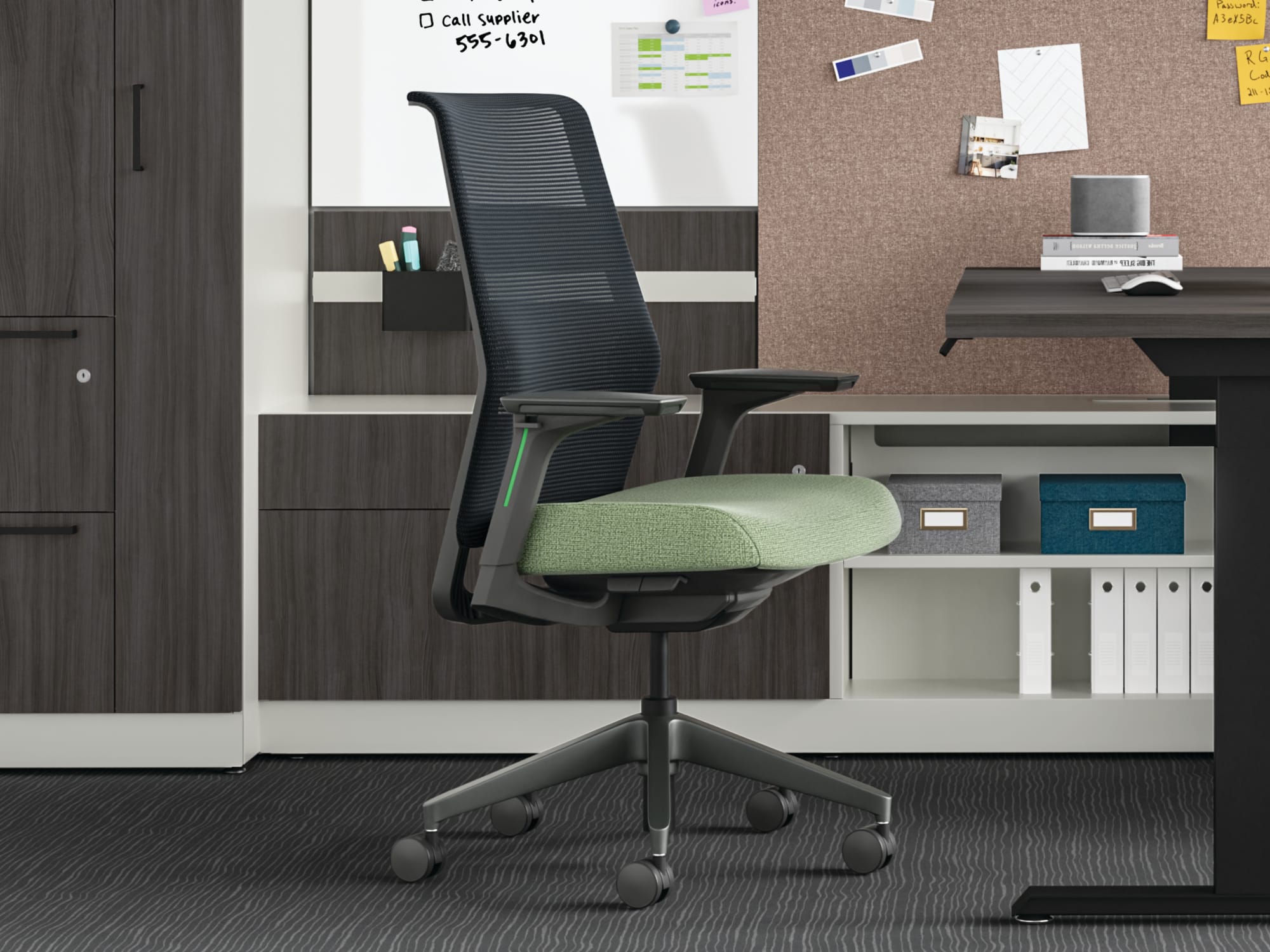 HON
HON
Cipher
Intuitive controls with a streamlined, contemporary profile.
Cipher combines weight-activated movement, adjustable lumbar support, and personalized accent choices.
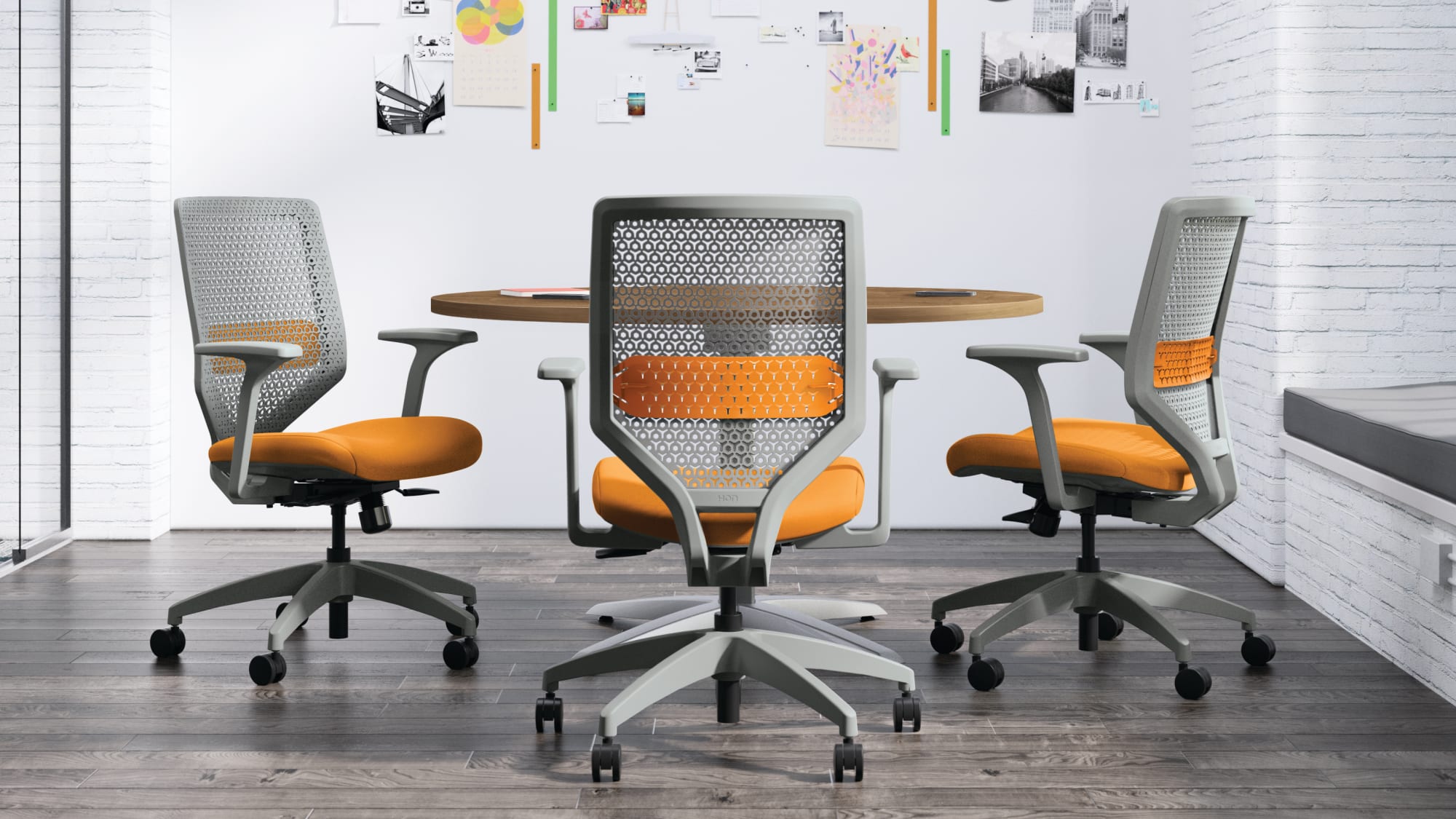 HON
HON
Solve
Configurable task seating with multiple back technologies.
Solve offers a wide range of back materials, controls, lumbar options, arms, and finishes.
Adaptive Ergonomics
Seating designed to respond naturally to movement while also providing advanced ergonomic support and adjustability.
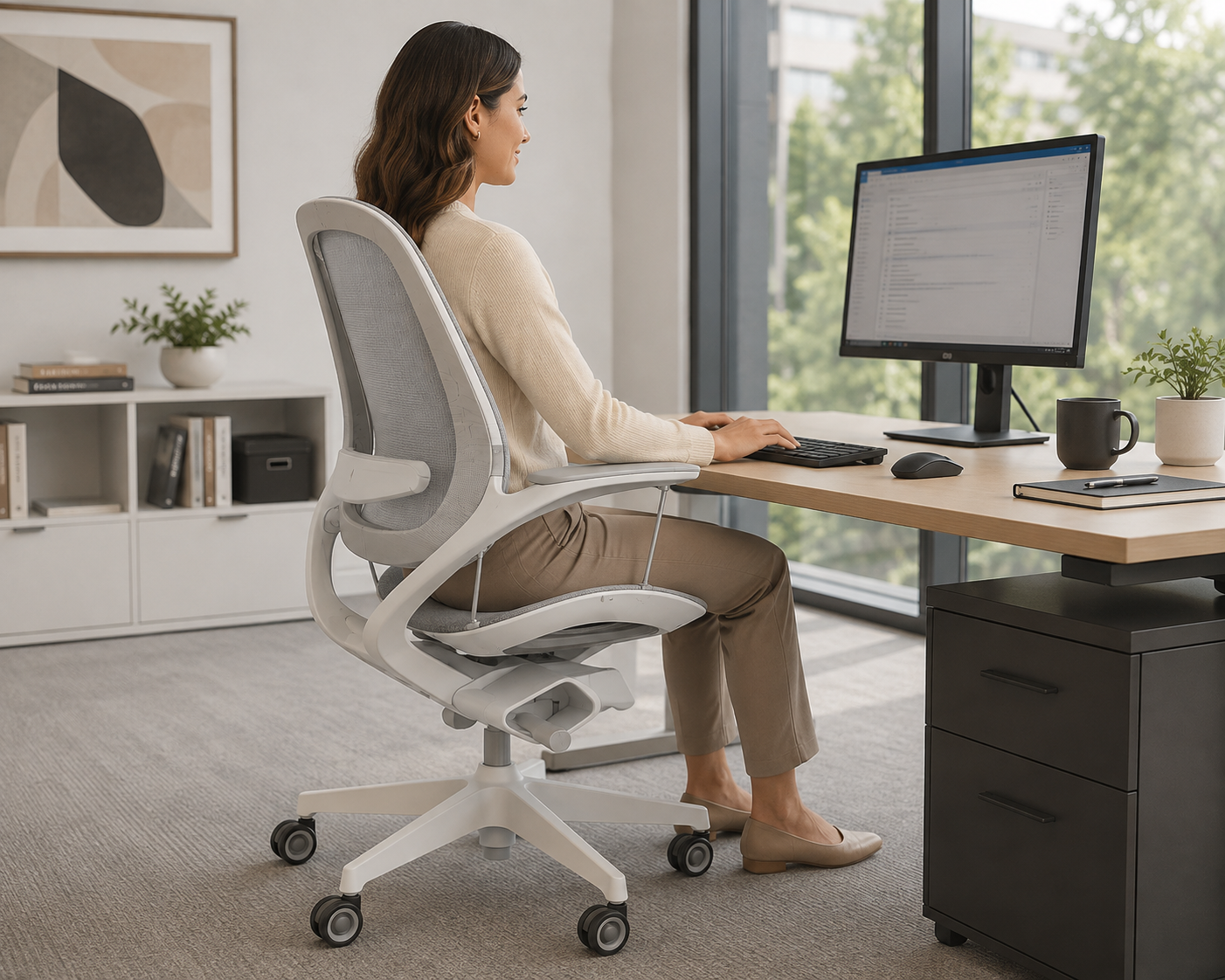 Fellowes
Elea
A suspended-seat chair designed to support natural movement.
Elea combines a suspended seat, breathable mesh, and adjustable tilt in a distinctive aluminum chassis.
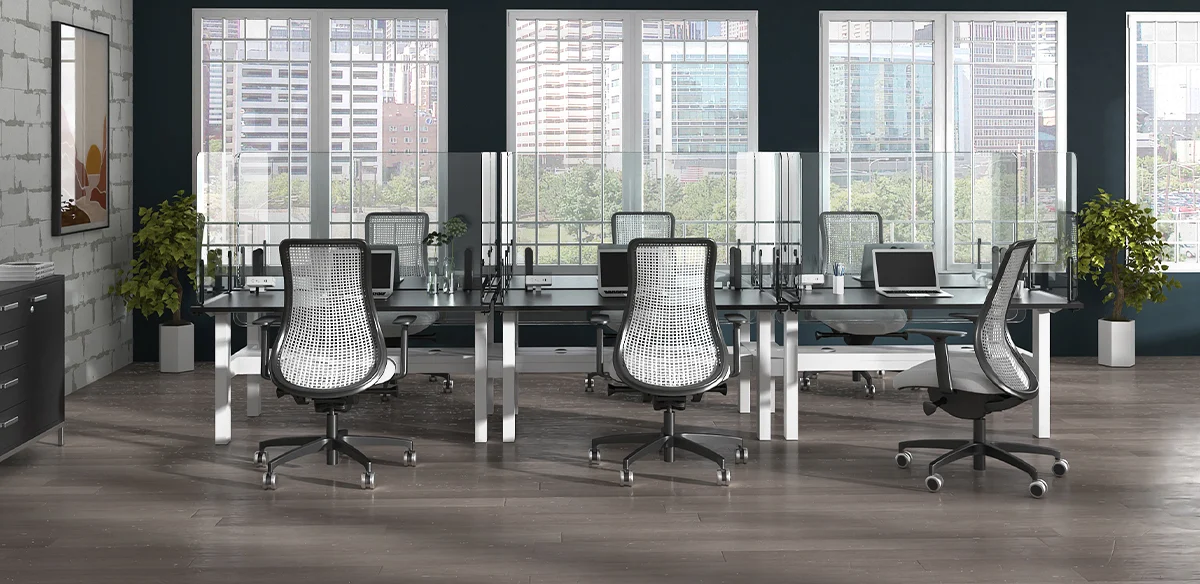 VIA Seating
Genie Flex
A resilient task chair built around a dynamic TPU flex back.
Genie Flex responds to posture changes while offering multiple seat sizes and task-height options.
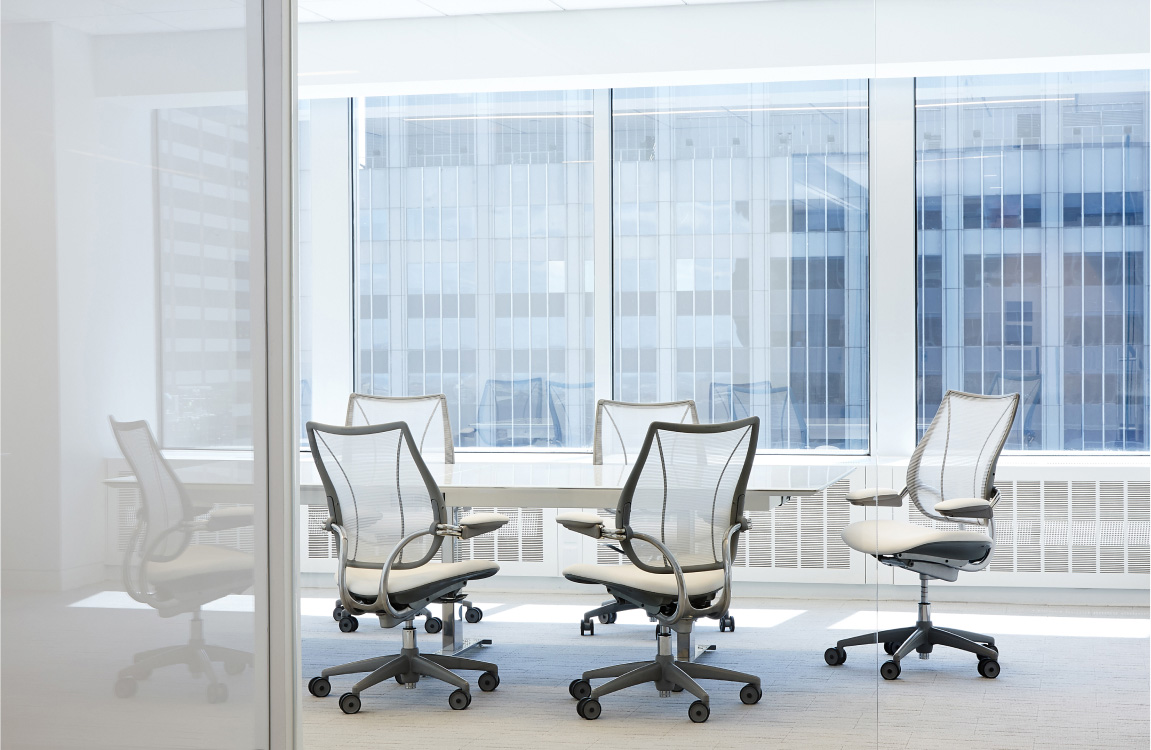 Humanscale
Liberty
Intuitive ergonomic seating with automatic recline.
Liberty uses weight-sensitive movement and a form-sensing mesh back with minimal manual adjustment.
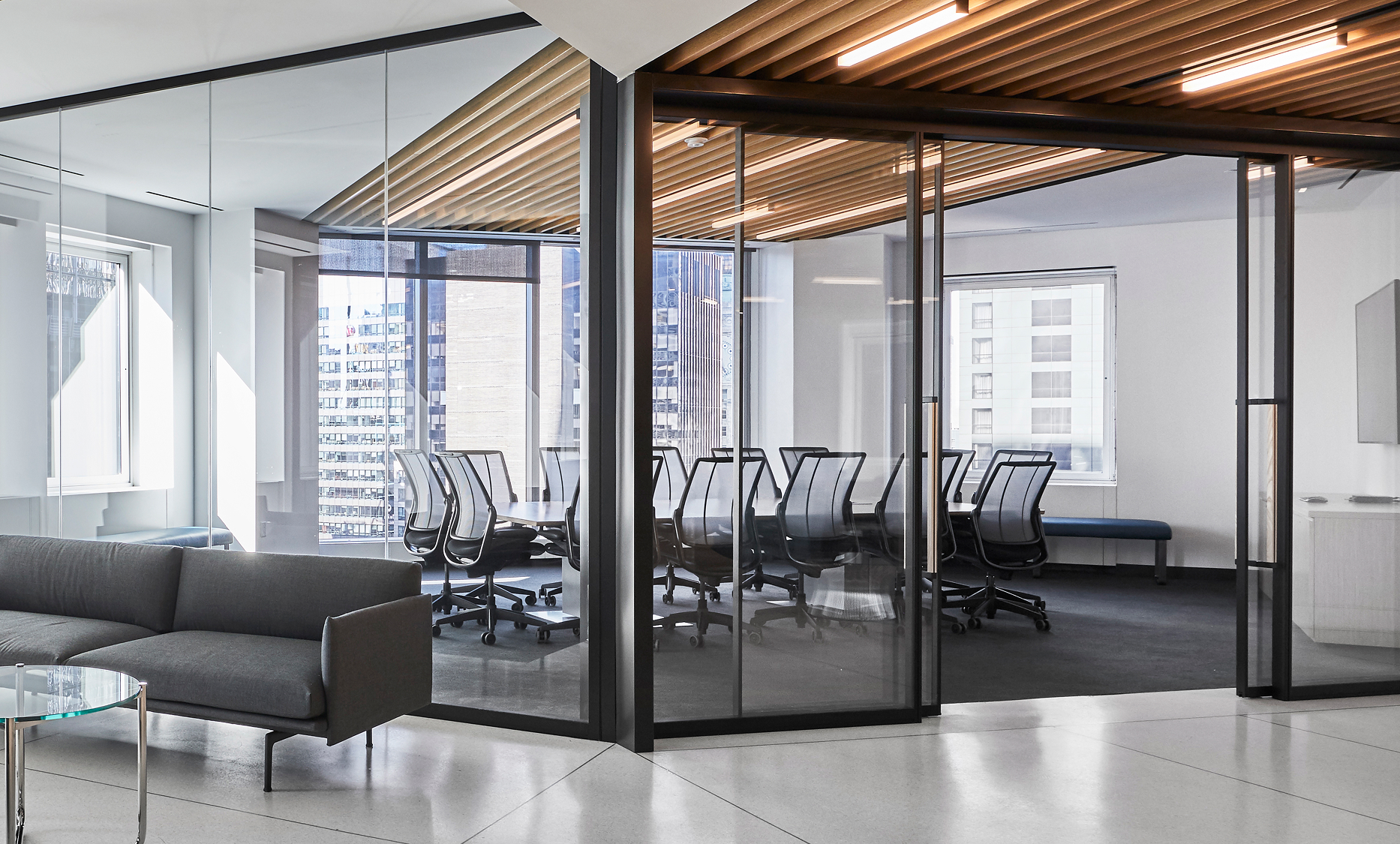 Humanscale
Different Smart
Liberty ergonomics with a sustainability-focused material story.
Different Smart uses reclaimed fishing-net material while retaining Liberty’s automatic ergonomic support.
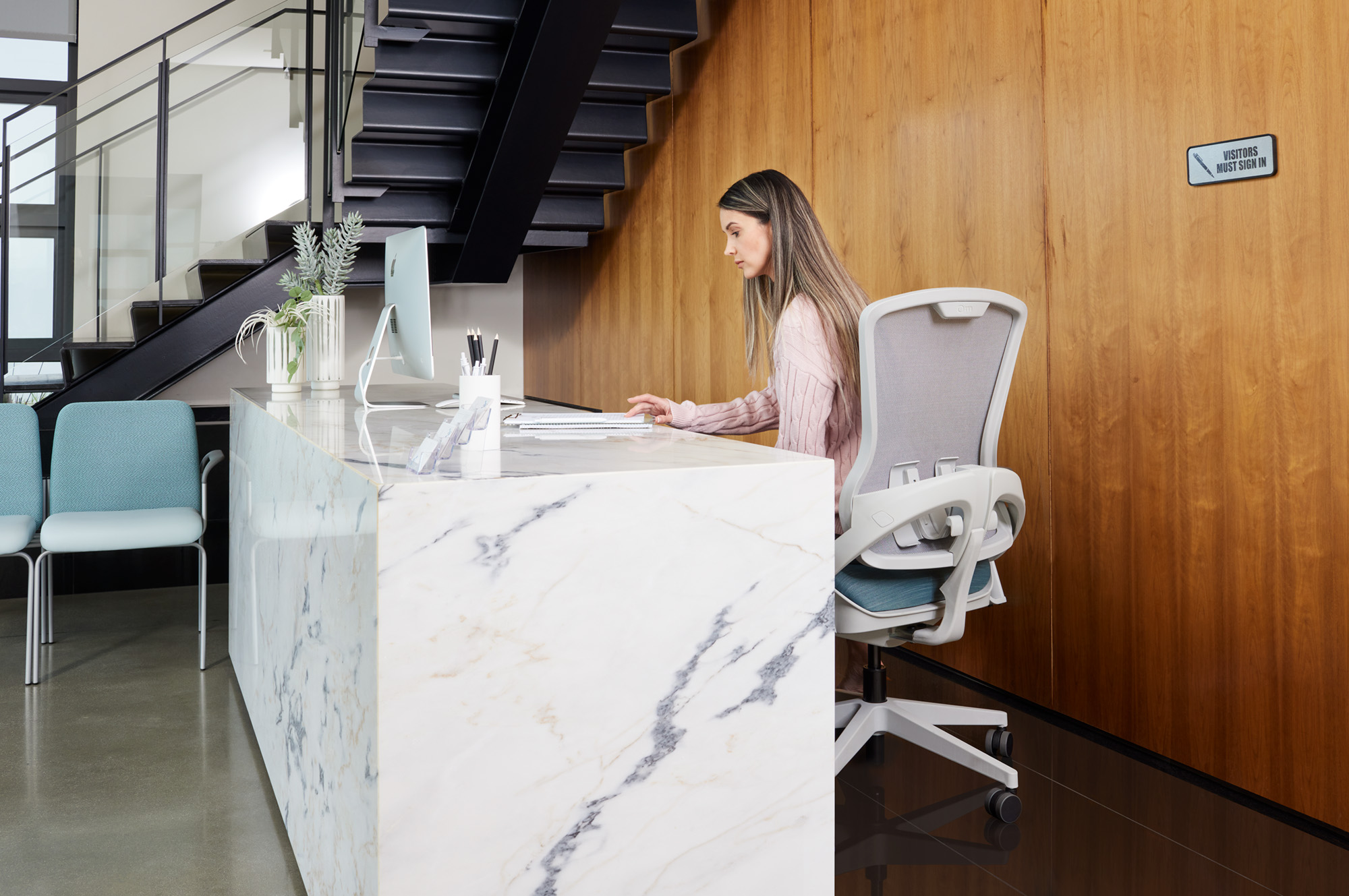 Office Master
OM5
Automatic movement with a broad family of task and specialty models.
OM5 responds to body weight and movement without requiring knobs or complex controls.
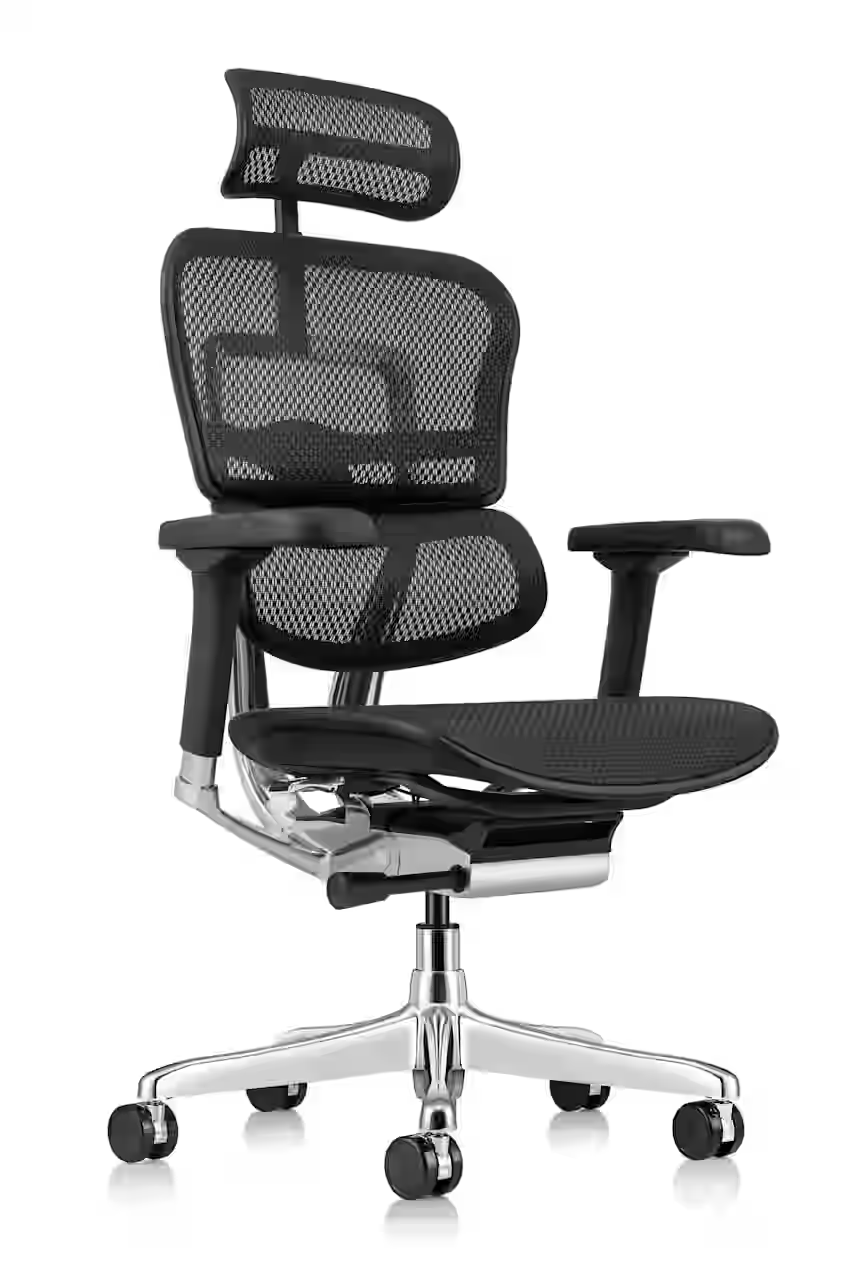 Eurotech
EH Collection
A highly adjustable ergonomic chair with optional headrest.
The EH Collection offers all-mesh or mesh-and-fabric configurations in black or chrome frames.
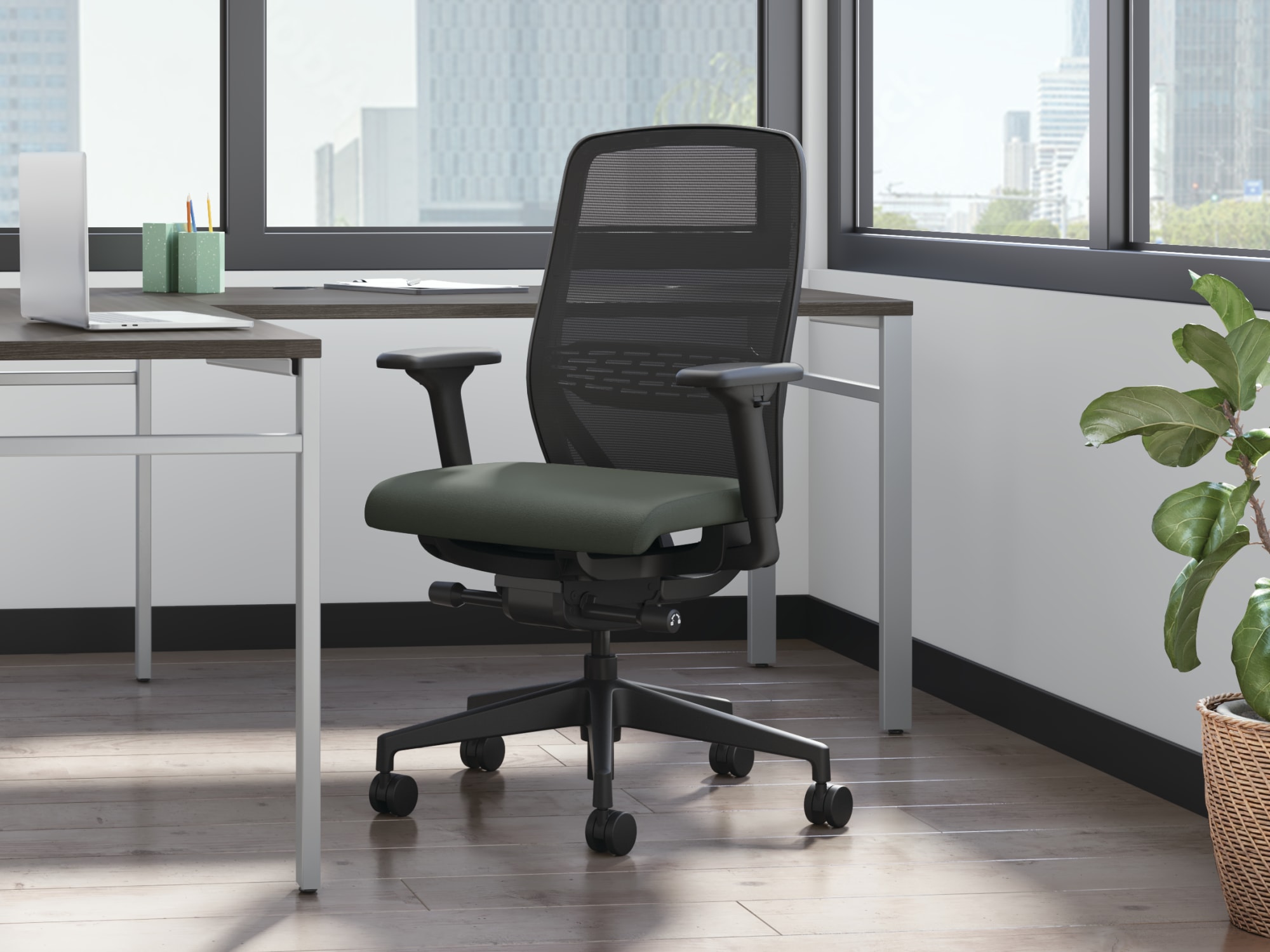 HON
HON
Nucleus
Engineered task seating with a suspended, pressure-distributing seat.
Nucleus combines a responsive seat, advanced mesh choices, lumbar support, and multiple controls.
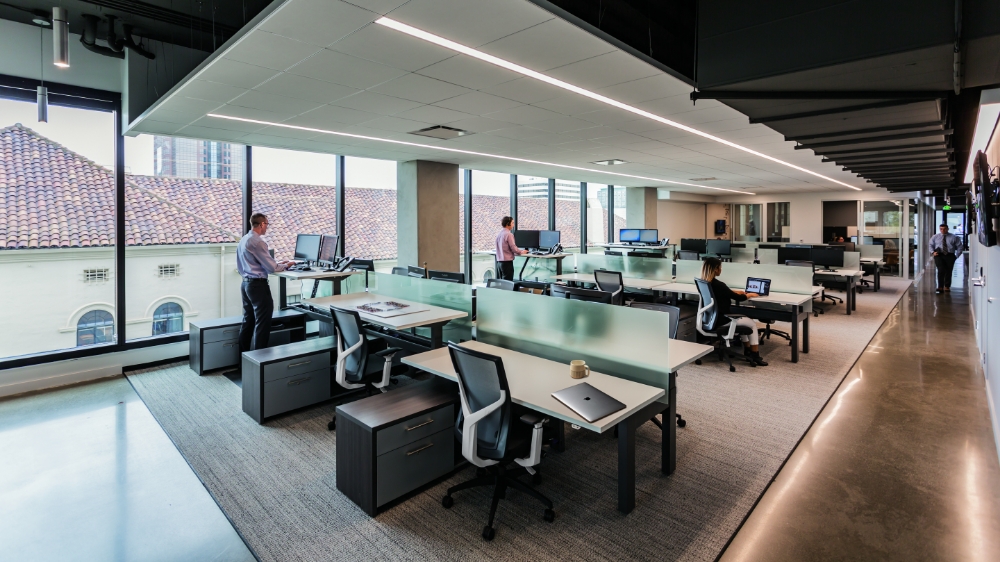 SitOnIt Seating
Torsa
A distinctive high-back task chair with a sculptural Y-support frame.
Torsa combines breathable mesh, standard ergonomic features, and extensive finish customization.
Collaborative & Meeting Seating
Light-scale and responsive seating for meetings, teamwork, training, and shared environments.
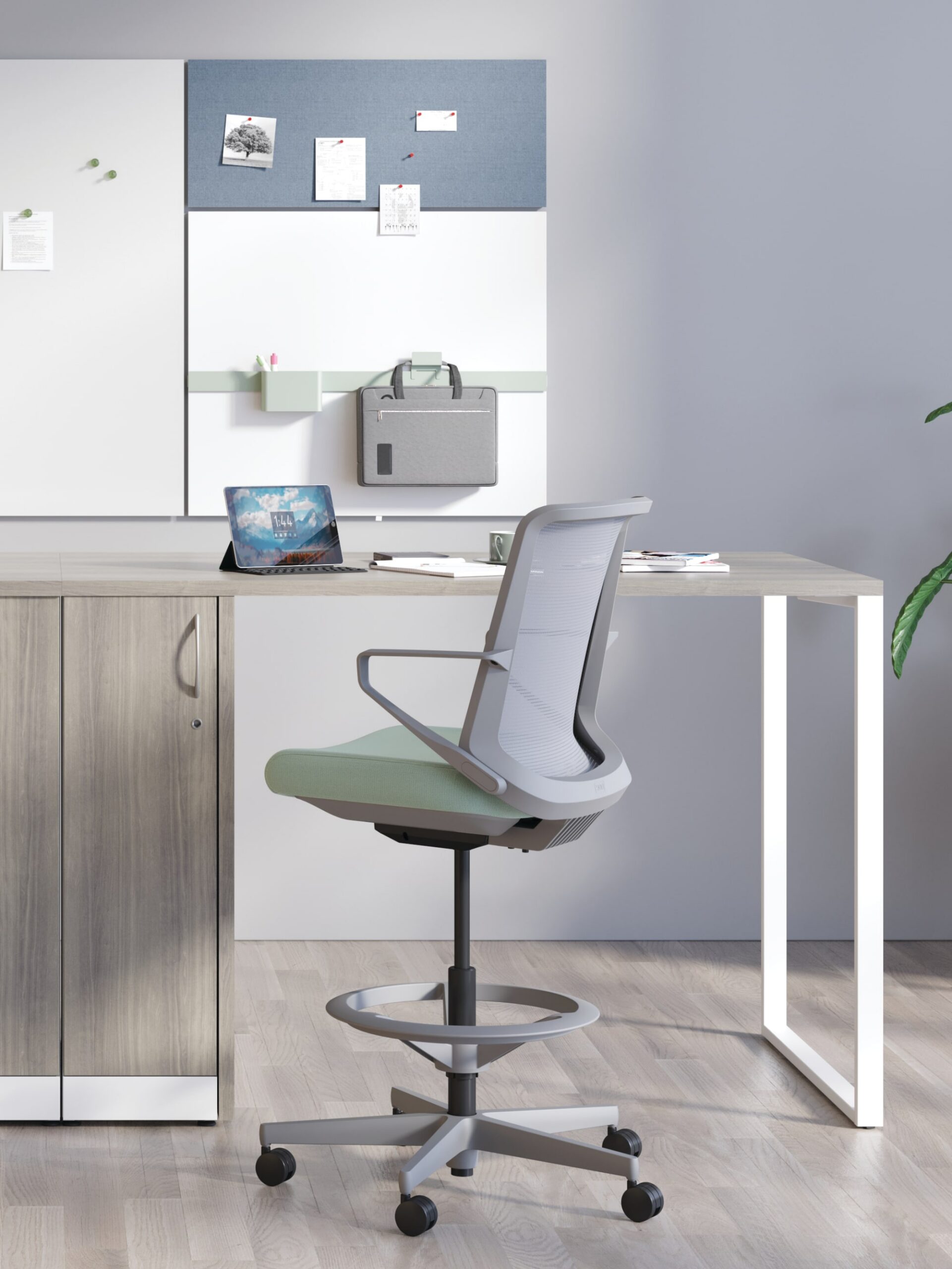 HON
HON
Cliq
Straightforward comfort for collaboration and light task work.
Cliq uses weight-activated recline and a light-scale design suited to shared and meeting spaces.
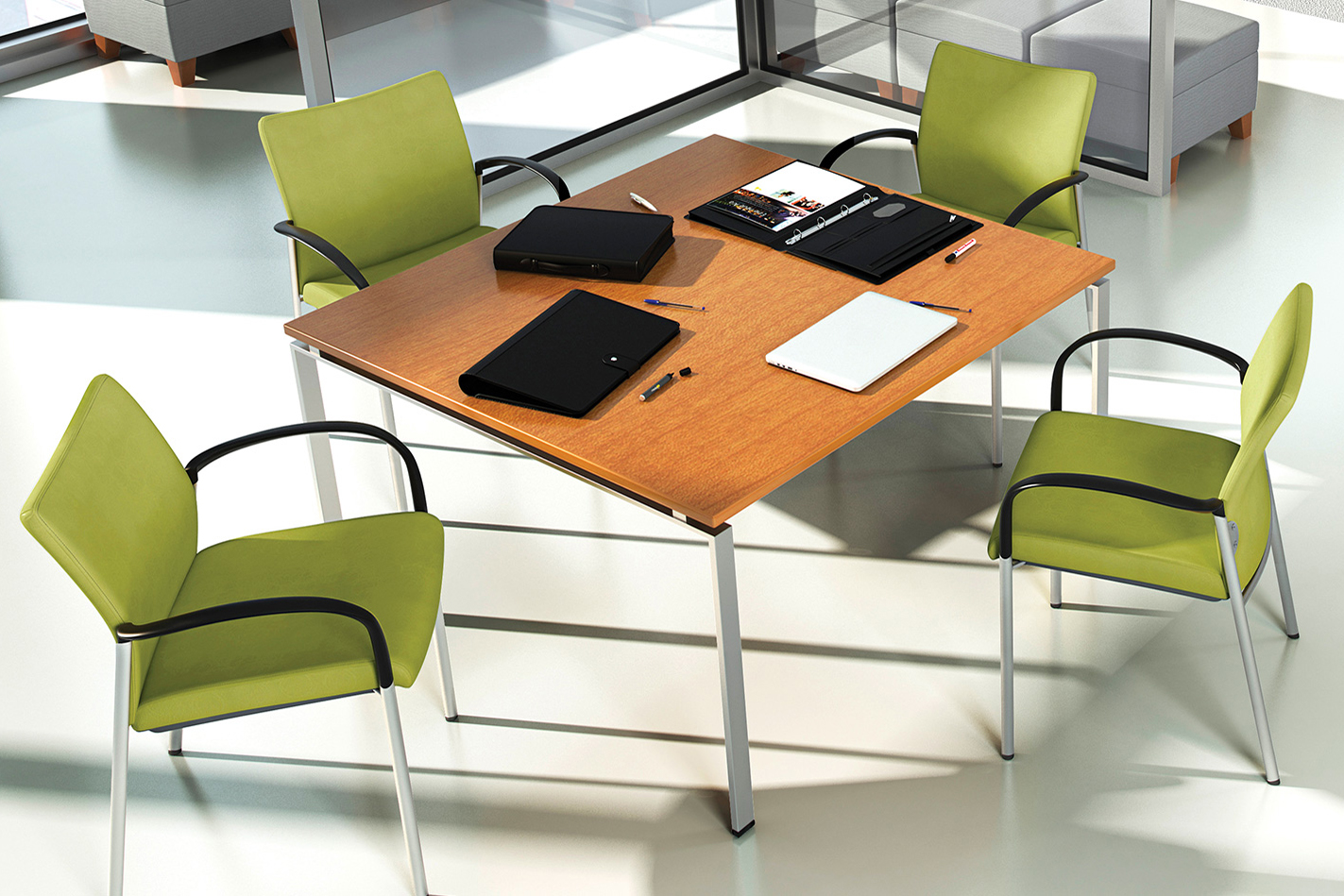 SitOnIt Seating
Achieve
A slender side chair for guest, lobby, meeting, and conference spaces.
Achieve is available with plastic or upholstered backs, arms or armless, and optional casters.
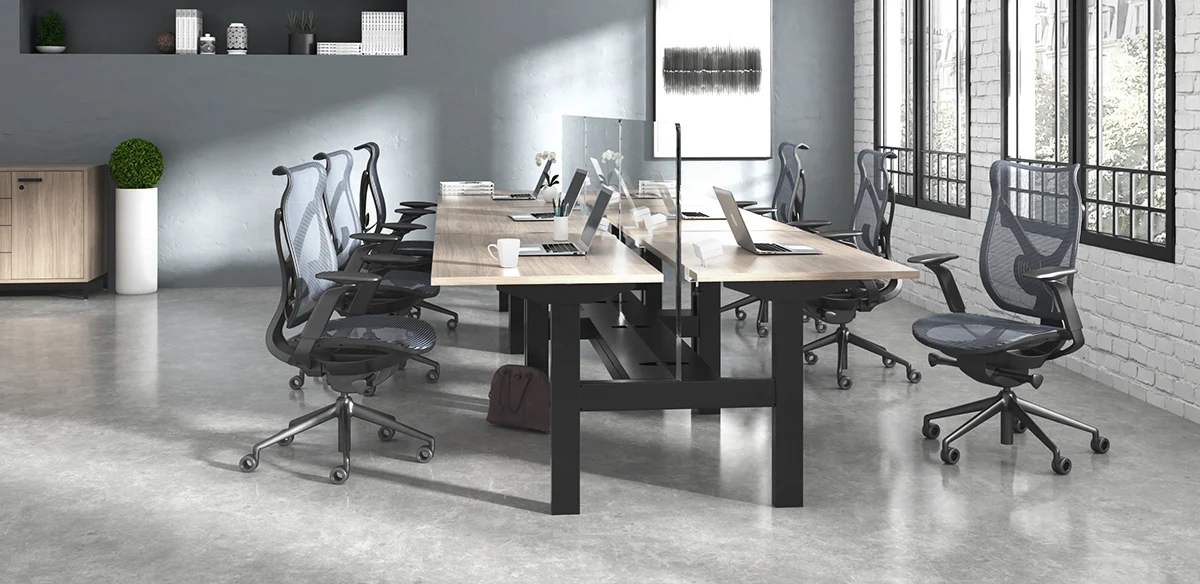 VIA Seating
Onda
Sculptural seating with adaptive wave-shaped support.
Onda blends conference-room presence with synchro movement and advanced ergonomic features.
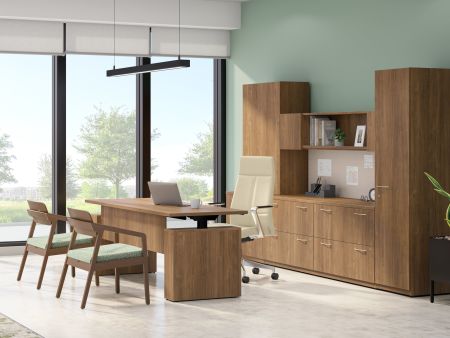 HON
HON
Cofi
Tailored executive and conference seating with extensive detailing.
Cofi combines premium upholstery options, multiple back heights, and several stitch and control choices.
Intensive-Use Seating
Durable seating designed for longer hours, multiple shifts, or users requiring reinforced construction.
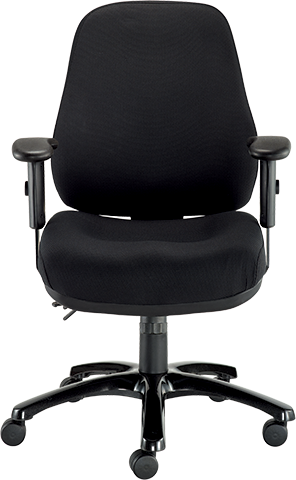 Eurotech
24/7
A fully upholstered chair with detailed multi-function adjustment.
Eurotech 24/7 includes multiple seat, back, tilt, and arm adjustments for extended-use environments.
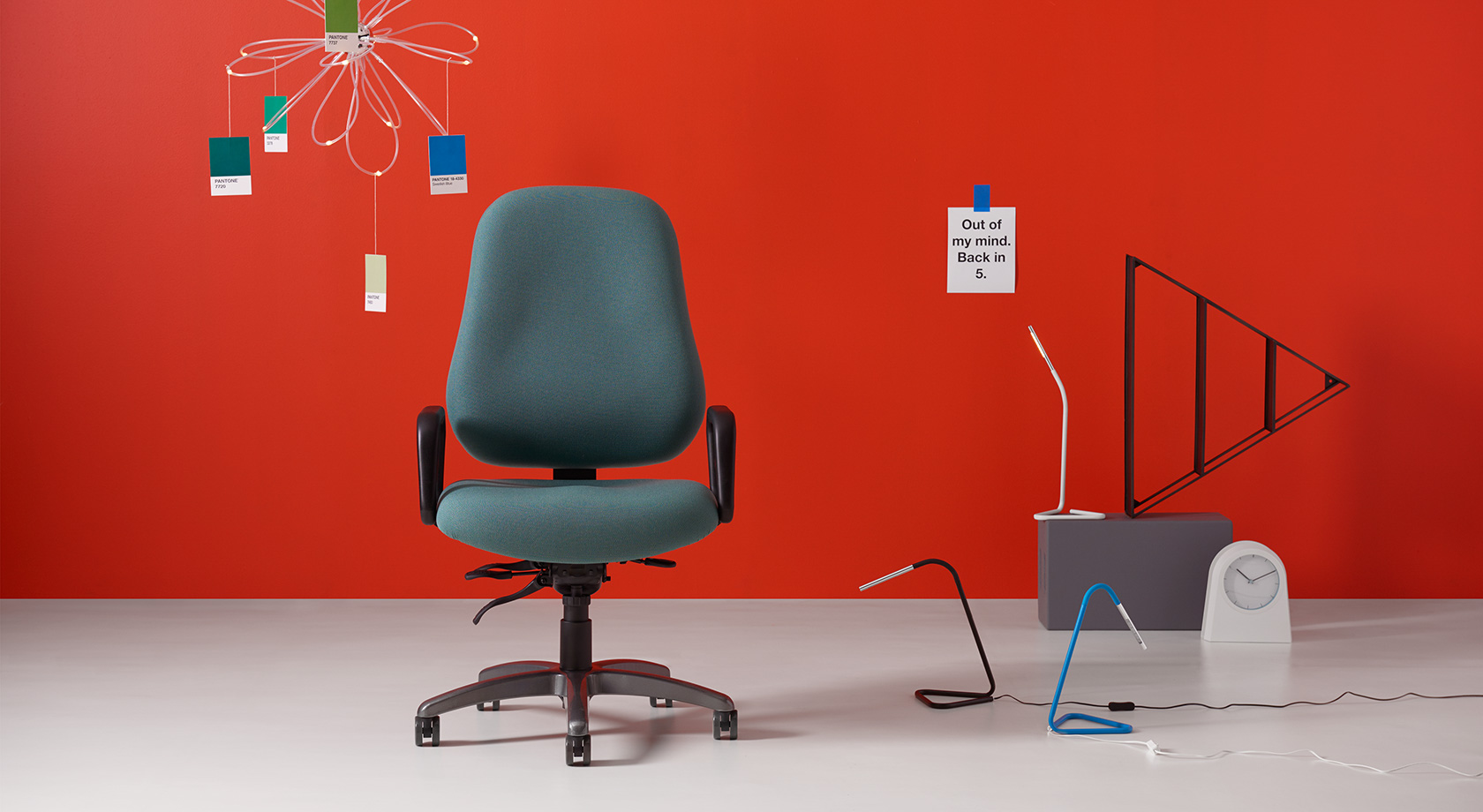 Office Master
Maxwell 24-7
Wide-body, heavy-duty seating for demanding applications.
Maxwell combines a 24-inch-wide seat, reinforced construction, and support for users up to 450 pounds.
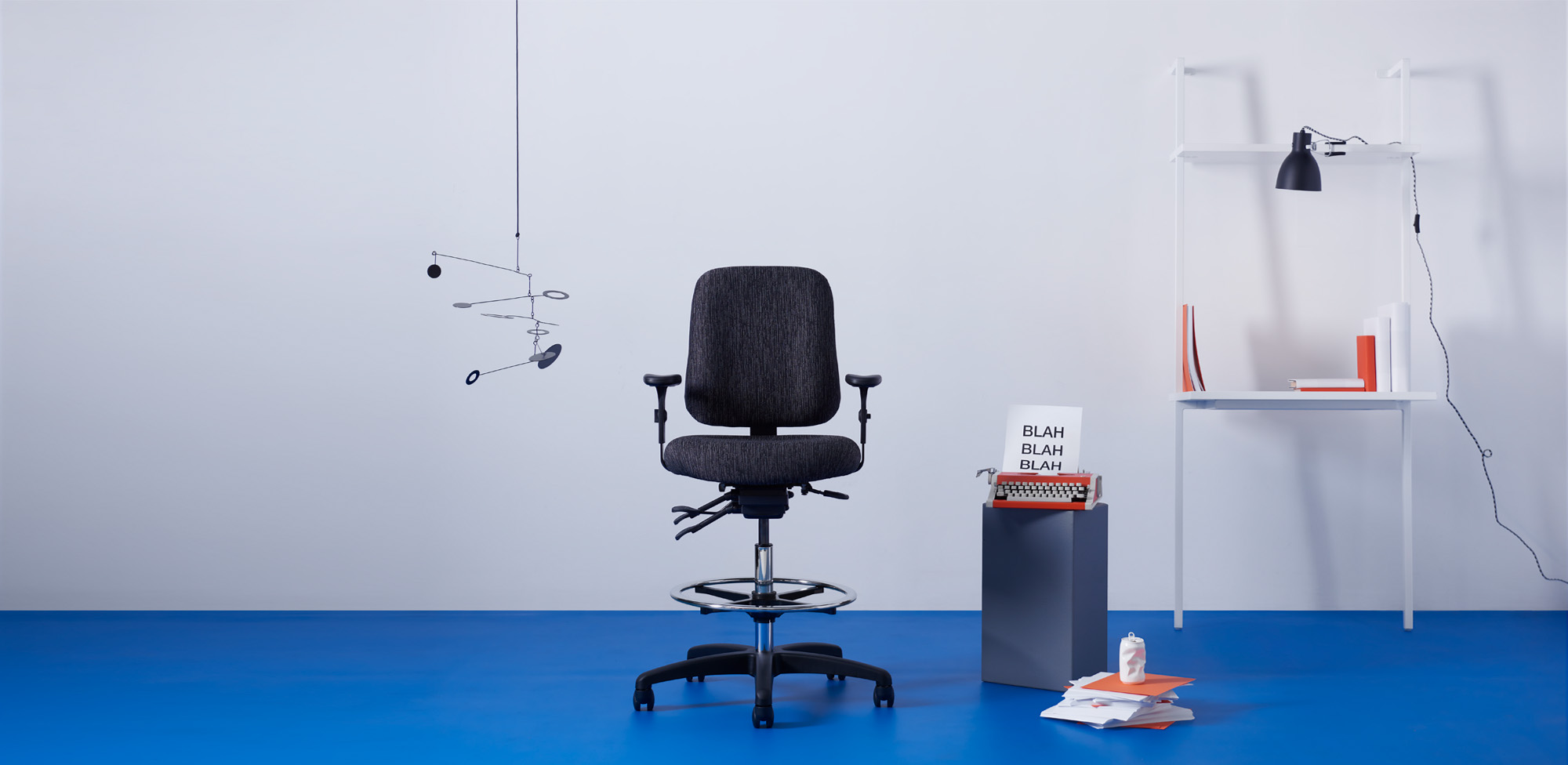 Office Master
24-Seven Series
A family of task chairs and stools designed for continuous-use environments.
The 24-Seven family includes intensive-use and heavy-duty models for different users and operating conditions.
Configurable Seating Collections
Broad families that support multiple models, heights, applications, and finish combinations.
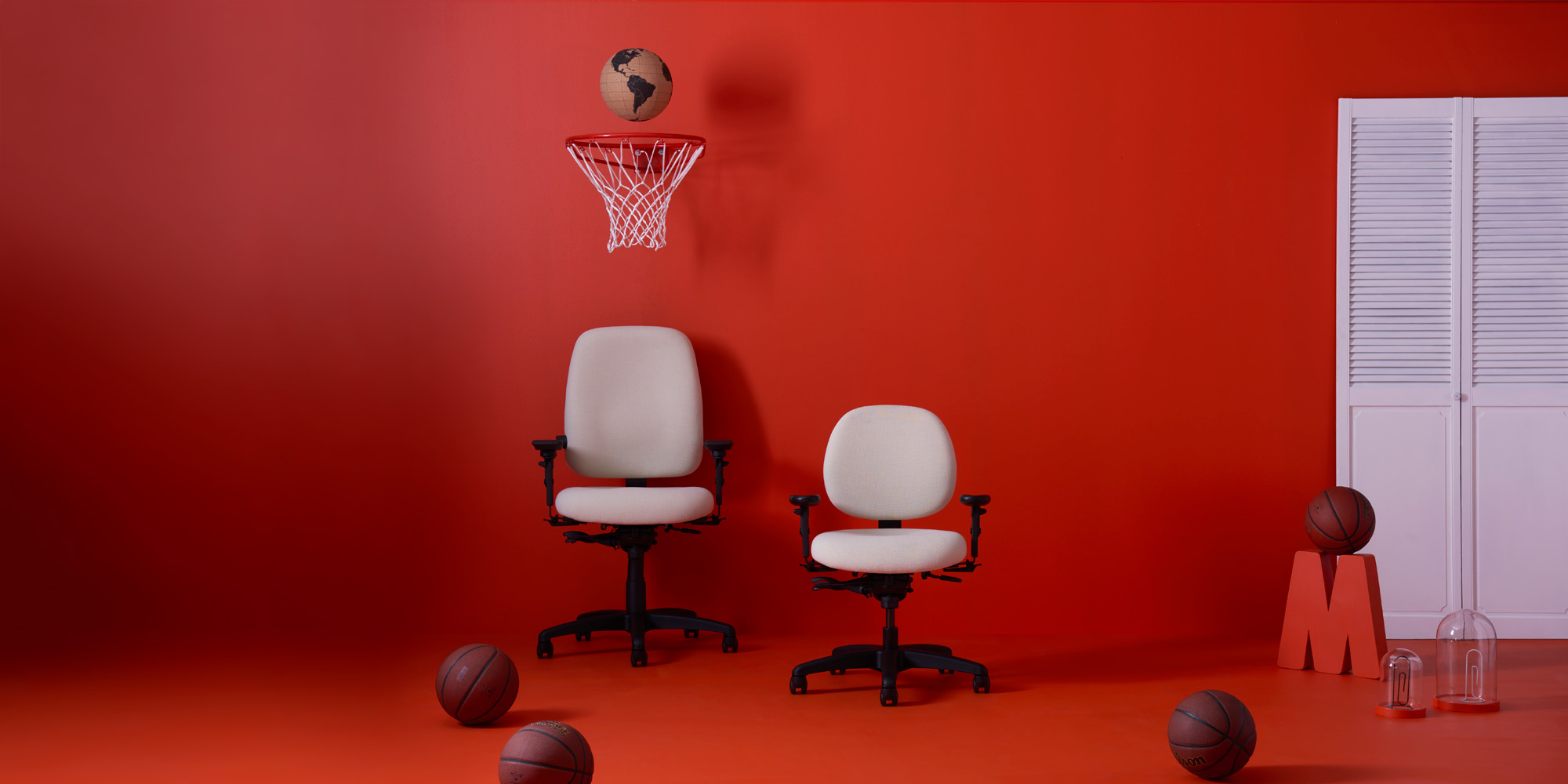 Office Master
Paramount Series
A broad ergonomic, management, executive, and guest seating family.
Paramount offers extensive multi-function adjustment and multiple back heights at a value-focused price point.
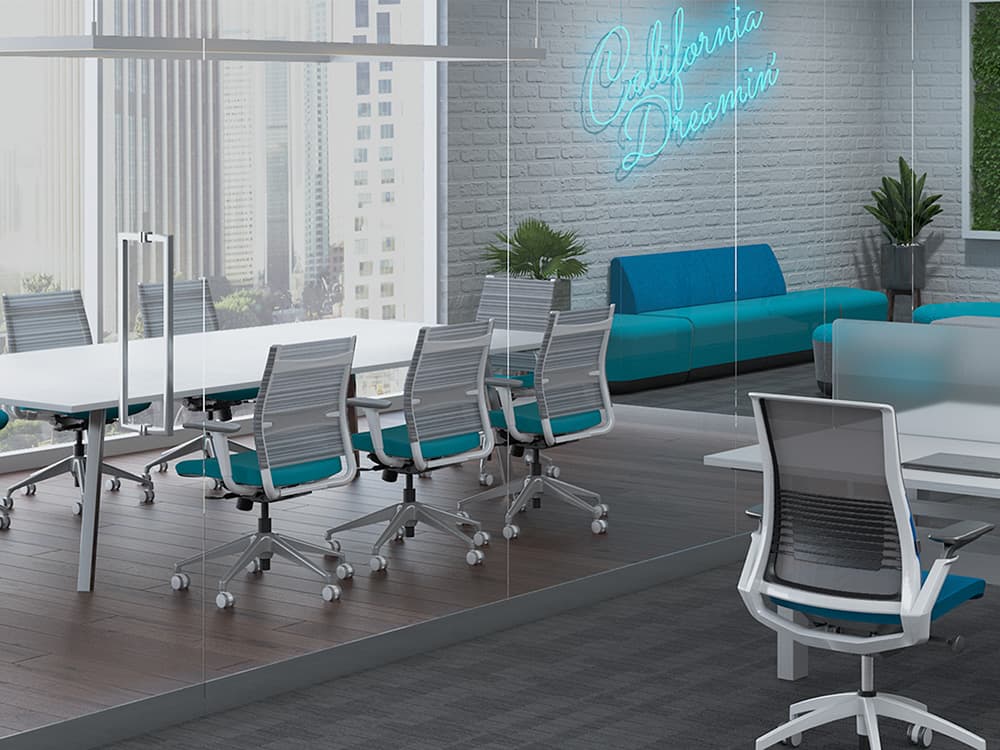 SitOnIt Seating
Wit
Mobile, adaptable task seating with standard adjustable lumbar support.
Wit includes task, stool, and side-chair models with breathable backs and easy mobility.
 SitOnIt Seating
Novo
Award-recognized task seating with integrated ergonomic support.
Novo combines integrated lumbar support, synchro movement, mesh comfort, and extensive color options.
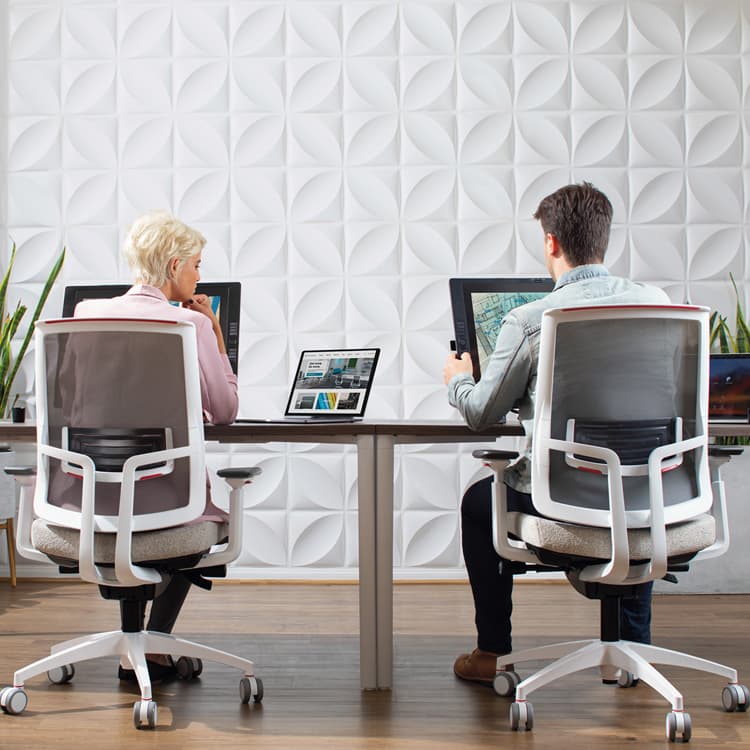 SitOnIt Seating
Focus 2.0
A long-running task-chair platform reimagined with mesh and polymer backs.
Focus 2.0 adds a cleanable polymer-back option, expanded color choices, and updated ergonomic functionality.
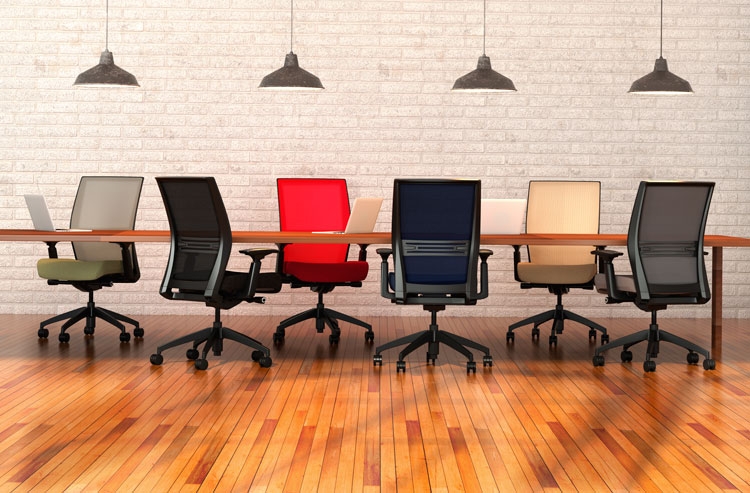 SitOnIt Seating
Amplify
A broad task family with enhanced standard ergonomic features.
Amplify includes lumbar adjustment, multiple mechanisms, and task, stool, and large-and-tall models.
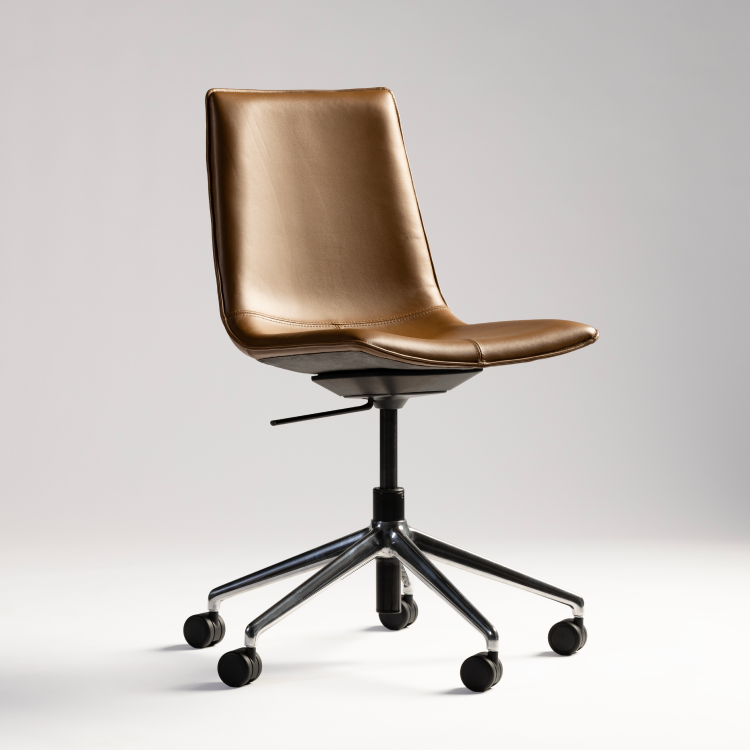 SitOnIt Seating
Axys
A coordinated guest, lounge, stool, and light-task collection.
Axys uses sculpted contours and a padded shell across several seating heights and base types.
Compare Applications
A practical place to begin.
These groupings help narrow the conversation without claiming that one chair is universally better than another.
Seating Manufacturers







Explore Configurations
Manufacturer tools can help visualize the options.
Use available configurators as a starting point, then confirm current specifications, textiles, finishes, pricing, and lead times with AAA Workspace.
Explore HON seating configurations and finish combinations.
Open HON ConfiguratorReview Office Master chair configurations, materials, and available options.
Open Office Master ConfiguratorUse ChairBuilder+ to explore models, materials, and options.
Open SitOnIt ChairBuilder+Let’s Find the Right Fit
Build a seating solution around your people and workplace.
Whether you are replacing a few chairs, standardizing seating across departments, or furnishing a new workplace, AAA Workspace can help compare manufacturers, configurations, finishes, quantities, and project requirements.
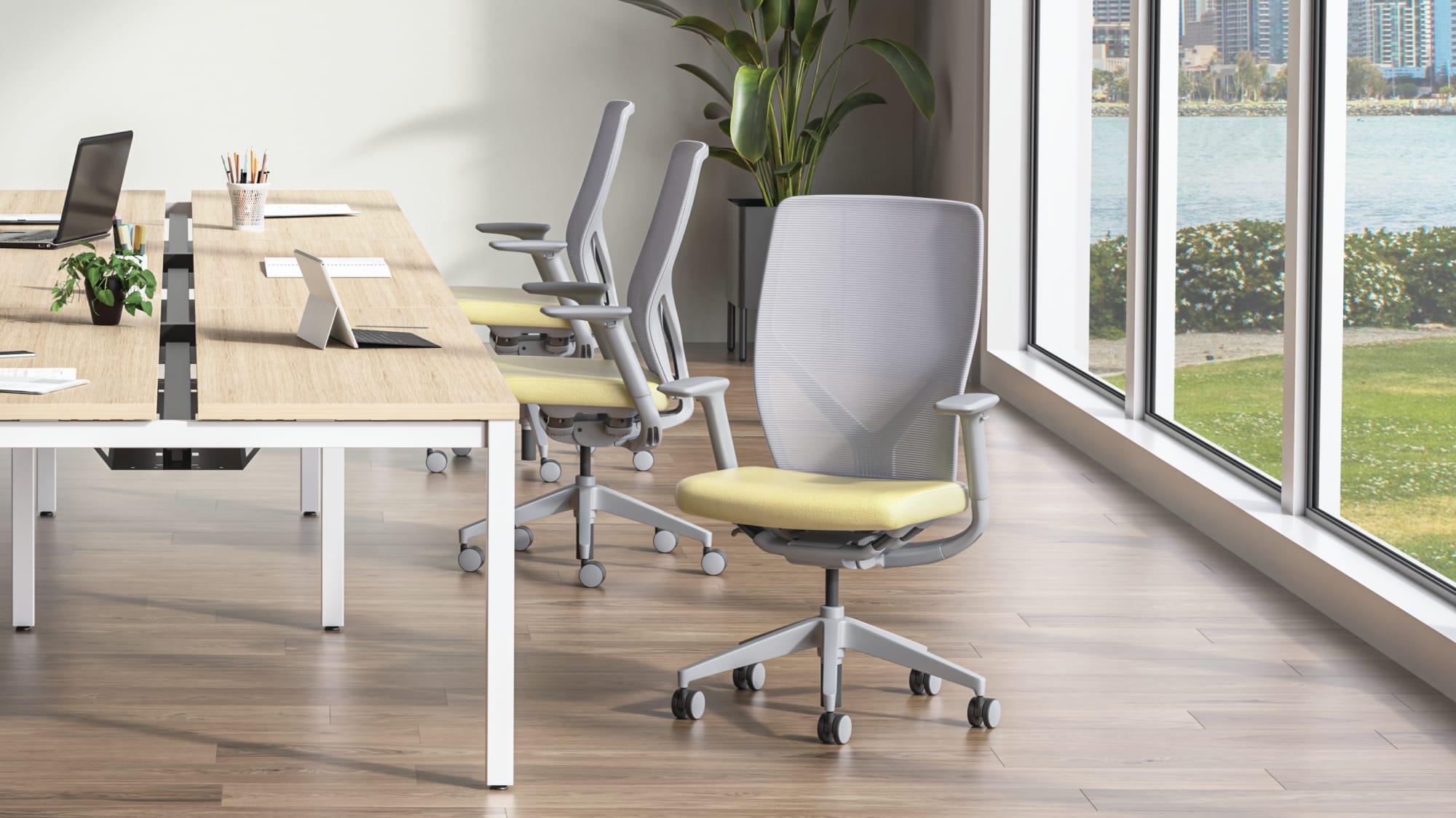
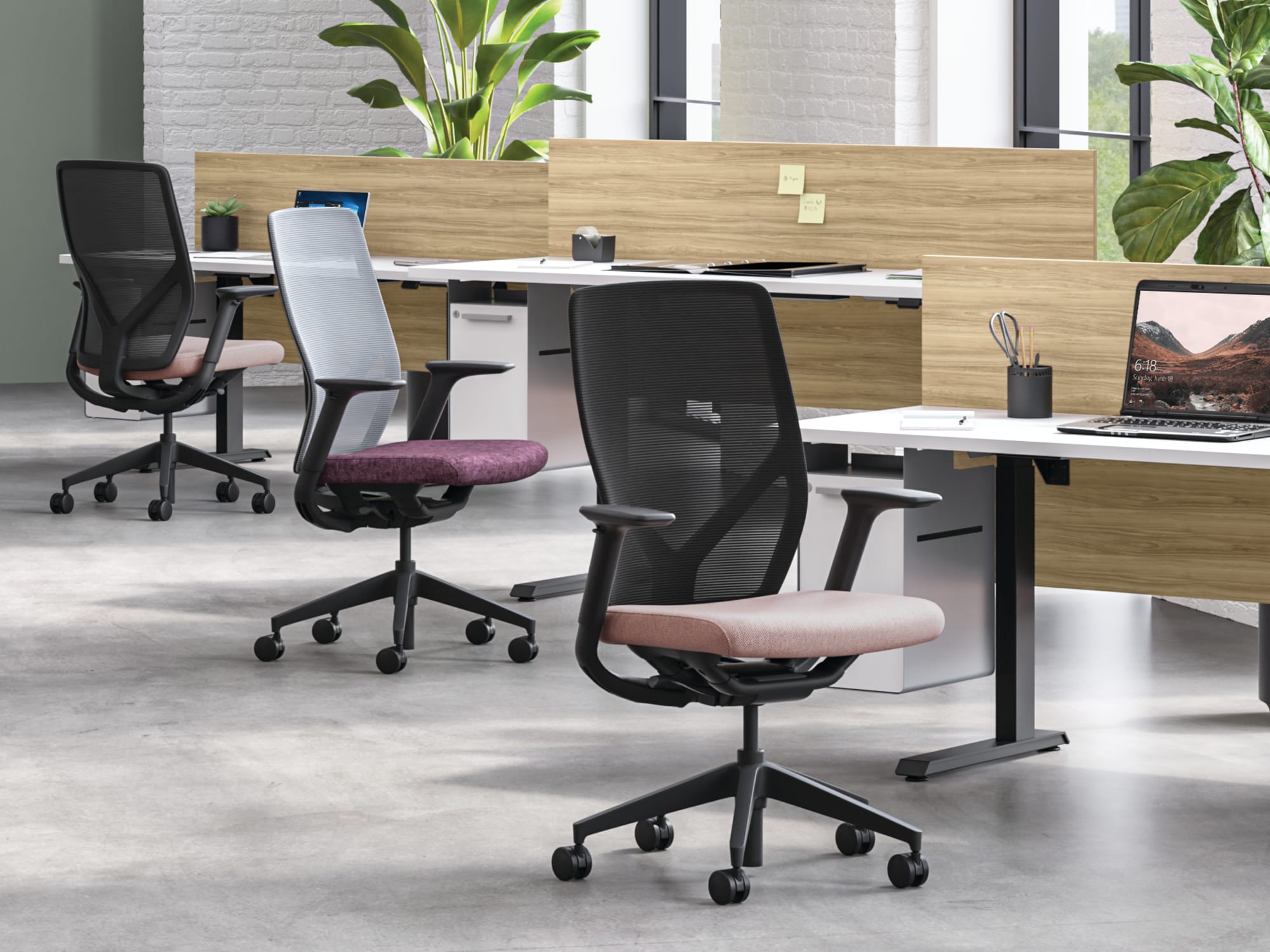
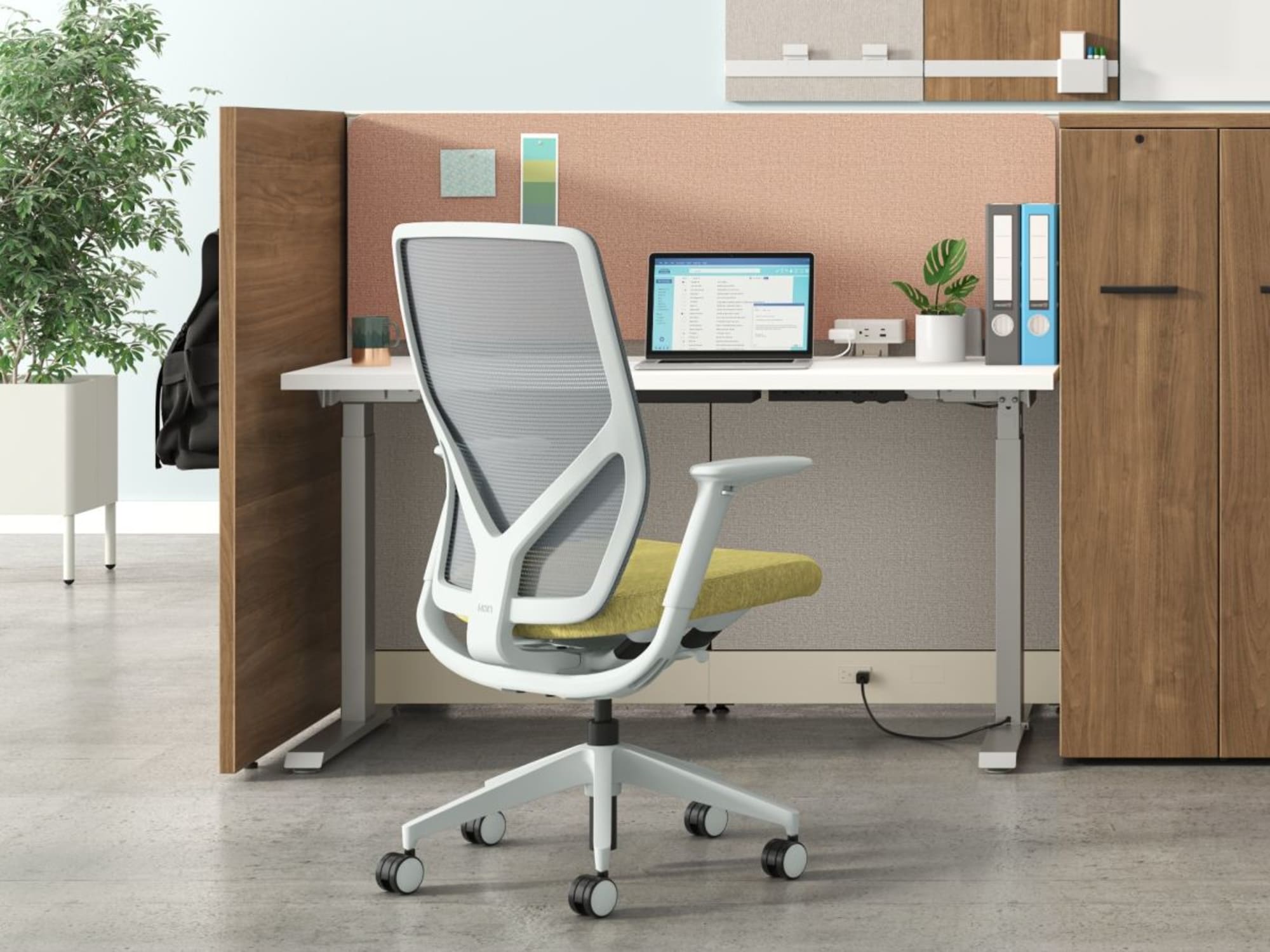
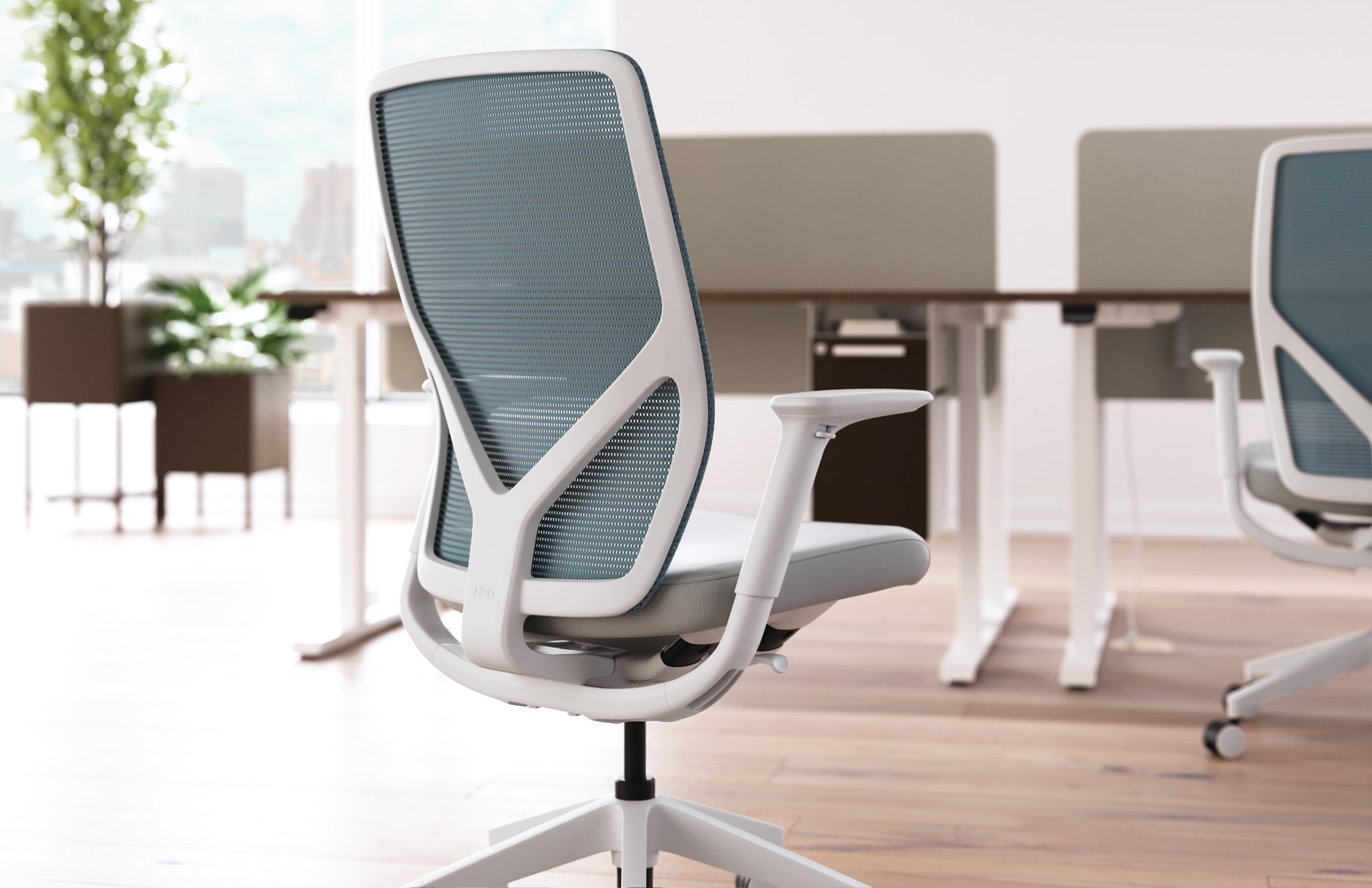
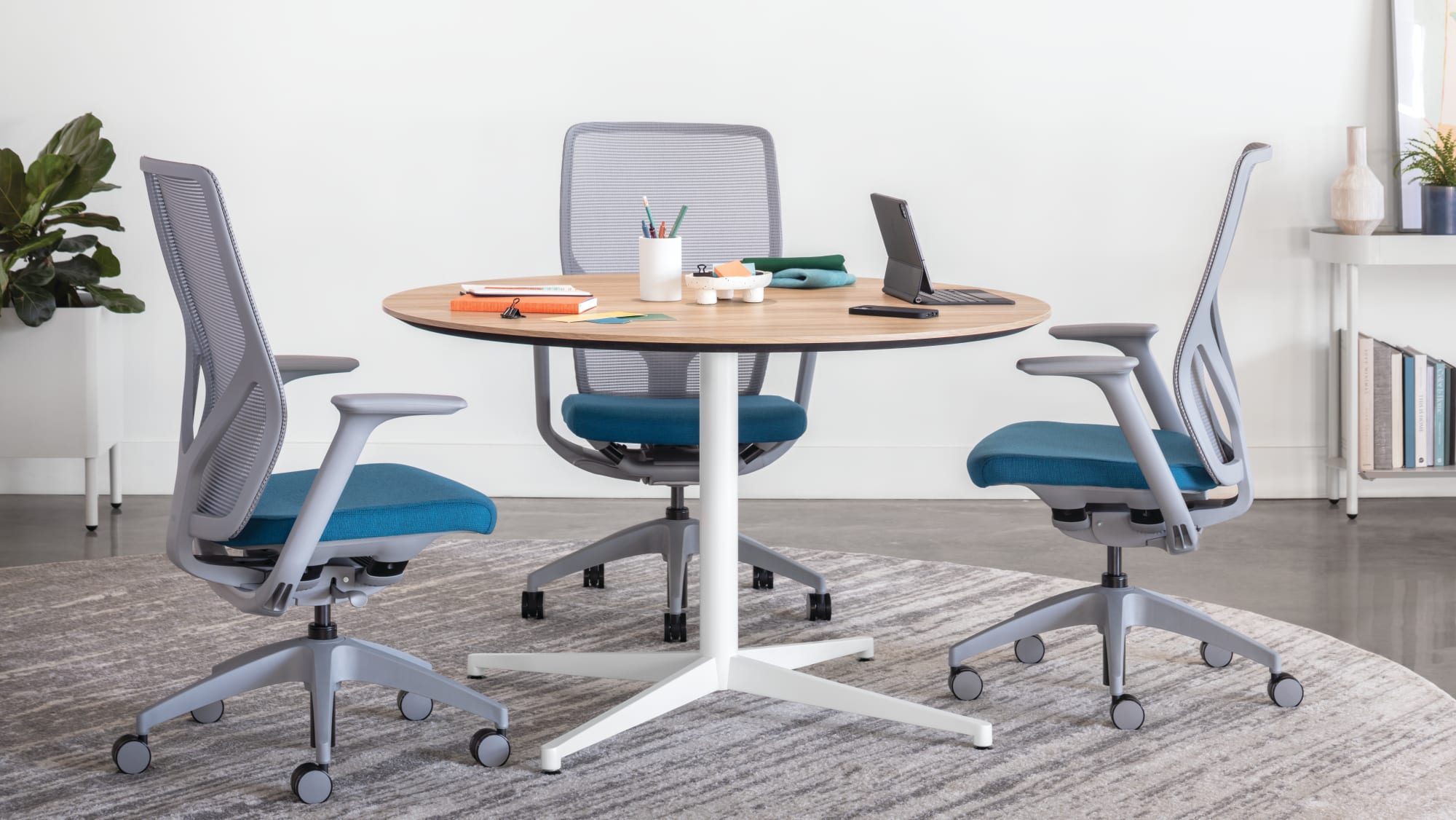
Flexion is designed for workplaces where people move between focused work, meetings, project planning, and shared settings. Its dynamic seat suspension responds to movement, while straightforward controls make it easier for different users to get comfortable.
Ideal Applications
- Unassigned workstations
- Benching and touchdown areas
- Hybrid workplaces
- Individual workstations
Key Features
- Dynamic four-point seat suspension
- Seat and back respond to natural body movement
- Single, uncomplicated adjustment lever
- Clean frameless back aesthetic
Why It Stands Out
Flexion by HON brings together the features and configuration choices shown here for organizations considering simple, responsive seating for active and shared workplaces.
Specifications, finishes, and availability may change. Contact AAA Workspace for current product information.

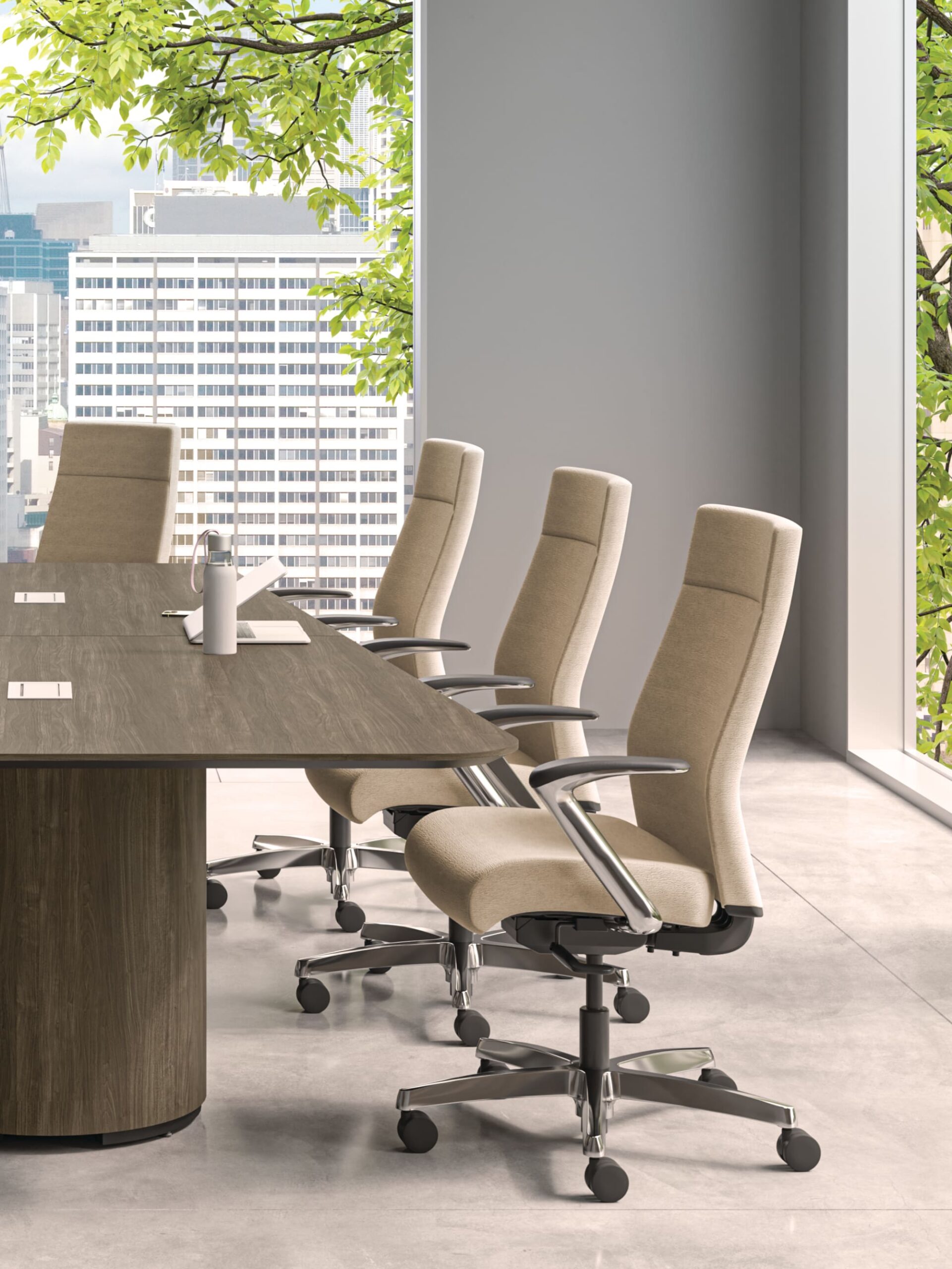
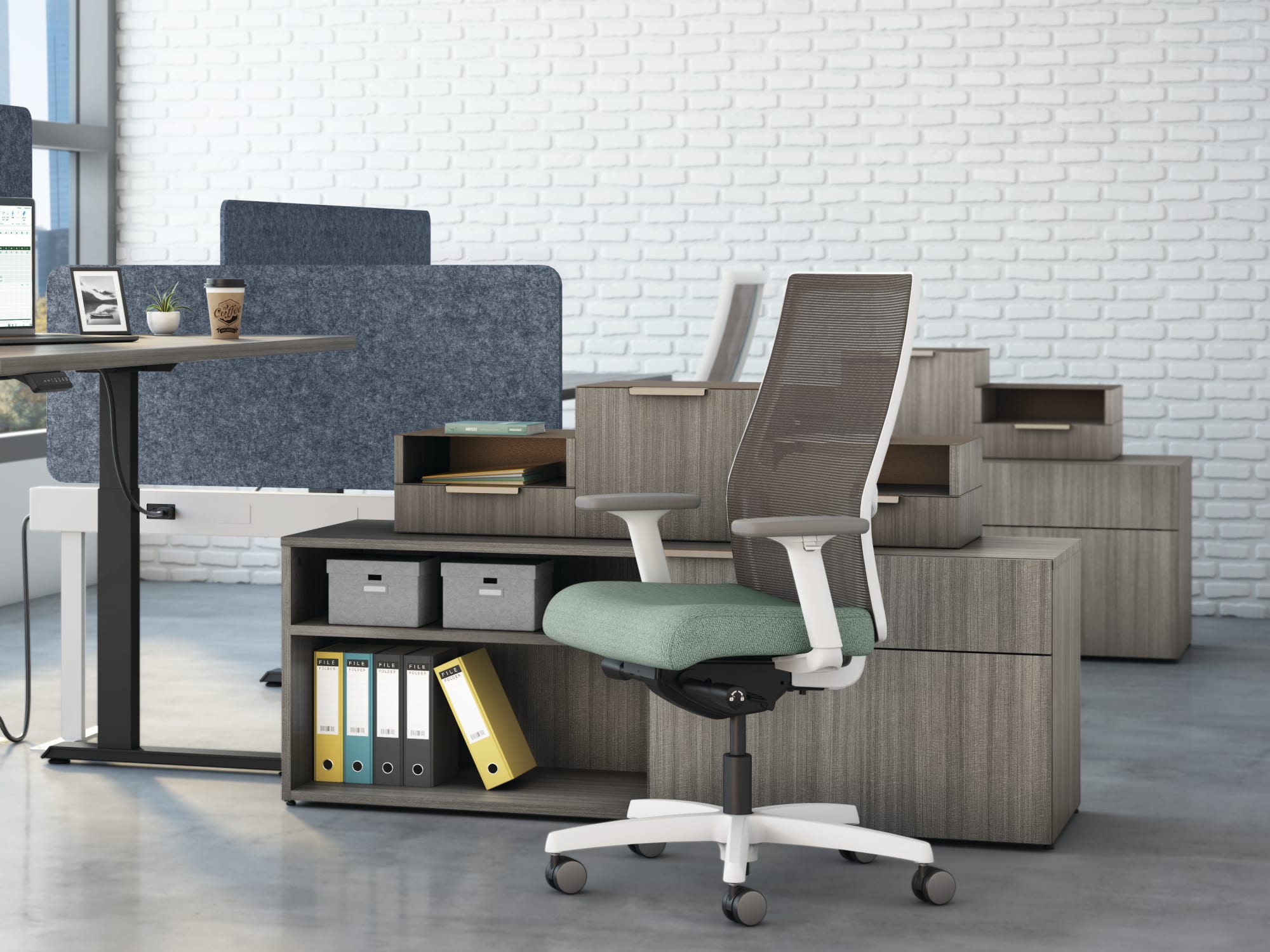
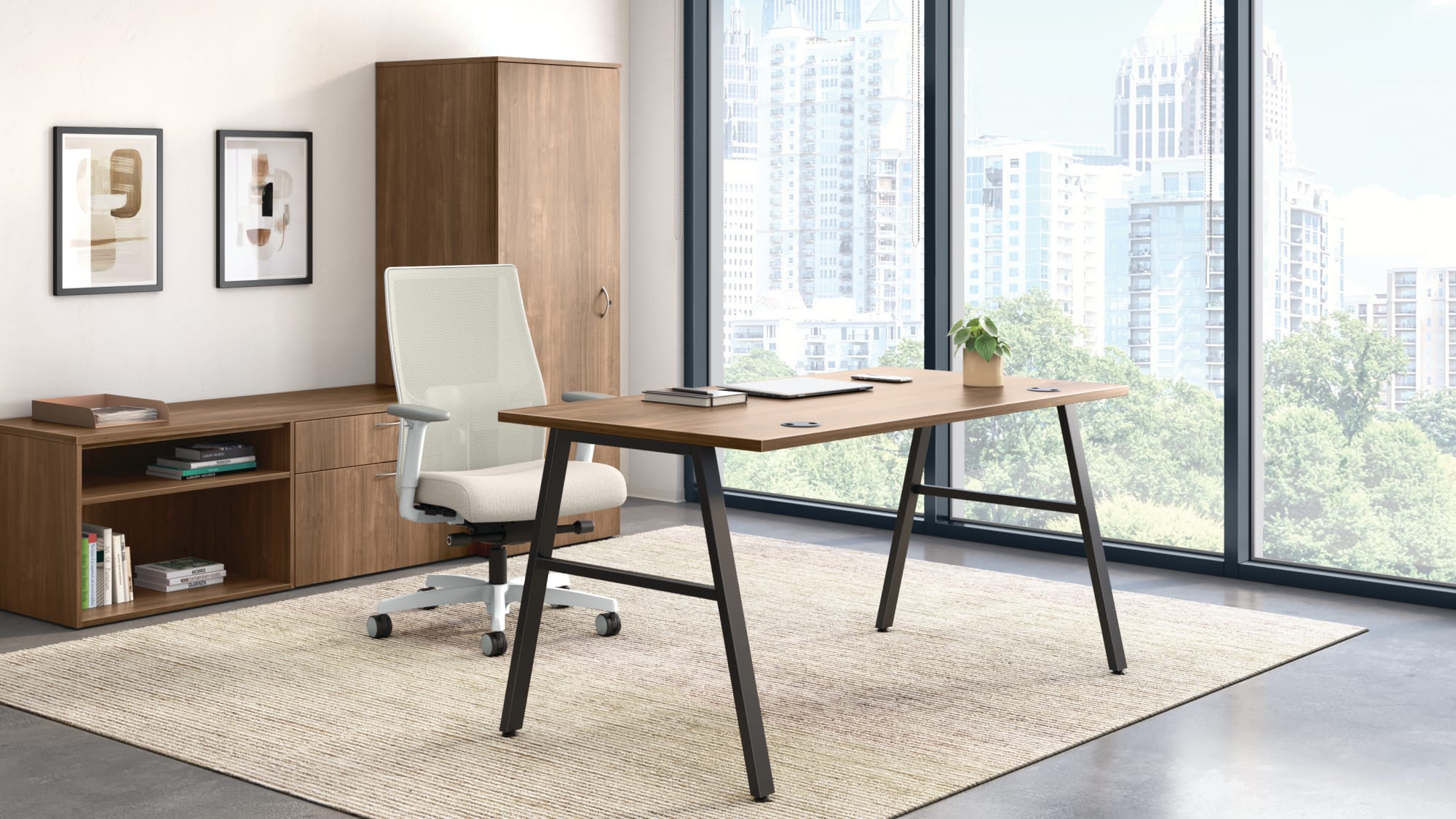
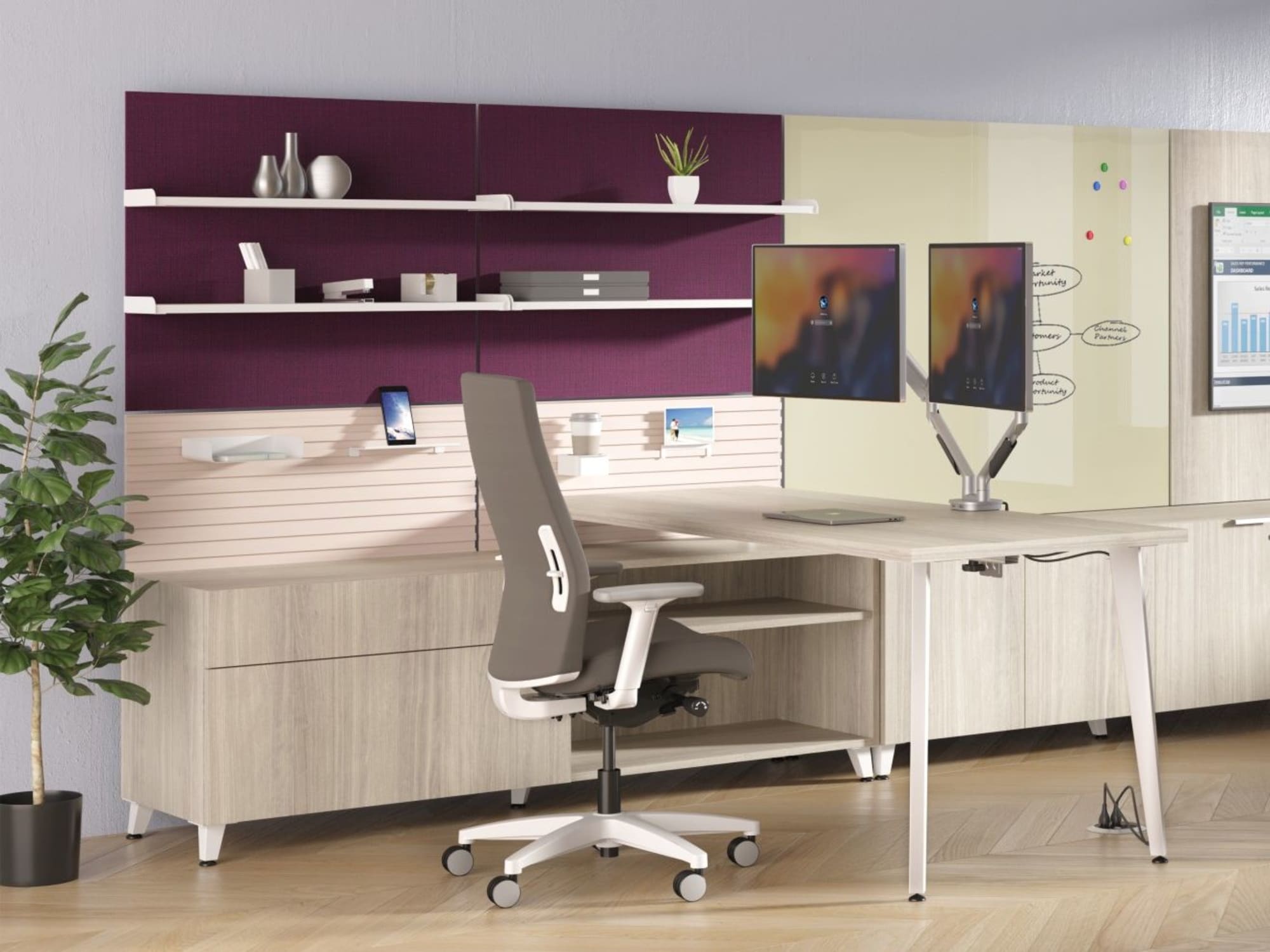
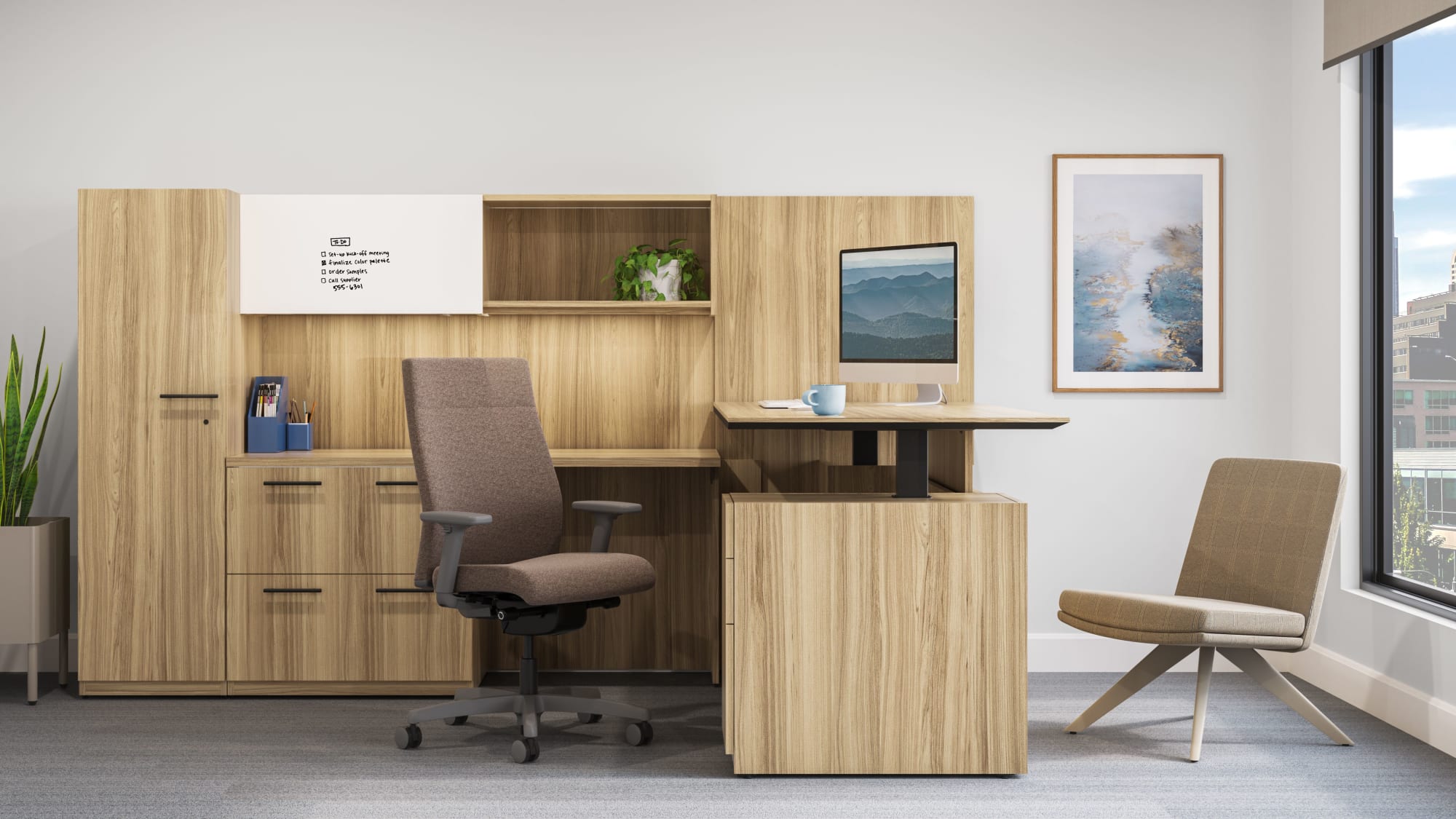
Ignition is a highly configurable seating family designed to accommodate different users, body types, and applications. The collection includes task, guest, stool, multipurpose, lounge, and specialty models with several back technologies and control choices.
Ideal Applications
- Assigned workstations
- Private offices
- Shared work areas
- Task stools and multipurpose spaces
Key Features
- 4-Way Stretch Mesh, Spectrum Mesh, ReActiv, and upholstered back choices
- Multiple synchro-tilt control options
- Integrated or adjustable lumbar options
- Broad family of task, guest, stool, lounge, and specialty models
Why It Stands Out
Ignition by HON brings together the features and configuration choices shown here for organizations considering a broad seating family built around fit and choice.
Specifications, finishes, and availability may change. Contact AAA Workspace for current product information.
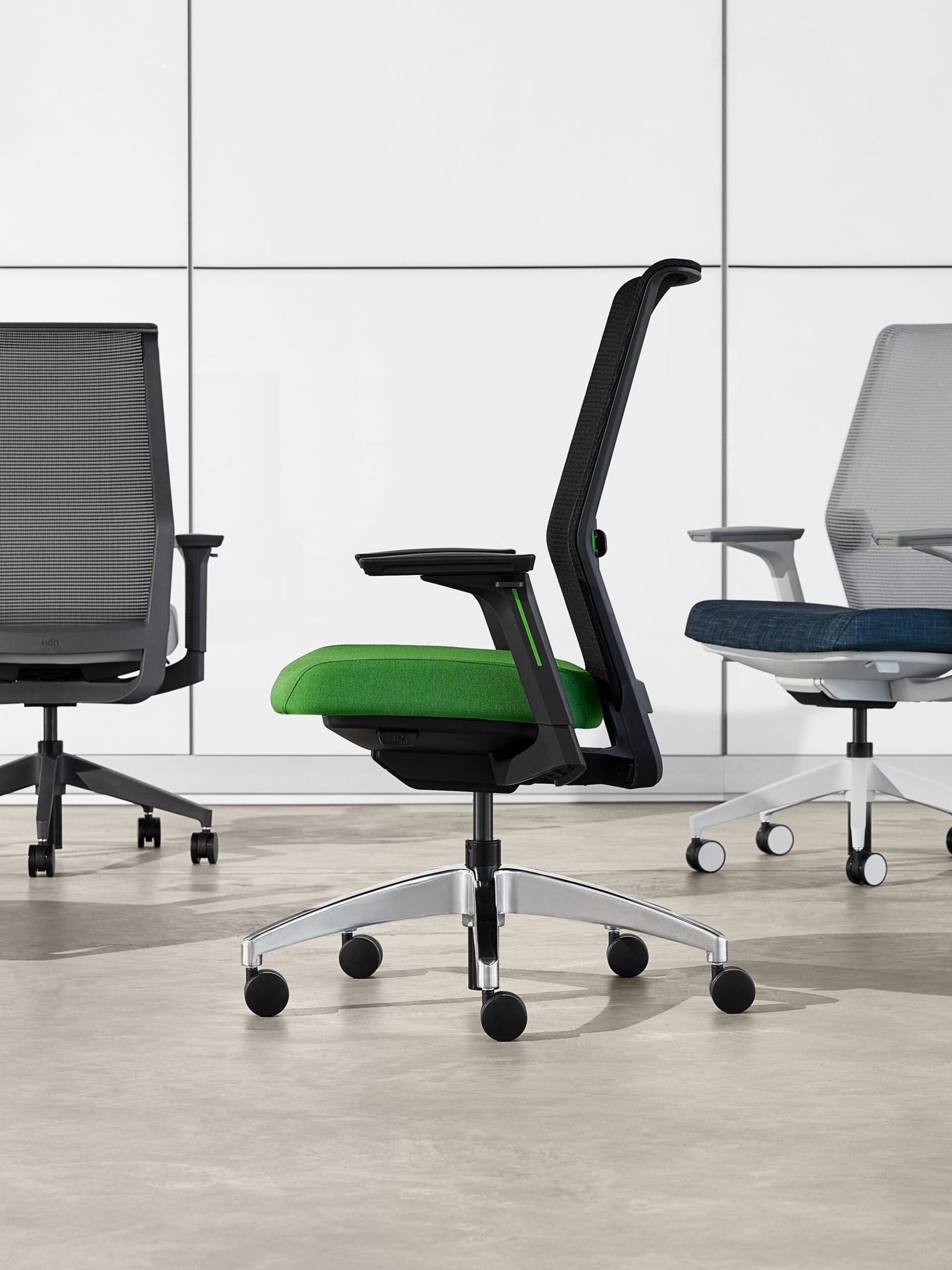
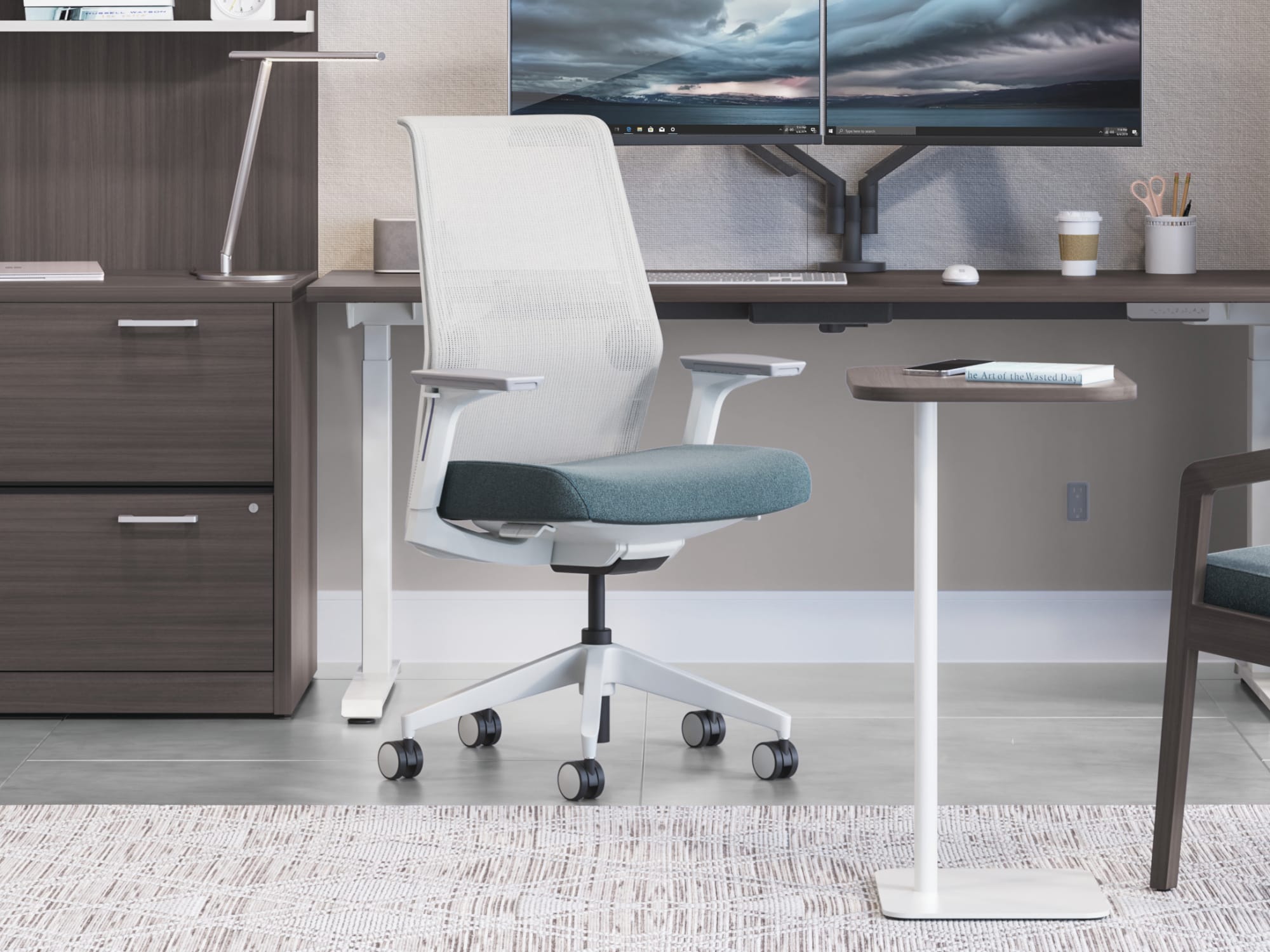
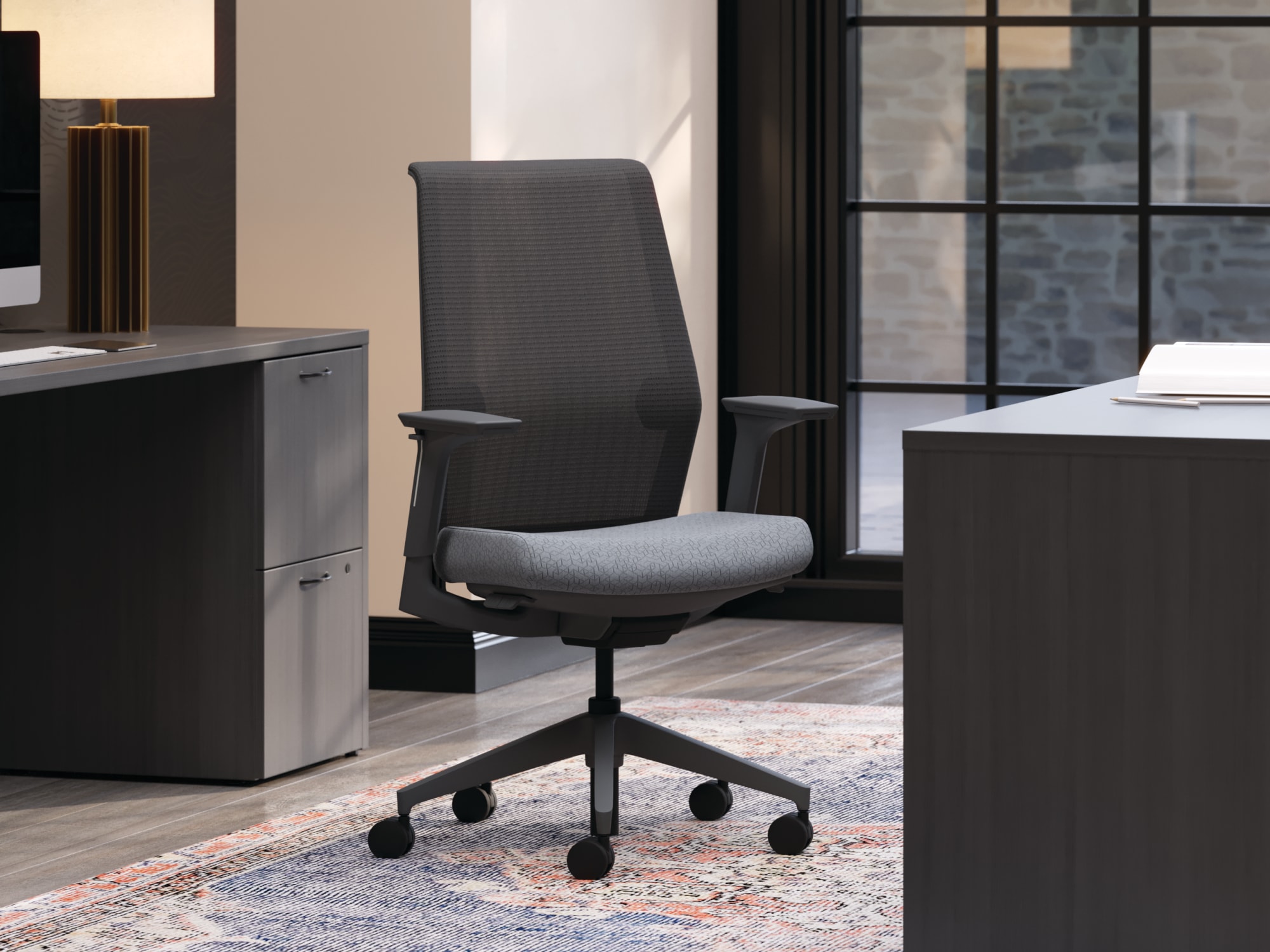
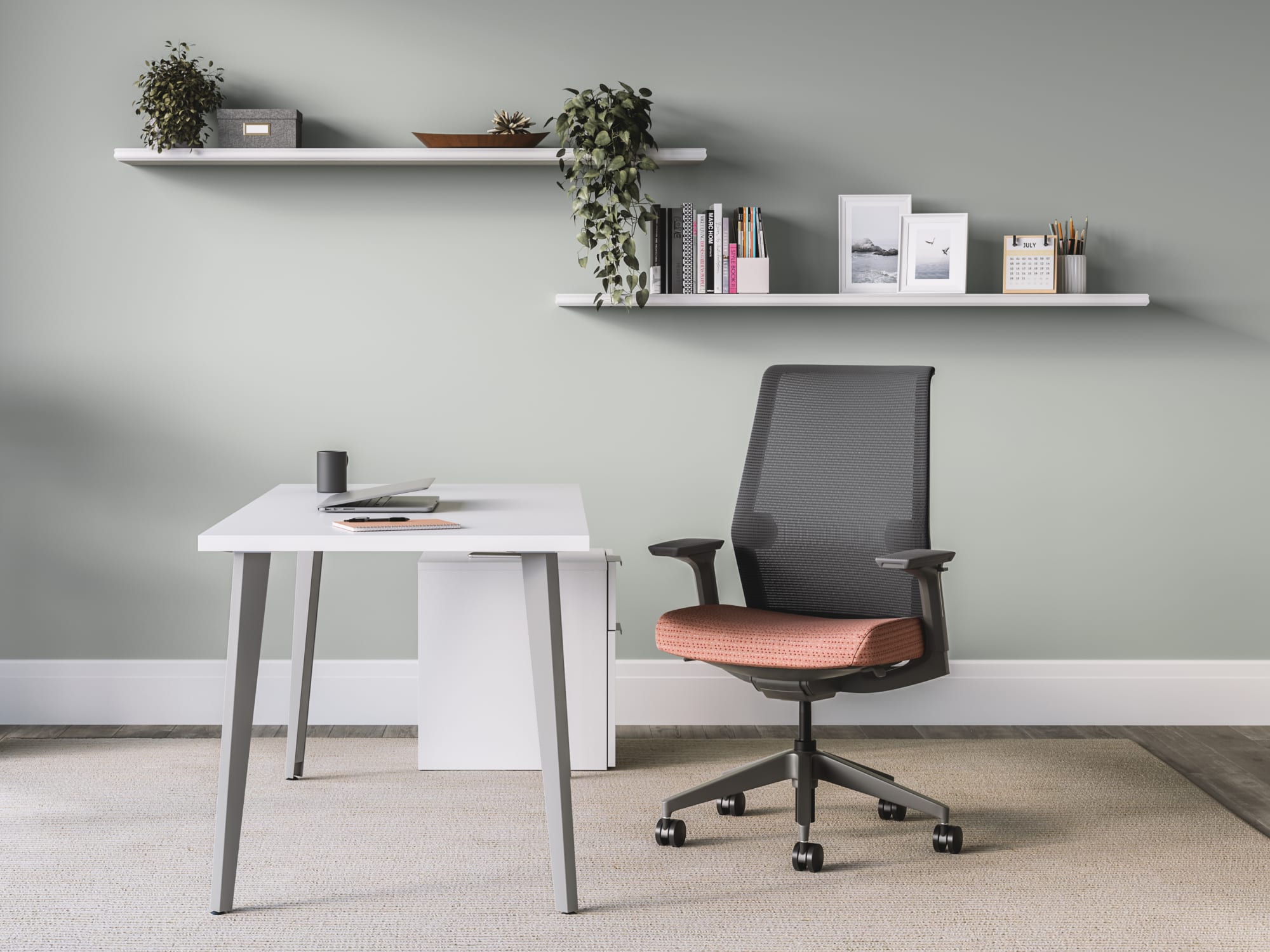
Cipher is designed to make ergonomic support straightforward. Integrated controls reduce visual and operational complexity, while the flexible mesh back, adjustable lumbar support, and optional accent details allow the chair to feel personal without becoming difficult to use.
Ideal Applications
- Individual workstations
- Private offices
- Collaborative environments
- Welcome and guest areas
Key Features
- Weight-activated tilt control
- Independent adjustable lumbar support
- 4-Way Stretch Mesh back
- Pneumatic seat-height adjustment
- 360-degree swivel
Why It Stands Out
Cipher by HON brings together the features and configuration choices shown here for organizations considering intuitive controls with a streamlined, contemporary profile.
Specifications, finishes, and availability may change. Contact AAA Workspace for current product information.
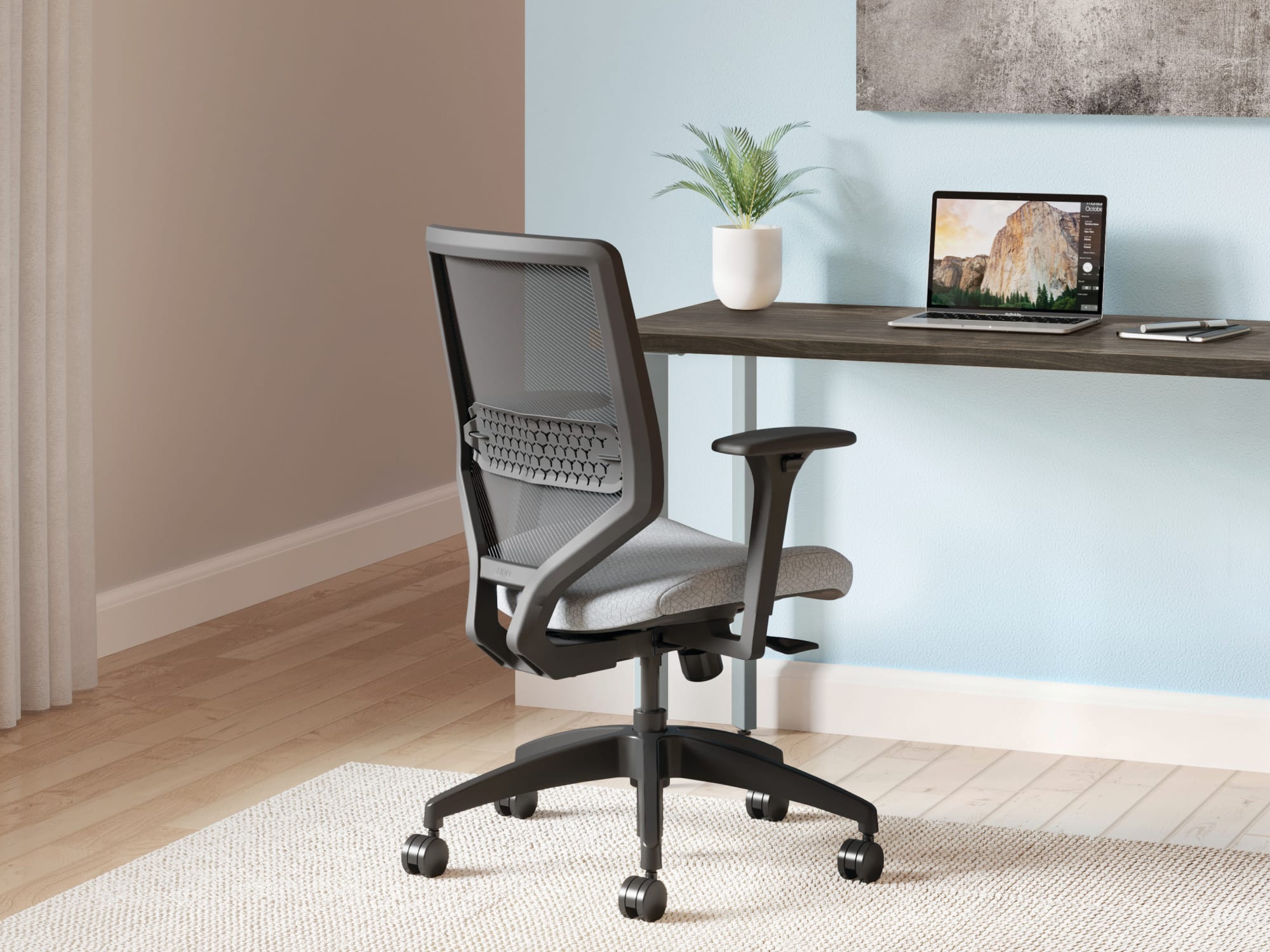
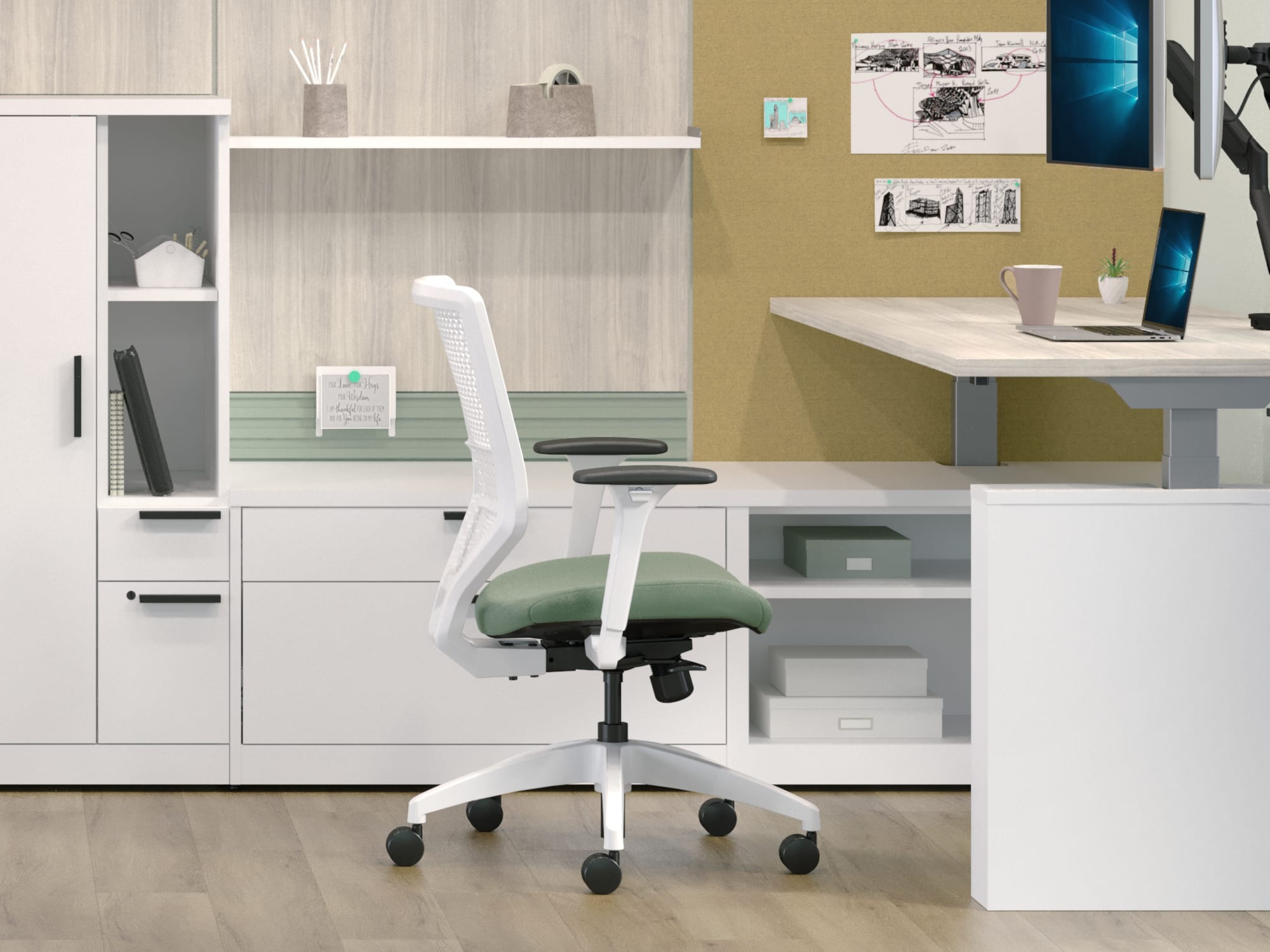
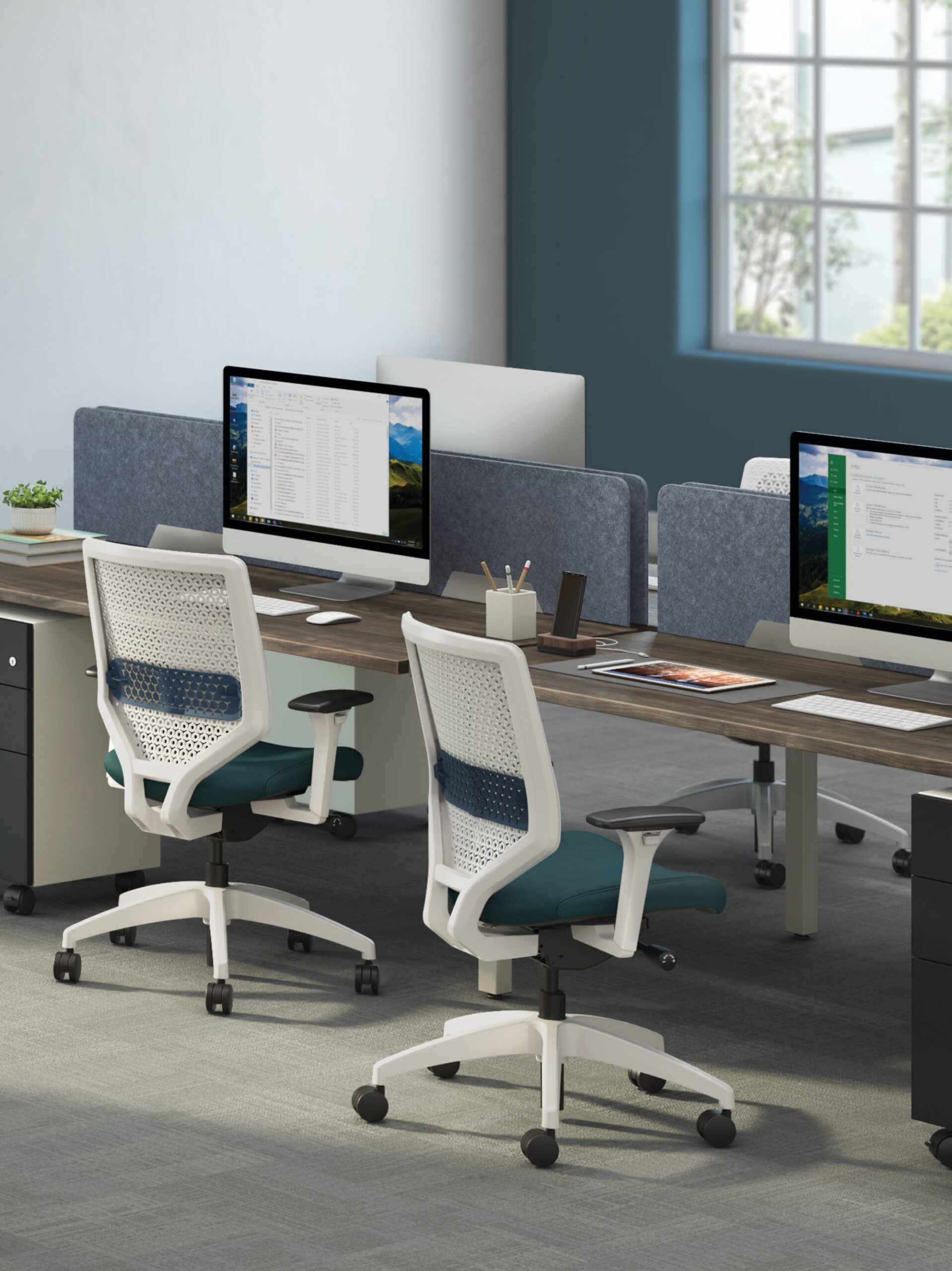
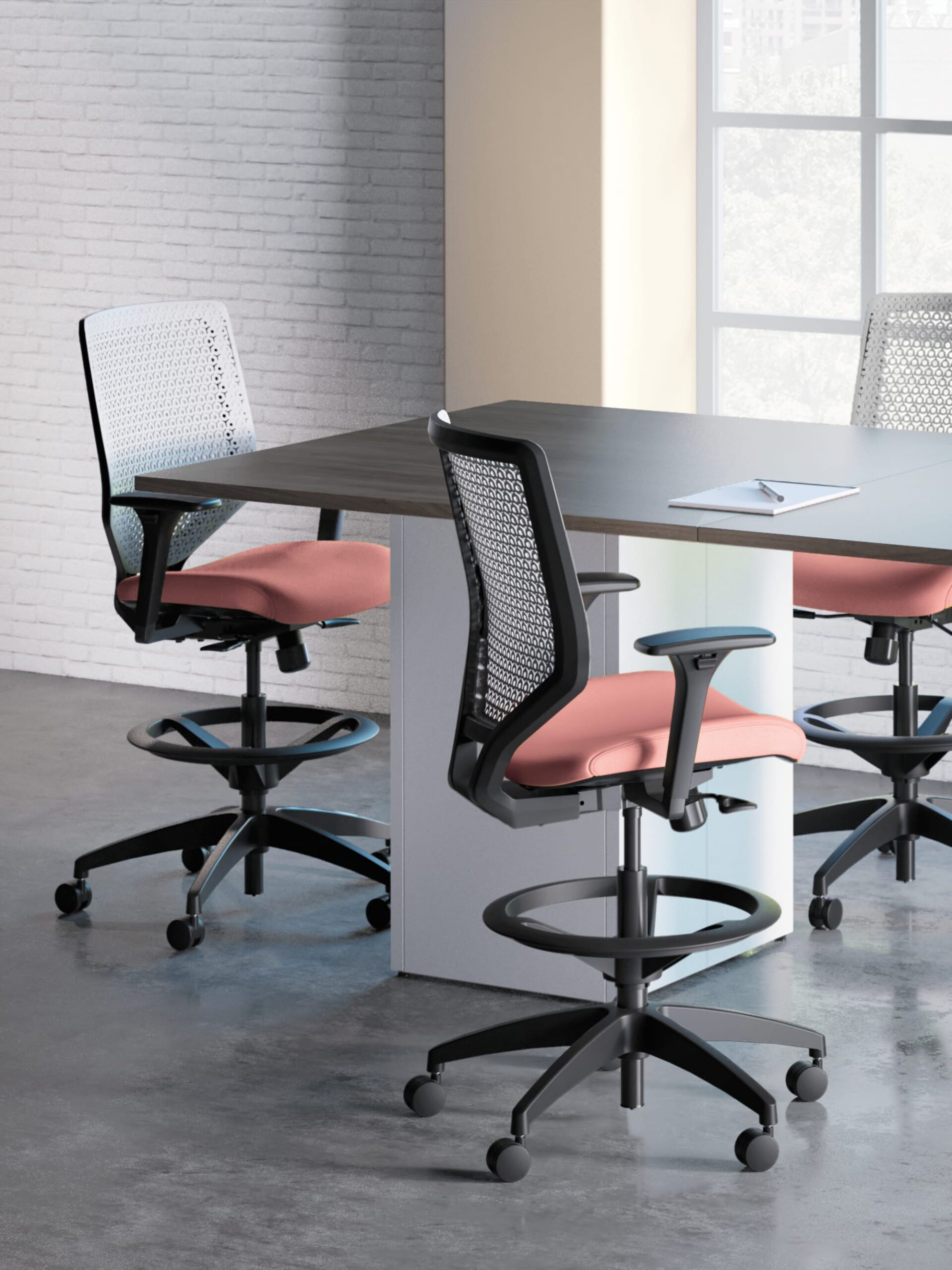
Solve is built around choice. Its available mesh and ReActiv back technologies, multiple control mechanisms, optional adjustable lumbar support, and varied arm and frame selections make it suitable for organizations developing flexible seating standards.
Ideal Applications
- Individual workstations
- Private offices
- Shared work settings
- Organization-wide seating standards
Key Features
- 4-Way Stretch Mesh or ReActiv back
- Optional height-adjustable lumbar support
- Three synchro-tilt control choices
- Fixed, 2D-adjustable, or 4D-adjustable arms
Why It Stands Out
Solve by HON brings together the features and configuration choices shown here for organizations considering configurable task seating with multiple back technologies.
Specifications, finishes, and availability may change. Contact AAA Workspace for current product information.
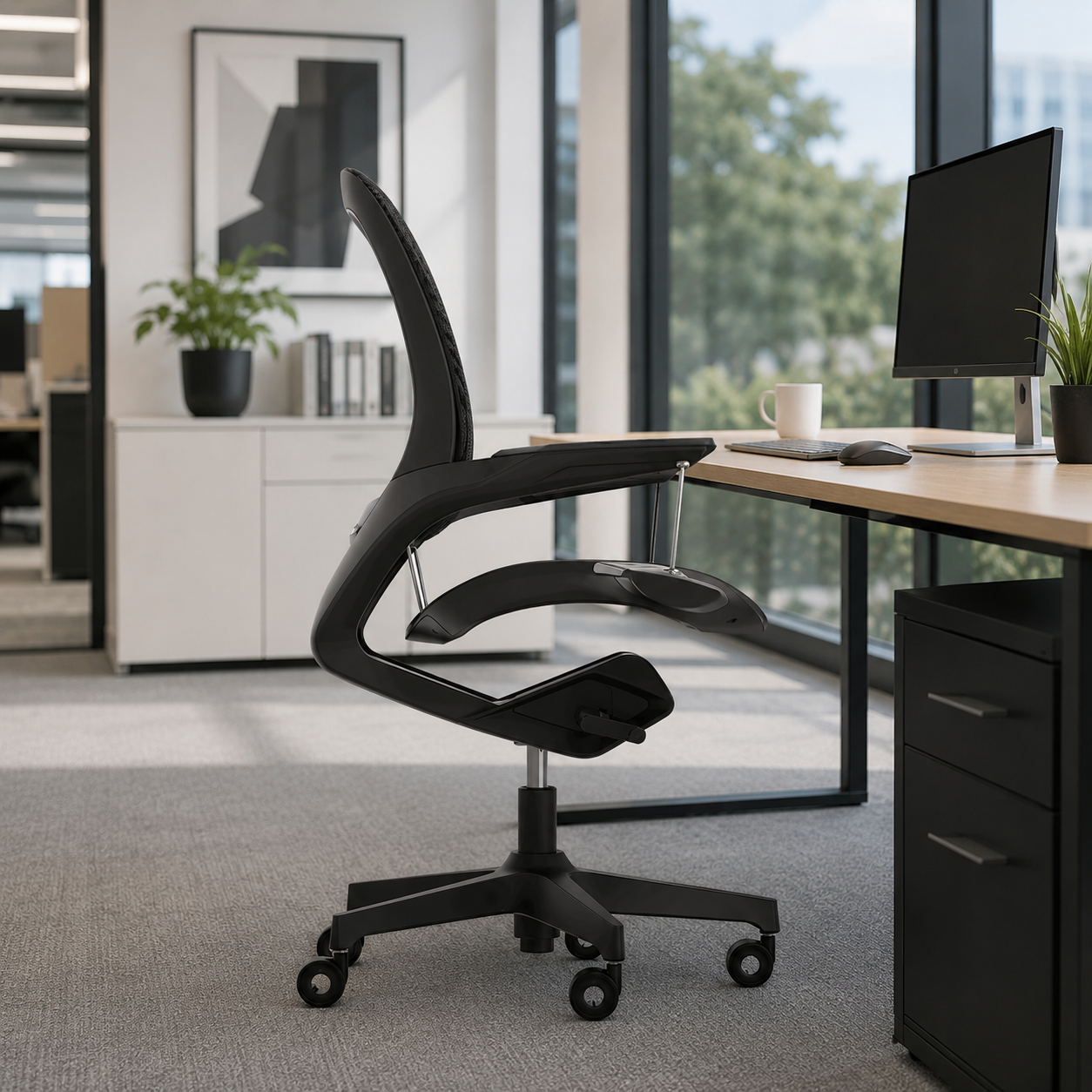
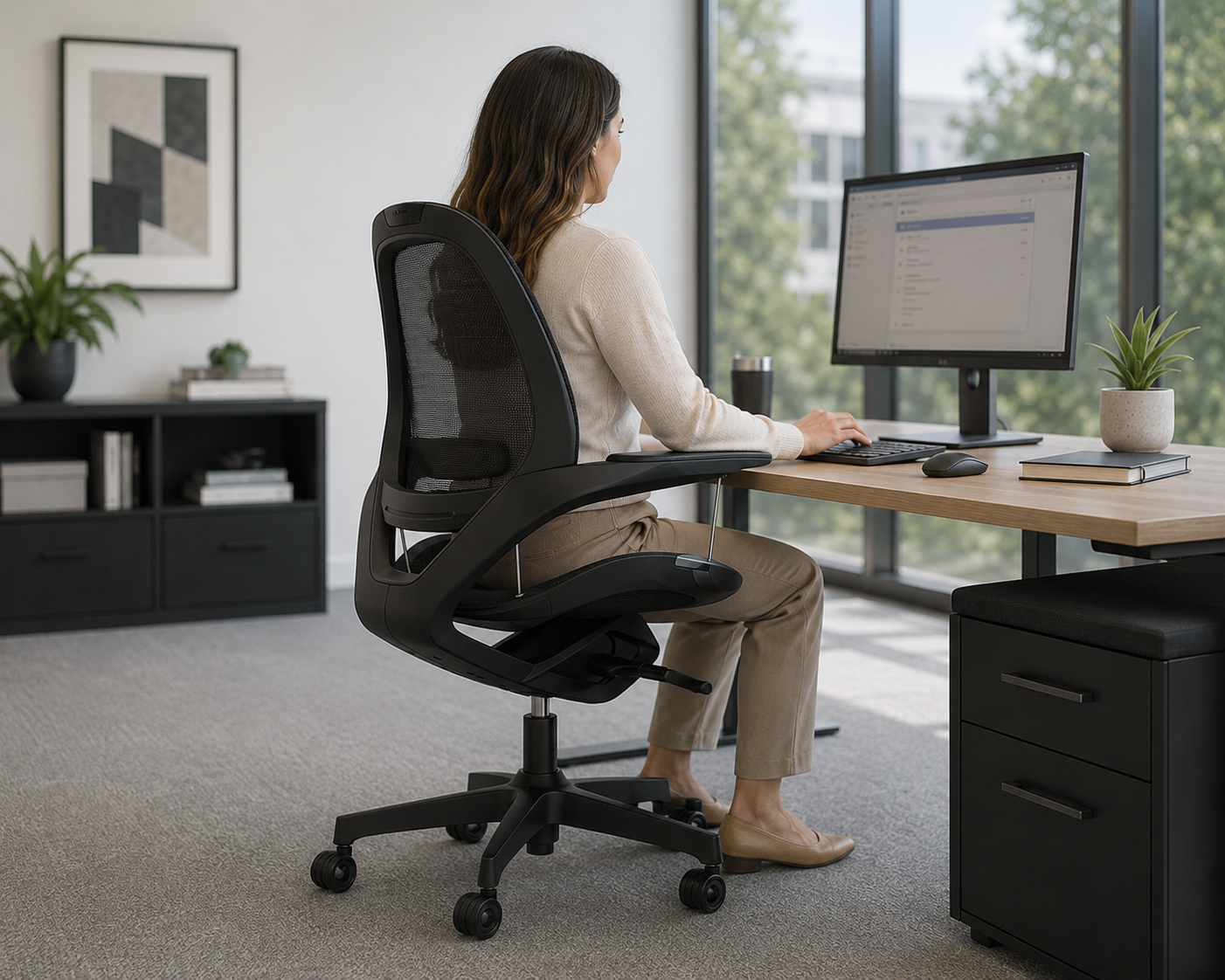
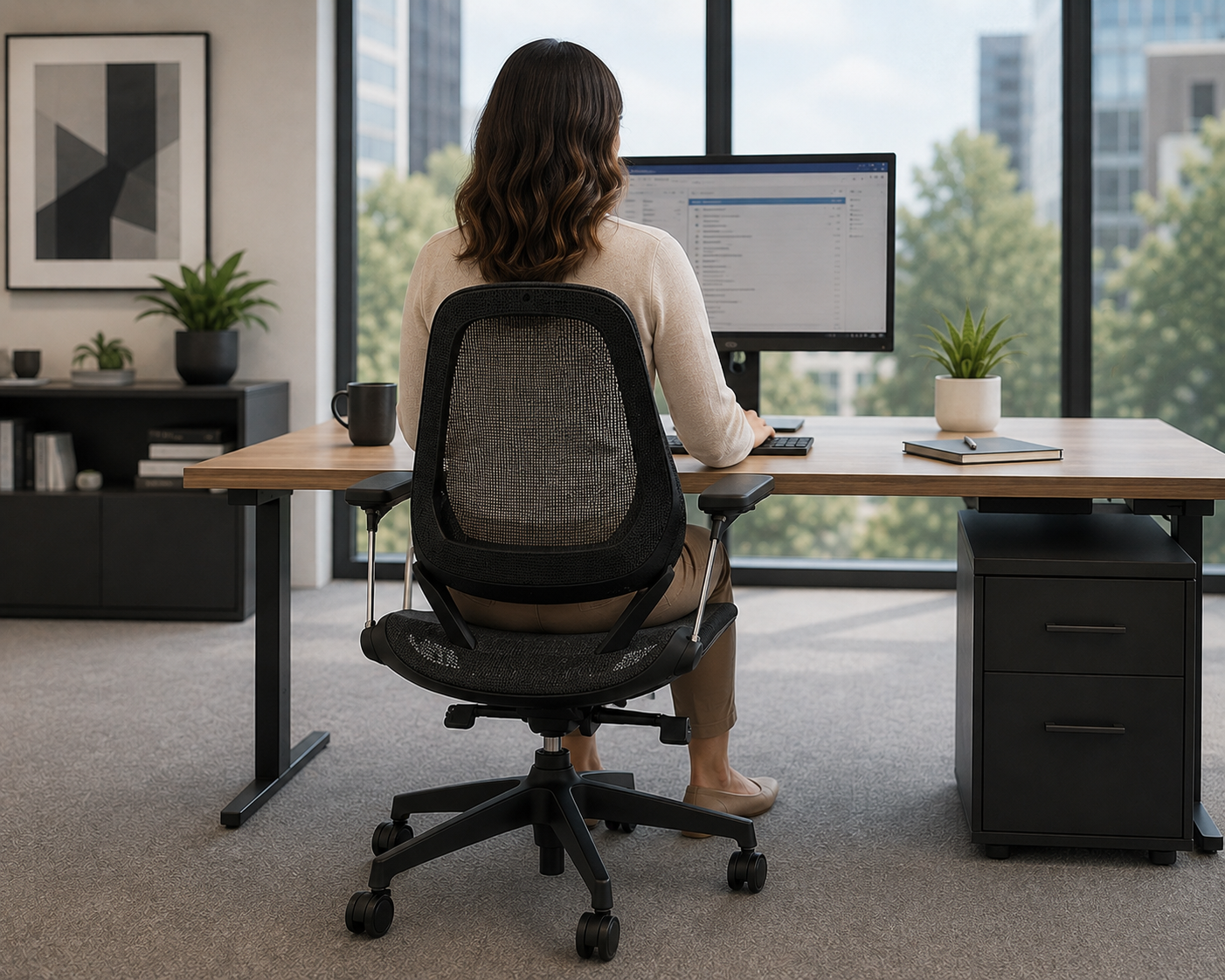
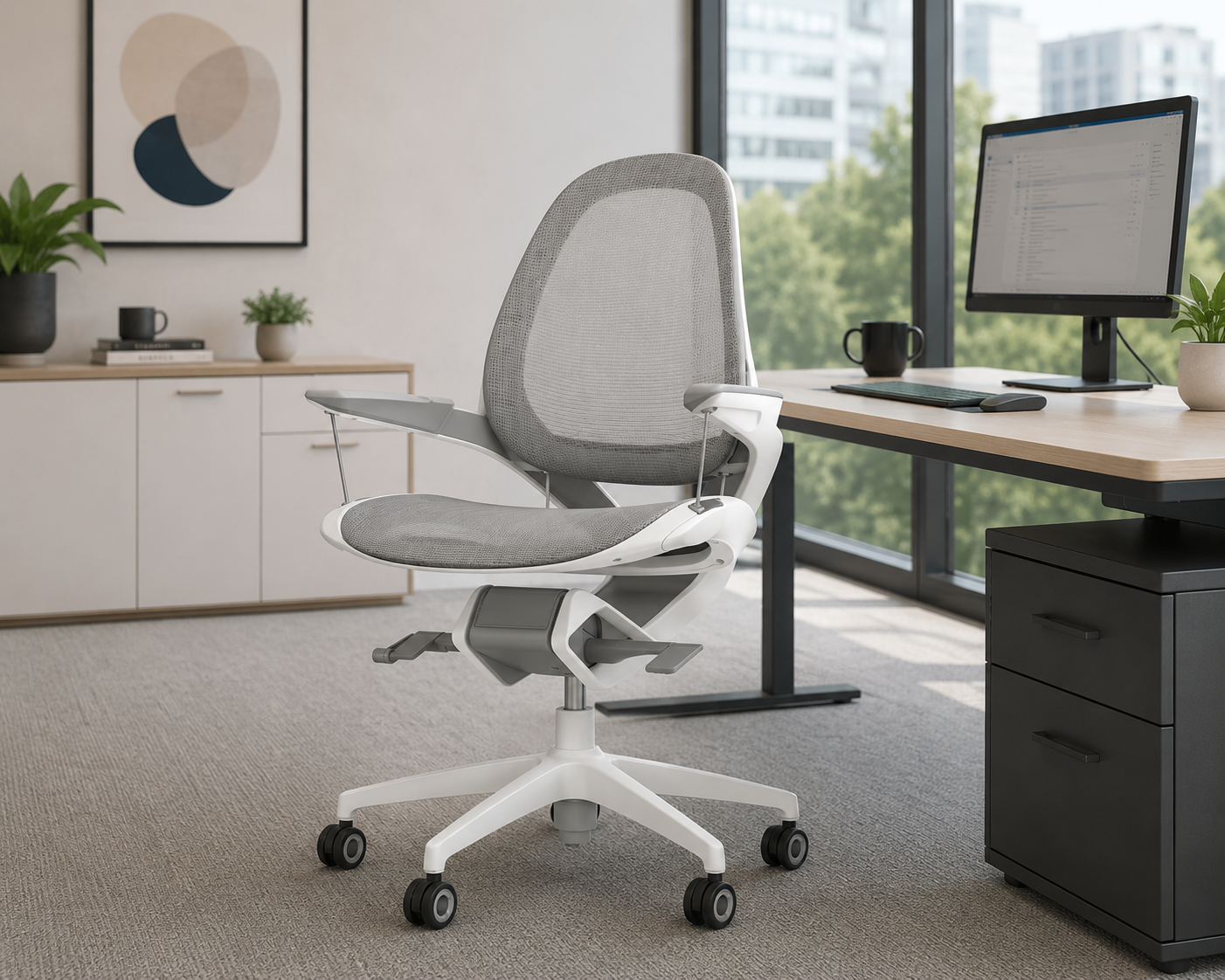
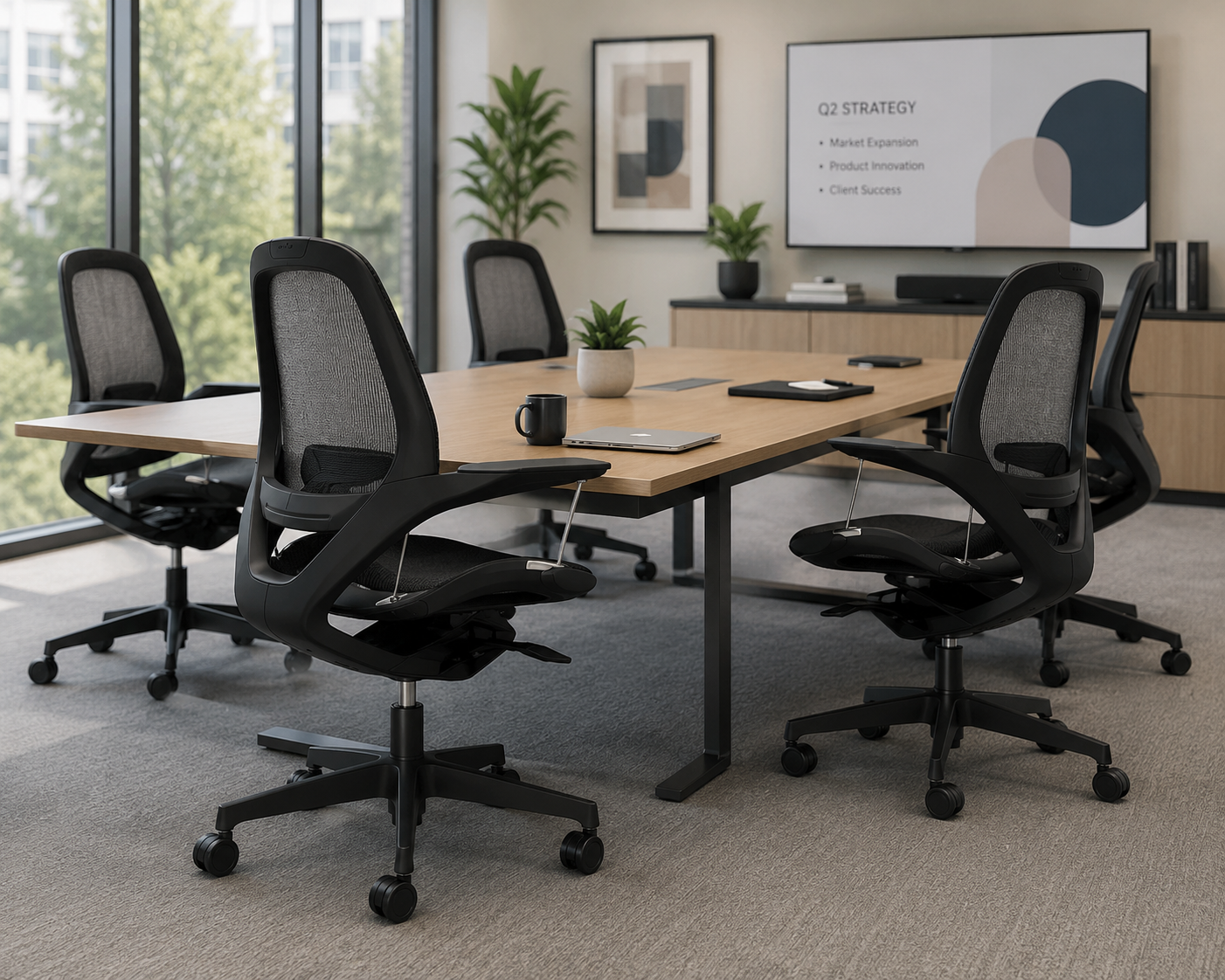
Elea uses a patent-pending suspended seat designed to adapt to the body’s natural movement. Its aluminum chassis, breathable mesh seat and back, and adjustable recline settings create a more active sitting experience.
Ideal Applications
- Individual workstations
- Private offices
- Full-day computer work
- Modern ergonomic workspaces
Key Features
- Suspended seat supported by alloy steel rods
- Breathable mesh seat and back
- Adjustable tilt tension and three-position tilt lock
- 360-degree swivel and aluminum five-star base
- Supports users up to 275 pounds
Why It Stands Out
Elea by Fellowes brings together the features and configuration choices shown here for organizations considering a suspended-seat chair designed to support natural movement.
Specifications, finishes, and availability may change. Contact AAA Workspace for current product information.
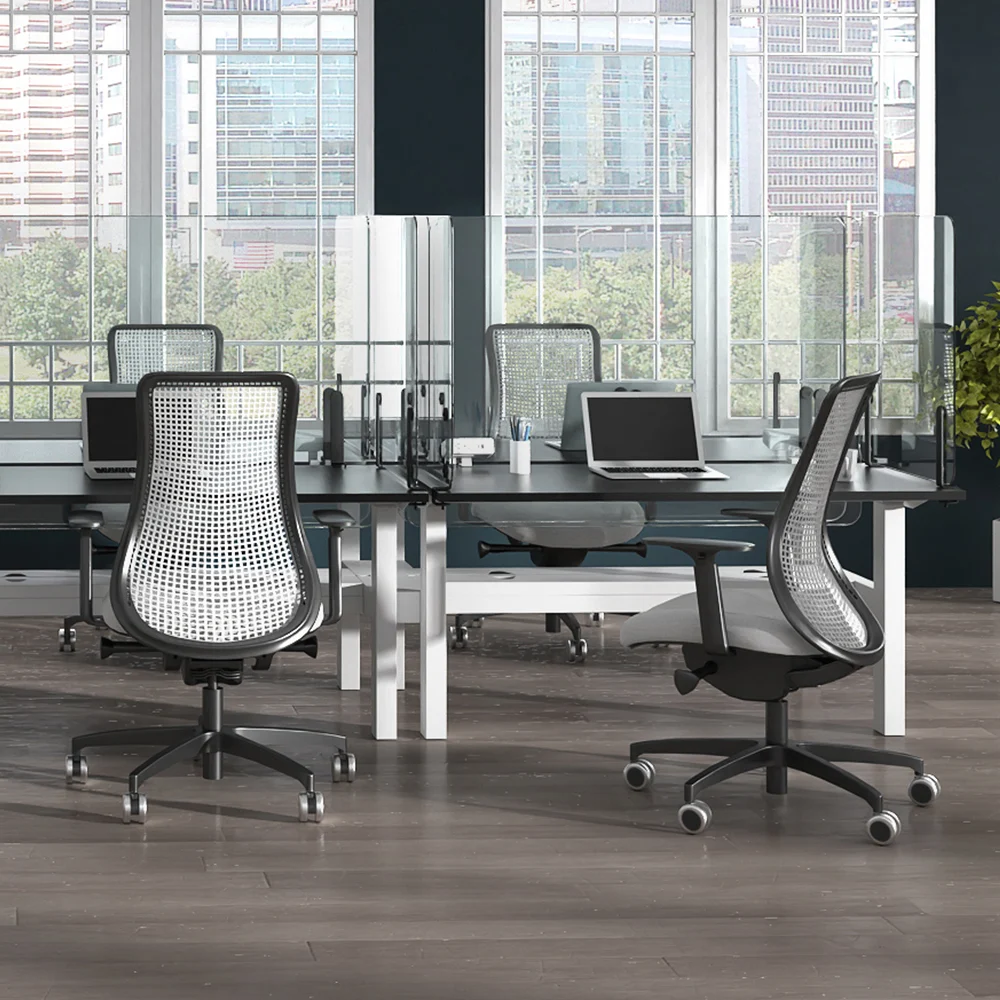
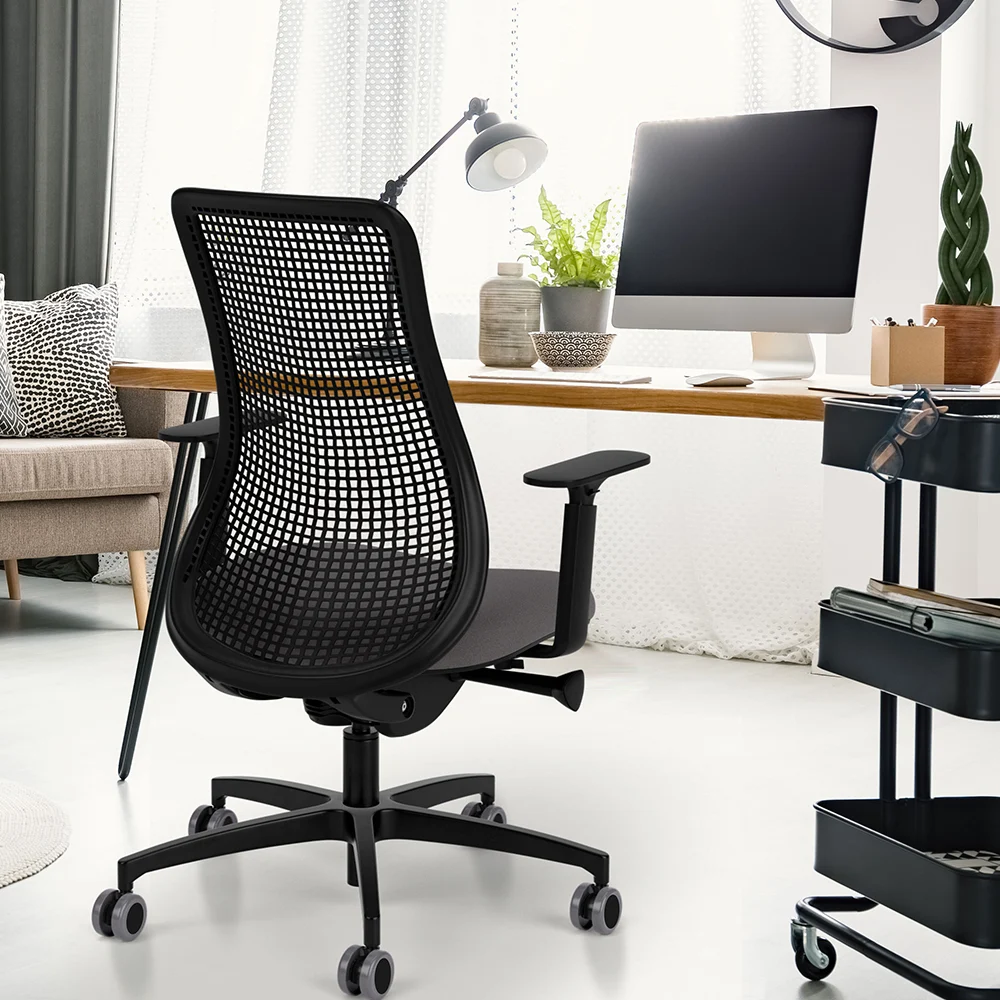
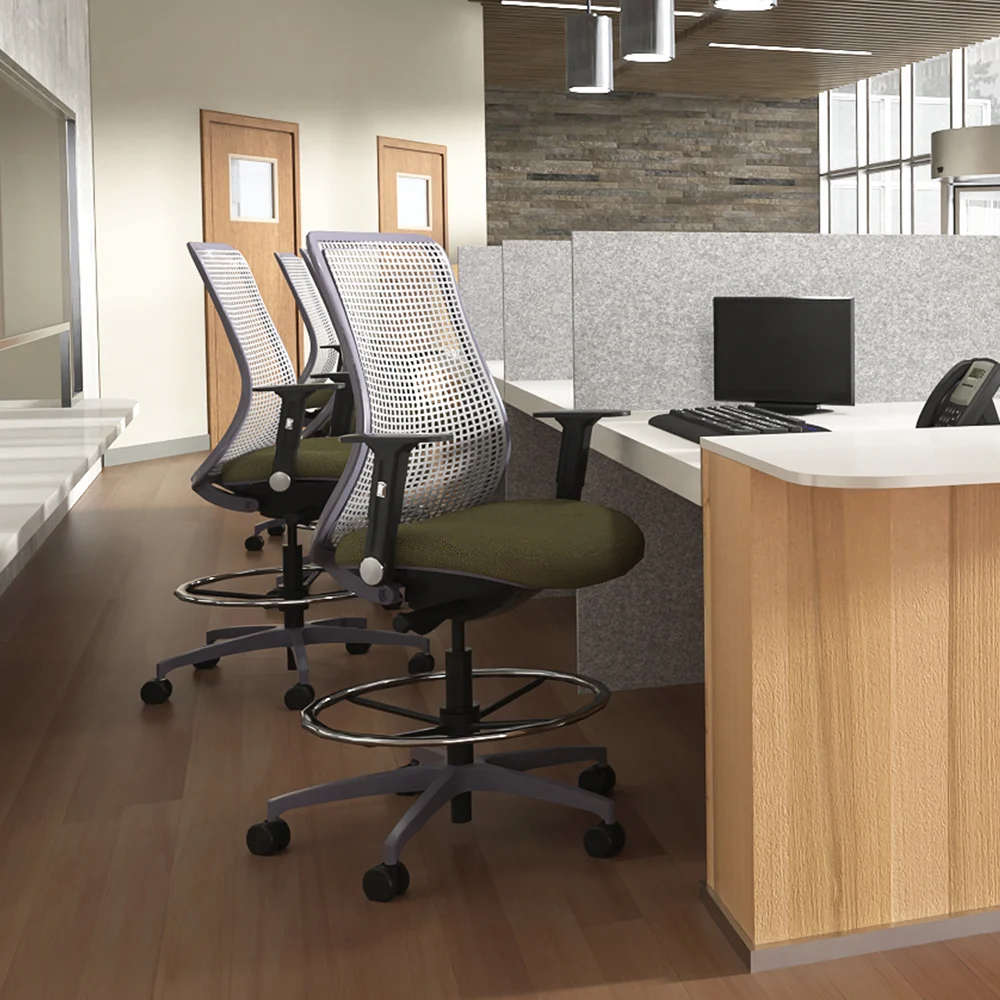
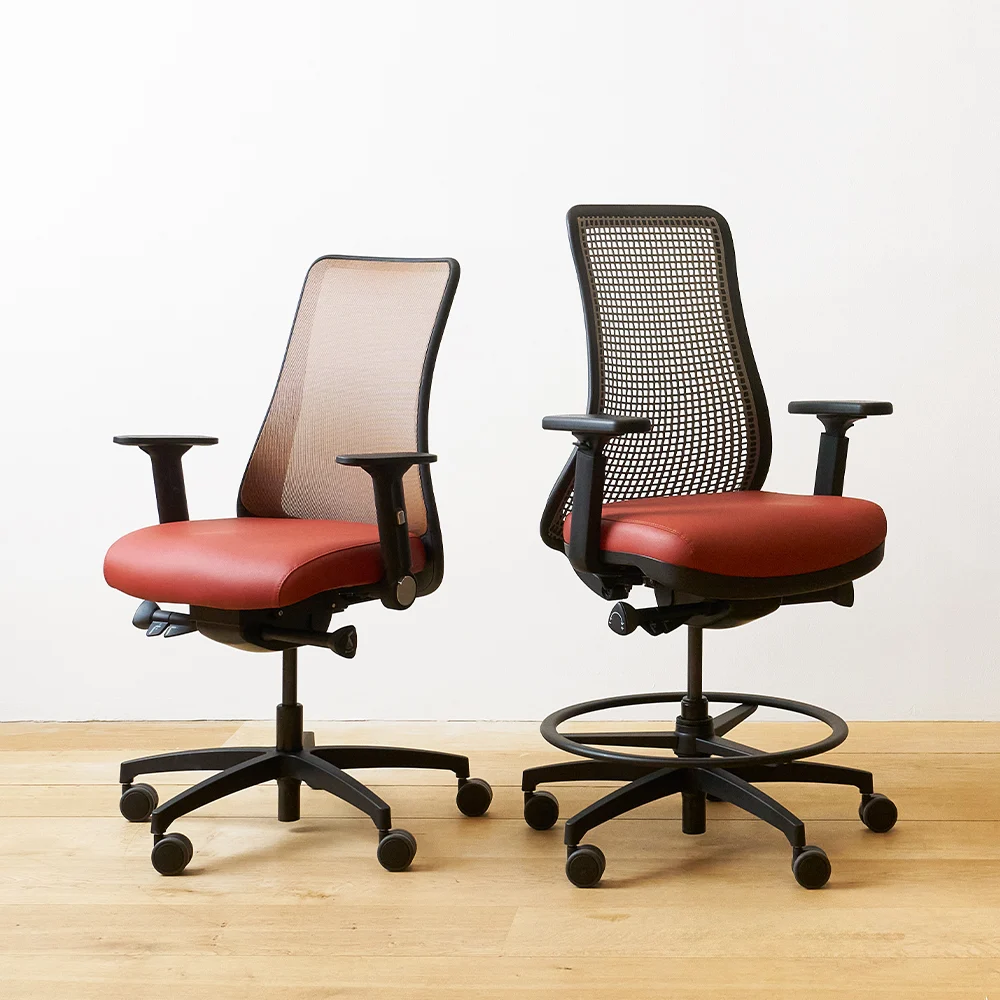
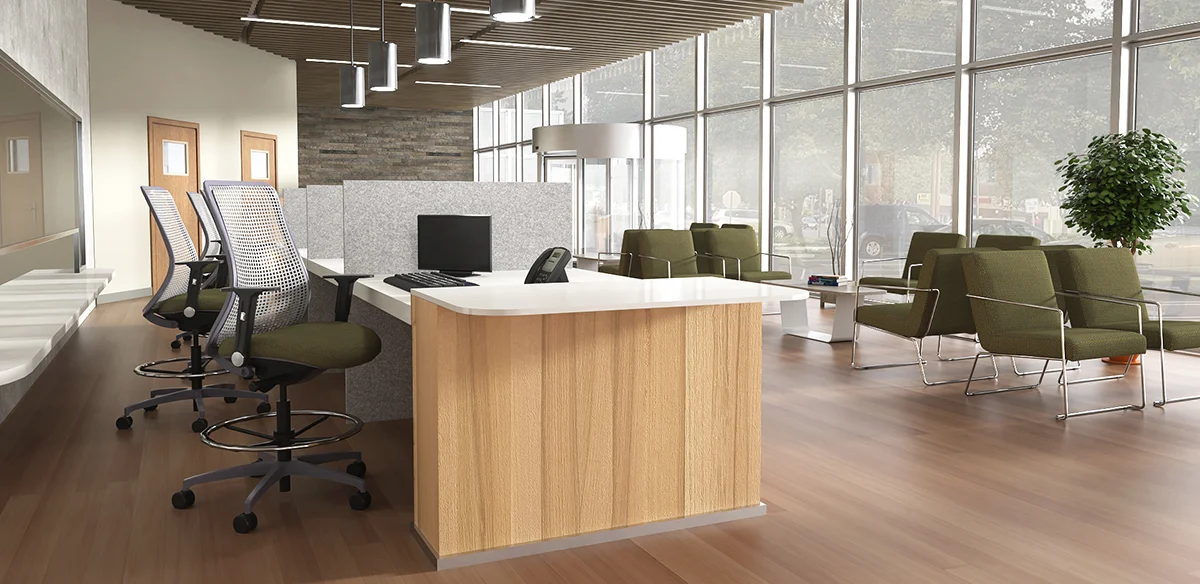
Genie Flex uses a dynamic thermoplastic-polyurethane back that bends and adapts as the user changes posture. VIA pairs the flex back with proprietary comfort foam, advanced synchro movement, and an inclusive range of seat sizes.
Ideal Applications
- Individual workstations
- Shared offices
- Demanding task environments
- Organizations needing inclusive sizing
Key Features
- Dynamic, recyclable, bleach-cleanable TPU flex back
- Via Comfort Foam
- Advanced synchro with seat depth and forward tilt
- Adjustable arms with height, width, depth, and pivot movement
- Six available seat sizes
Why It Stands Out
Genie Flex by VIA Seating brings together the features and configuration choices shown here for organizations considering a resilient task chair built around a dynamic tpu flex back.
Specifications, finishes, and availability may change. Contact AAA Workspace for current product information.
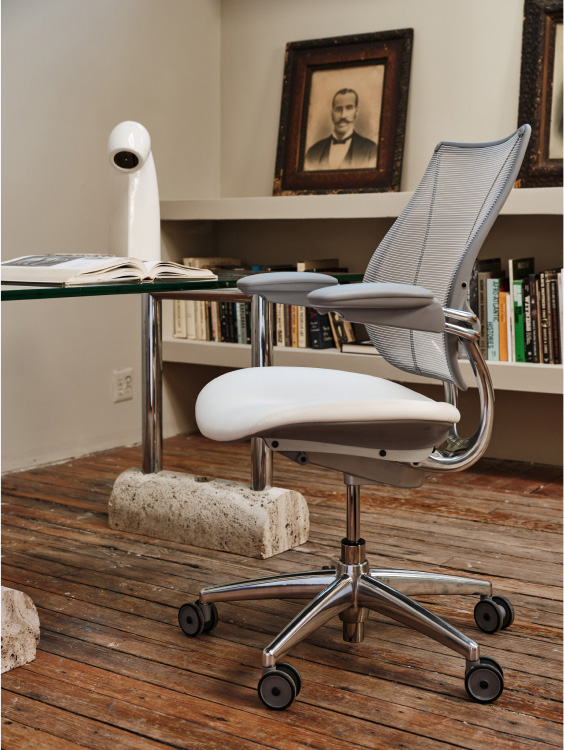
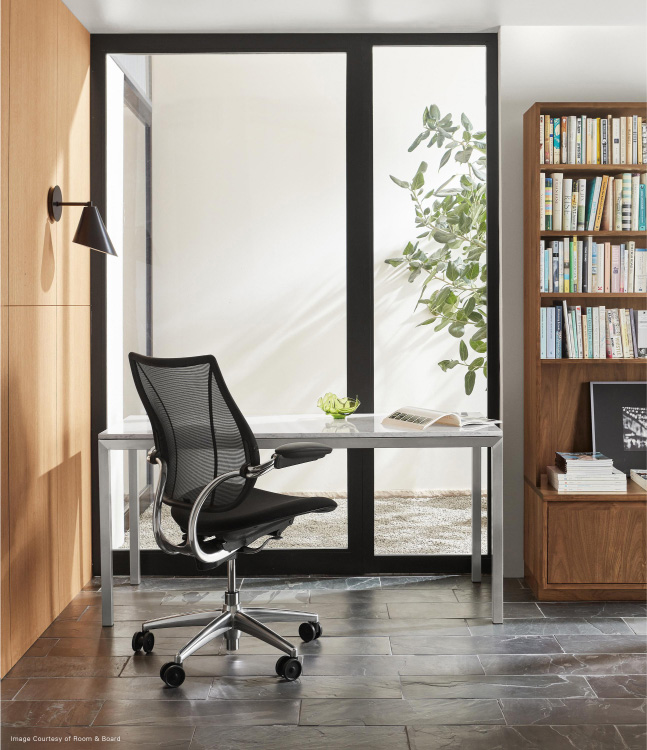
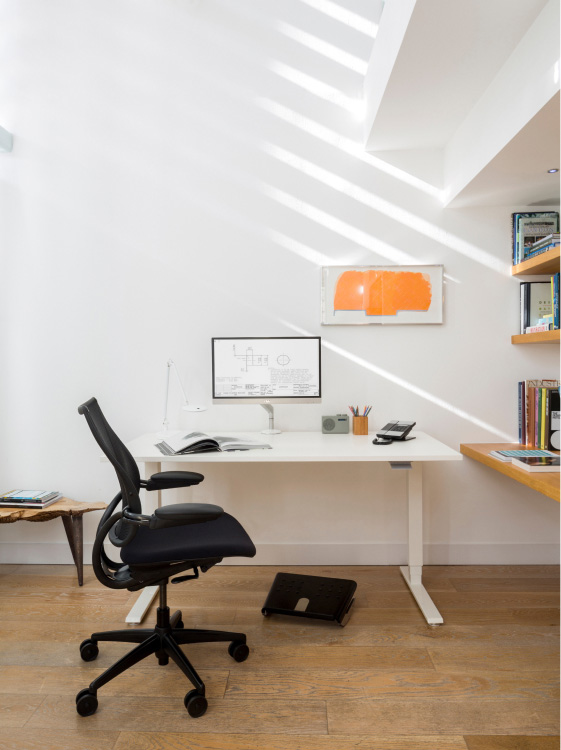
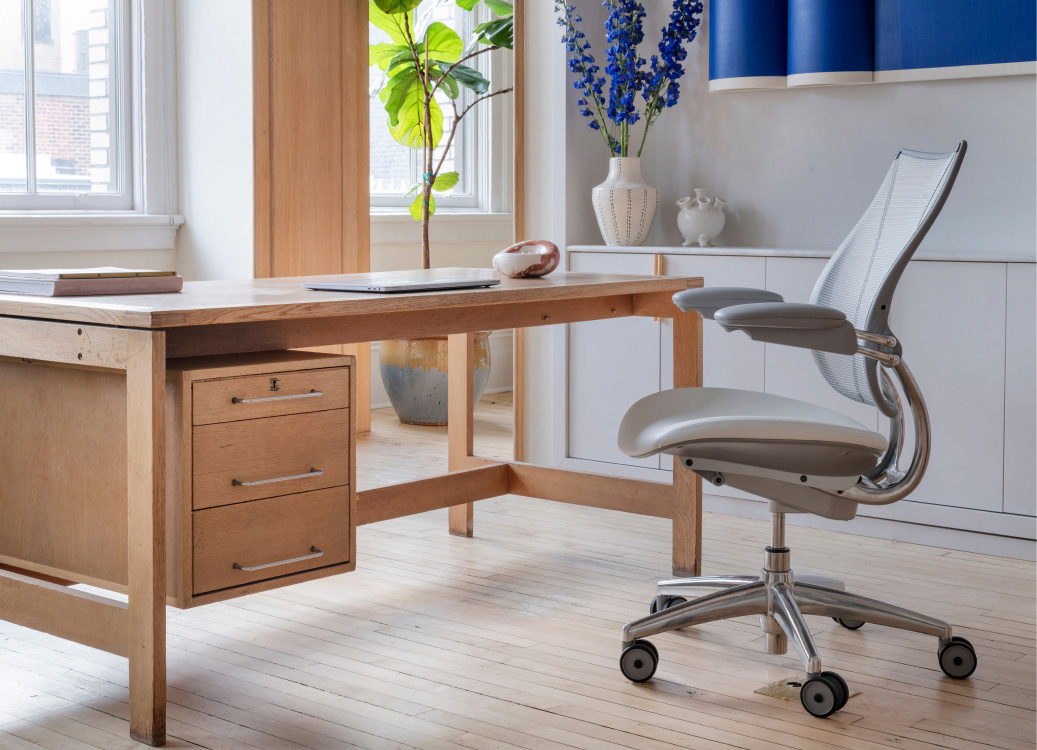
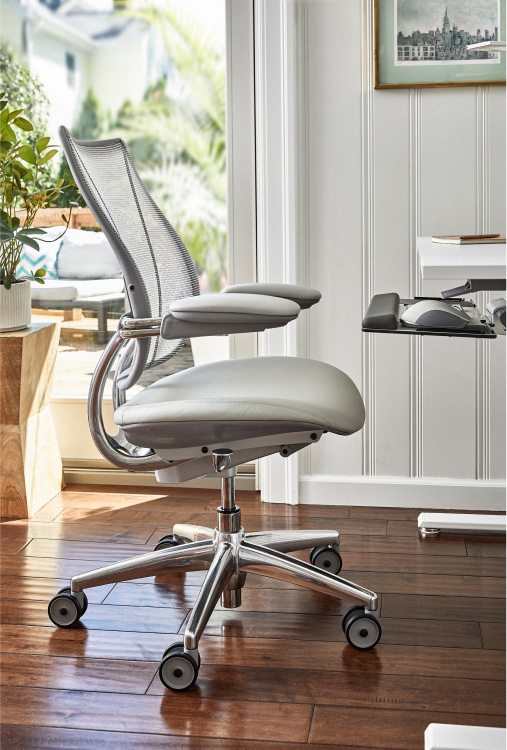
Liberty is designed around intuitive ergonomics. Its weight-sensitive recline automatically responds to the user, while the form-sensing mesh back and integrated lumbar support are intended to provide consistent support with fewer manual controls.
Ideal Applications
- Individual workstations
- Private offices
- Shared workstations
- Modern ergonomic seating programs
Key Features
- Weight-sensitive recline
- Form-Sensing mesh back
- Integrated lumbar support
- Arms move with the user during recline
- Minimal manual adjustment
Why It Stands Out
Liberty by Humanscale brings together the features and configuration choices shown here for organizations considering intuitive ergonomic seating with automatic recline.
Specifications, finishes, and availability may change. Contact AAA Workspace for current product information.
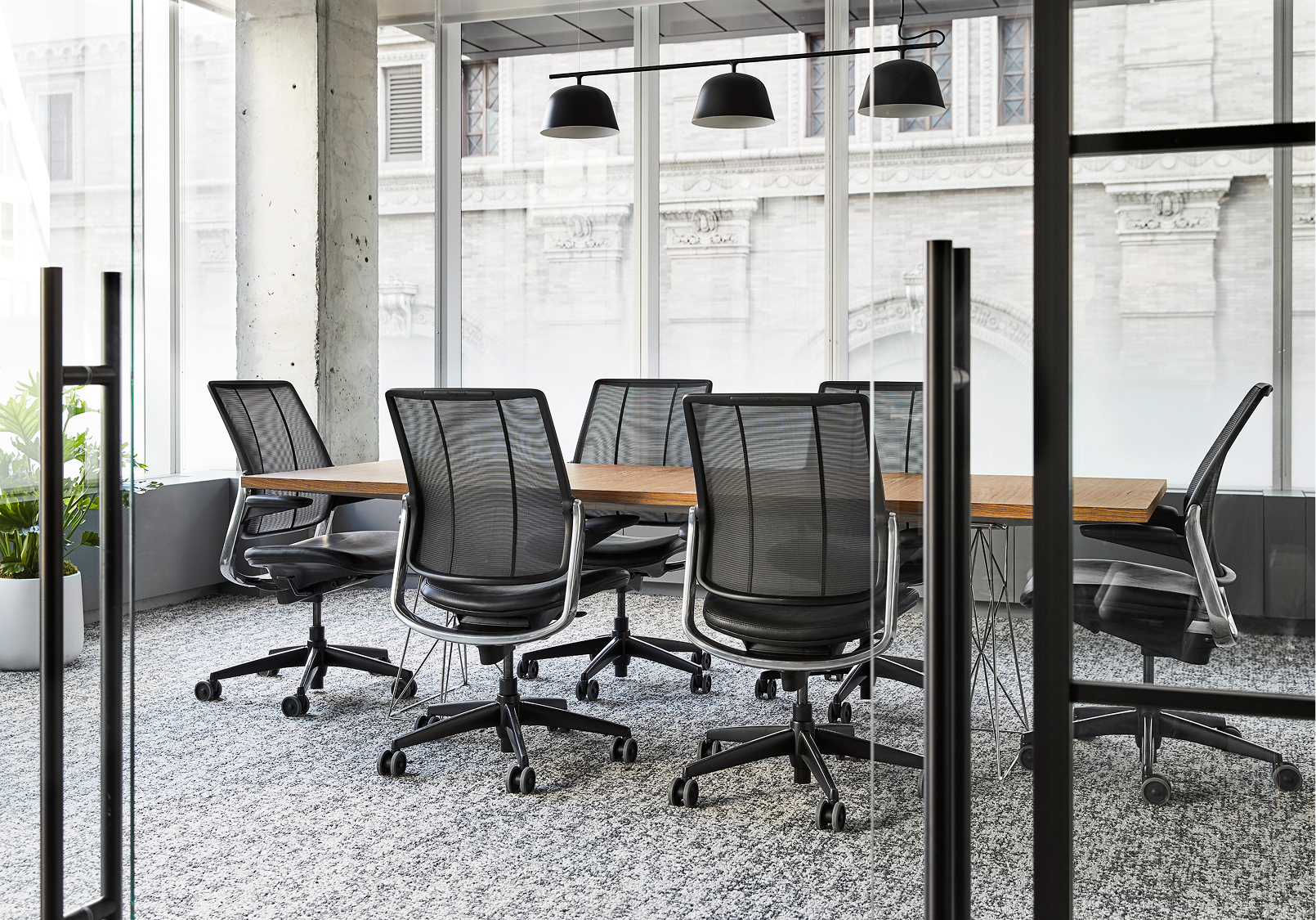
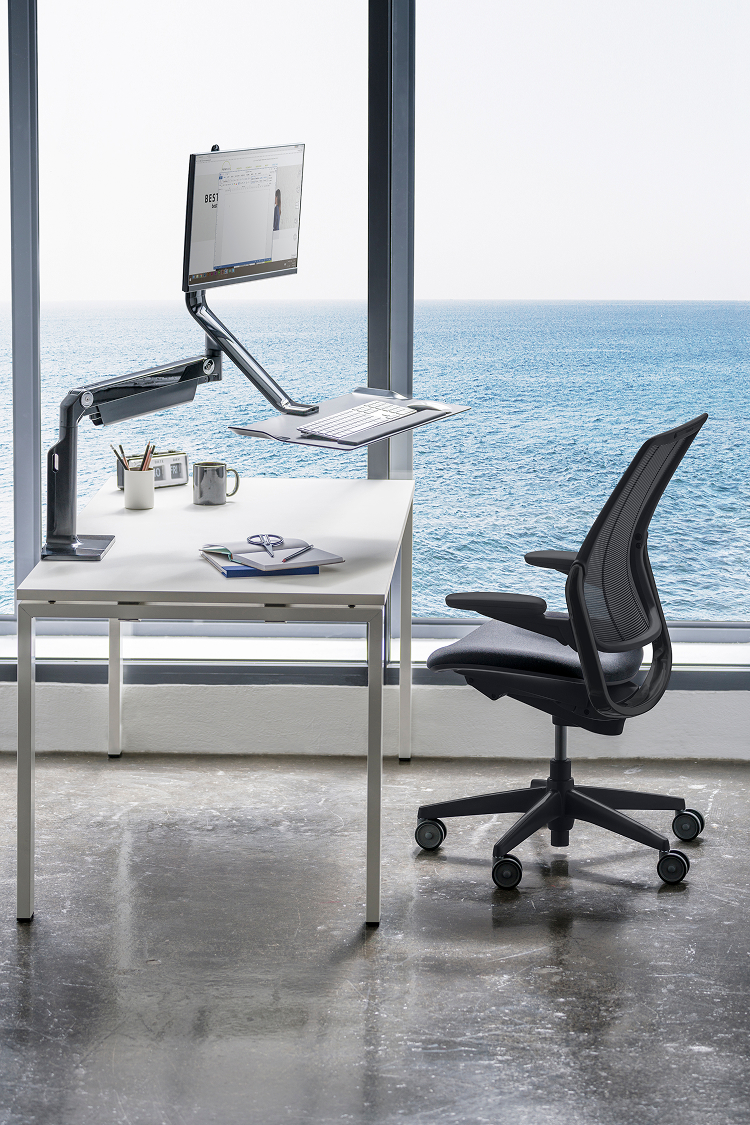
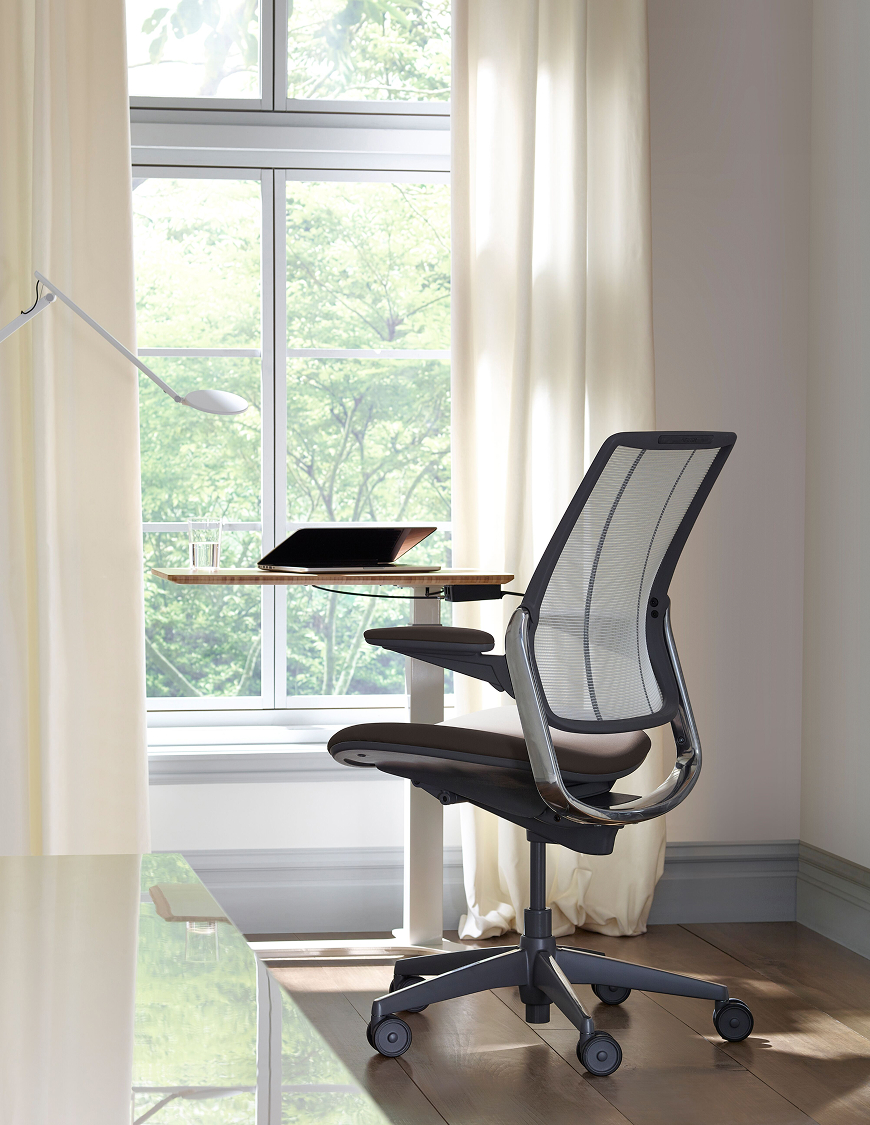
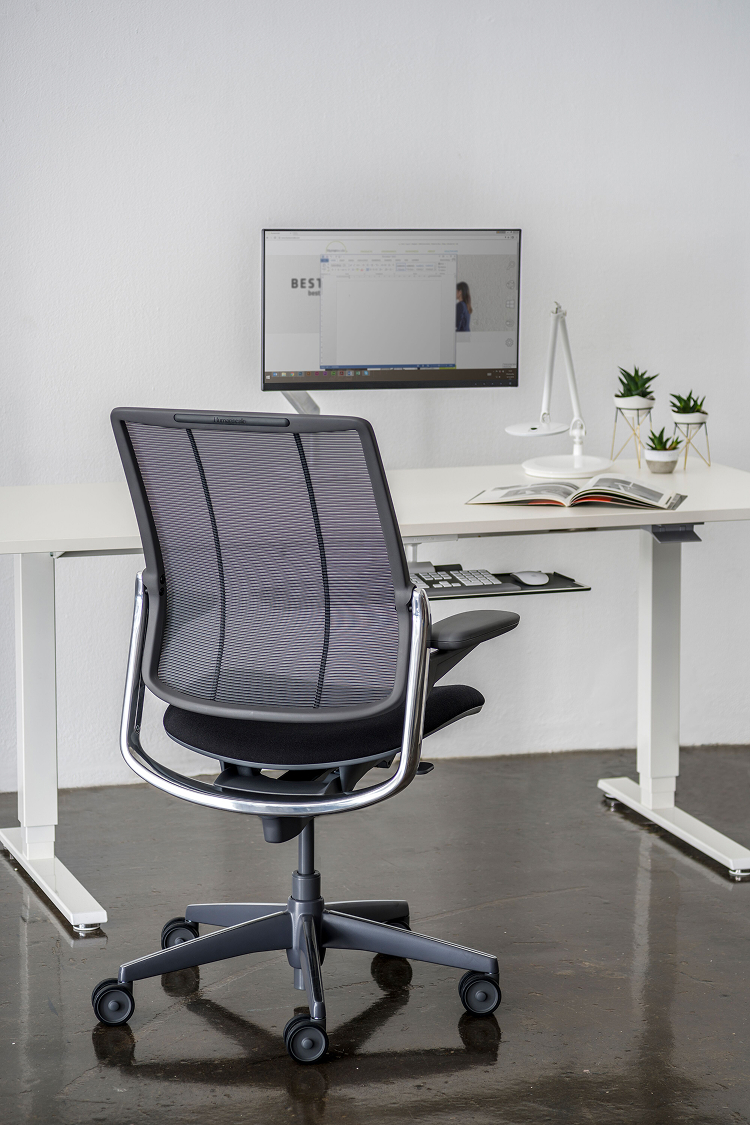
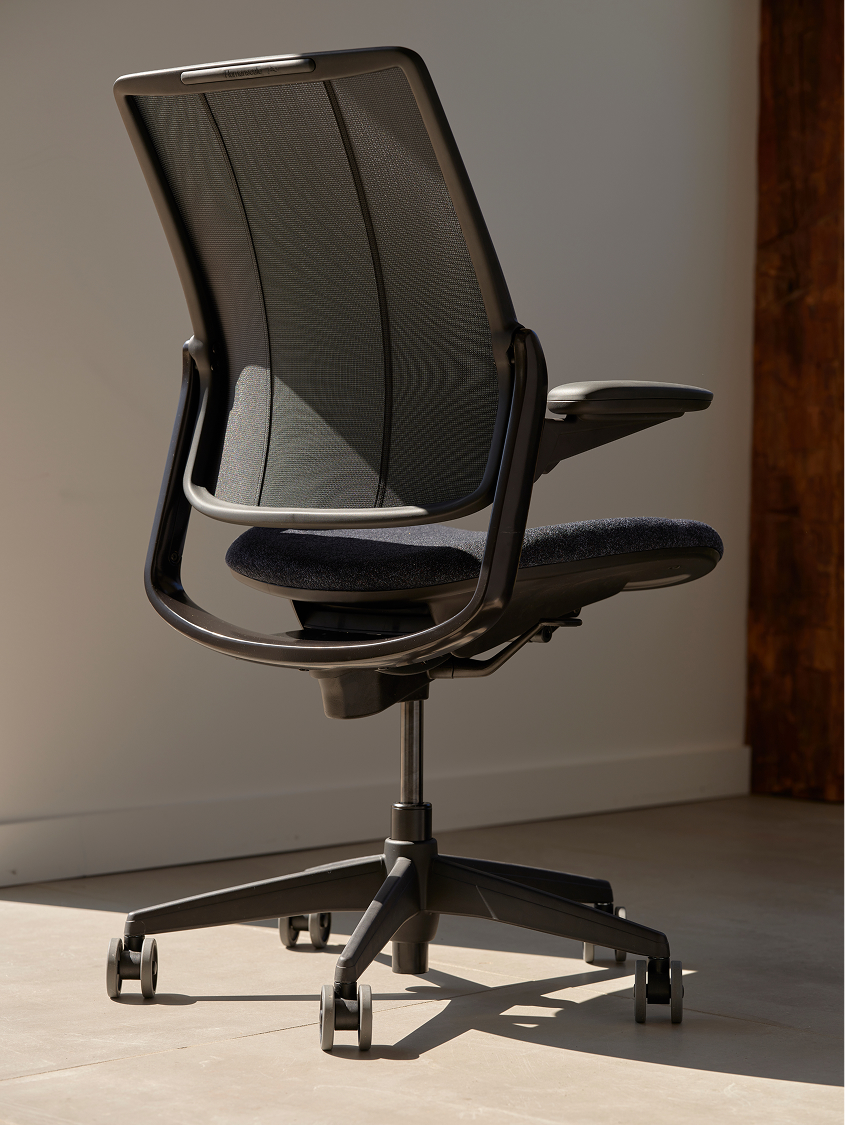
Different Smart applies the Liberty chair’s weight-sensitive recline and form-sensing mesh approach to a sustainability-focused version made with reclaimed fishing-net material. It is intended for organizations seeking intuitive ergonomics and a stronger circular-material story.
Ideal Applications
- Individual workstations
- Private offices
- Sustainability-focused projects
- Shared ergonomic work areas
Key Features
- Weight-sensitive recline
- Form-Sensing mesh back
- Integrated lumbar support
- Reclaimed fishing-net material
- Minimal manual adjustment
Why It Stands Out
Different Smart by Humanscale brings together the features and configuration choices shown here for organizations considering liberty ergonomics with a sustainability-focused material story.
Specifications, finishes, and availability may change. Contact AAA Workspace for current product information.
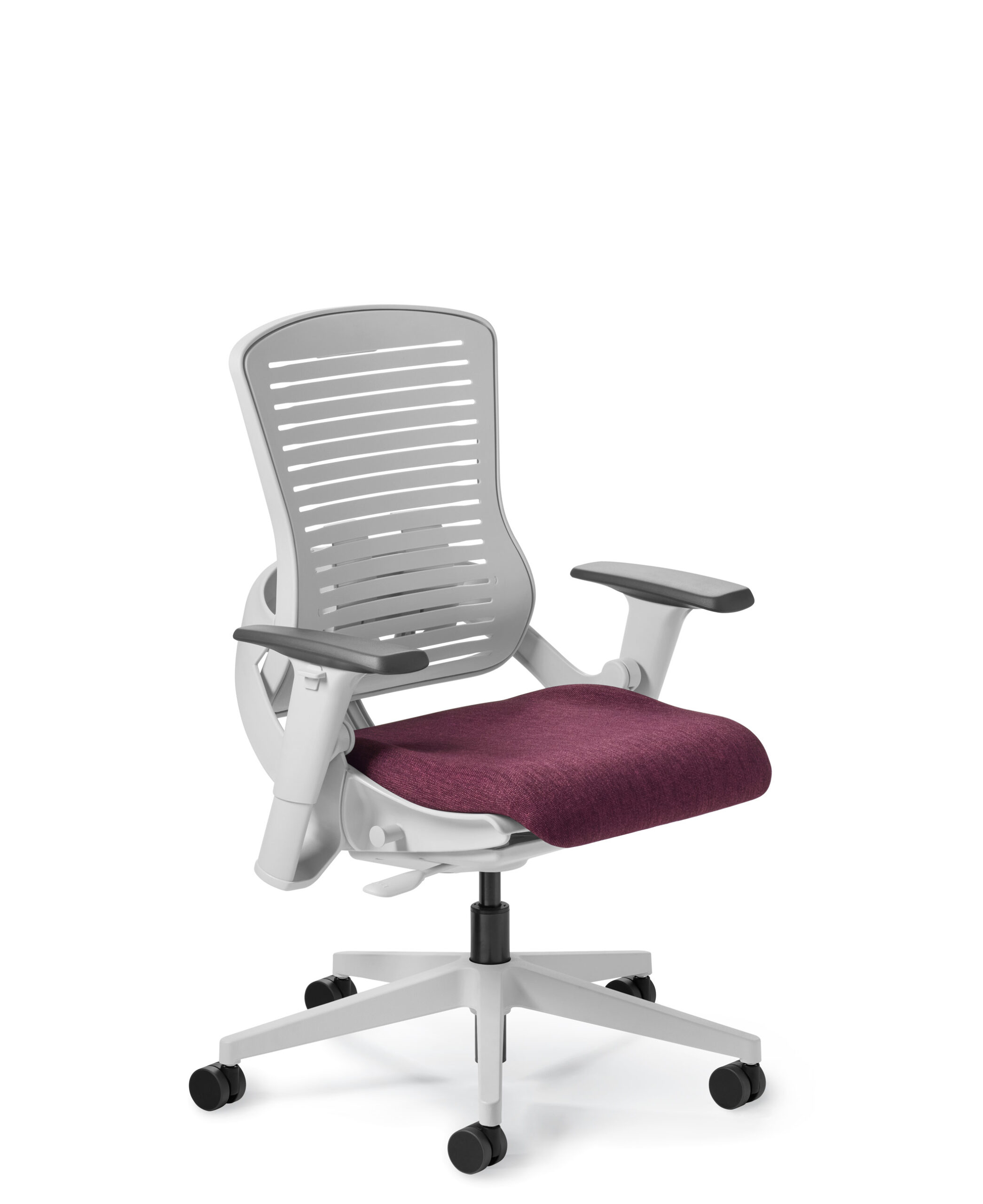
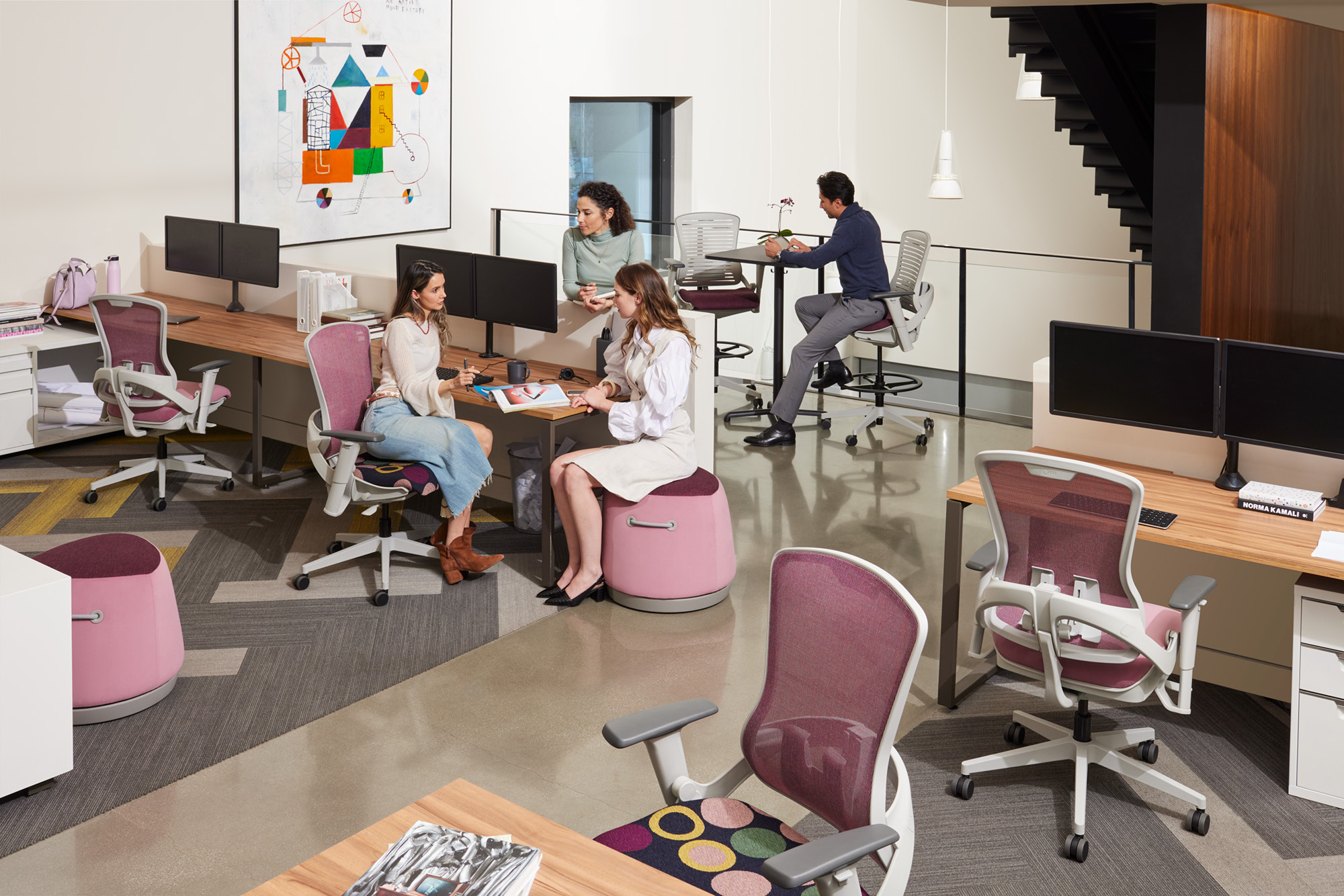
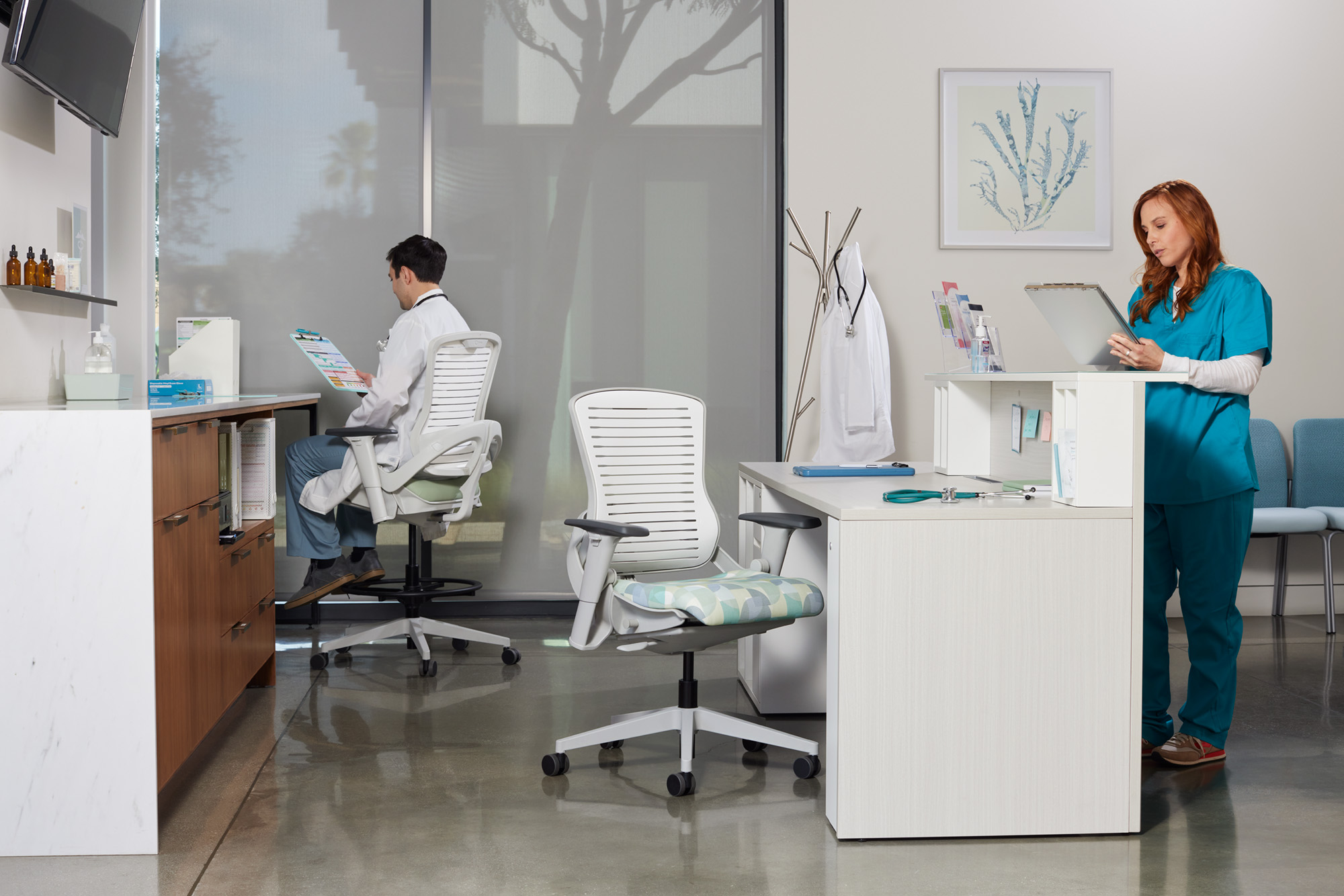
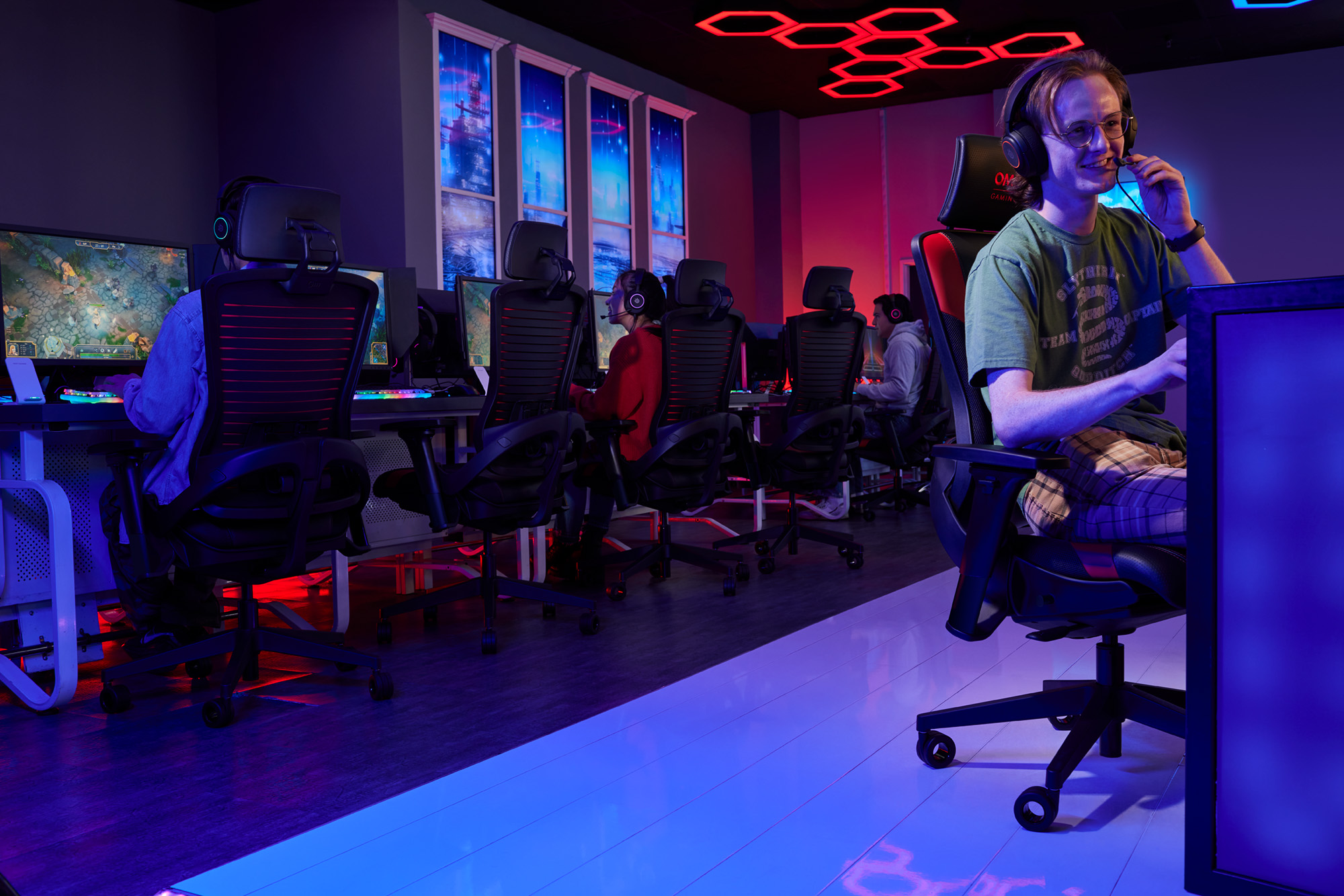
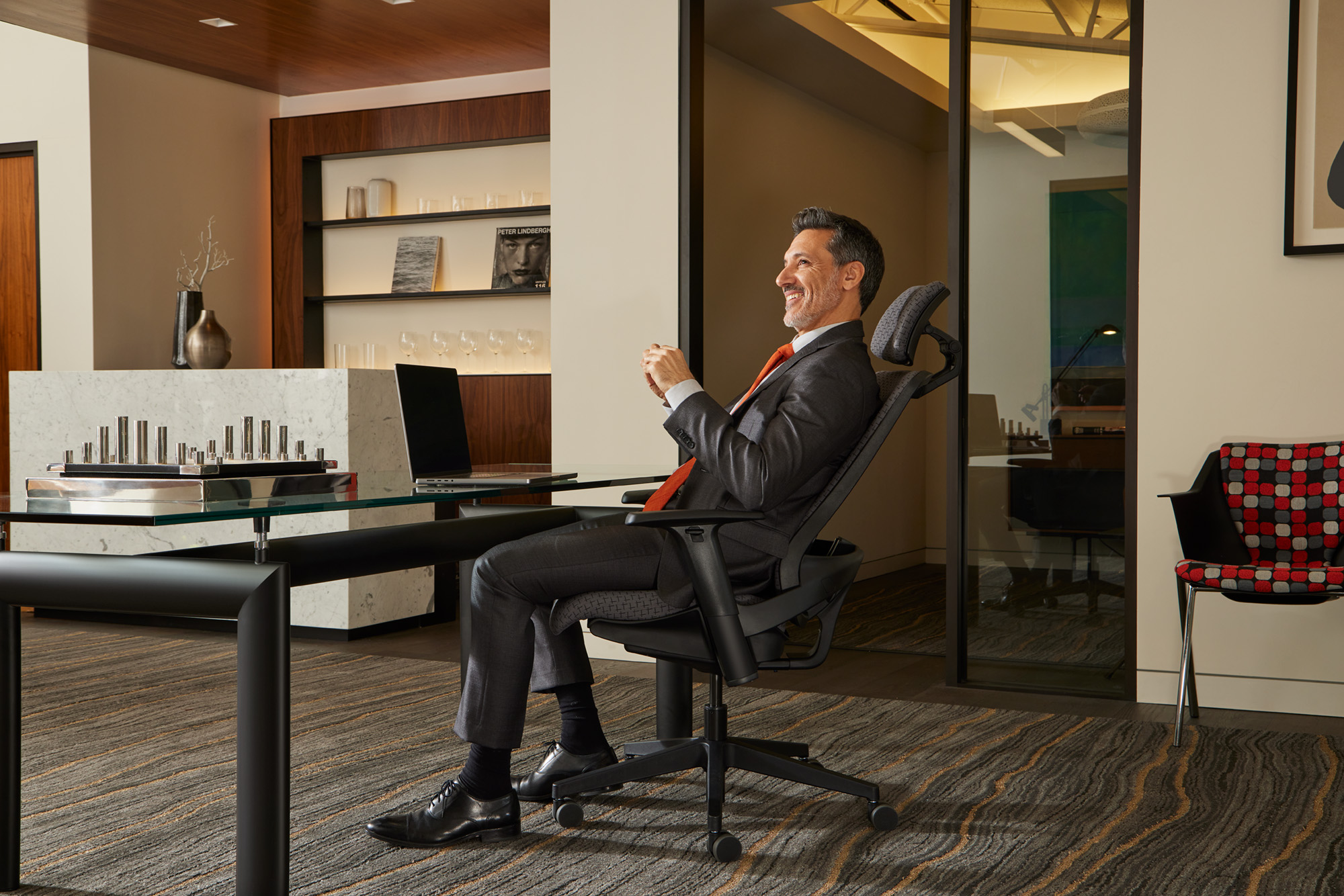
OM5 is designed to respond automatically to the user’s weight and movement. Its self-adjusting approach reduces the need for manual controls, while the collection includes task, executive, stool, healthcare, and gaming-oriented configurations.
Ideal Applications
- Shared workstations
- Meeting spaces
- Individual workstations
- Healthcare and specialty applications
Key Features
- Self-adjusting movement
- Independent leaf-spring articulation
- Optional bilateral lumbar support
- Replaceable seat design
- Broad family of models
Why It Stands Out
OM5 by Office Master brings together the features and configuration choices shown here for organizations considering automatic movement with a broad family of task and specialty models.
Specifications, finishes, and availability may change. Contact AAA Workspace for current product information.
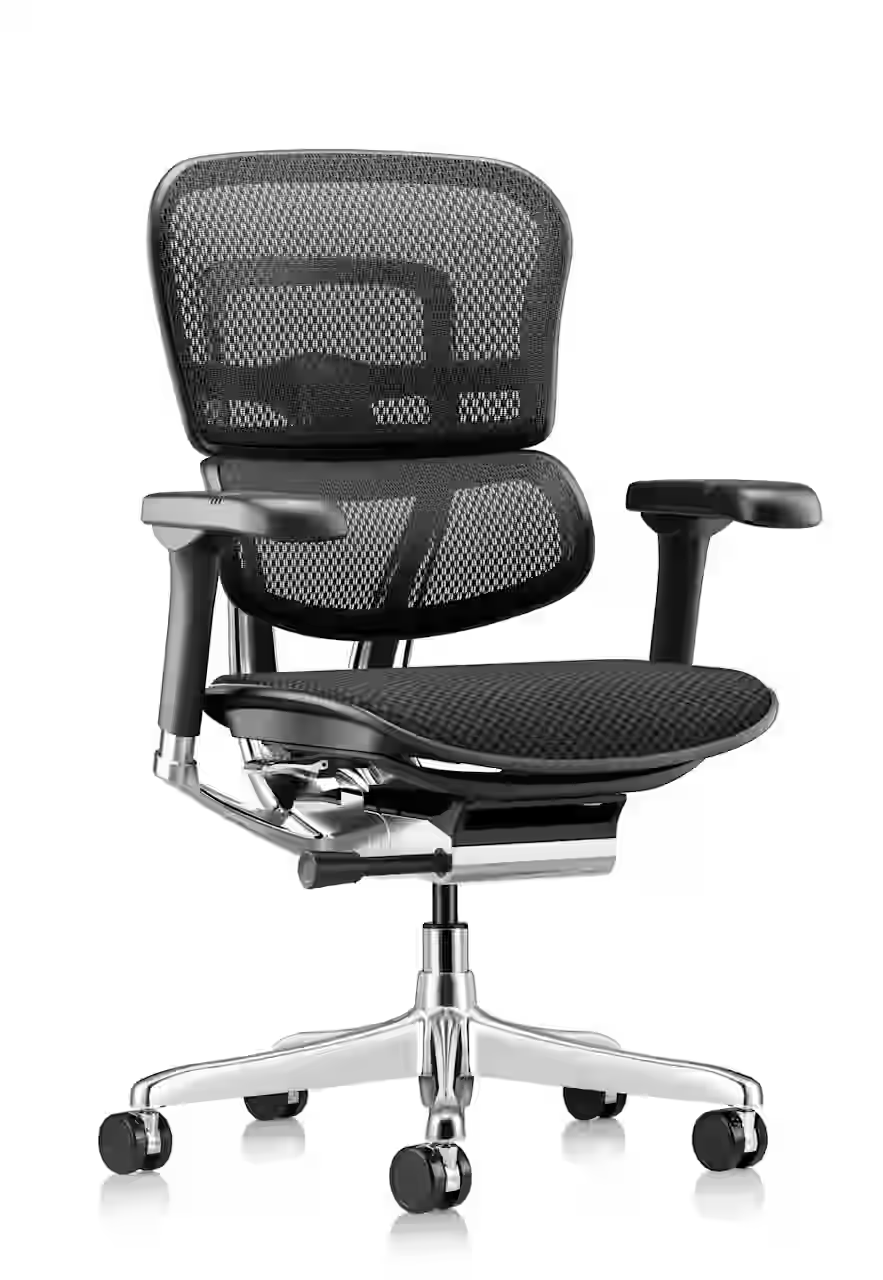
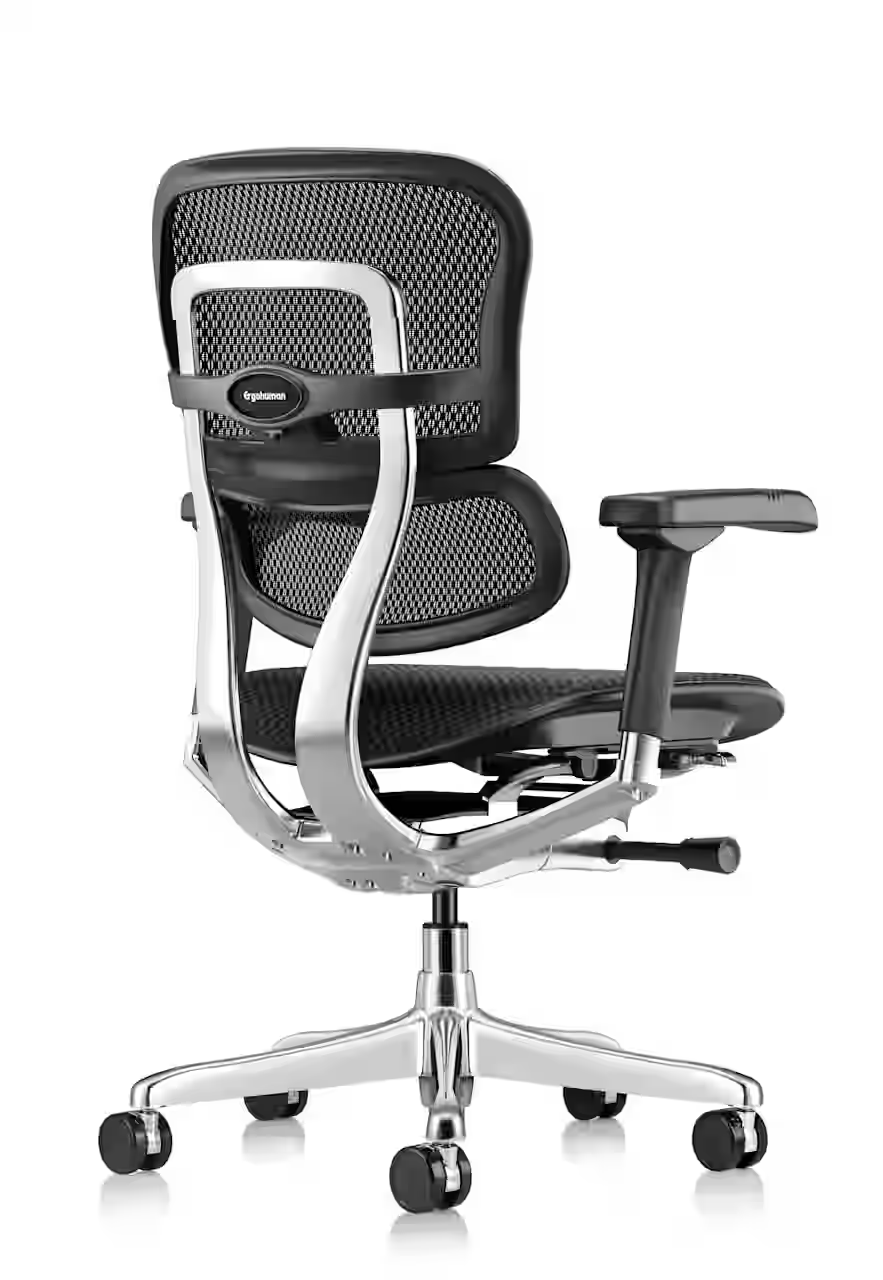

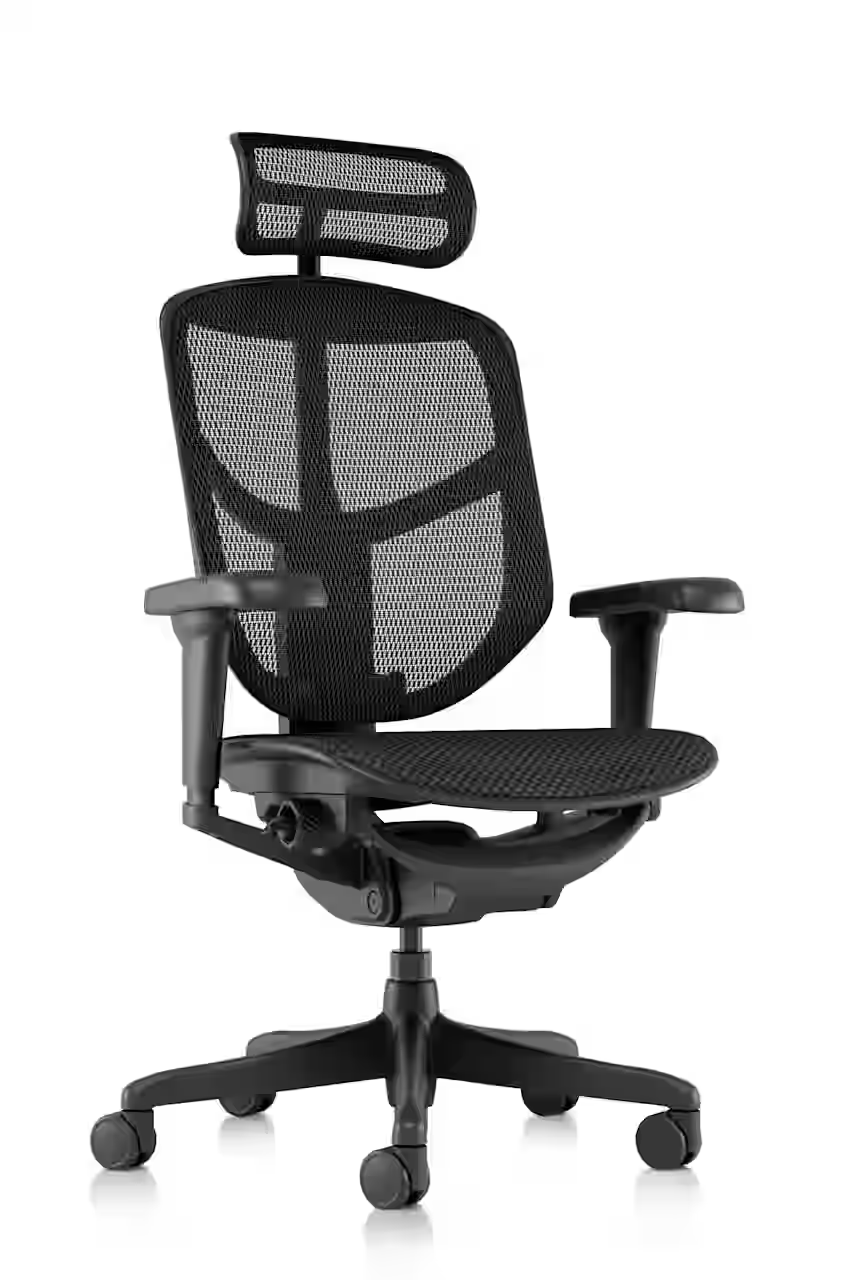
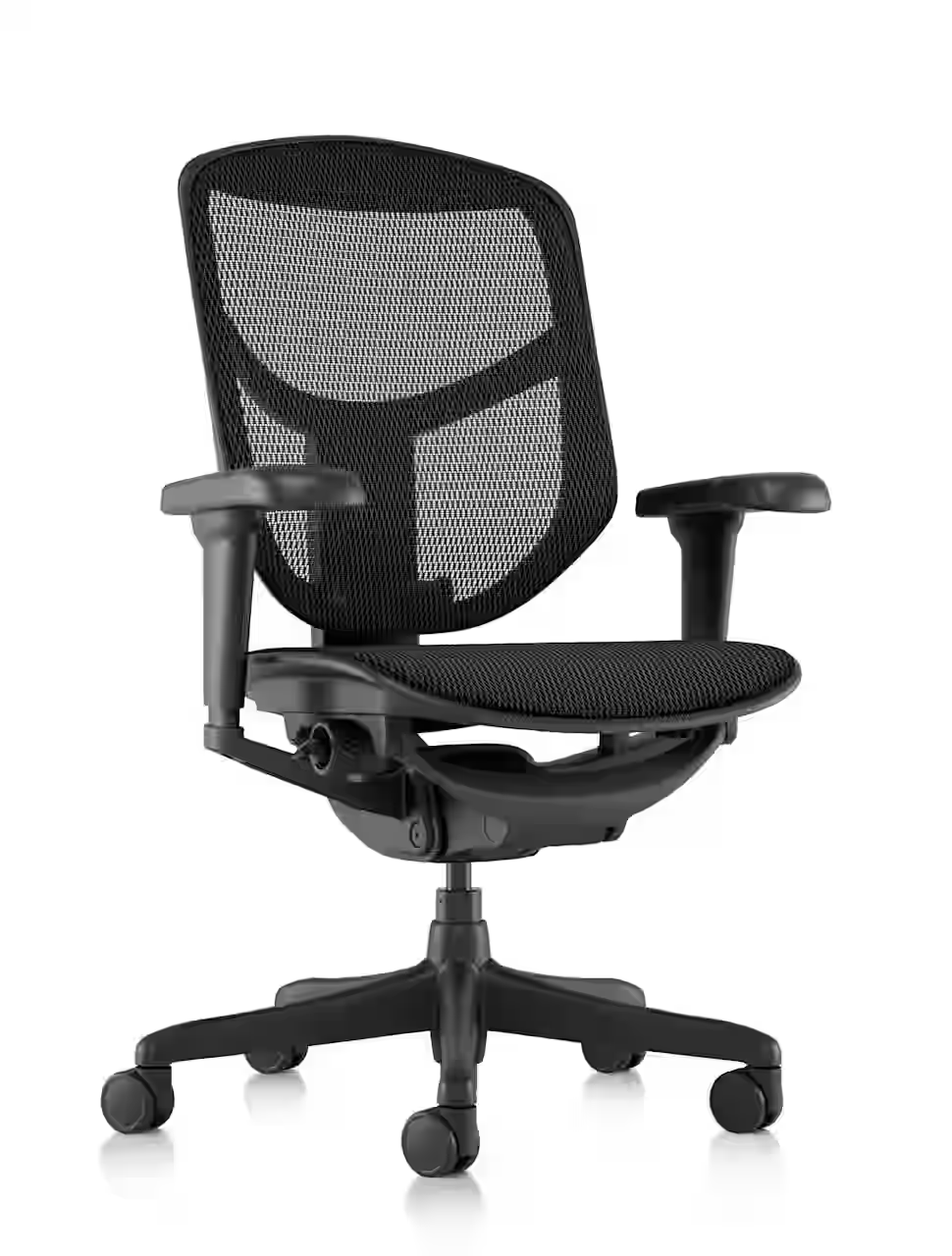
The EH Collection is a performance-oriented ergonomic task chair available in black or chrome frame configurations, with all-mesh or mesh-back and fabric-seat options. A coordinating headrest is available for users who want additional upper-body support.
Ideal Applications
- Individual workstations
- Private offices
- Focused computer work
- Ergonomic chair programs
Key Features
- Adjustable ergonomic task-chair platform
- Mesh back configurations
- Optional headrest
- Black or chrome frame choices
Why It Stands Out
EH Collection by Eurotech brings together the features and configuration choices shown here for organizations considering a highly adjustable ergonomic chair with optional headrest.
Specifications, finishes, and availability may change. Contact AAA Workspace for current product information.
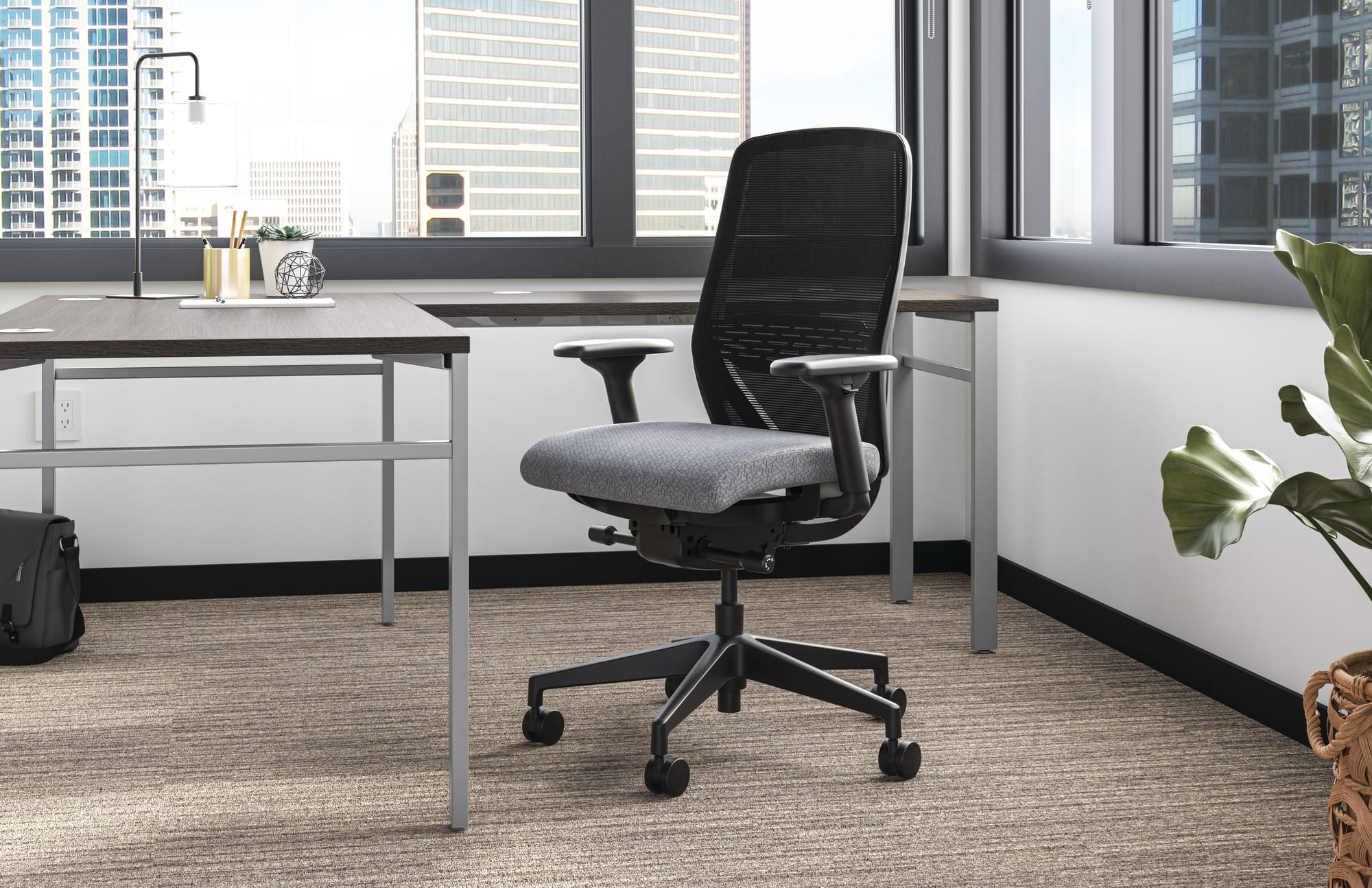
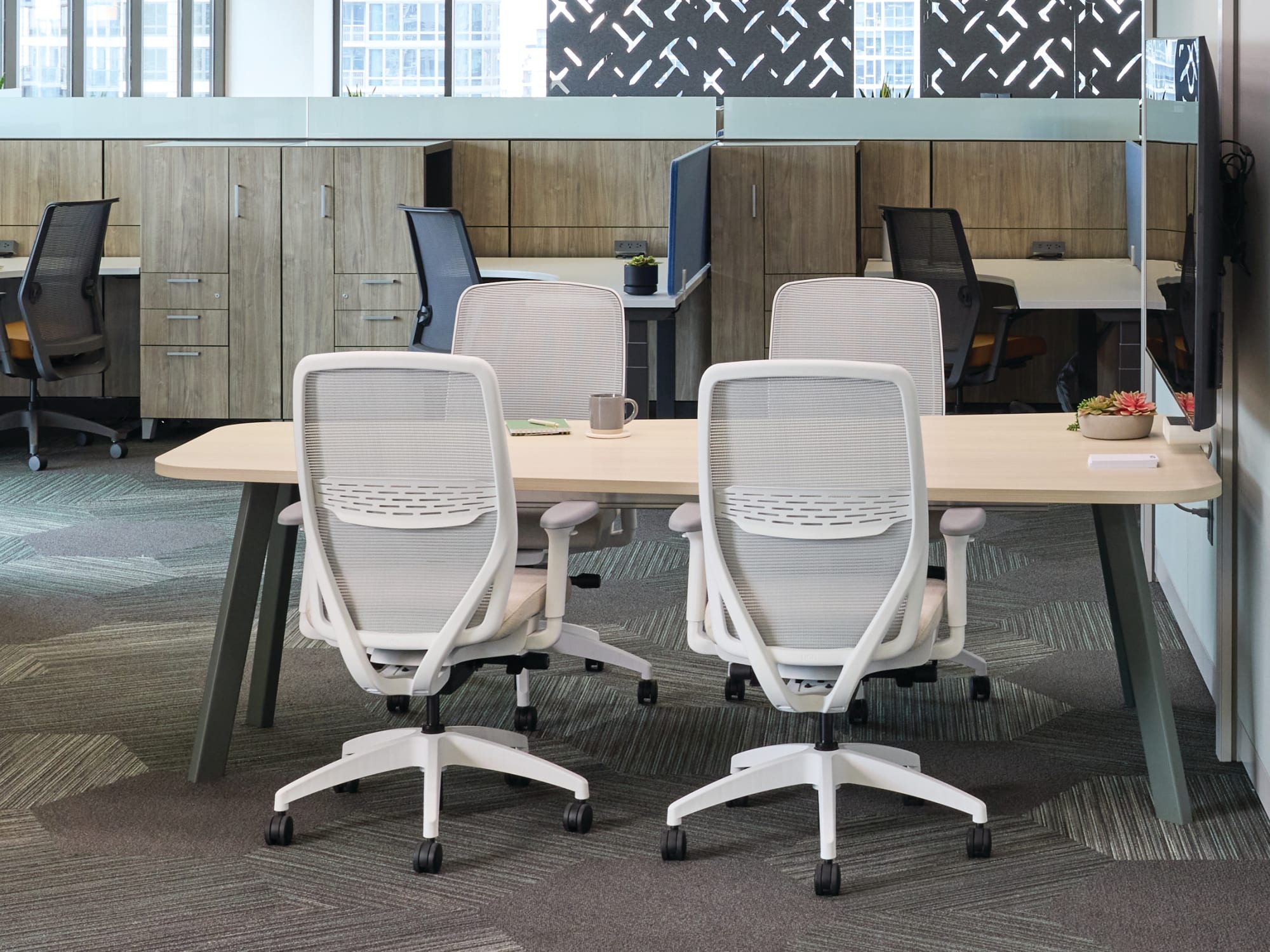
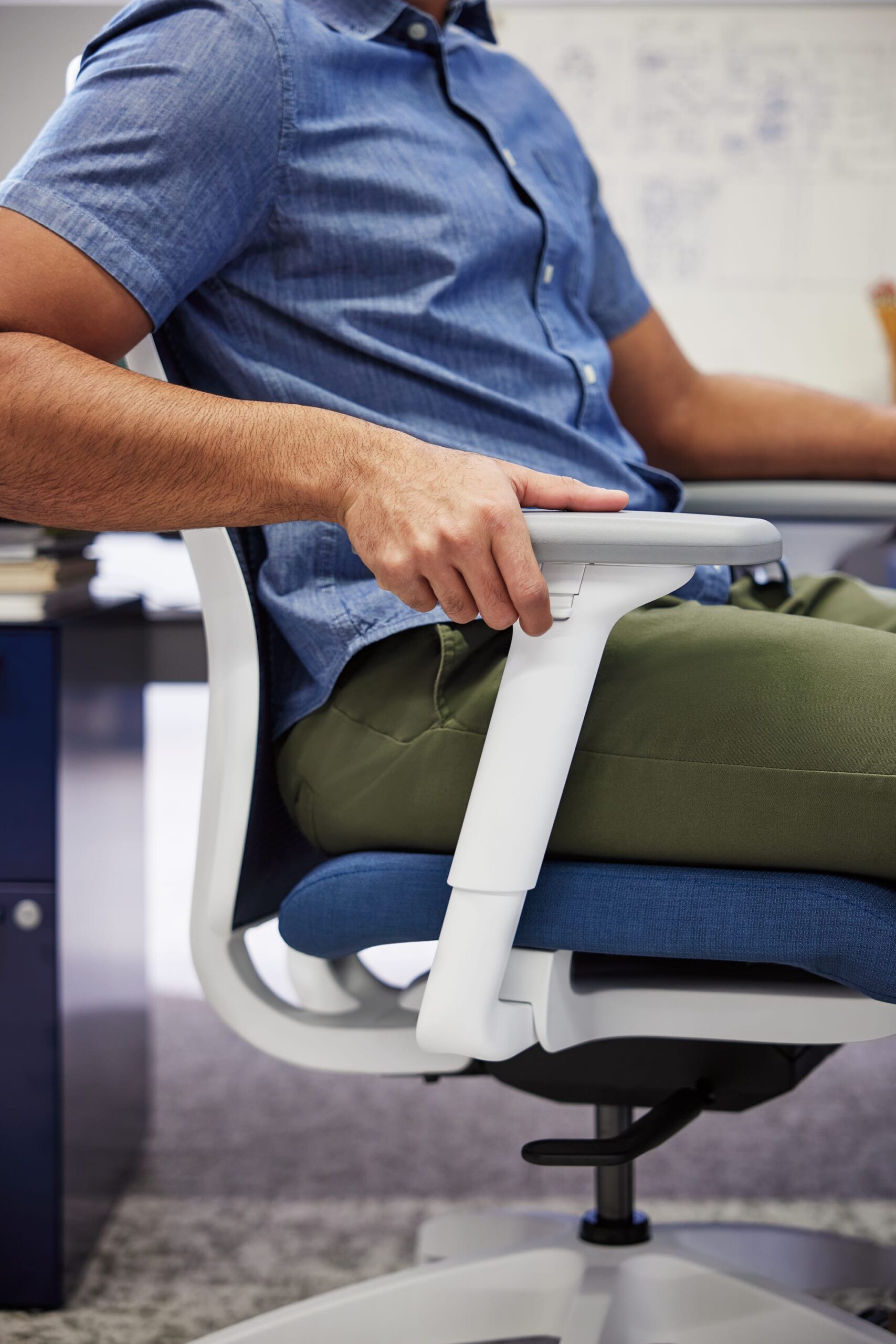
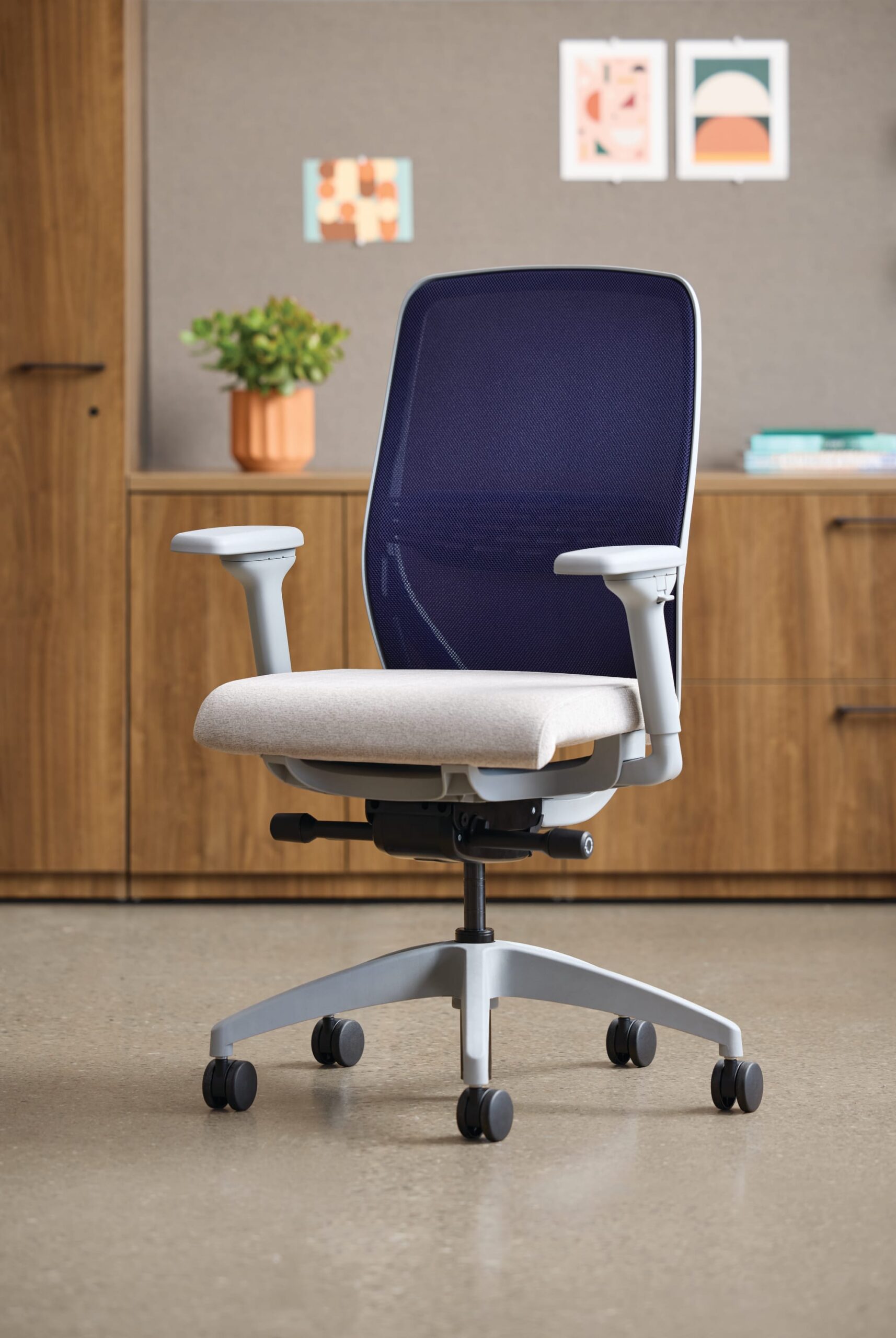
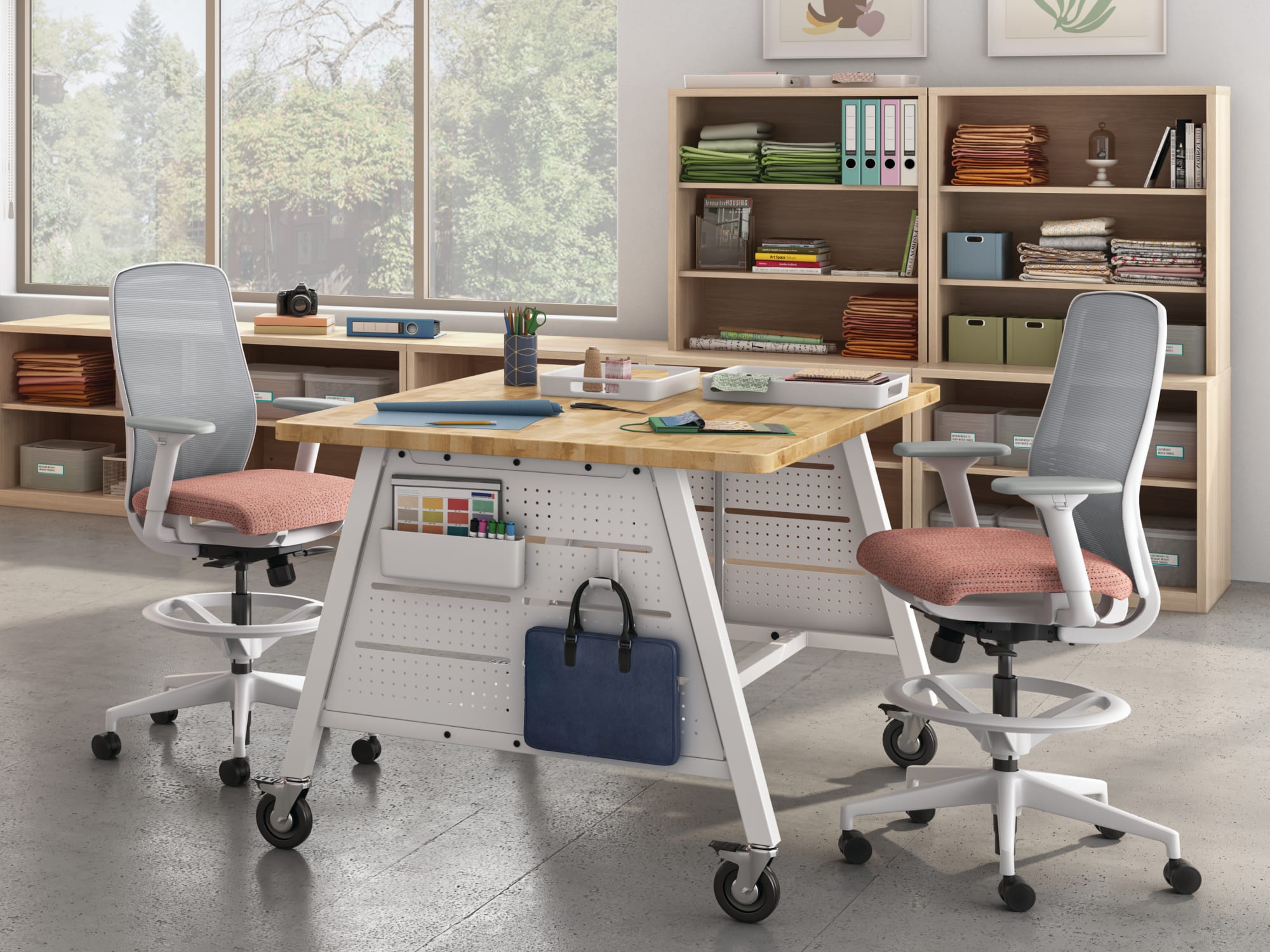
Nucleus combines a modern profile with a suspended contoured seat designed to distribute weight and reduce pressure points. The collection offers two advanced mesh choices, optional adjustable lumbar support, and multiple control mechanisms.
Ideal Applications
- Individual workstations
- Private offices
- Full-day task environments
- Coordinated task and guest seating
Key Features
- Suspended seat with molded foam over a knit-fiber frame
- 4-Way Stretch Mesh or Spectrum Mesh back
- Optional height-adjustable lumbar support
- Three control choices
- Multiple arm configurations
Why It Stands Out
Nucleus by HON brings together the features and configuration choices shown here for organizations considering engineered task seating with a suspended, pressure-distributing seat.
Specifications, finishes, and availability may change. Contact AAA Workspace for current product information.
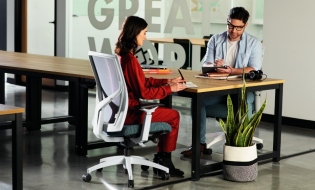
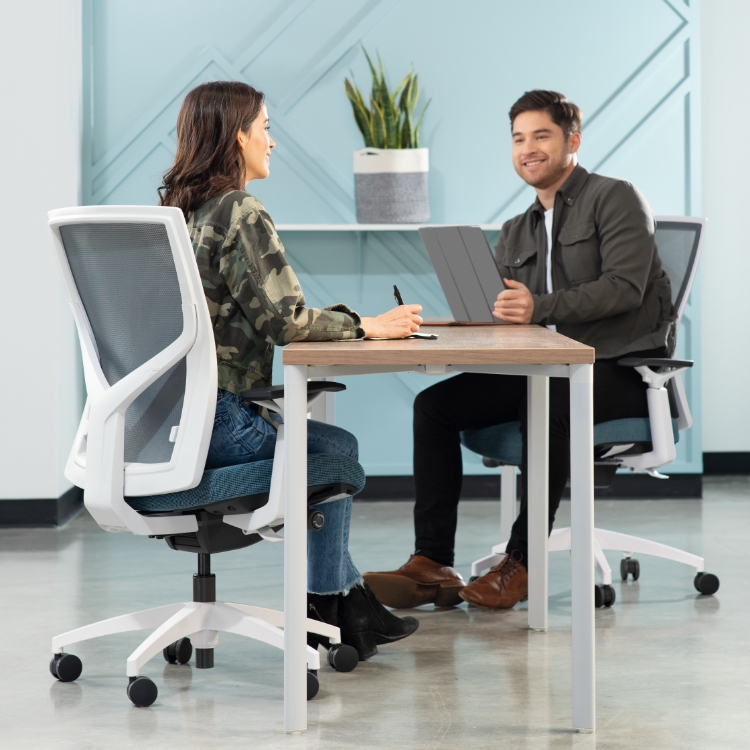
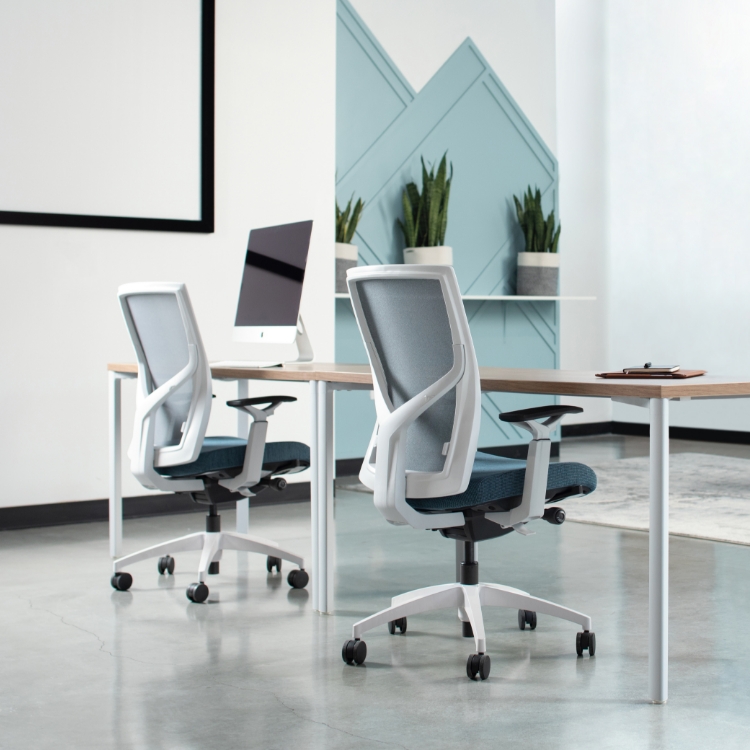
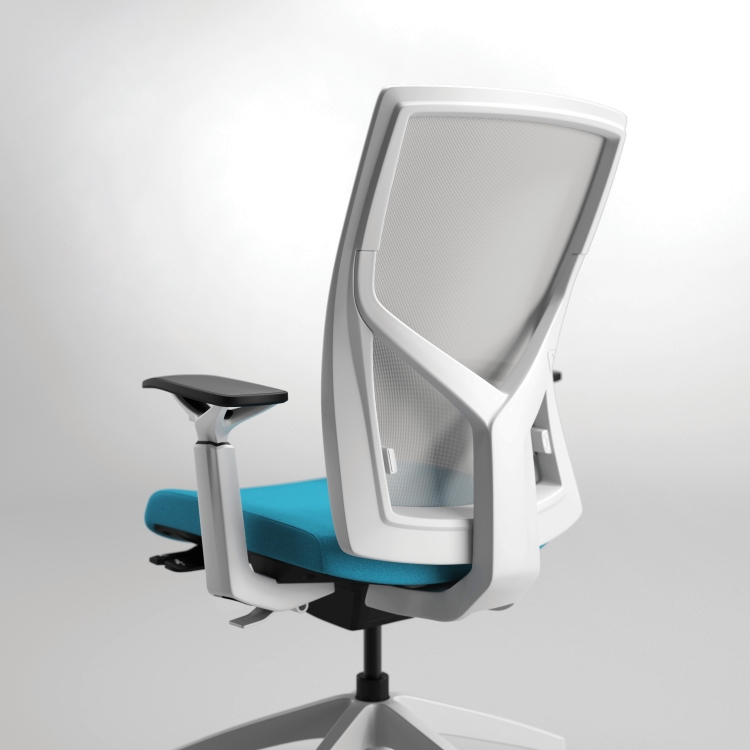
Torsa pairs a sculptural Y-support frame with a breathable mesh back and standard ergonomic adjustments. It is intended for organizations seeking a visually distinctive task chair without separating design from day-to-day support.
Ideal Applications
- Individual workstations
- Private offices
- Design-forward workplaces
- Organization-wide task seating
Key Features
- High-back mesh design
- Standard ergonomic adjustments
- Adjustable seat depth
- 300-pound weight-capacity warranty
- Distinctive Y-support frame
Why It Stands Out
Torsa by SitOnIt Seating brings together the features and configuration choices shown here for organizations considering a distinctive high-back task chair with a sculptural y-support frame.
Specifications, finishes, and availability may change. Contact AAA Workspace for current product information.
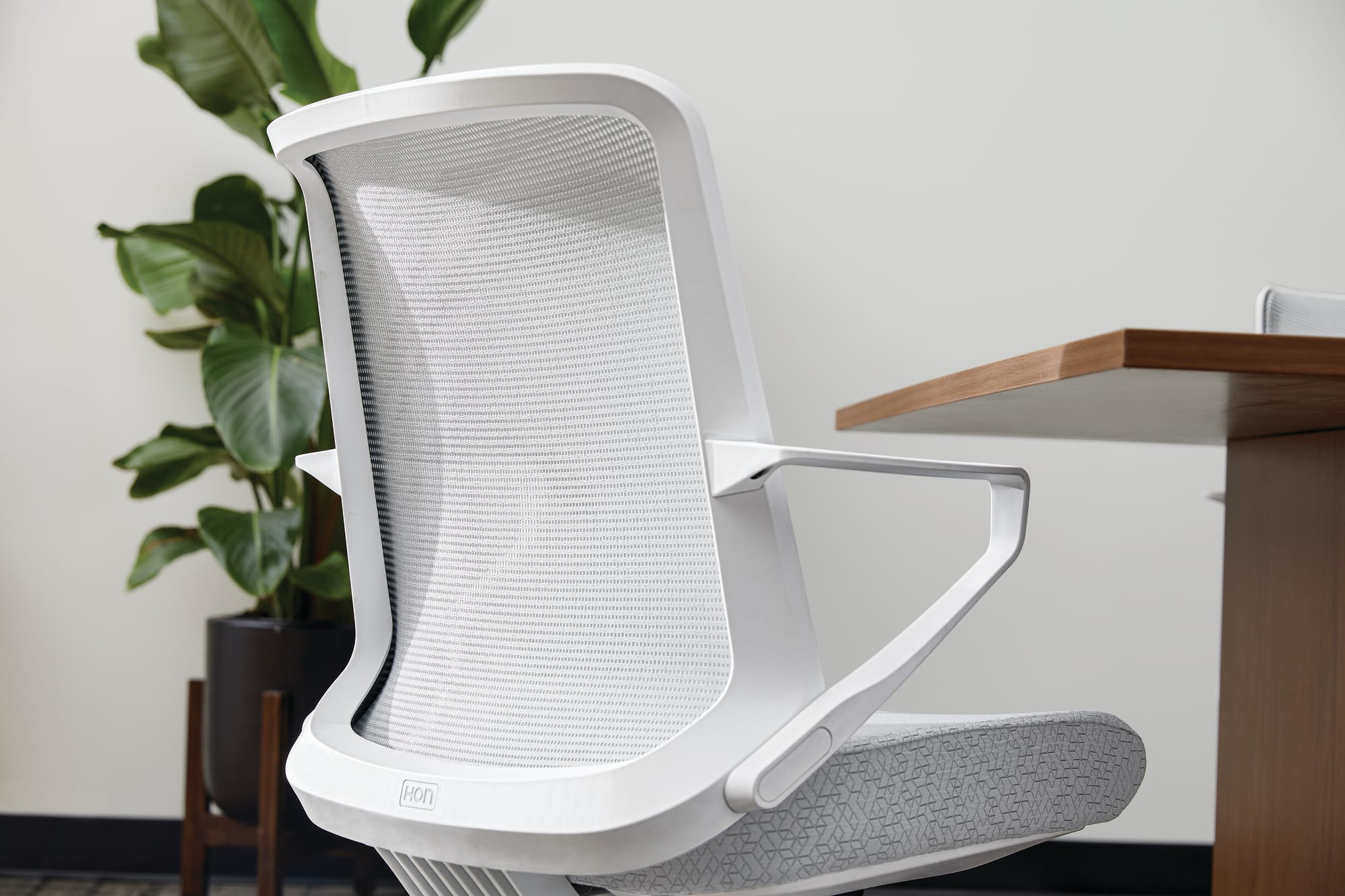
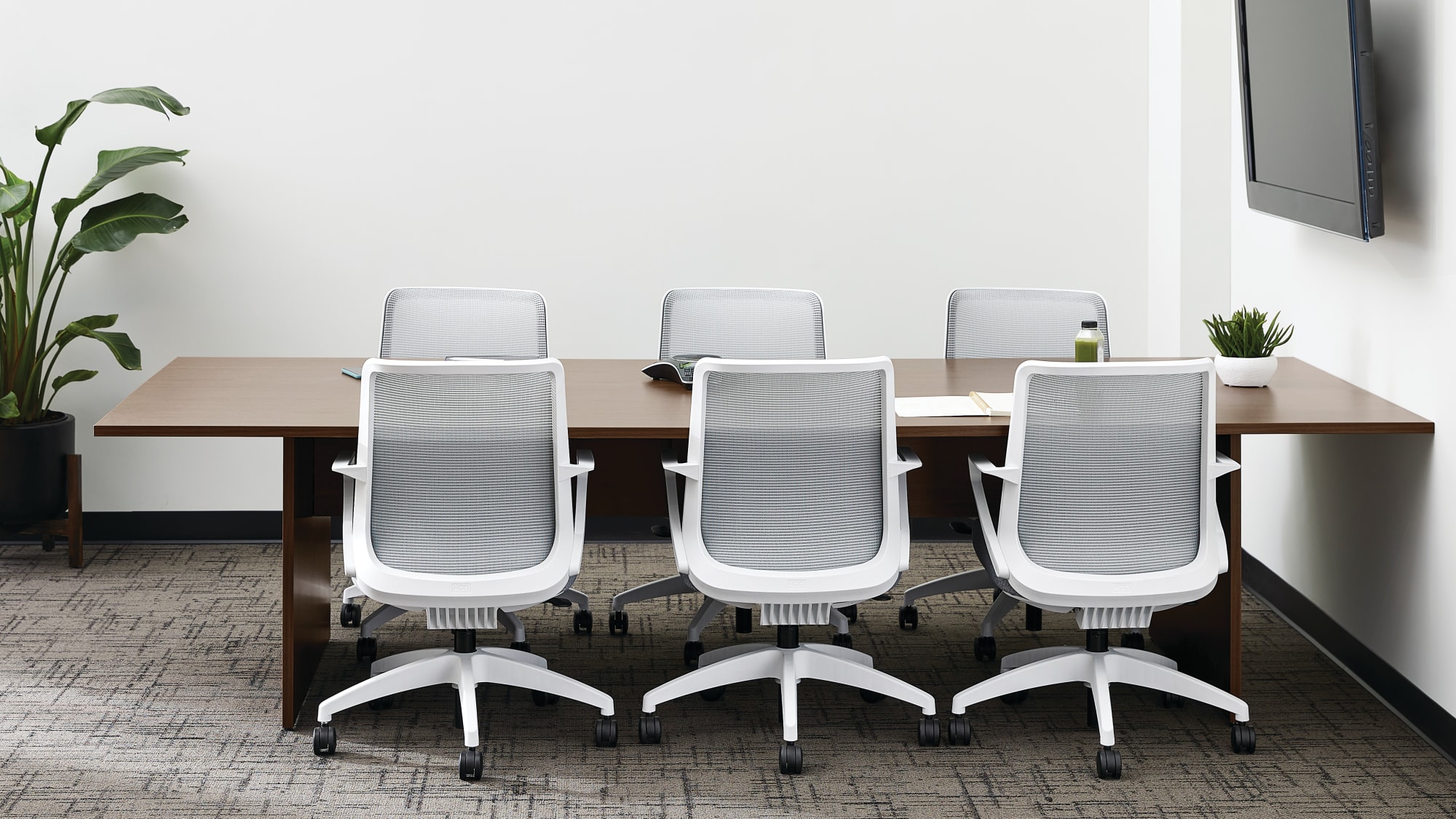
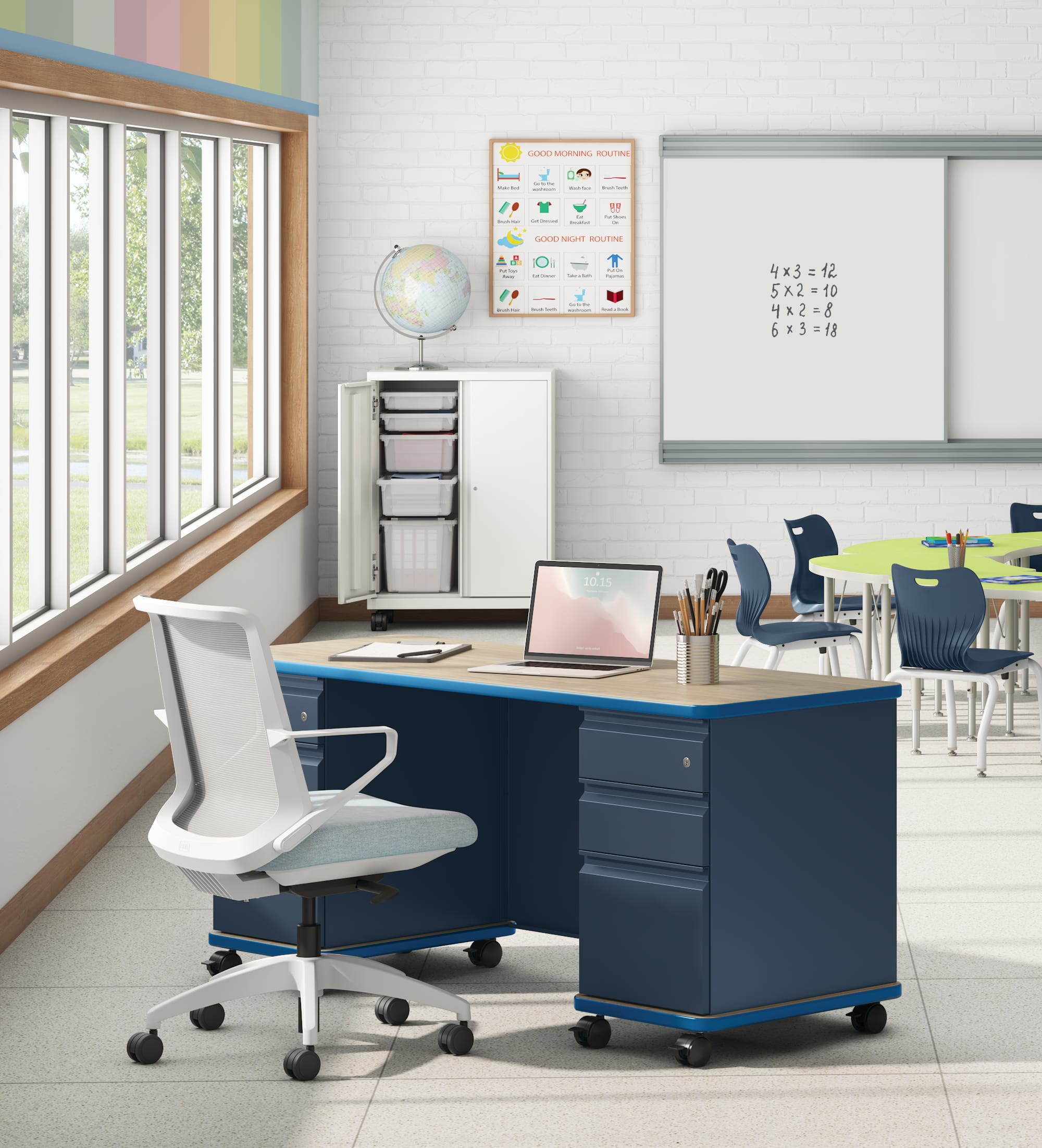
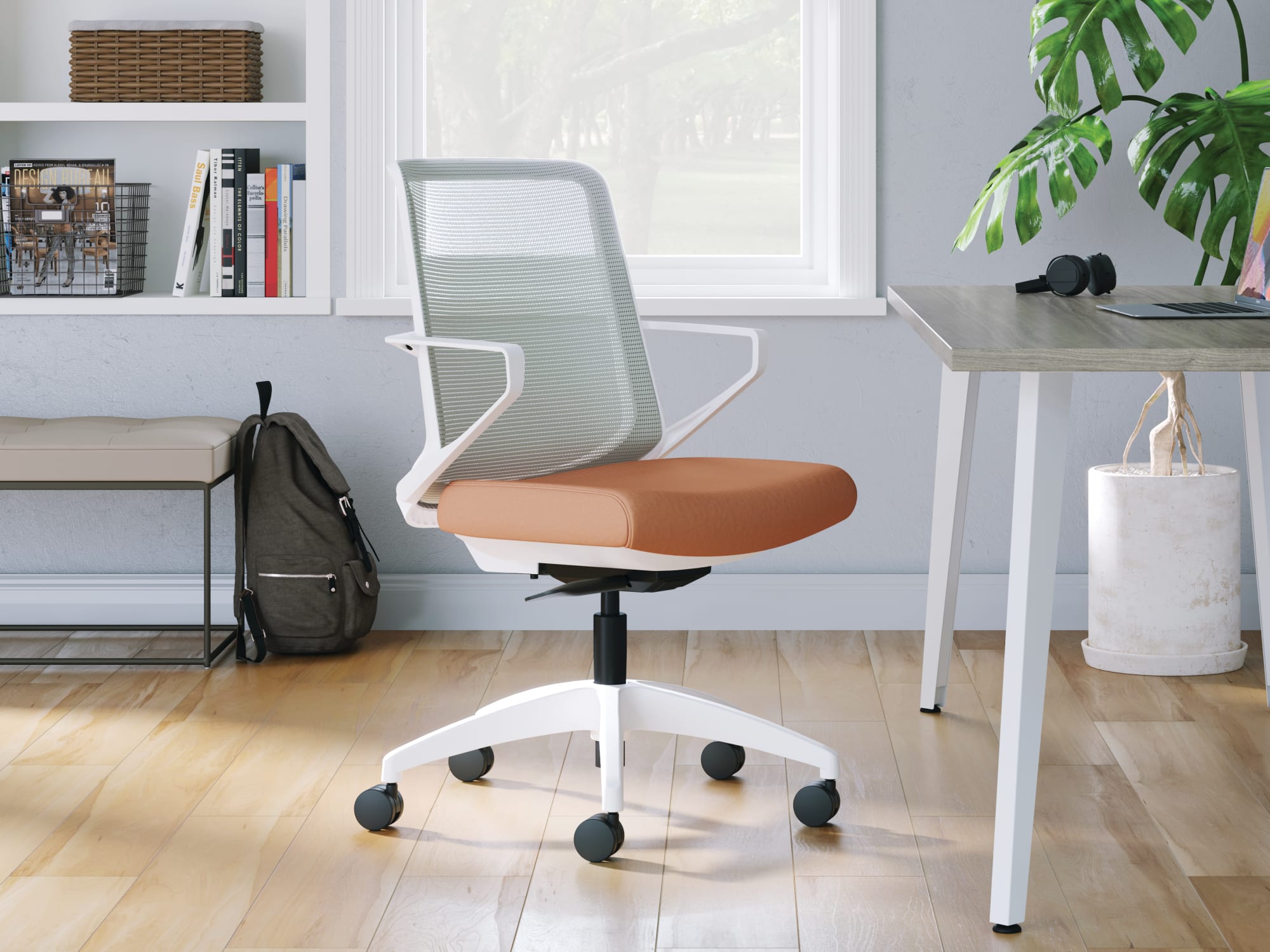
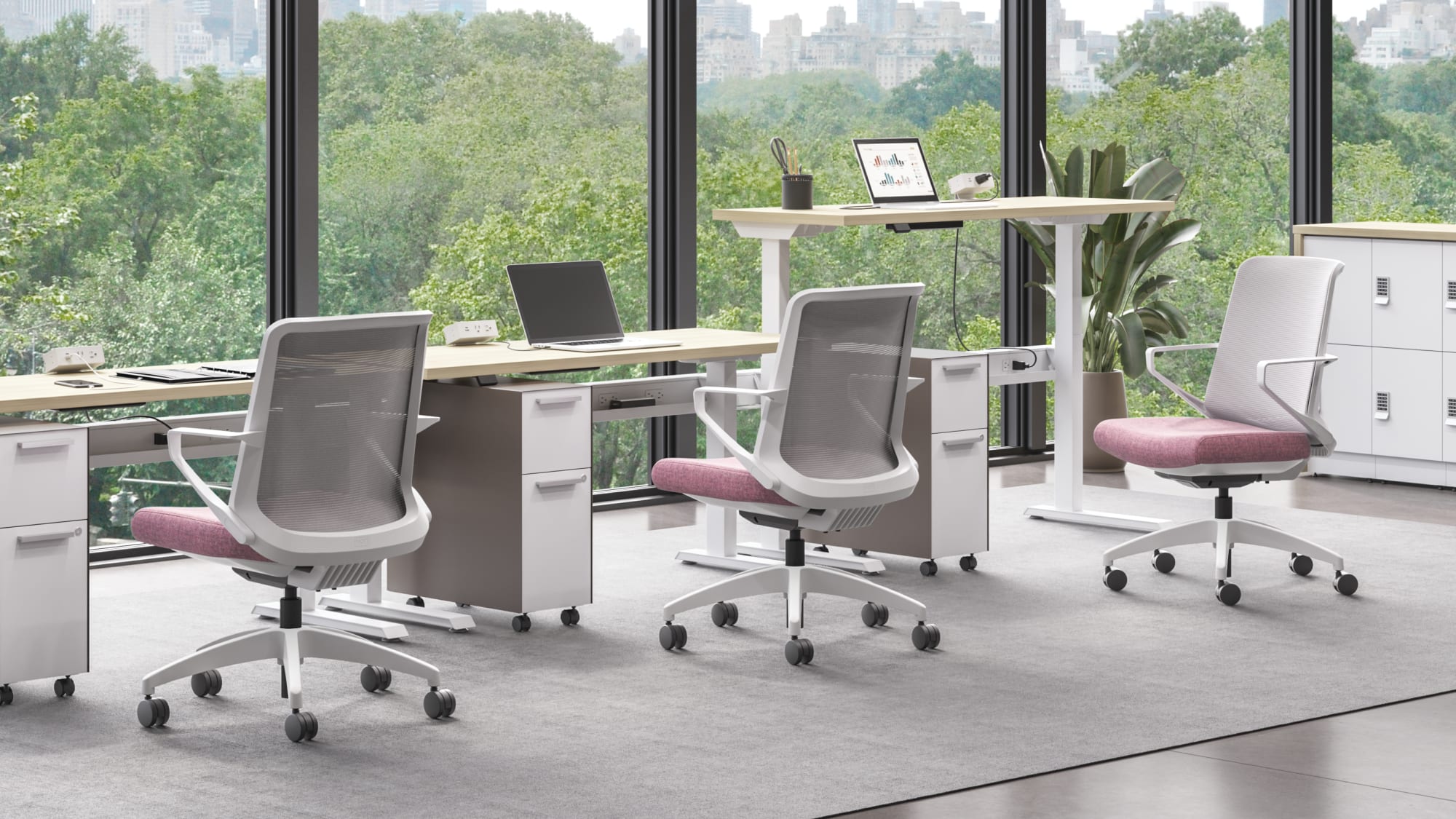
Cliq is designed for collaborative environments where multiple users need immediate comfort without fine-tuning several controls. Its weight-activated mechanism responds to the user, while the slim profile and broad finish selection make it easy to coordinate with different spaces.
Ideal Applications
- Conference rooms
- Collaborative spaces
- Light-duty task work
- Touchdown areas
Key Features
- Weight-activated recline
- 4-Way Stretch Mesh back
- Straightforward integrated adjustments
- Conference cylinder option
- Task chair and stool models
Why It Stands Out
Cliq by HON brings together the features and configuration choices shown here for organizations considering straightforward comfort for collaboration and light task work.
Specifications, finishes, and availability may change. Contact AAA Workspace for current product information.
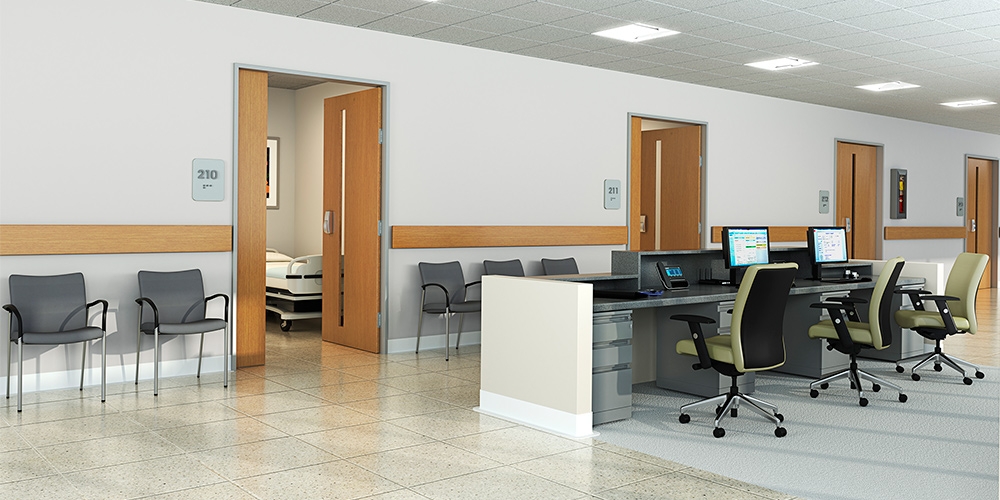
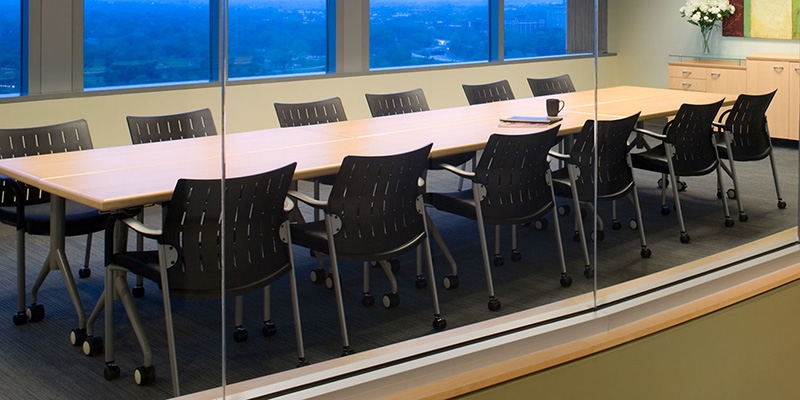
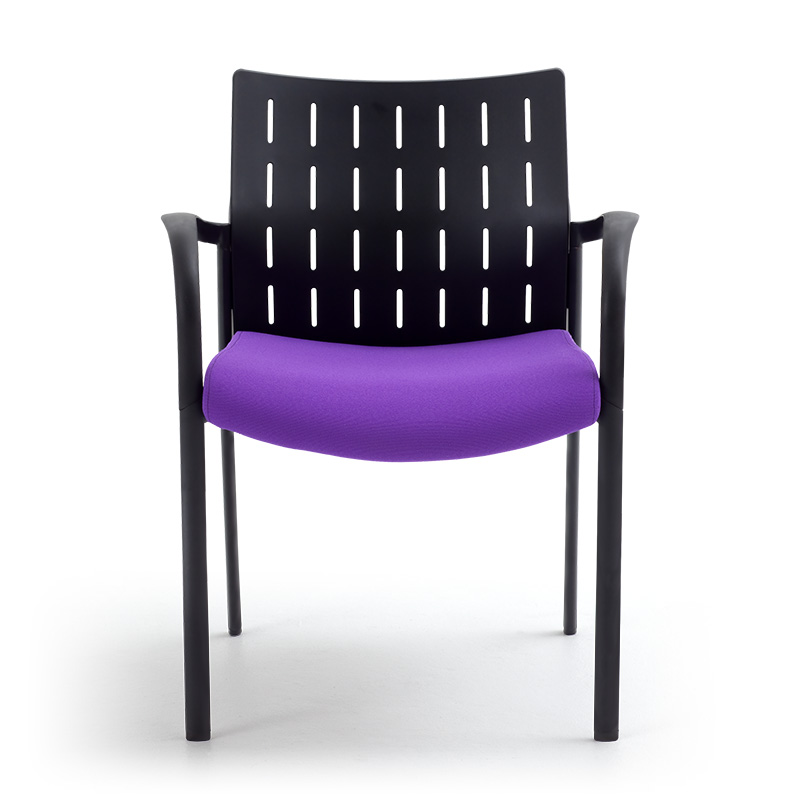
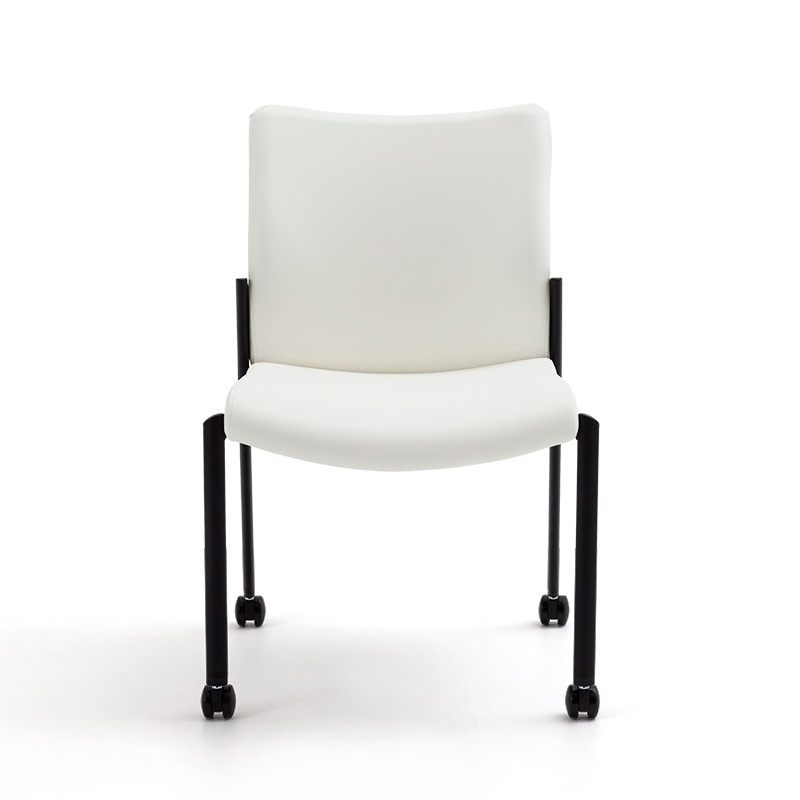
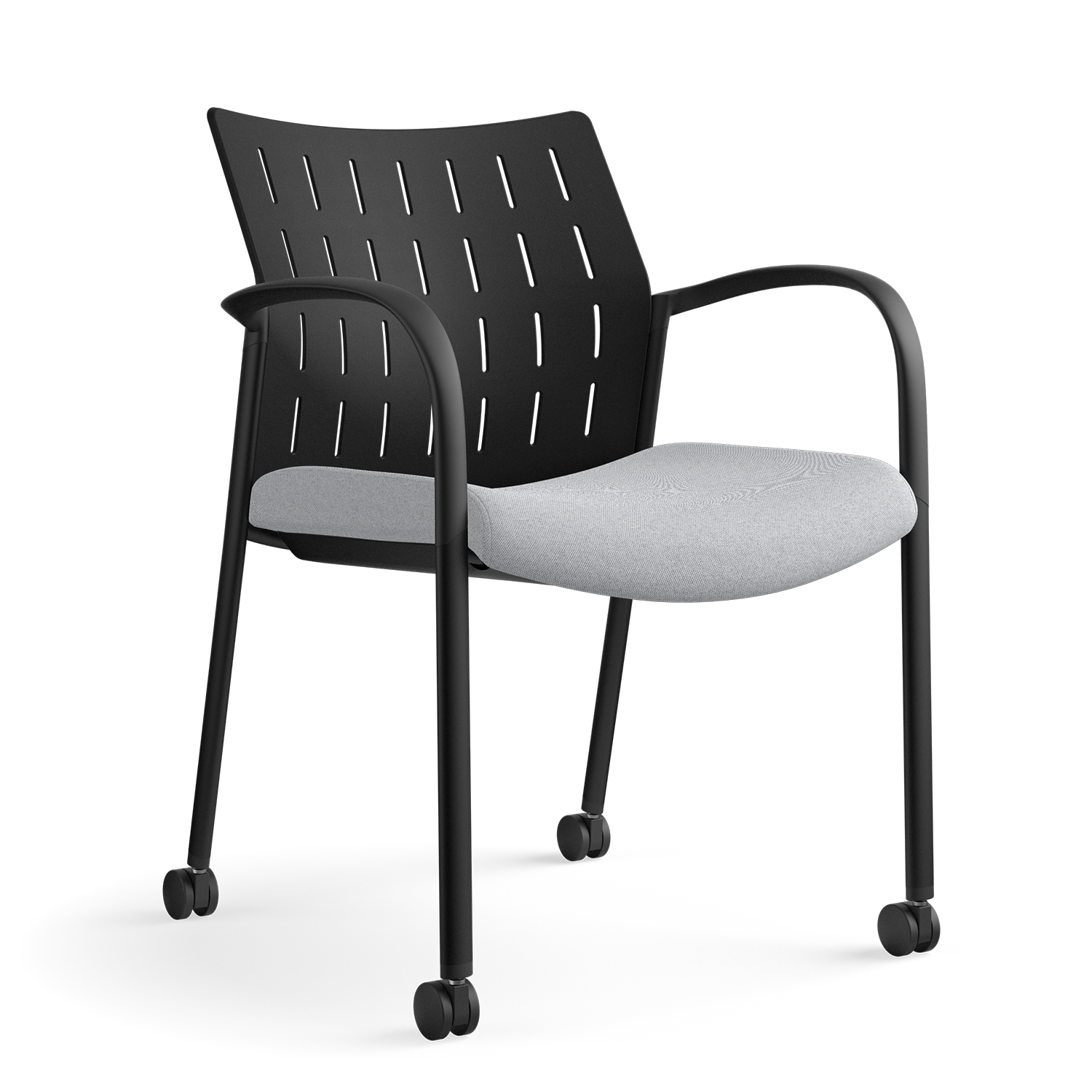
Achieve is a versatile side-chair family designed for guest, lobby, meeting, and conference applications. Its concave back and contoured seat follow the body’s natural curves while maintaining a clean, slender profile.
Ideal Applications
- Guest seating
- Lobby and waiting areas
- Meeting rooms
- Conference rooms
Key Features
- Concave back and contoured seat
- Plastic or upholstered back
- Perforated plastic back for airflow
- Stacks four on the floor or five on an optional cart
Why It Stands Out
Achieve by SitOnIt Seating brings together the features and configuration choices shown here for organizations considering a slender side chair for guest, lobby, meeting, and conference spaces.
Specifications, finishes, and availability may change. Contact AAA Workspace for current product information.

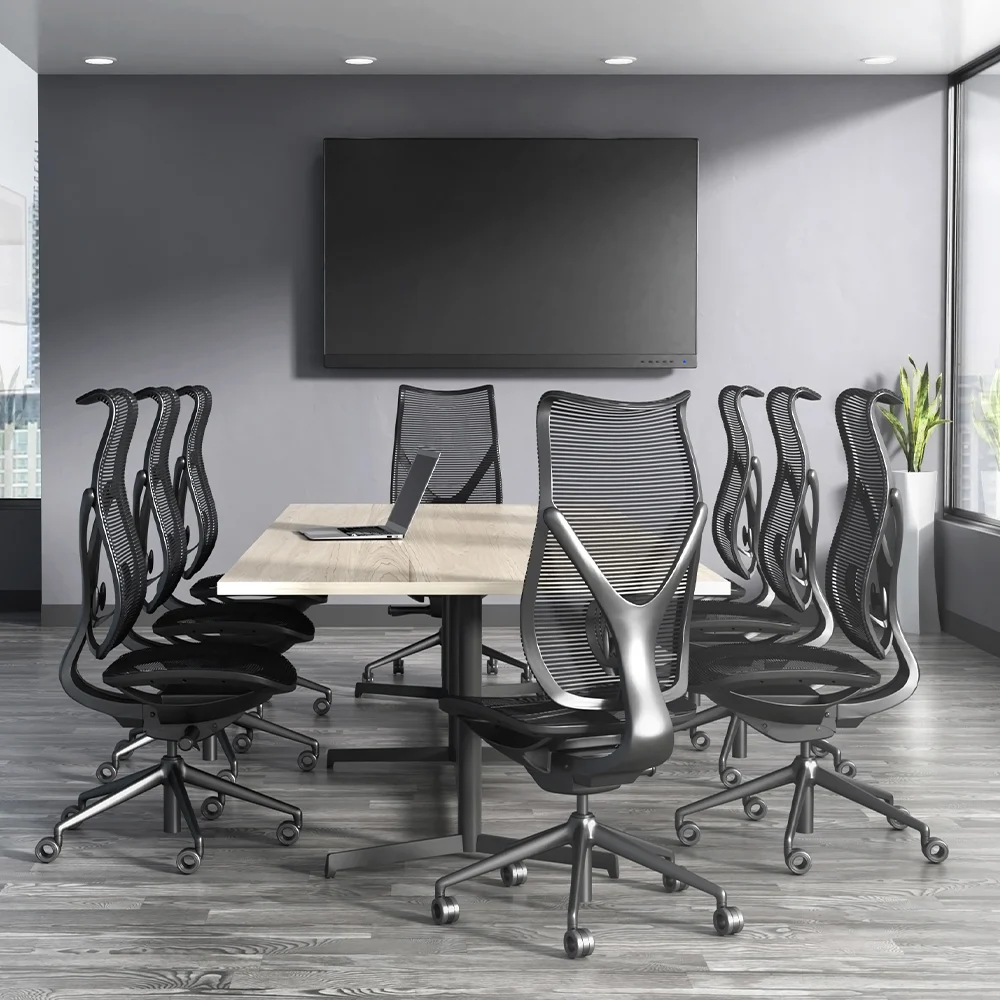
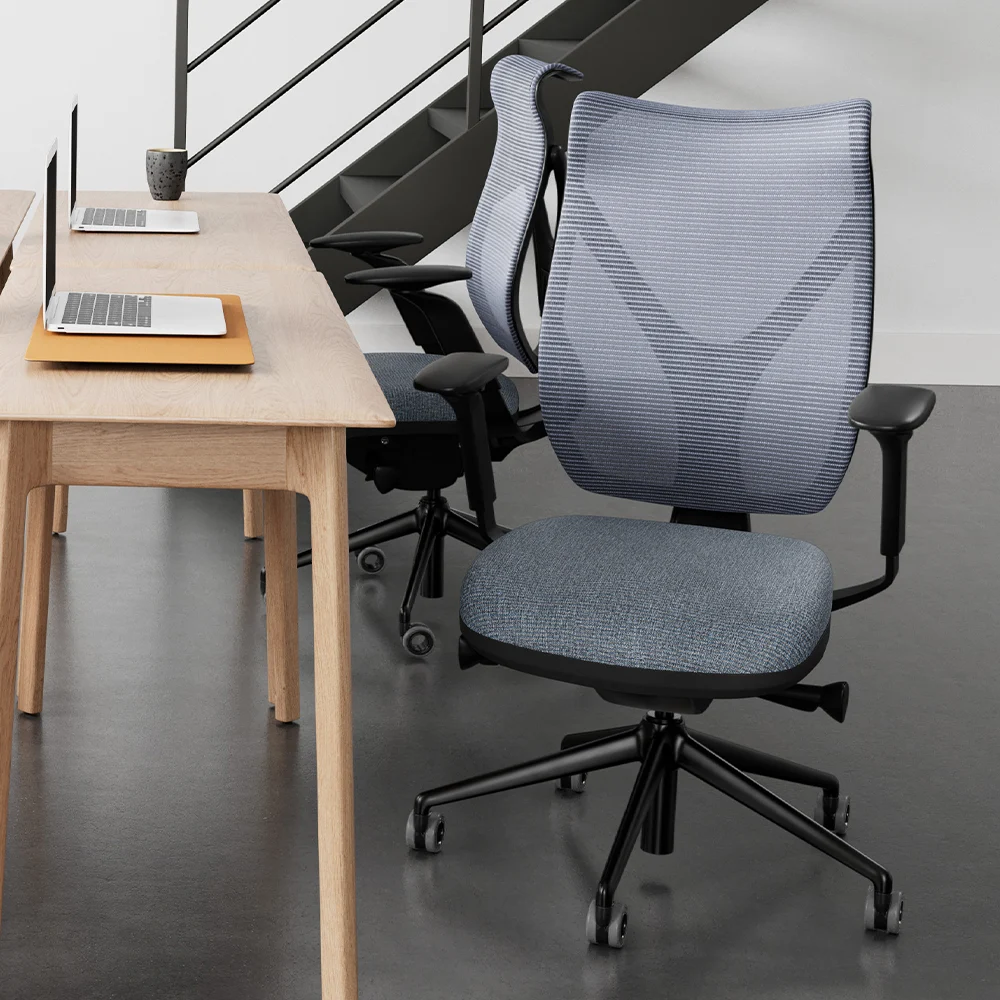
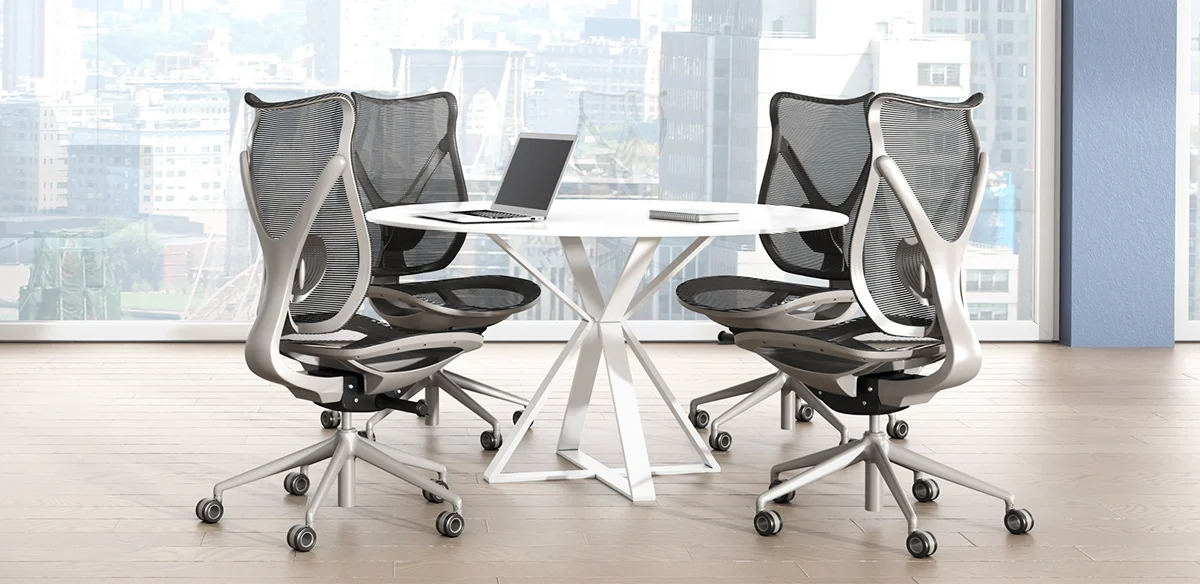
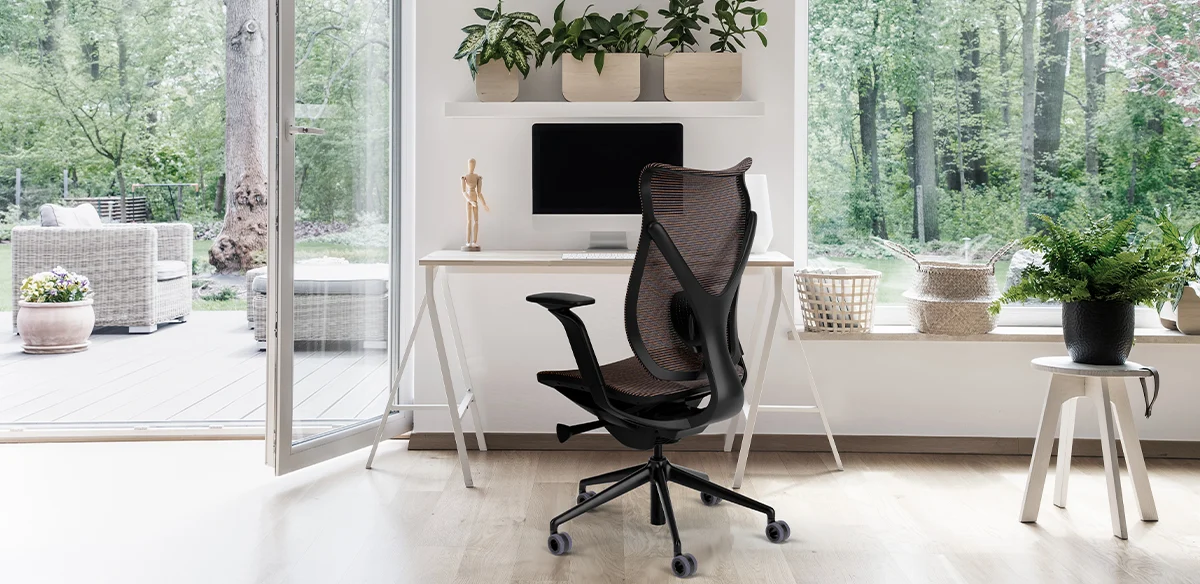
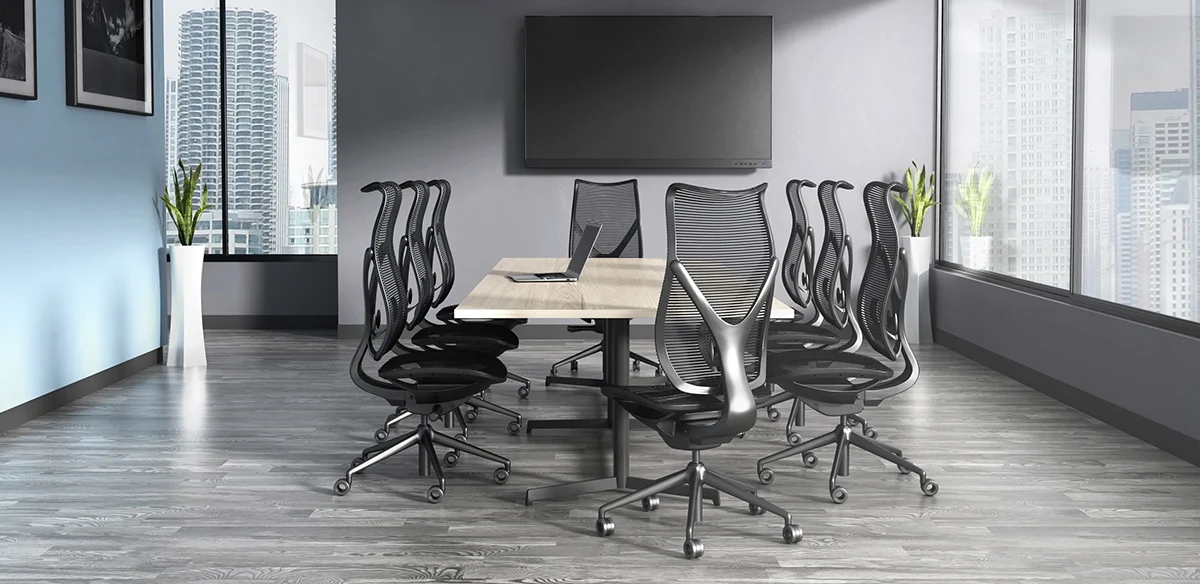
Onda takes its name from the Italian word for wave. Its sculptural form is paired with a synchronized movement system and an adaptive back designed to support the lumbar, thoracic, and cervical areas of the spine.
Ideal Applications
- Executive offices
- Conference rooms
- Boardrooms
- Premium task environments
Key Features
- Adaptive Wave Support back
- Advanced four-way elastomeric comfort mesh
- Dynamic 6D adjustable arms
- Synchro control with seat depth, forward tilt, and five-position back lock
- Quiet all-floor casters
Why It Stands Out
Onda by VIA Seating brings together the features and configuration choices shown here for organizations considering sculptural seating with adaptive wave-shaped support.
Specifications, finishes, and availability may change. Contact AAA Workspace for current product information.
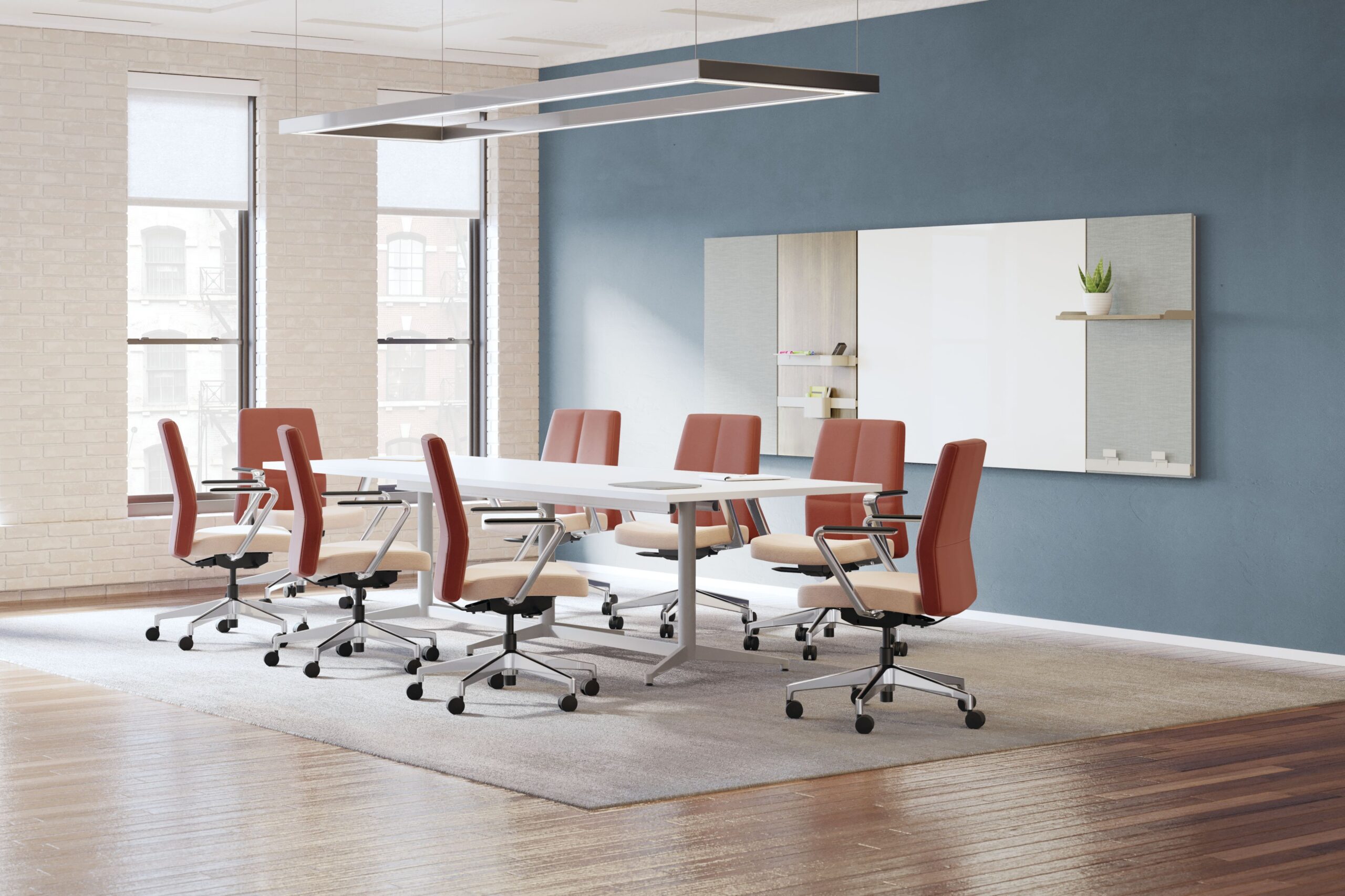

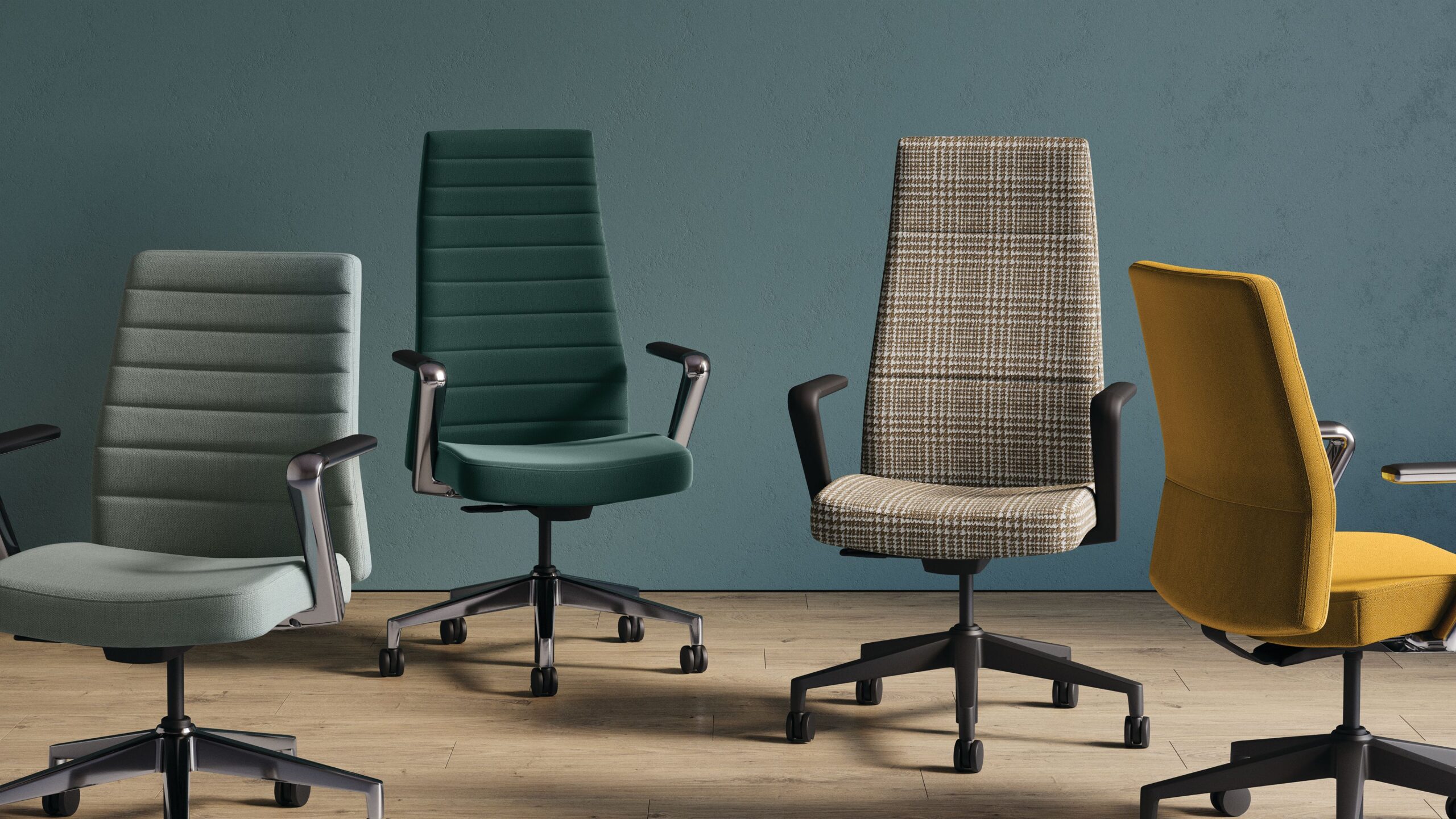
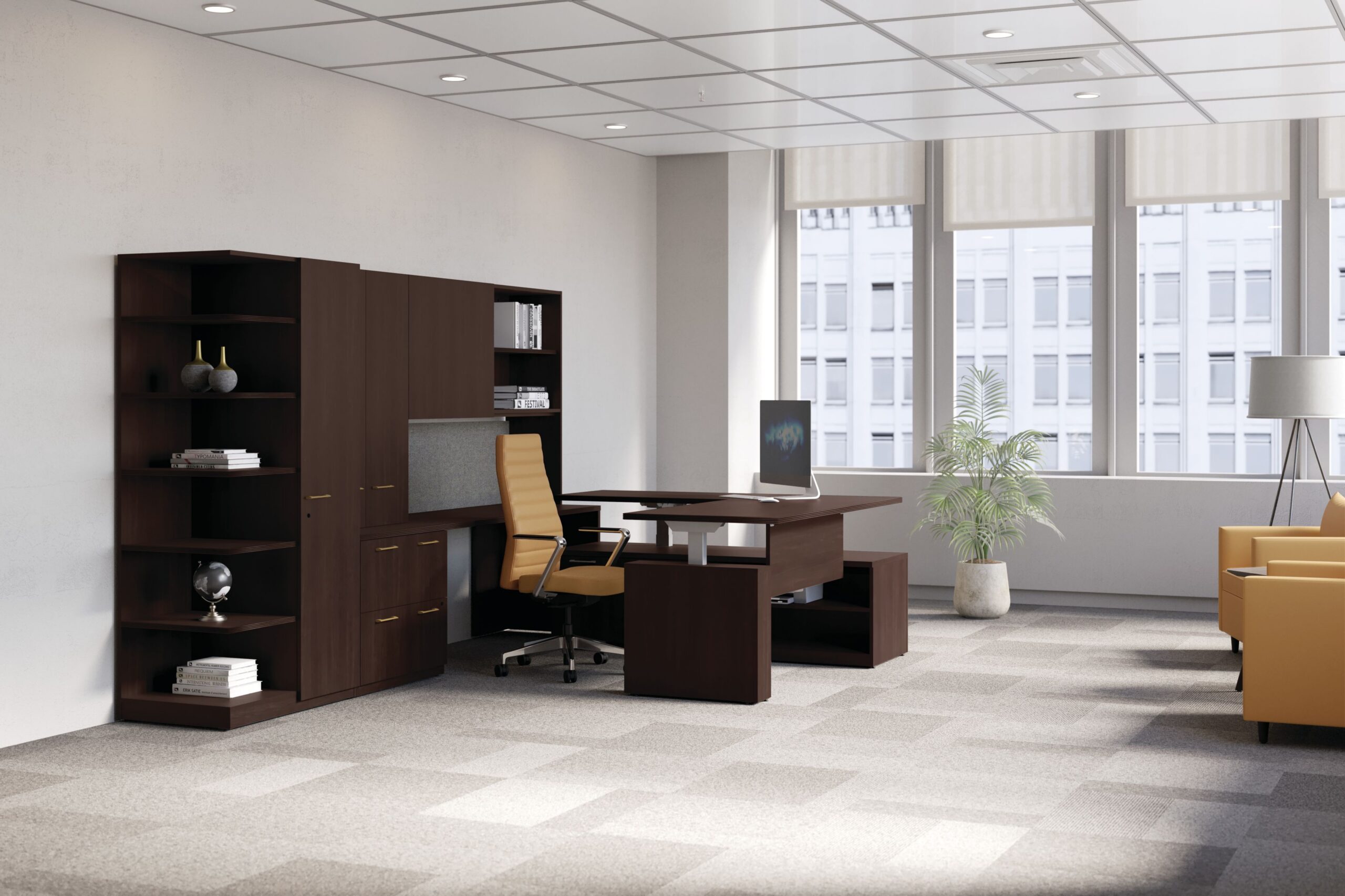
Cofi is designed for private offices, conference rooms, and boardrooms where visual character matters as much as comfort. The collection combines a slim tapered profile with detailed tailoring, premium materials, and several control and back choices.
Ideal Applications
- Executive offices
- Boardrooms
- Conference rooms
- Client-facing spaces
Key Features
- Executive high-back and managerial mid-back options
- Swivel-tilt, synchro-tilt, or weight-activated controls
- Channel, quilt, or solid stitch backs
- Single-fabric or multi-fabric upholstery
Why It Stands Out
Cofi by HON brings together the features and configuration choices shown here for organizations considering tailored executive and conference seating with extensive detailing.
Specifications, finishes, and availability may change. Contact AAA Workspace for current product information.
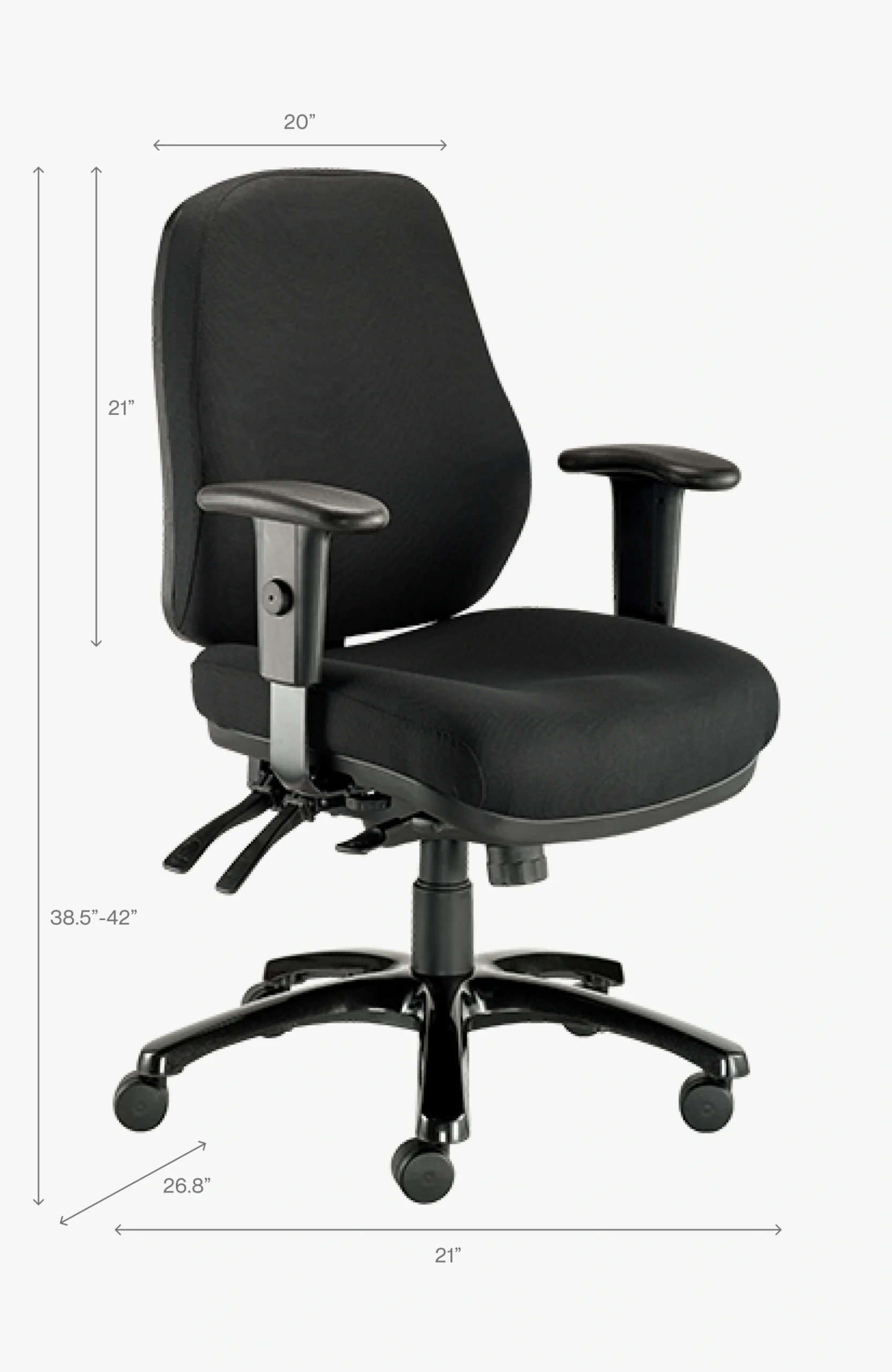
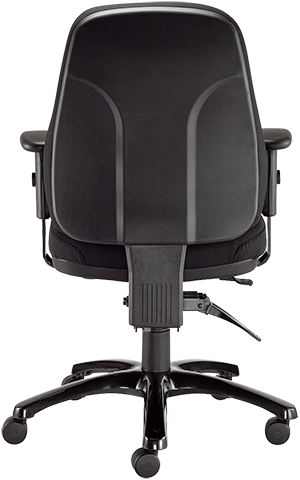
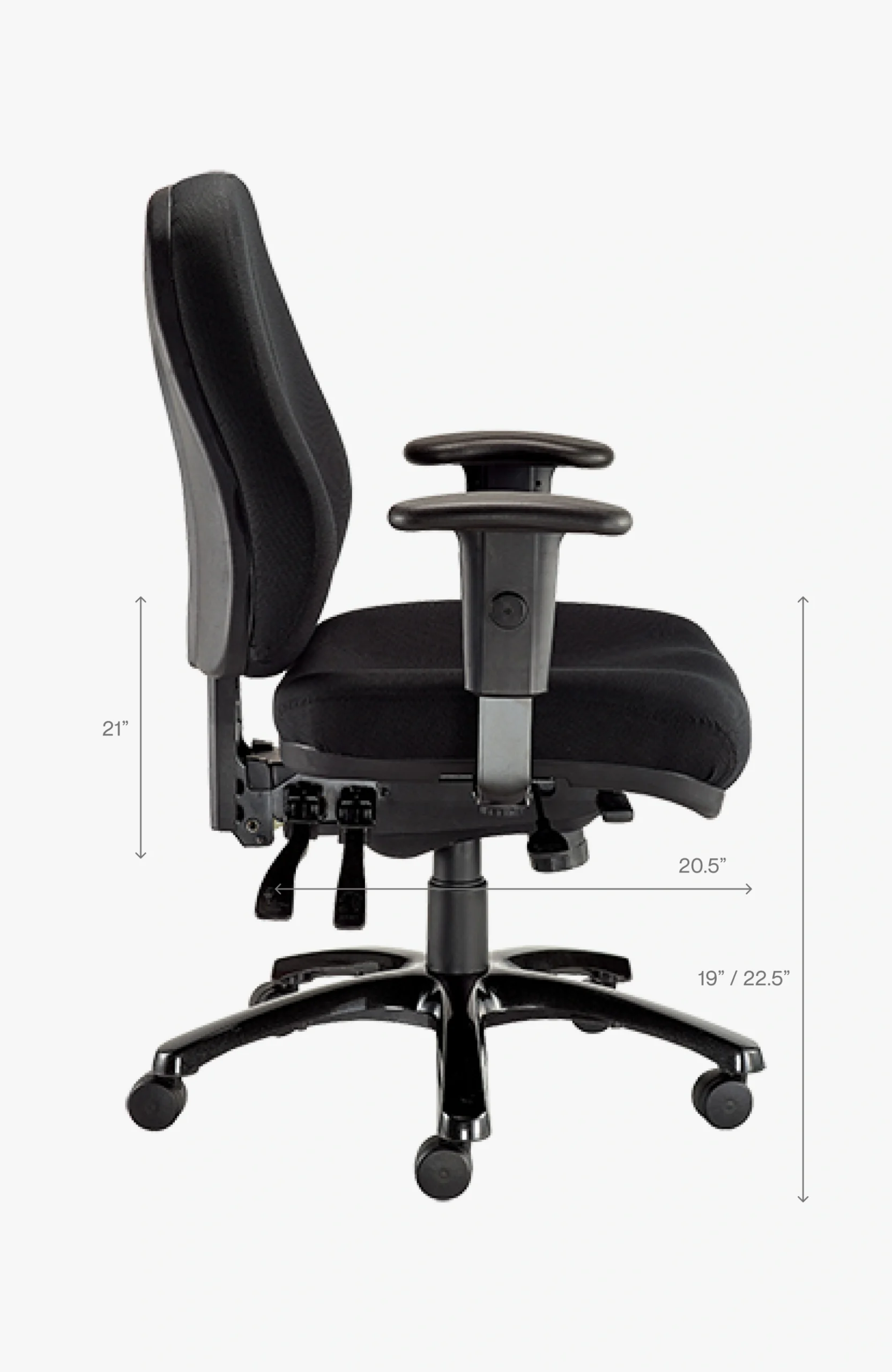
Eurotech 24/7 is a fully upholstered intensive-use chair with multiple independent adjustments. The design includes thick cushioning, a waterfall seat edge, adjustable back height and angle, and adjustable arms.
Ideal Applications
- Extended-use workstations
- Control and dispatch environments
- Multi-shift offices
- Users seeking detailed adjustment
Key Features
- Center-tilt with adjustable tension and tilt lock
- Back-angle and seat-angle adjustment
- Forward seat tilt
- Ratchet back-height adjustment
- Height- and width-adjustable arms
Why It Stands Out
24/7 by Eurotech brings together the features and configuration choices shown here for organizations considering a fully upholstered chair with detailed multi-function adjustment.
Specifications, finishes, and availability may change. Contact AAA Workspace for current product information.
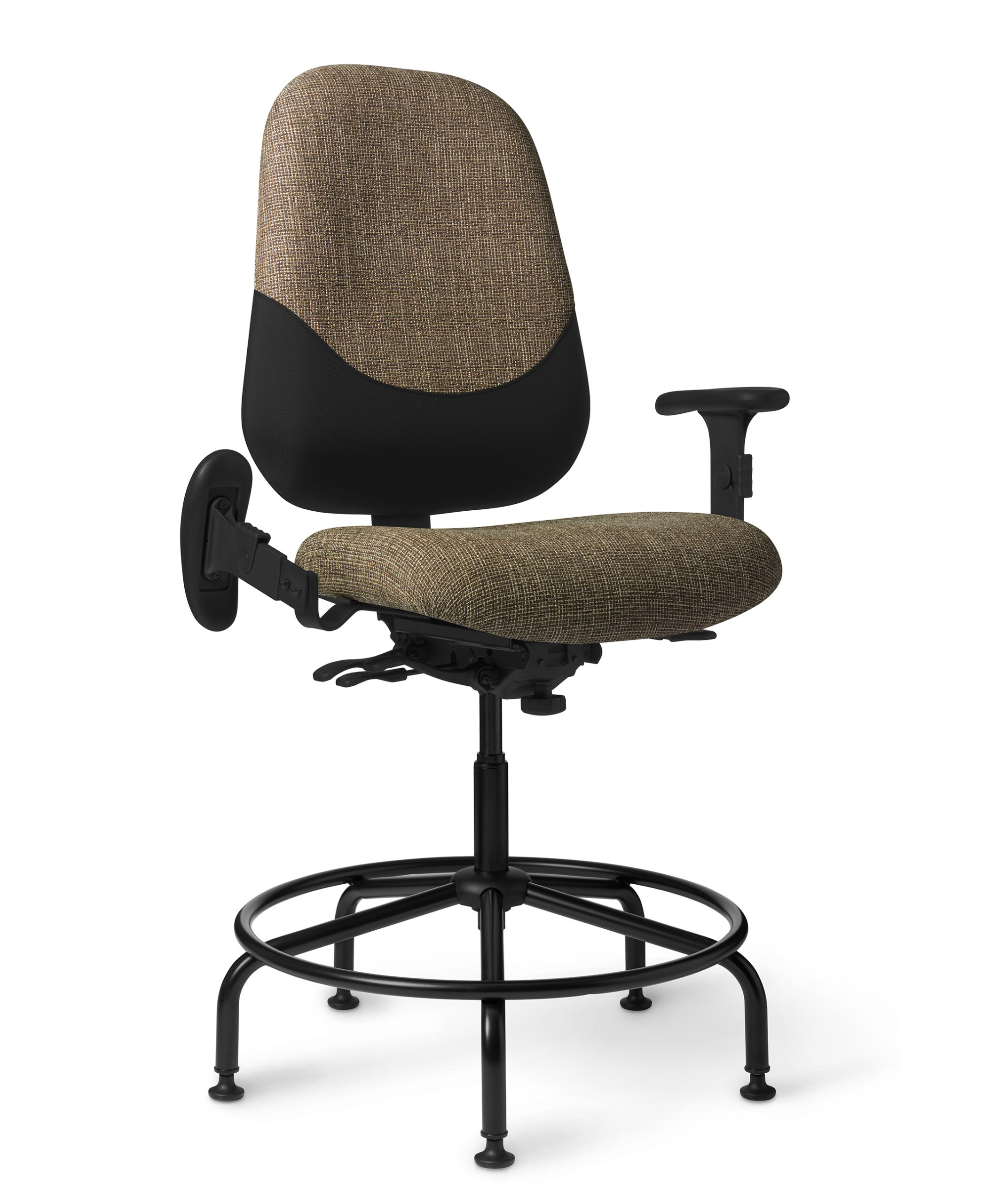
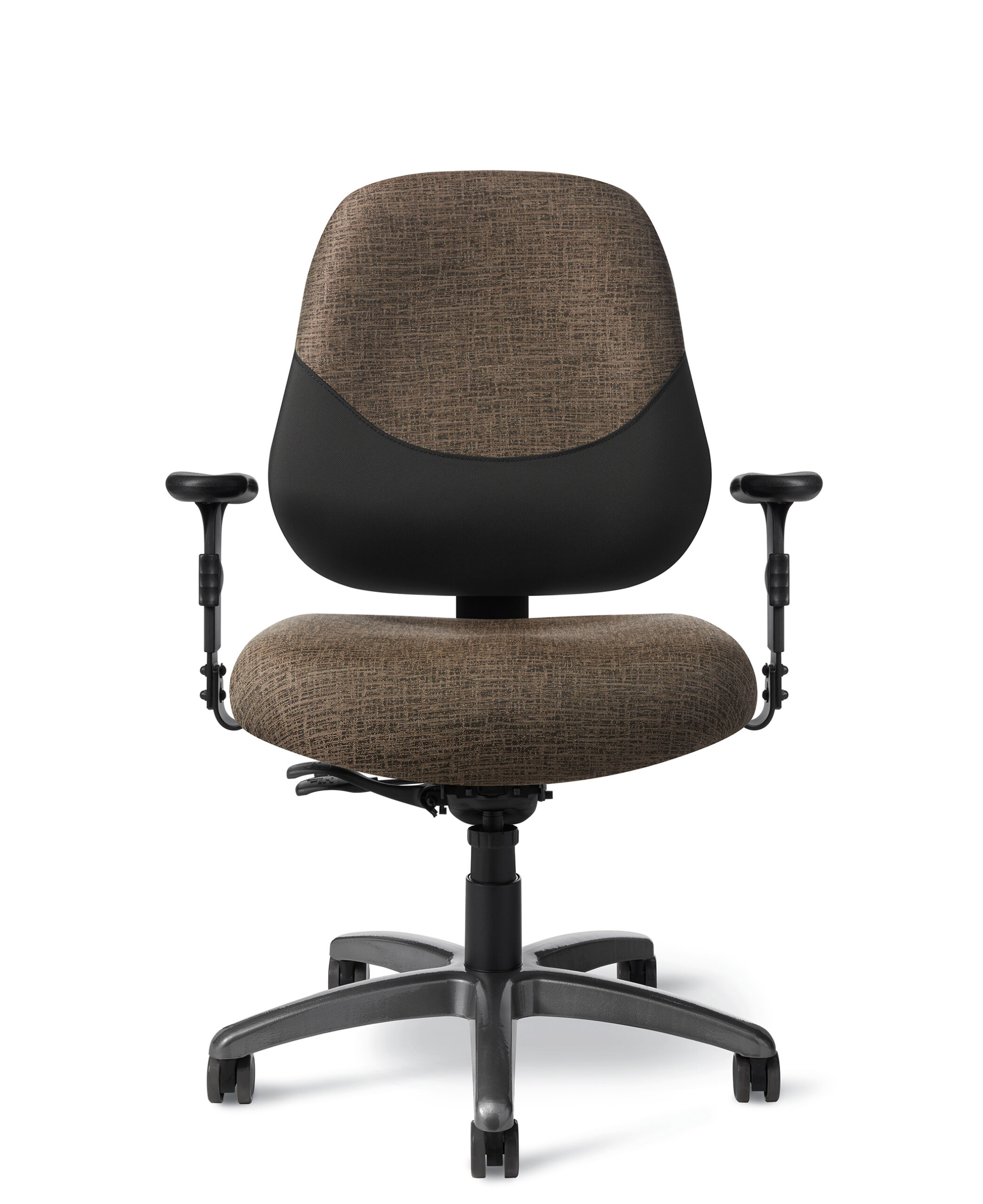
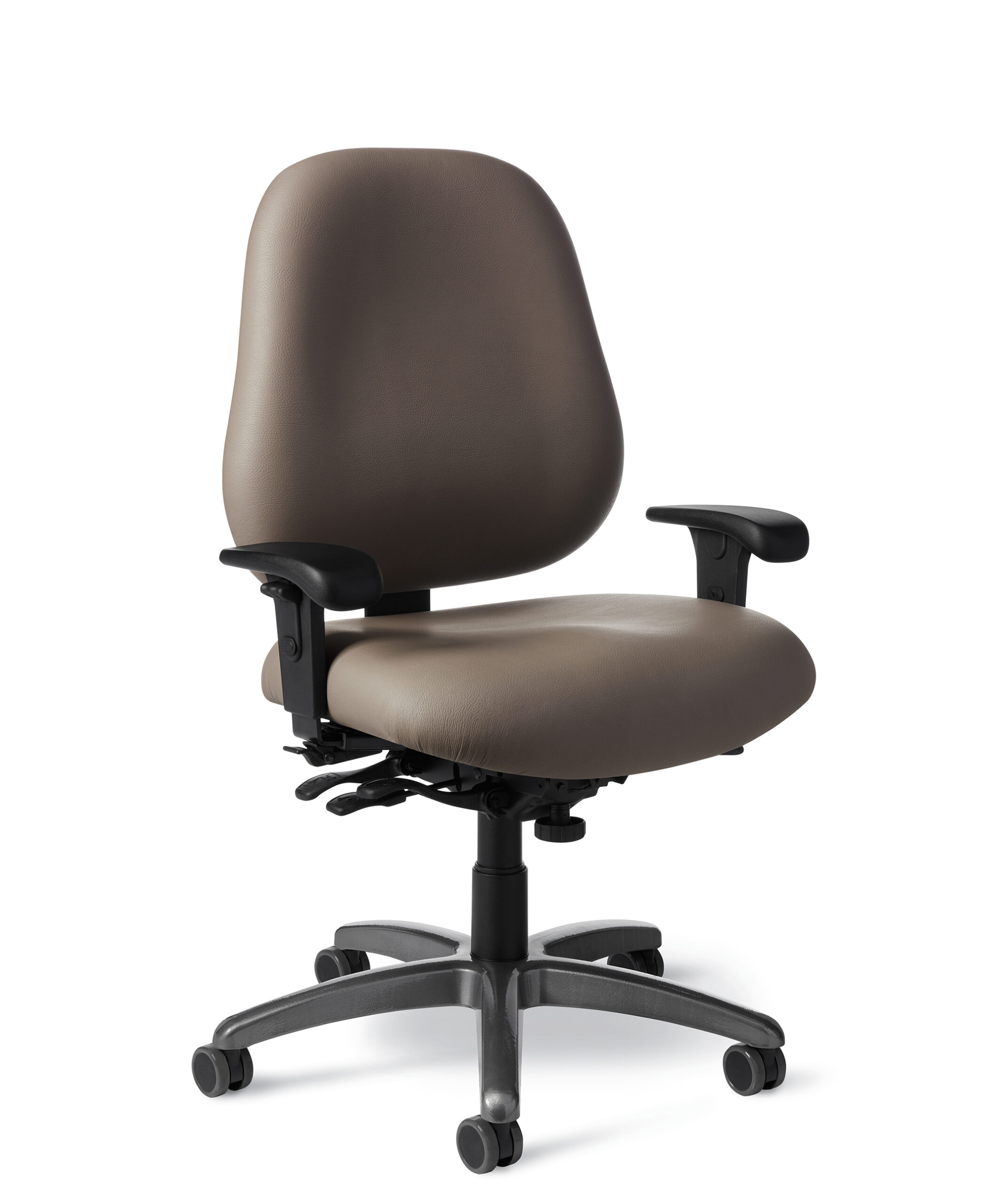
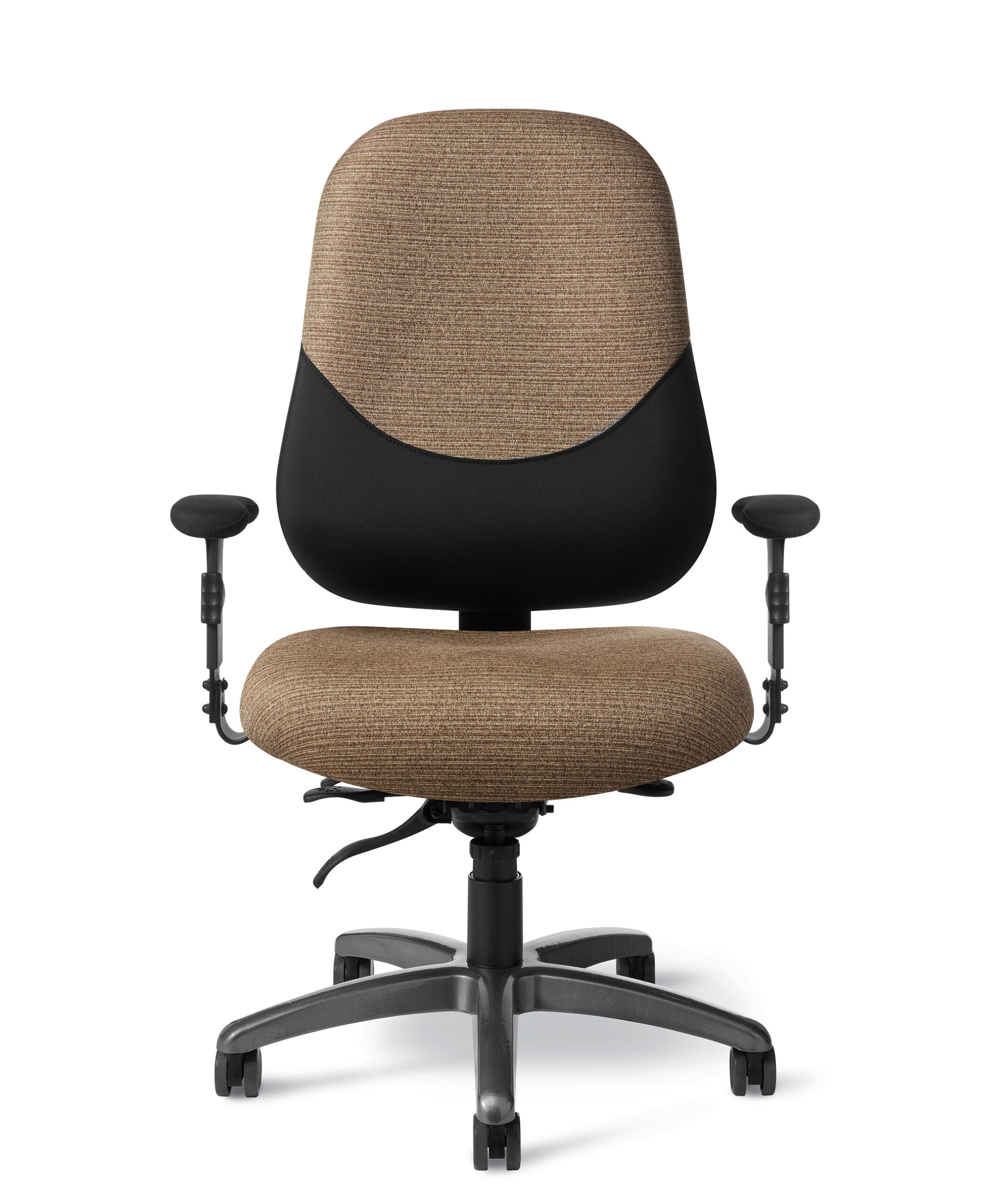
Maxwell 24-7 is built for users and environments that require more room, reinforced construction, and extended-use durability. The collection includes mid-back, high-back, task, and stool configurations.
Ideal Applications
- Intensive-use workstations
- Large-and-tall users
- Control and dispatch environments
- Multi-shift operations
Key Features
- 24-inch-wide seat
- Supports users up to 450 pounds
- Heavy-duty gas cylinder and mechanism
- Seat slider and ratchet back-height adjustment
- Reinforced foam, steel plate, plywood support, and heavy-duty base
Why It Stands Out
Maxwell 24-7 by Office Master brings together the features and configuration choices shown here for organizations considering wide-body, heavy-duty seating for demanding applications.
Specifications, finishes, and availability may change. Contact AAA Workspace for current product information.
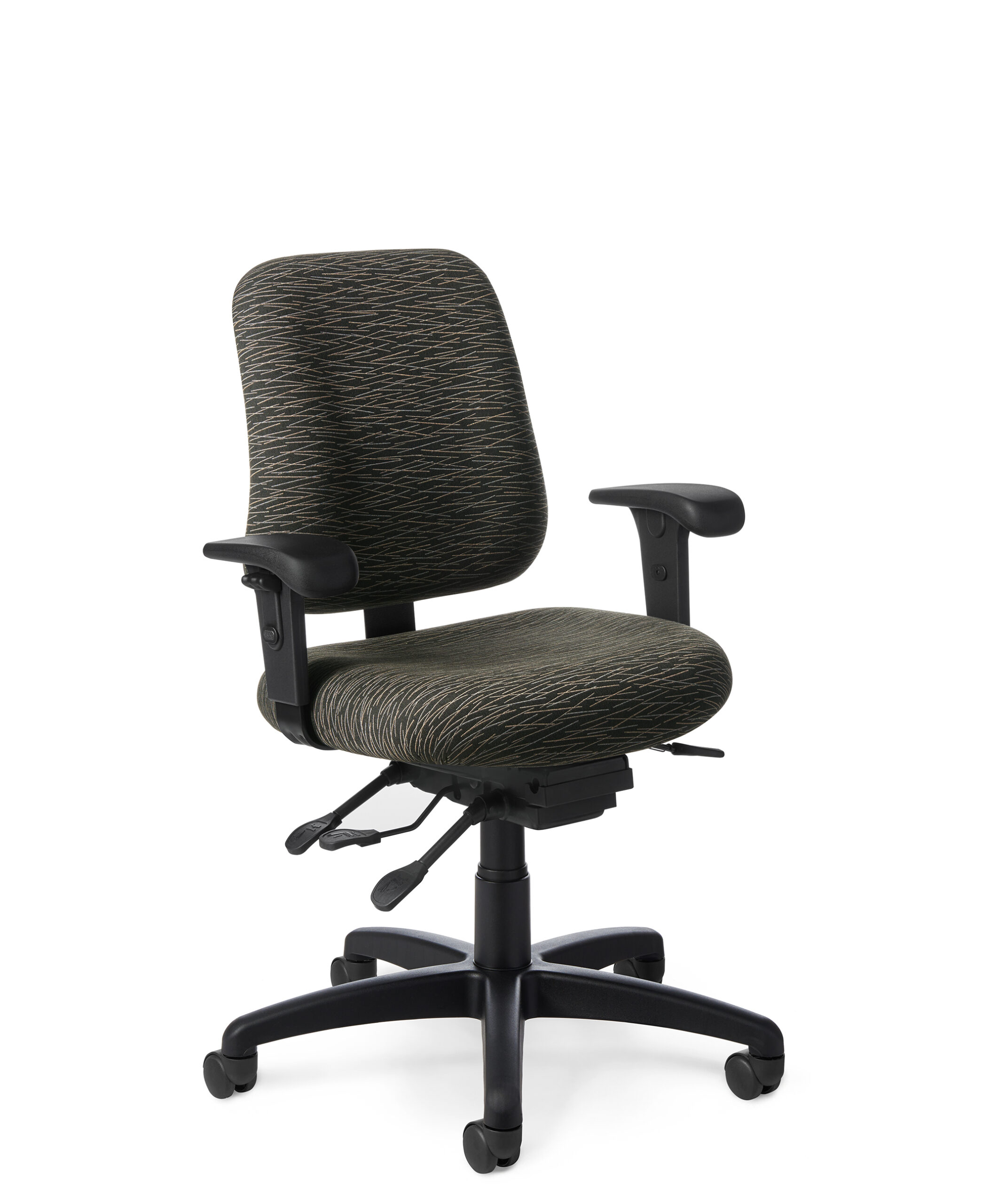
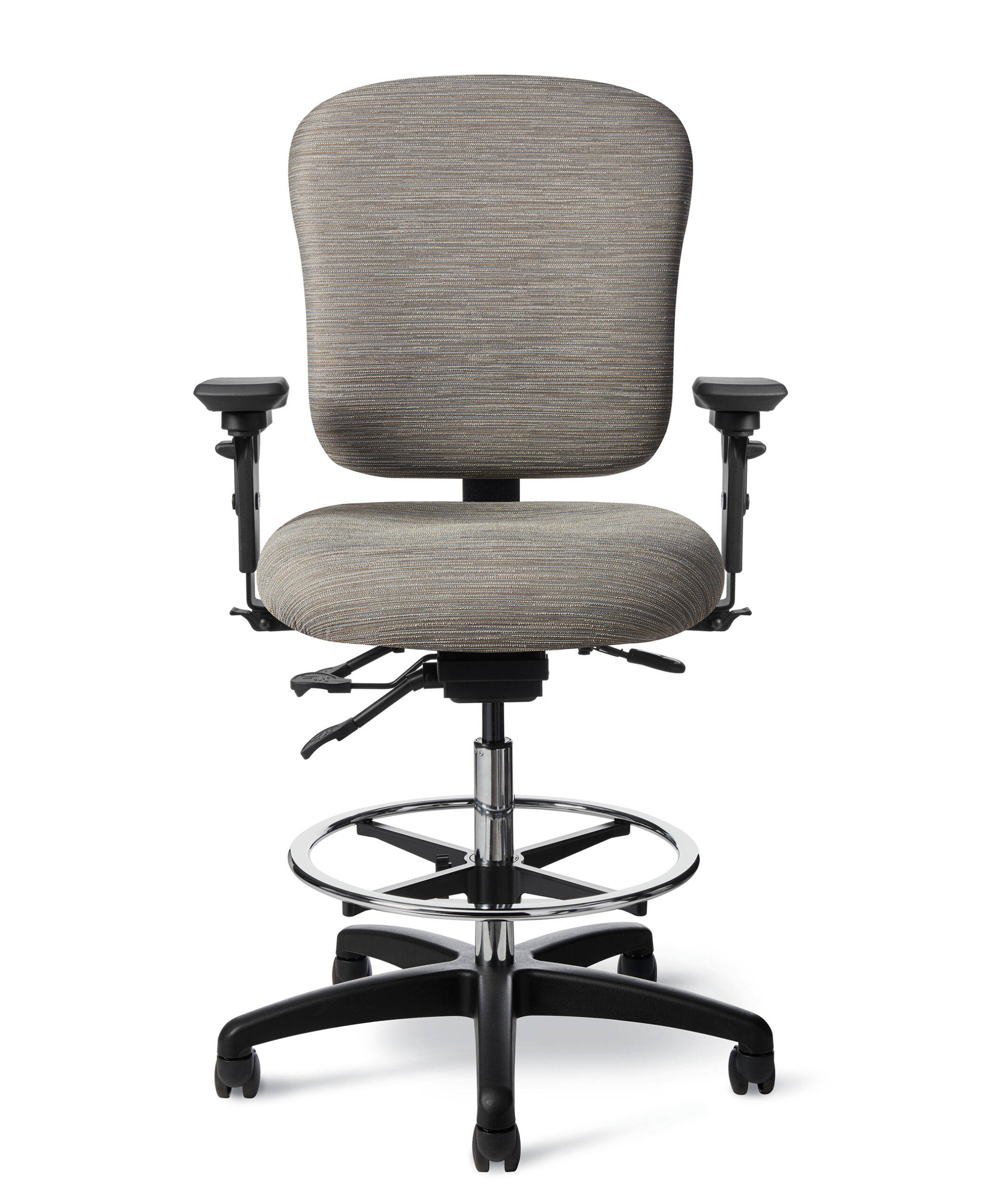
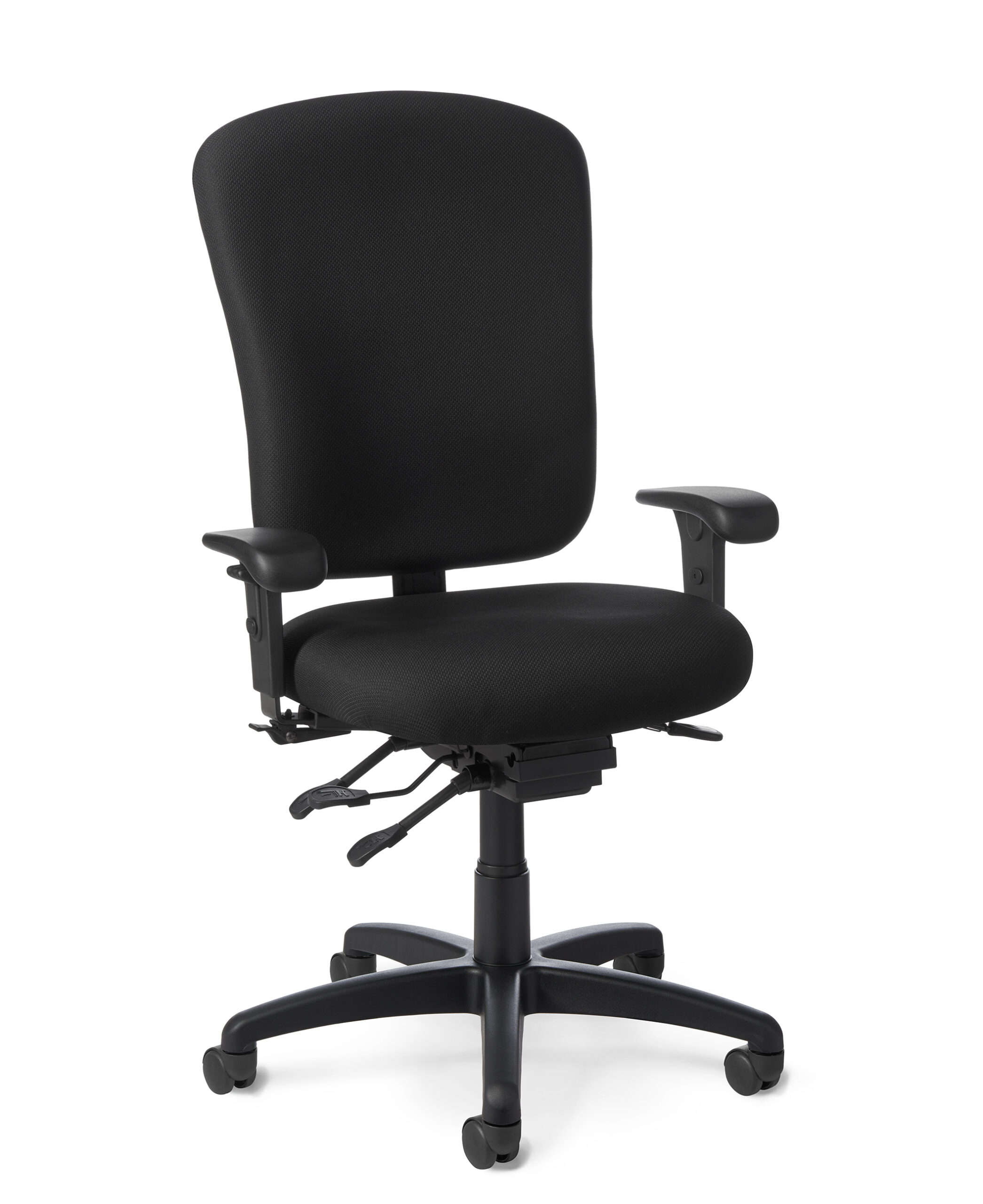
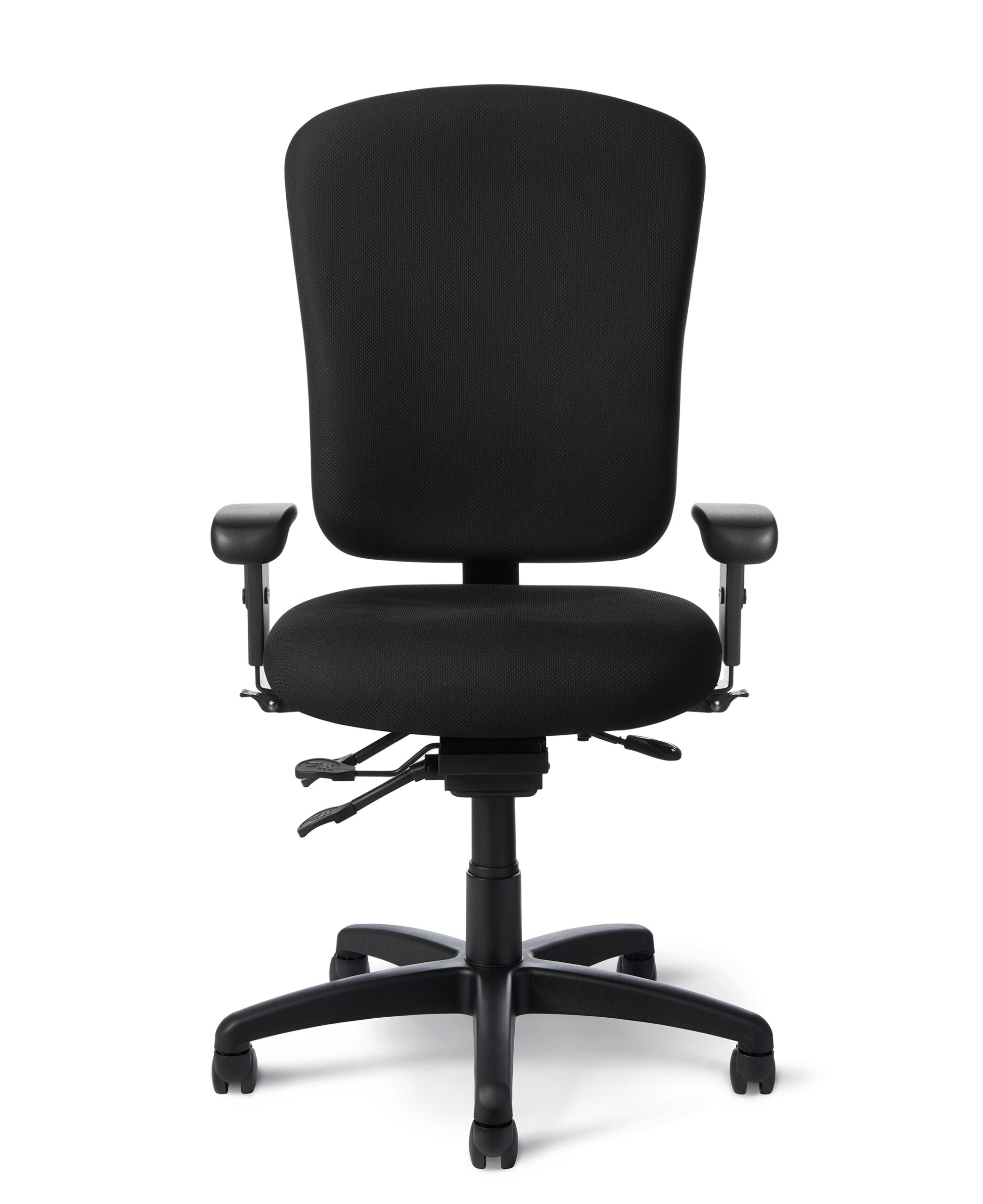
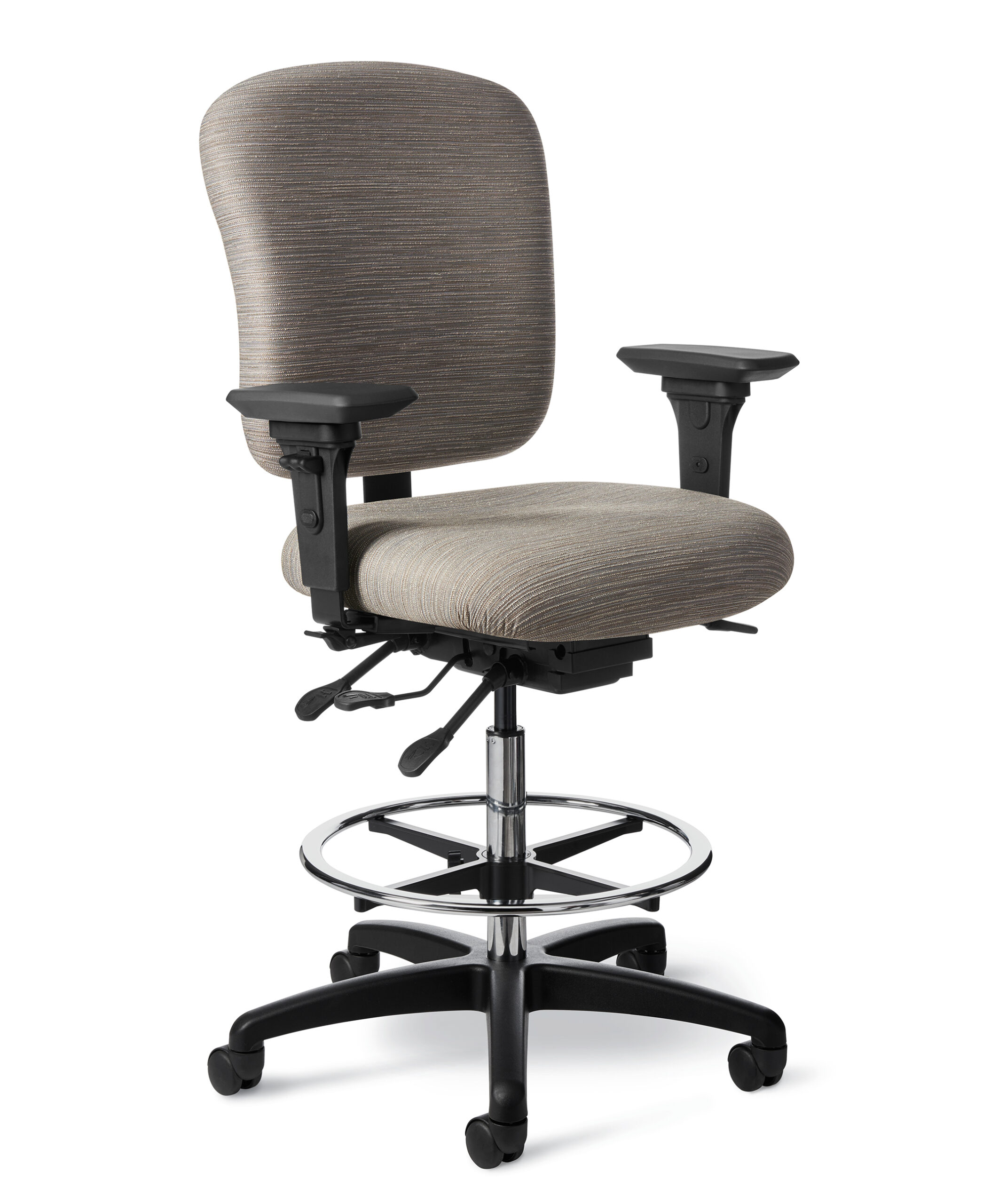
Office Master’s 24-Seven Series includes task, management, stool, heavy-duty, and specialized intensive-use seating. The collection is built for demanding environments that require durable components and broad adjustability across multiple shifts.
Ideal Applications
- 24/7 call centers
- Dispatch and control rooms
- Law-enforcement environments
- Multi-shift task areas
Key Features
- Models warrantied for 24/7 use
- Mid-, high-, and extra-tall back options
- Intensive-use models up to 300 pounds
- Heavy-duty models up to 350 pounds
- Multiple control, arm, caster, glide, and height options
Why It Stands Out
24-Seven Series by Office Master brings together the features and configuration choices shown here for organizations considering a family of task chairs and stools designed for continuous-use environments.
Specifications, finishes, and availability may change. Contact AAA Workspace for current product information.
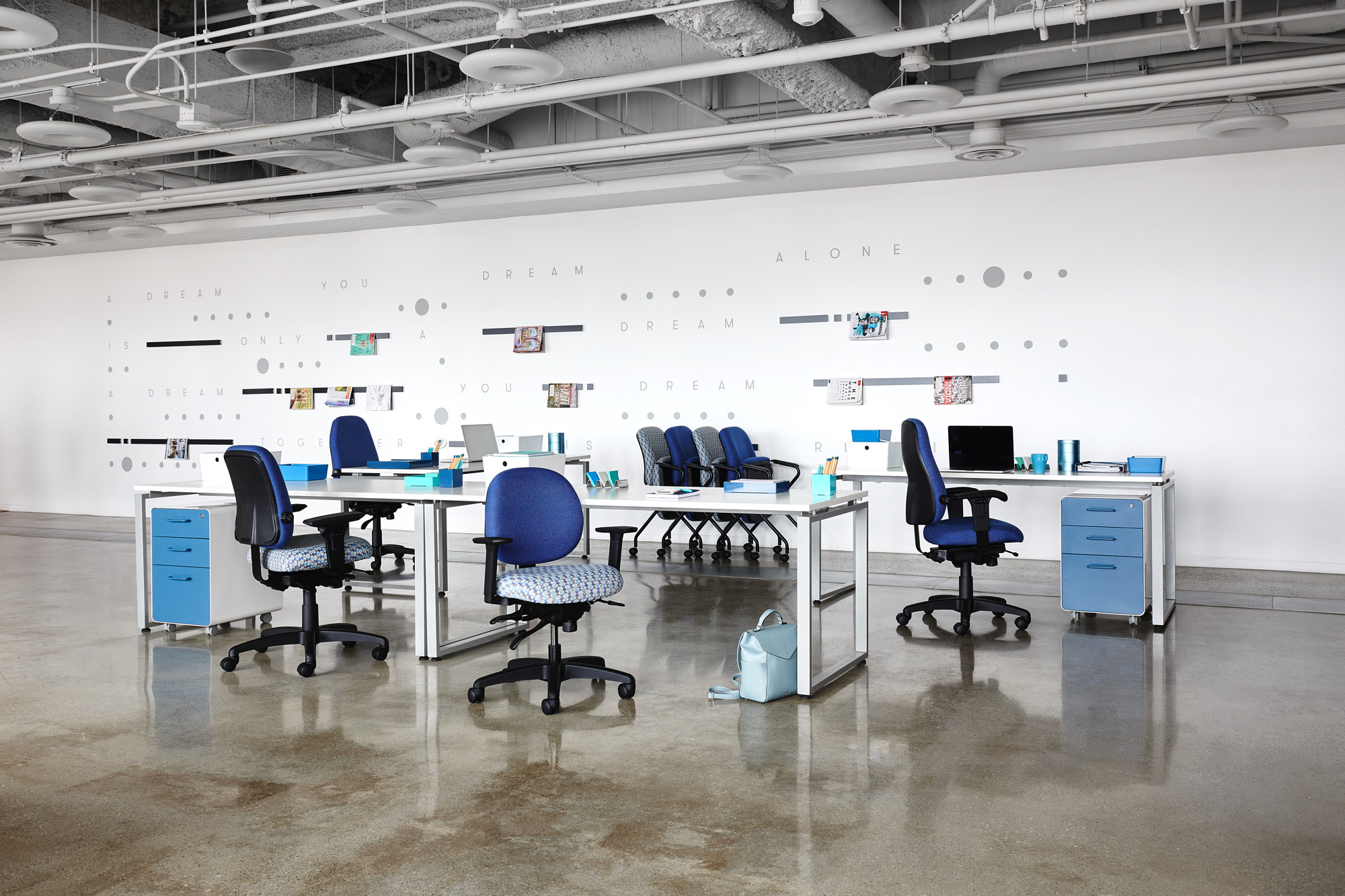
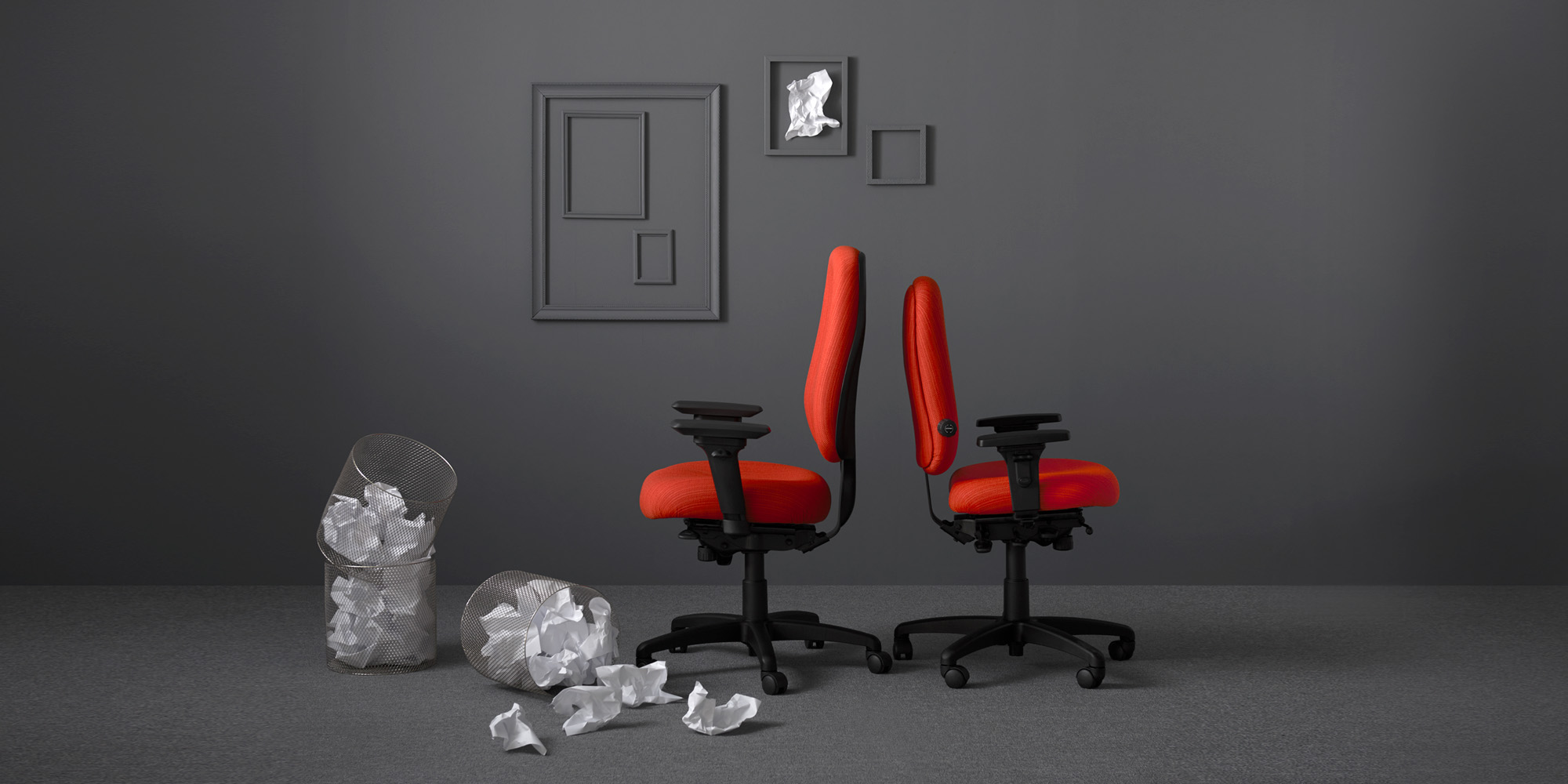
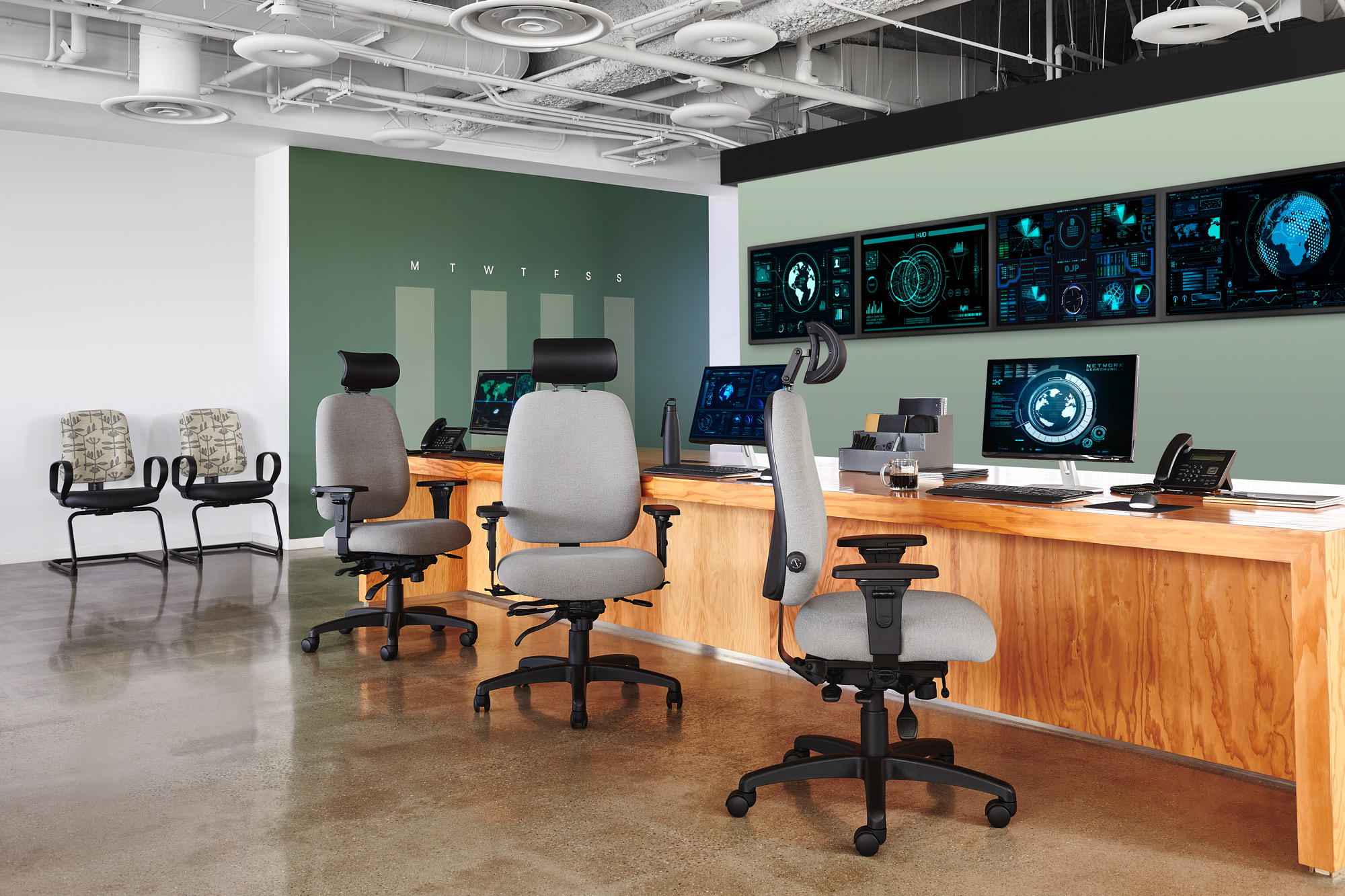
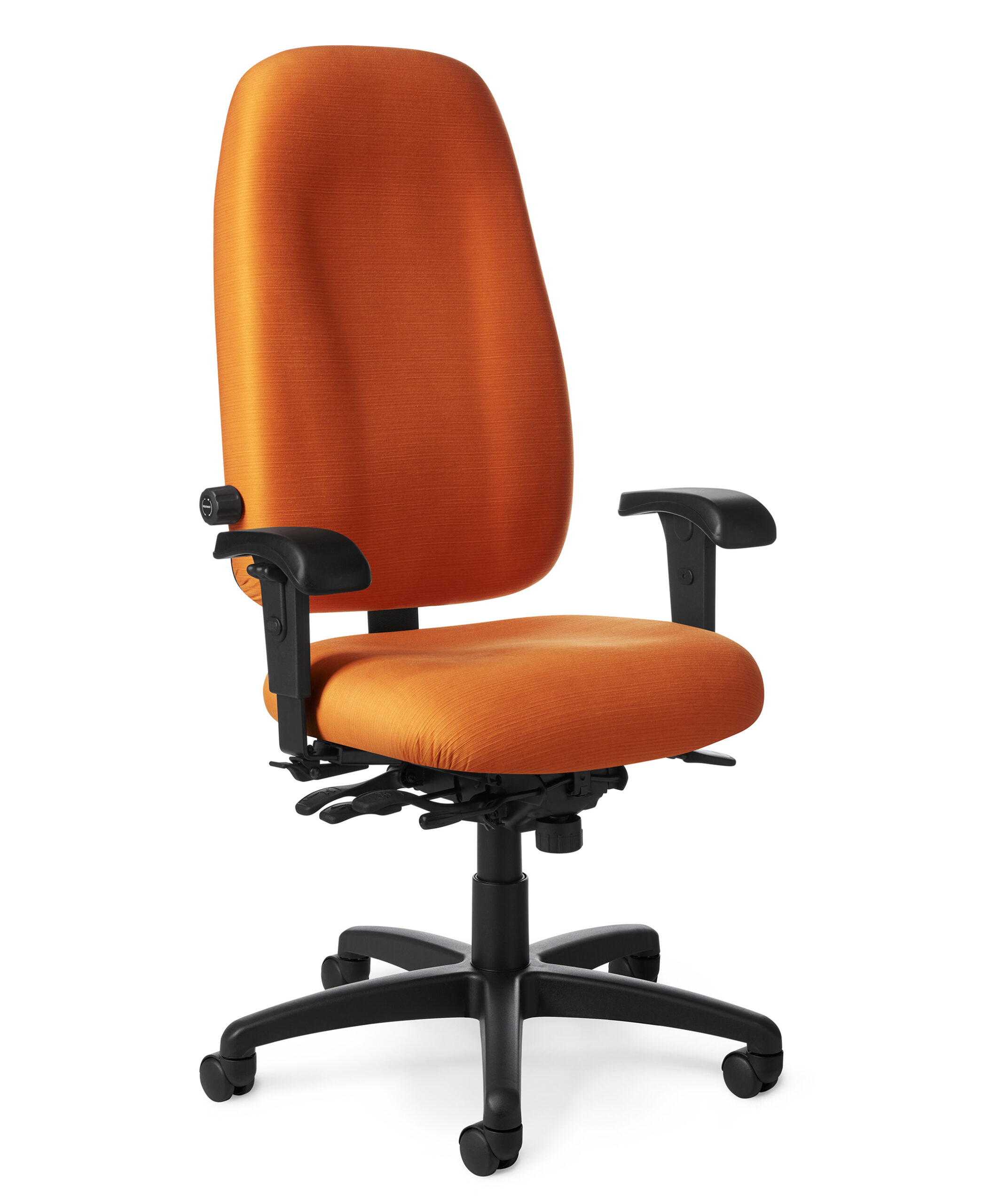
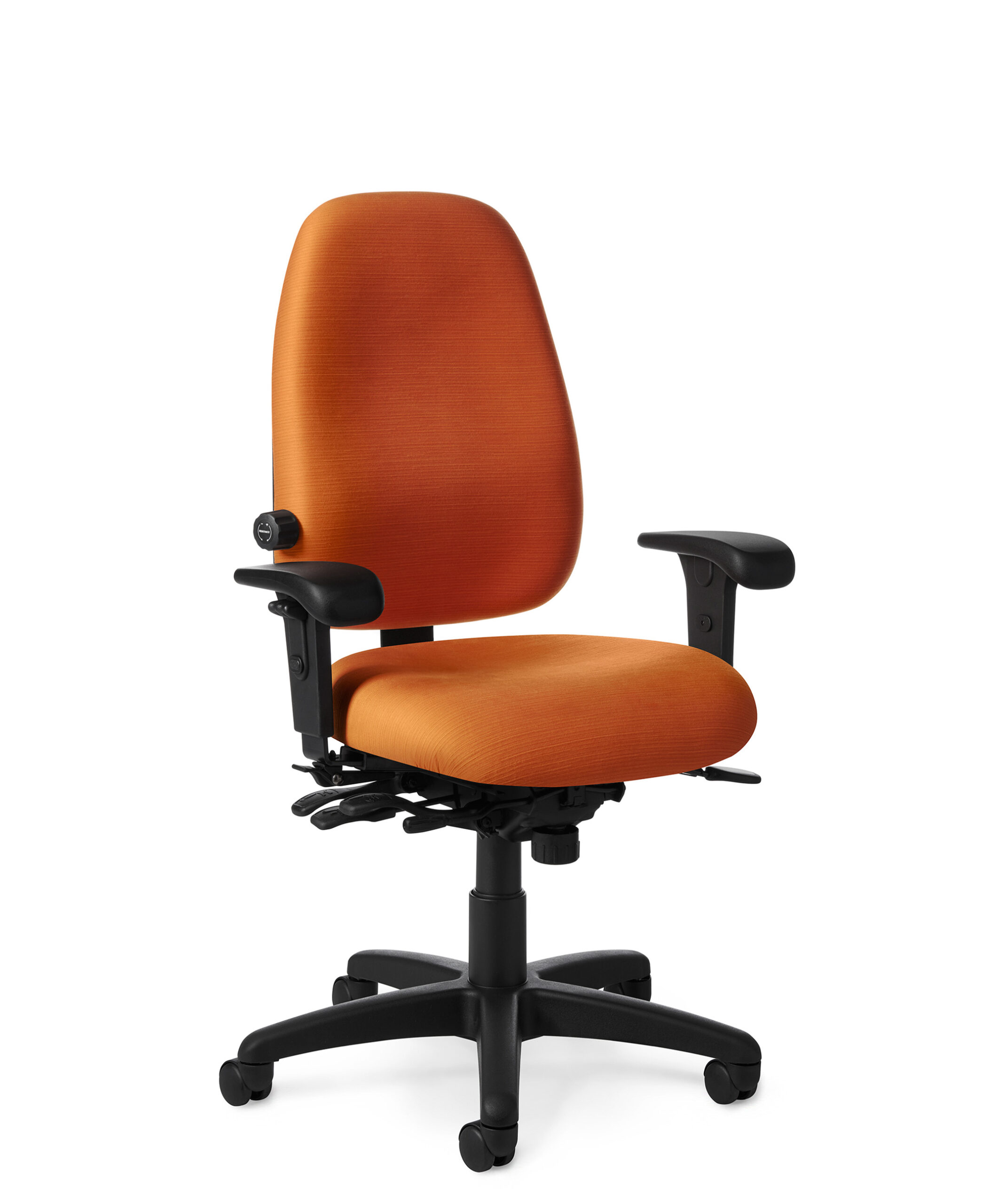
The Paramount Series spans ergonomic, management, executive, guest, and specialty models. Its depth of line makes it possible to coordinate multiple seating applications while selecting different back heights, controls, arms, and upholstery.
Ideal Applications
- Individual workstations
- Management and executive offices
- Guest seating
- Organization-wide seating programs
Key Features
- Multi-function adjustability
- Low-, mid-, and high-back models
- 300-pound capacity on listed Paramount models
- Tilting backrests, tilting seats, tilt lock, and sliding-seat options
Why It Stands Out
Paramount Series by Office Master brings together the features and configuration choices shown here for organizations considering a broad ergonomic, management, executive, and guest seating family.
Specifications, finishes, and availability may change. Contact AAA Workspace for current product information.
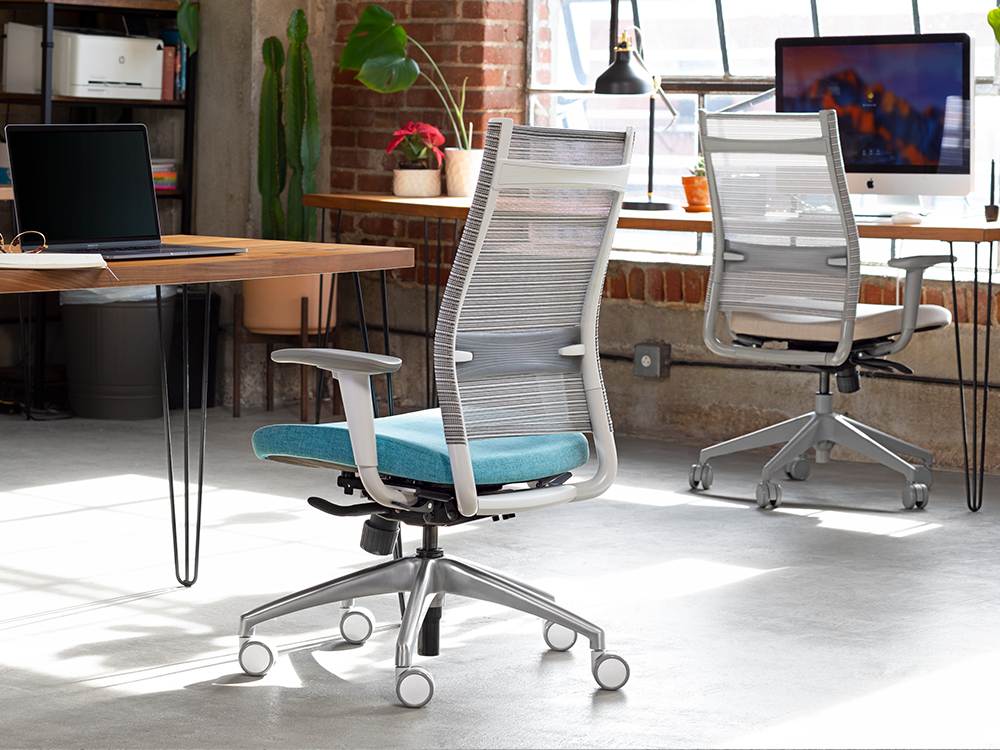
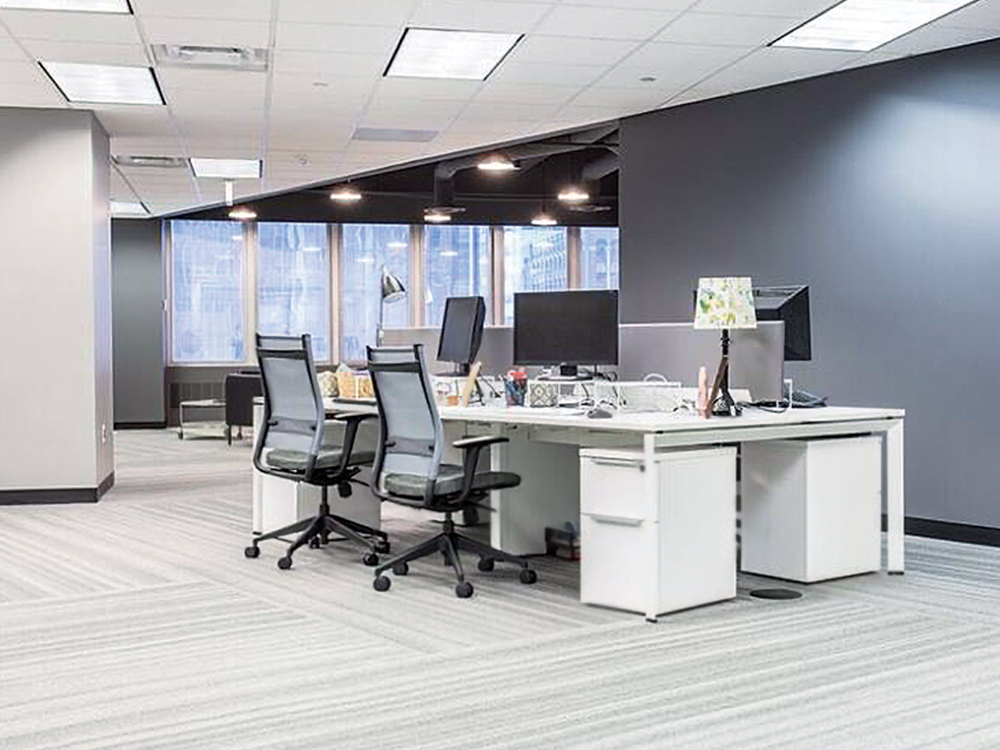
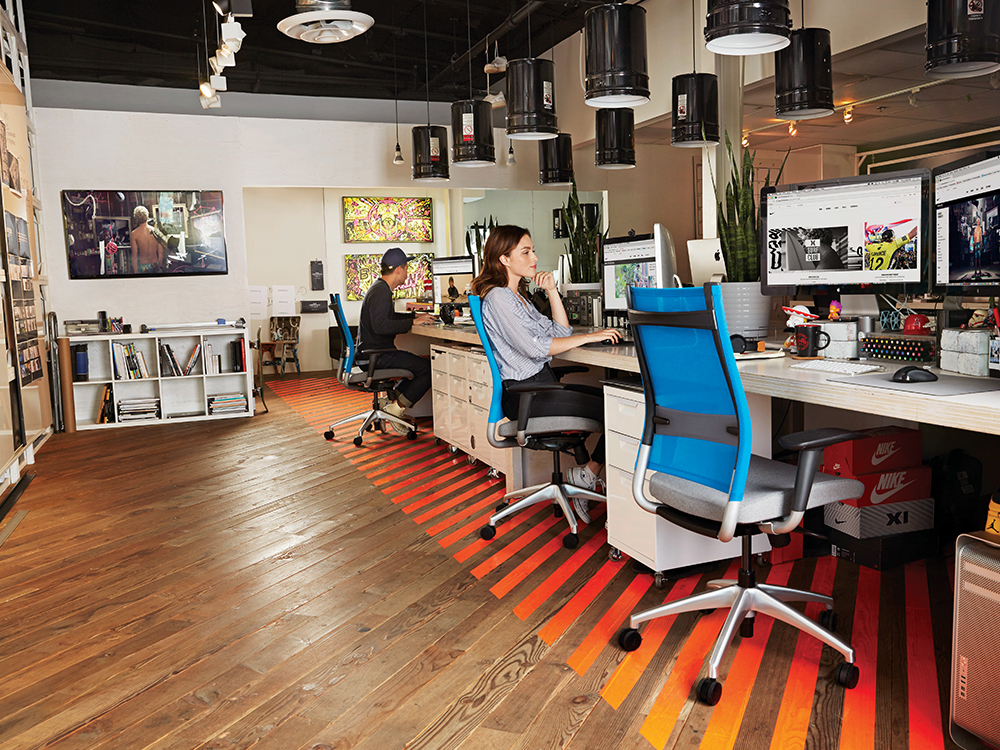

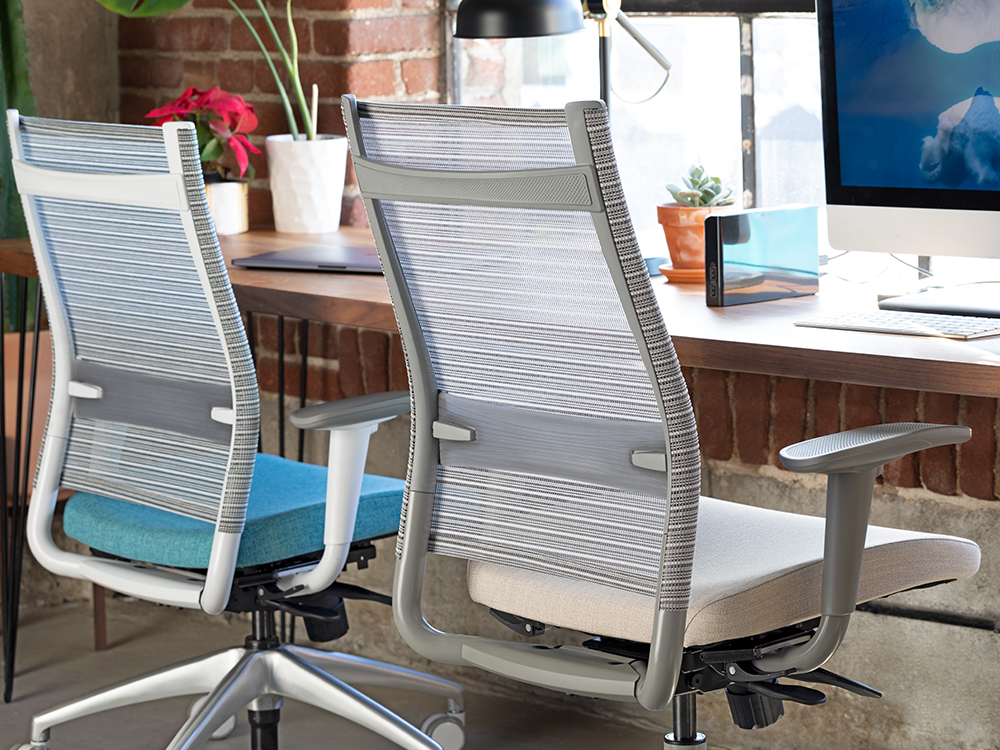
Wit is designed for dynamic workplaces where people move between different settings. Its task family includes an easy-grip back handle, adjustable lumbar support, breathable back materials, and multiple seating heights.
Ideal Applications
- Individual workstations
- Home and hybrid offices
- Task stools
- Guest and side-chair applications
Key Features
- Standard adjustable lumbar on task models
- Easy-grip integrated handle
- Breathable mesh or Thintex back
- Mid-back, high-back, stool, and side-chair models
Why It Stands Out
Wit by SitOnIt Seating brings together the features and configuration choices shown here for organizations considering mobile, adaptable task seating with standard adjustable lumbar support.
Specifications, finishes, and availability may change. Contact AAA Workspace for current product information.
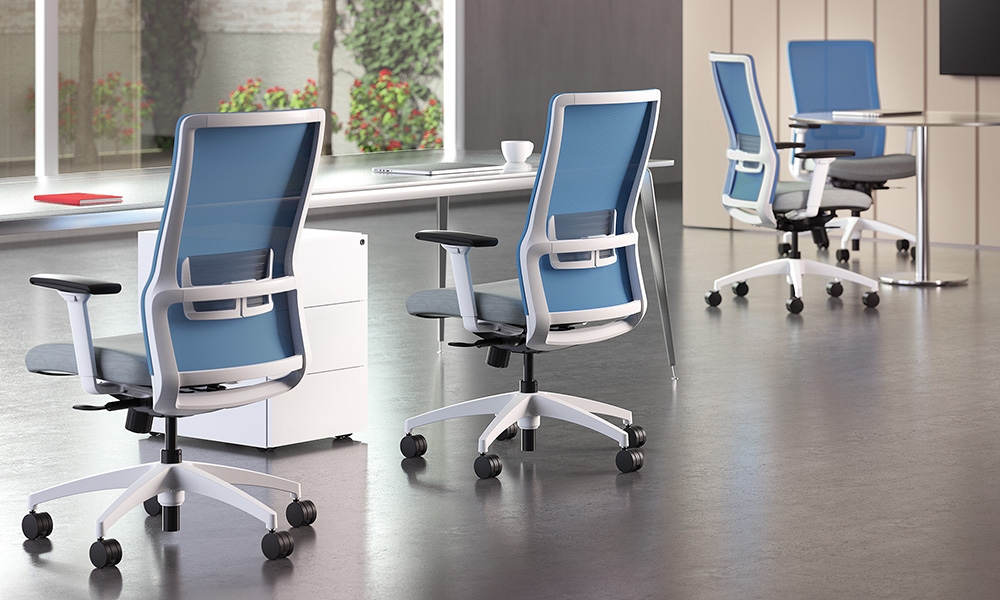
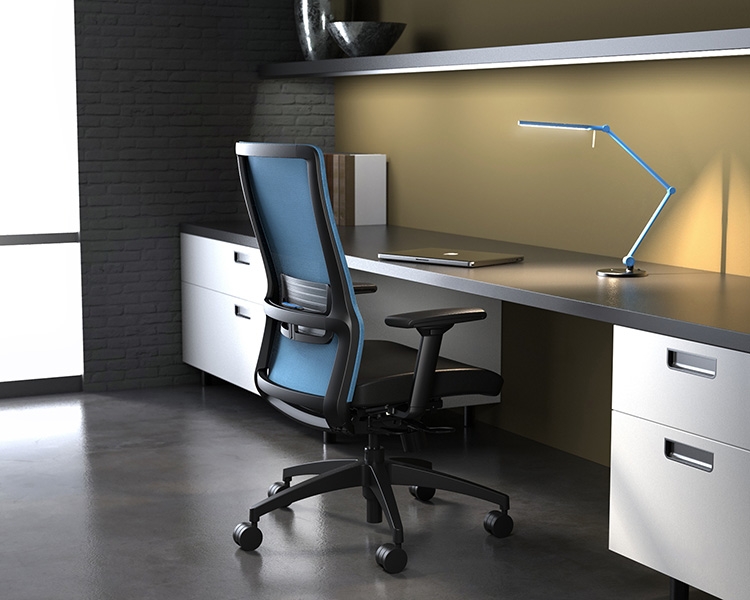
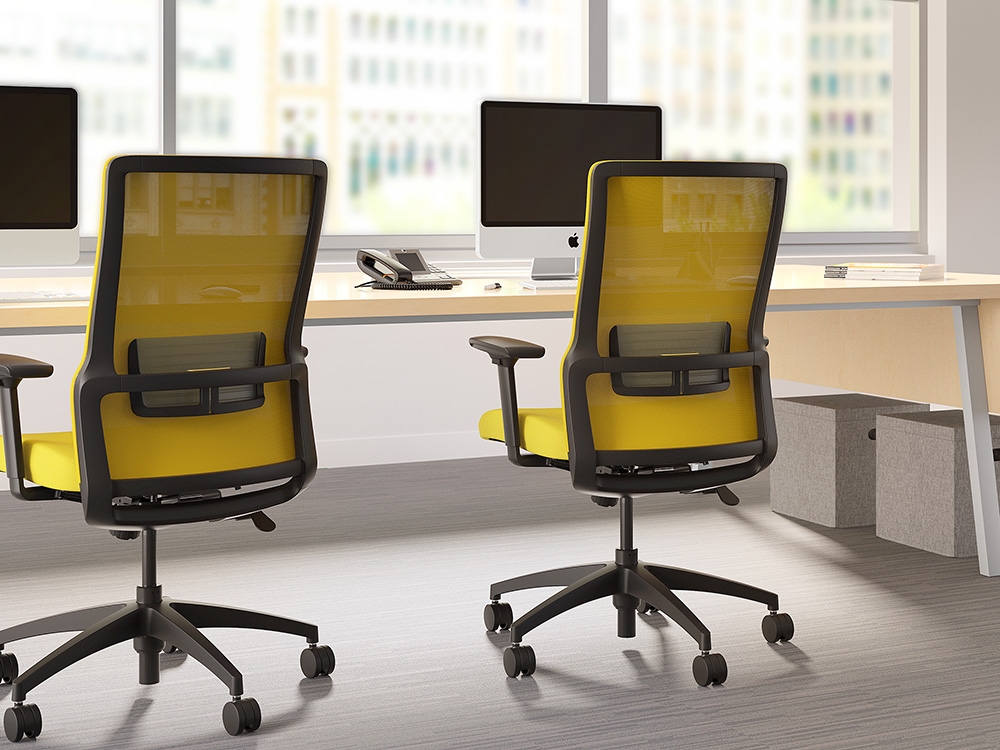
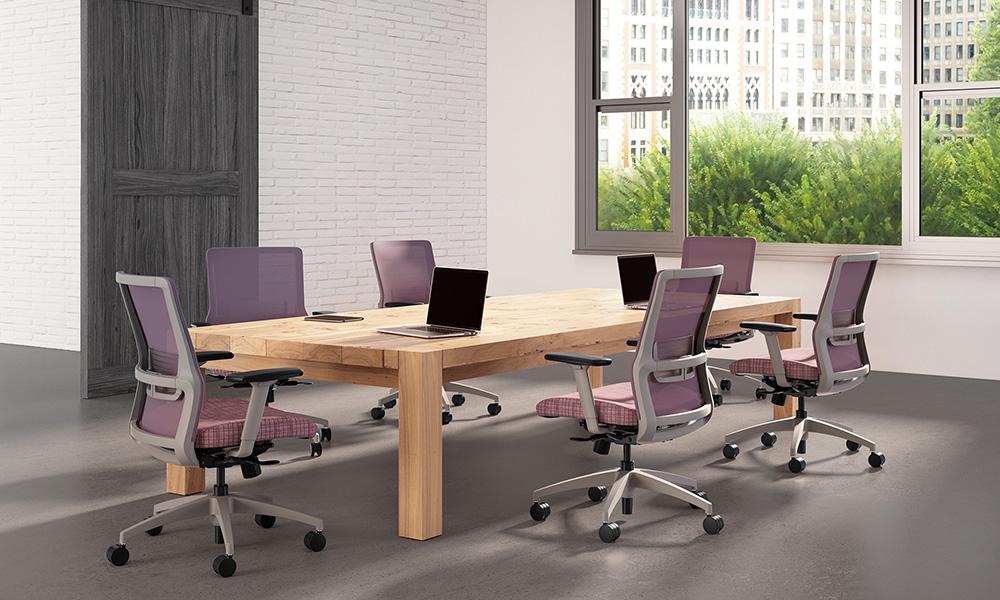
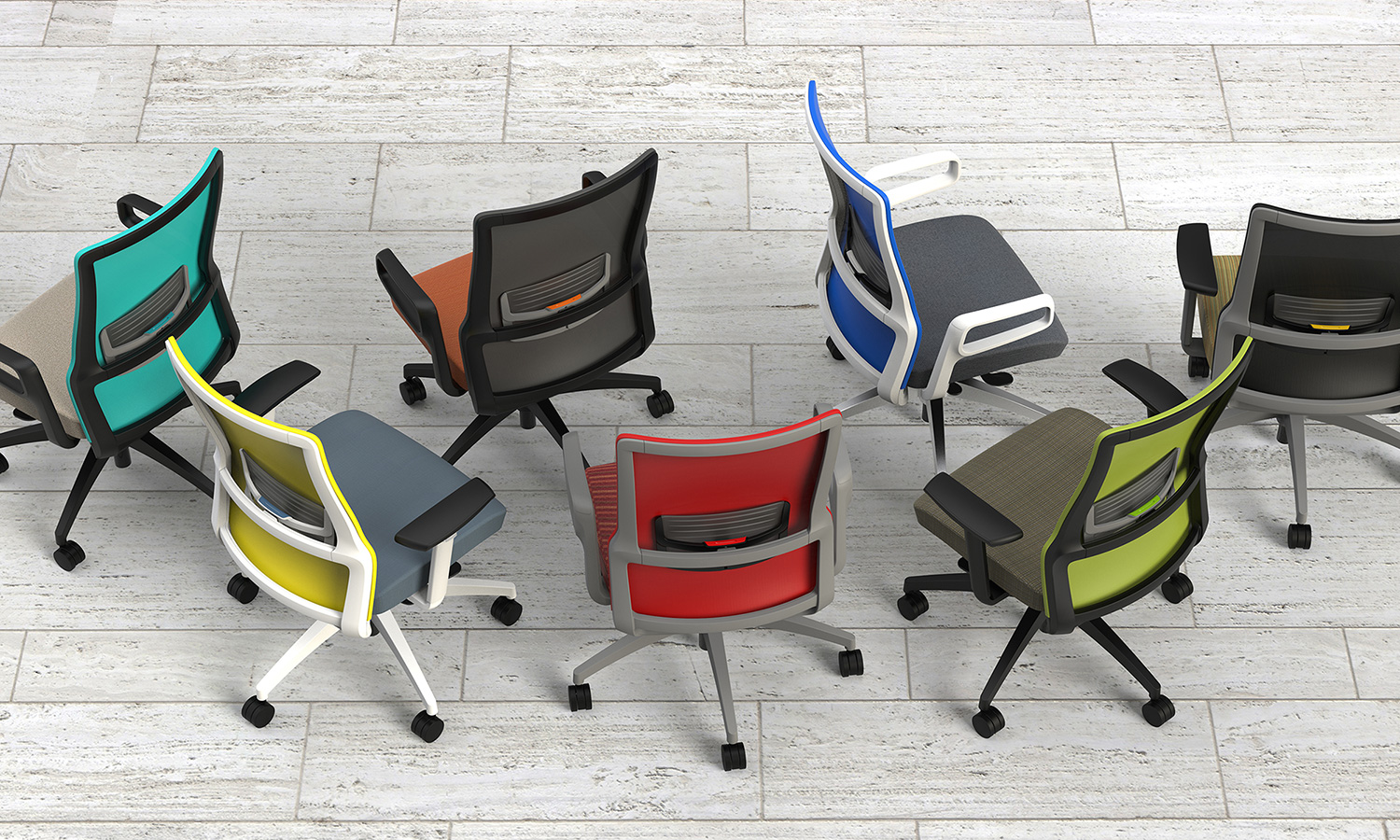
Novo combines a classic task-chair silhouette with contemporary detailing and extensive customization. Its integrated adjustable lumbar support, built-in synchro mechanism, and supportive mesh back provide the functional foundation.
Ideal Applications
- Individual workstations
- Boardrooms and private offices
- Collaborative offices
- Large-and-tall task seating
Key Features
- Integrated adjustable lumbar support
- Built-in synchro mechanism
- Supportive mesh back
- Mid-back, high-back, stool, and large-and-tall models
Why It Stands Out
Novo by SitOnIt Seating brings together the features and configuration choices shown here for organizations considering award-recognized task seating with integrated ergonomic support.
Specifications, finishes, and availability may change. Contact AAA Workspace for current product information.
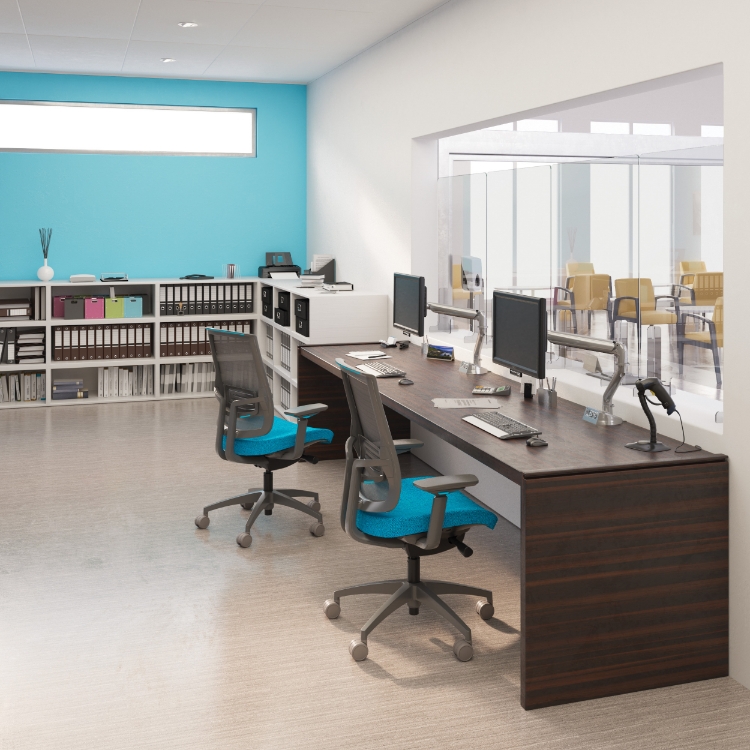
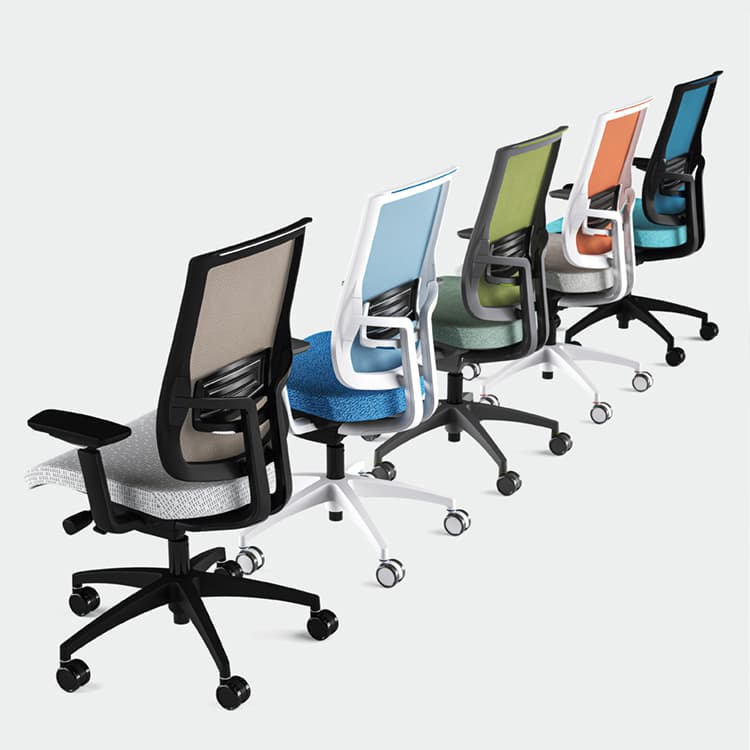
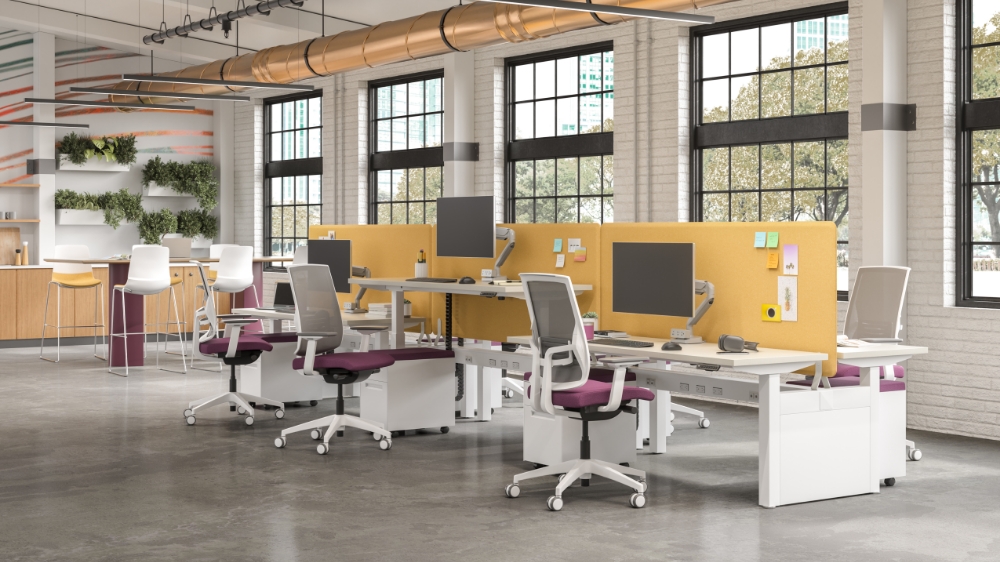
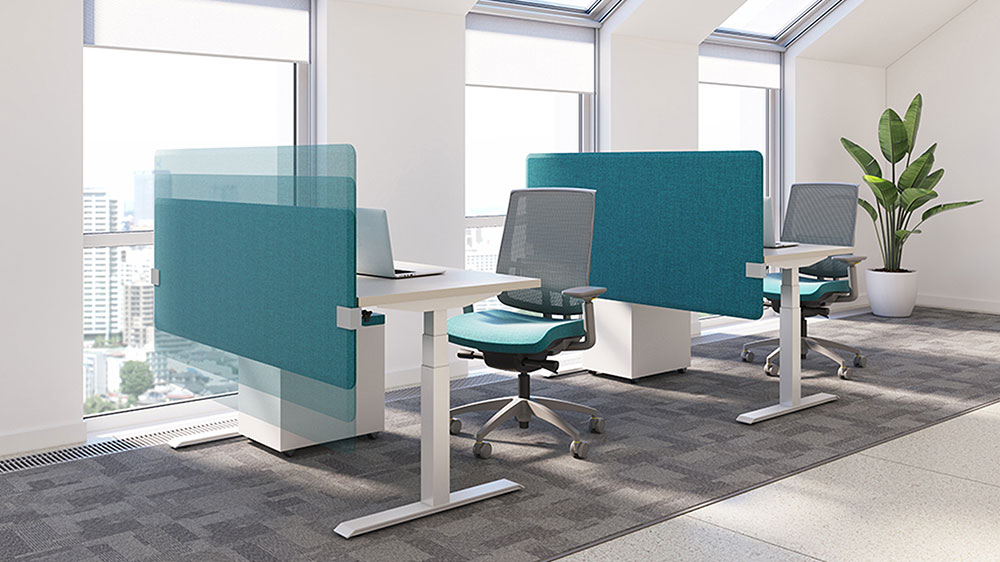
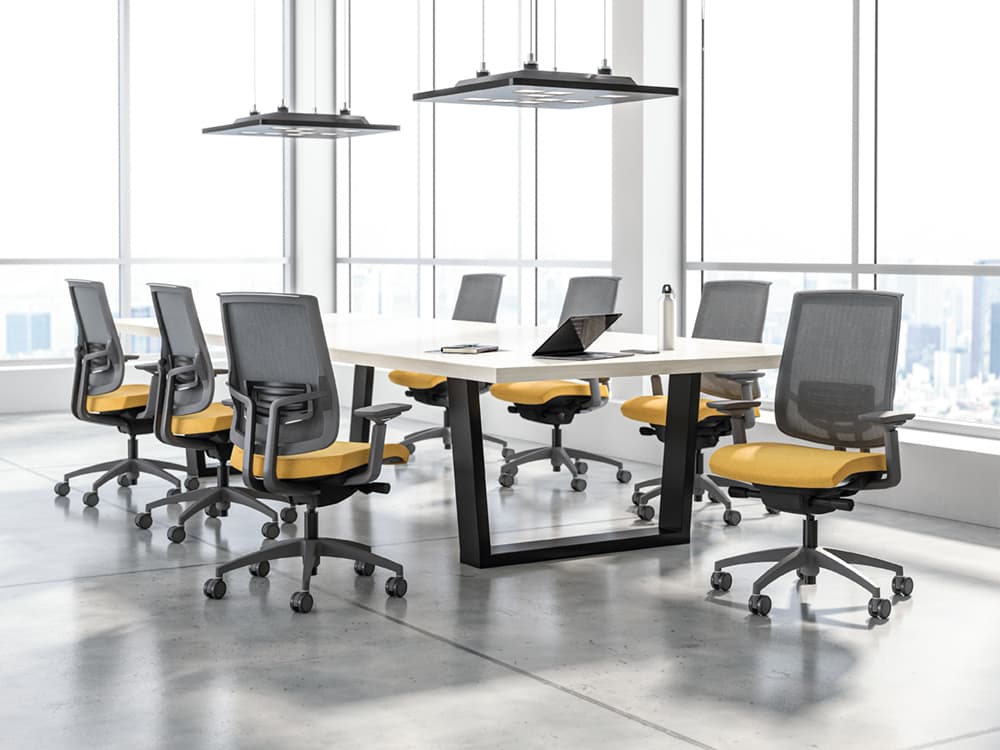
Focus 2.0 modernizes the established Focus platform with a sleeker silhouette, expanded customization, and a polymer-back model designed to combine nylon durability and cleanability with a mesh-like sitting experience.
Ideal Applications
- Individual workstations
- Healthcare and cleanability-focused settings
- Task stools
- Coordinated seating standards
Key Features
- Mesh or precision-engineered polymer back
- Frameless polymer-back design
- Expanded ergonomic functionality
- Mid-back, high-back, stool, and polymer-back models
Why It Stands Out
Focus 2.0 by SitOnIt Seating brings together the features and configuration choices shown here for organizations considering a long-running task-chair platform reimagined with mesh and polymer backs.
Specifications, finishes, and availability may change. Contact AAA Workspace for current product information.
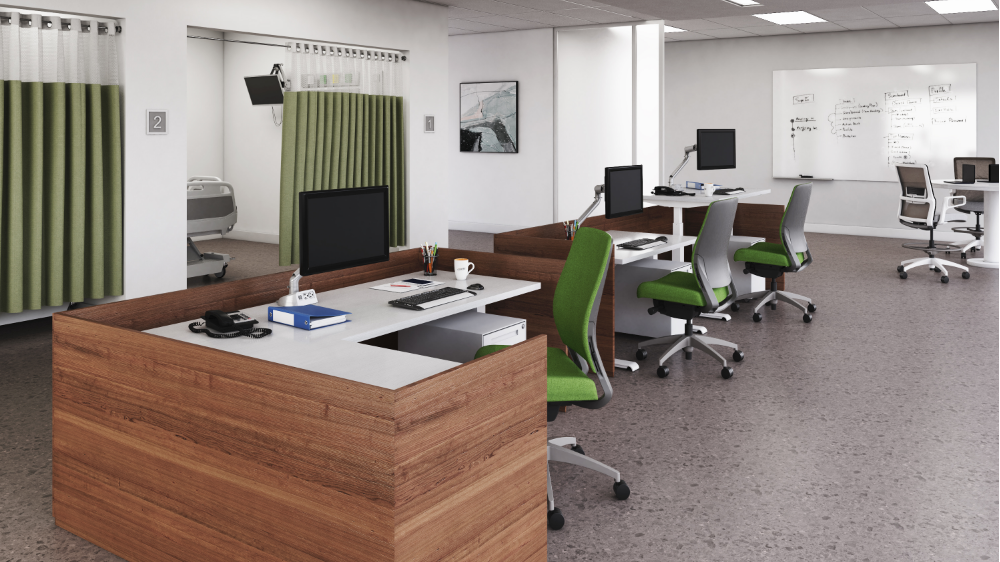
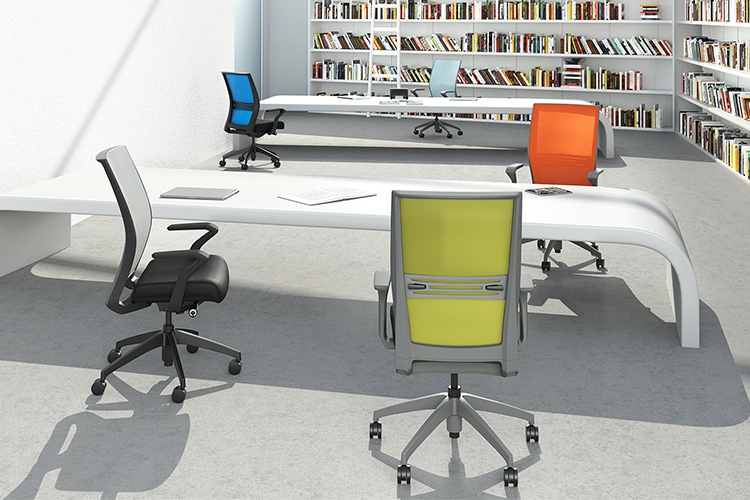
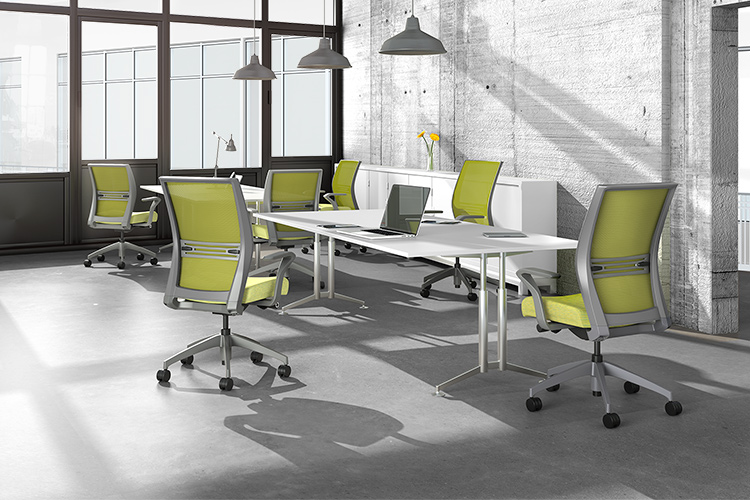
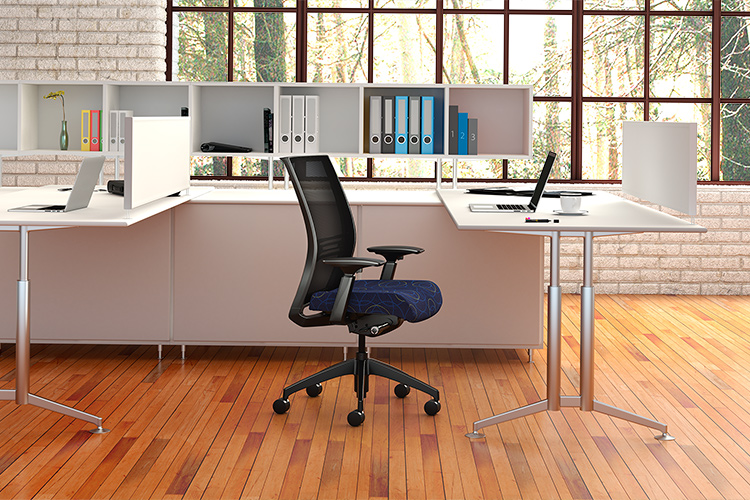
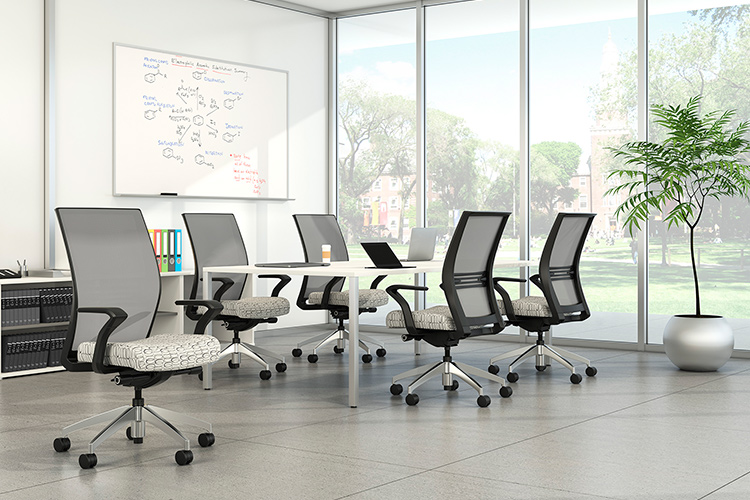
Amplify is designed to provide a strong standard feature package while preserving extensive customization. Its family spans mid-back, high-back, upholstered, stool, and large-and-tall configurations.
Ideal Applications
- Individual workstations
- Task stools
- Large-and-tall users
- Broad workplace seating standards
Key Features
- Waterfall seat
- Integrated lumbar adjuster
- Enhanced synchro or swivel-tilt mechanisms
- Mid-back, high-back, stool, and large-and-tall models
Why It Stands Out
Amplify by SitOnIt Seating brings together the features and configuration choices shown here for organizations considering a broad task family with enhanced standard ergonomic features.
Specifications, finishes, and availability may change. Contact AAA Workspace for current product information.
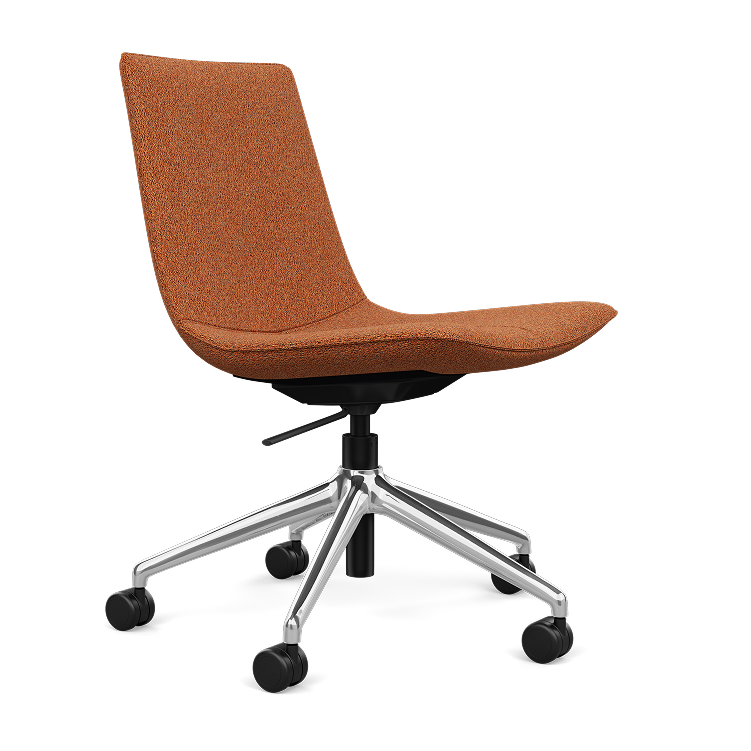
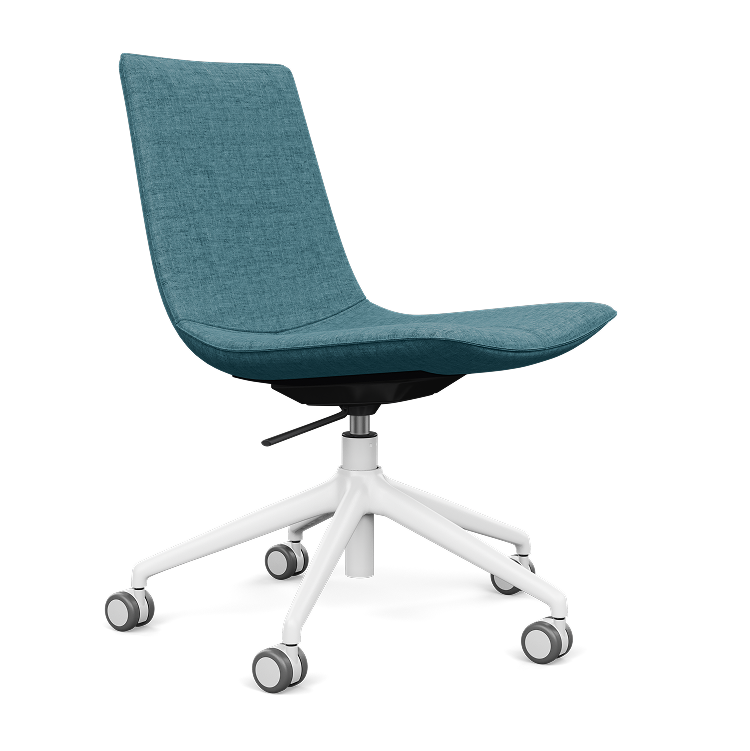
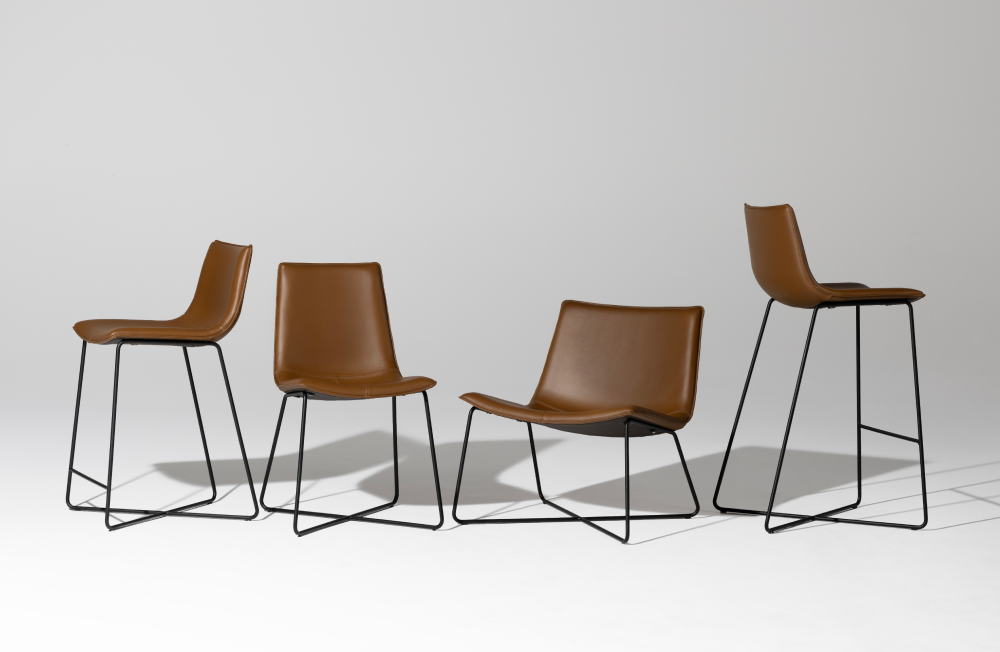
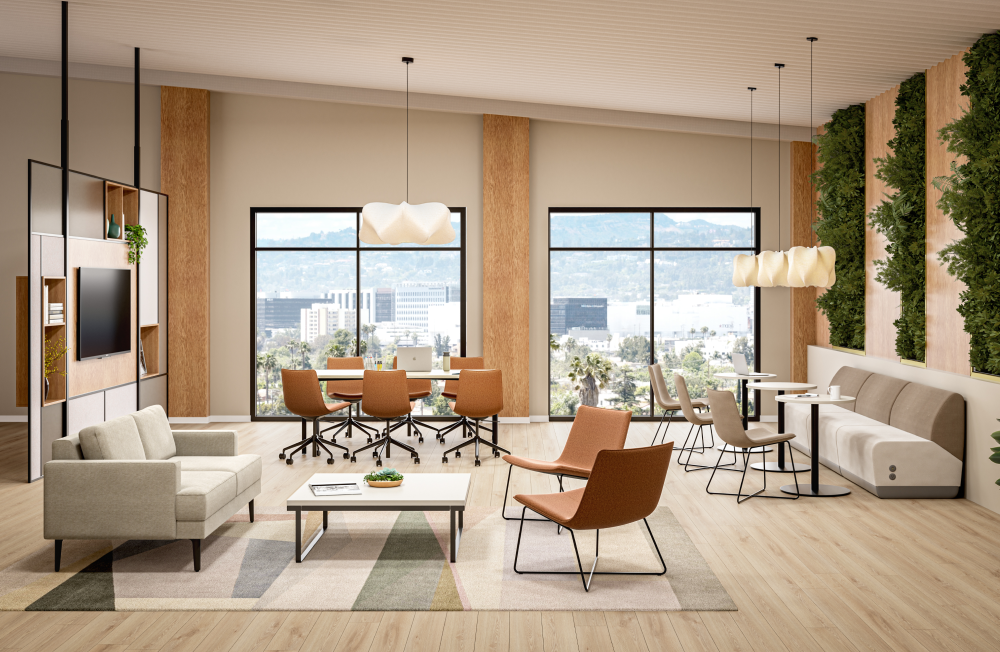
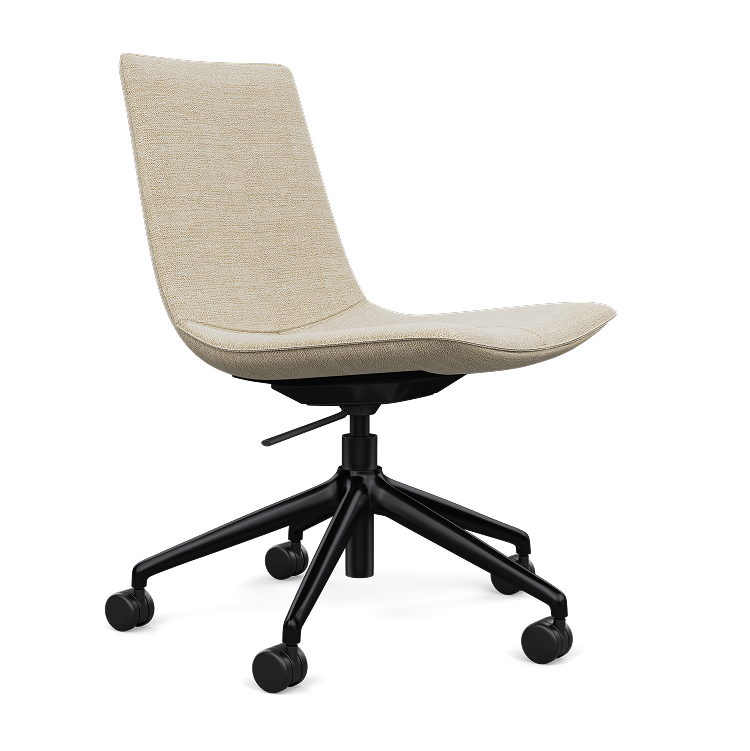
Axys is a broad multipurpose collection that coordinates guest, lounge, bar-height, counter-height, and light-task seating through one consistent shell language. Sculpted contouring and padded surfaces provide a softer alternative to many multipurpose chairs.
Ideal Applications
- Guest and reception areas
- Lounge and social spaces
- Café and bar-height settings
- Light task and meeting areas
Key Features
- Guest, lounge, stool, and light-task models
- Three shell designs across five models
- Padded sculpted seat and back
- Commercially durable construction
Why It Stands Out
Axys by SitOnIt Seating brings together the features and configuration choices shown here for organizations considering a coordinated guest, lounge, stool, and light-task collection.
Specifications, finishes, and availability may change. Contact AAA Workspace for current product information.